What Is A Type C Usb Connector
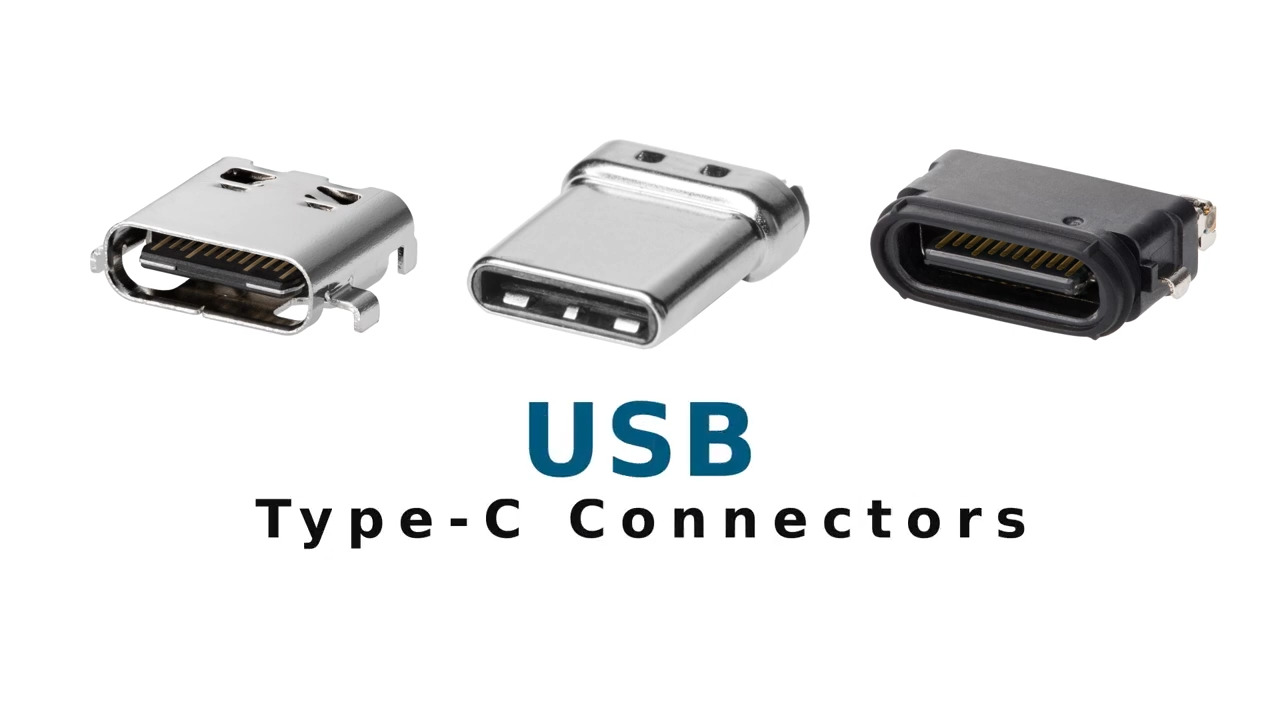
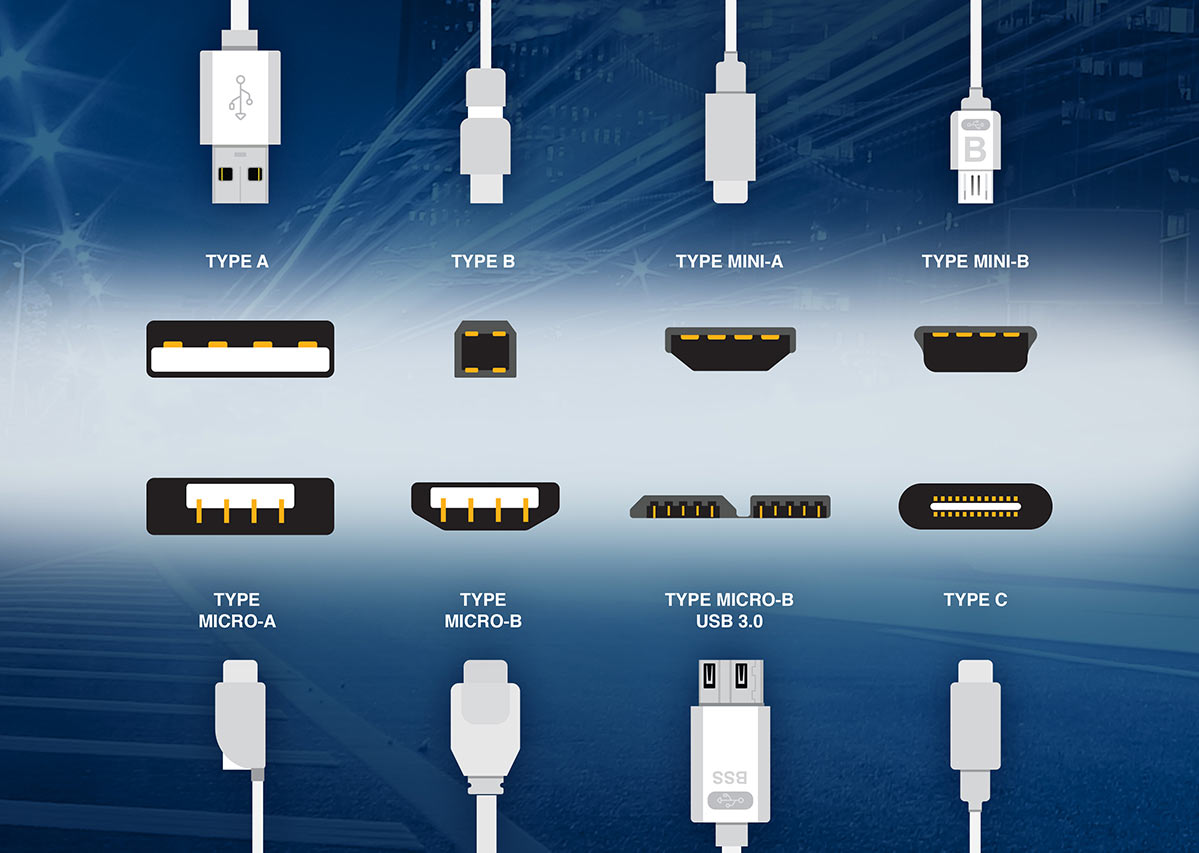
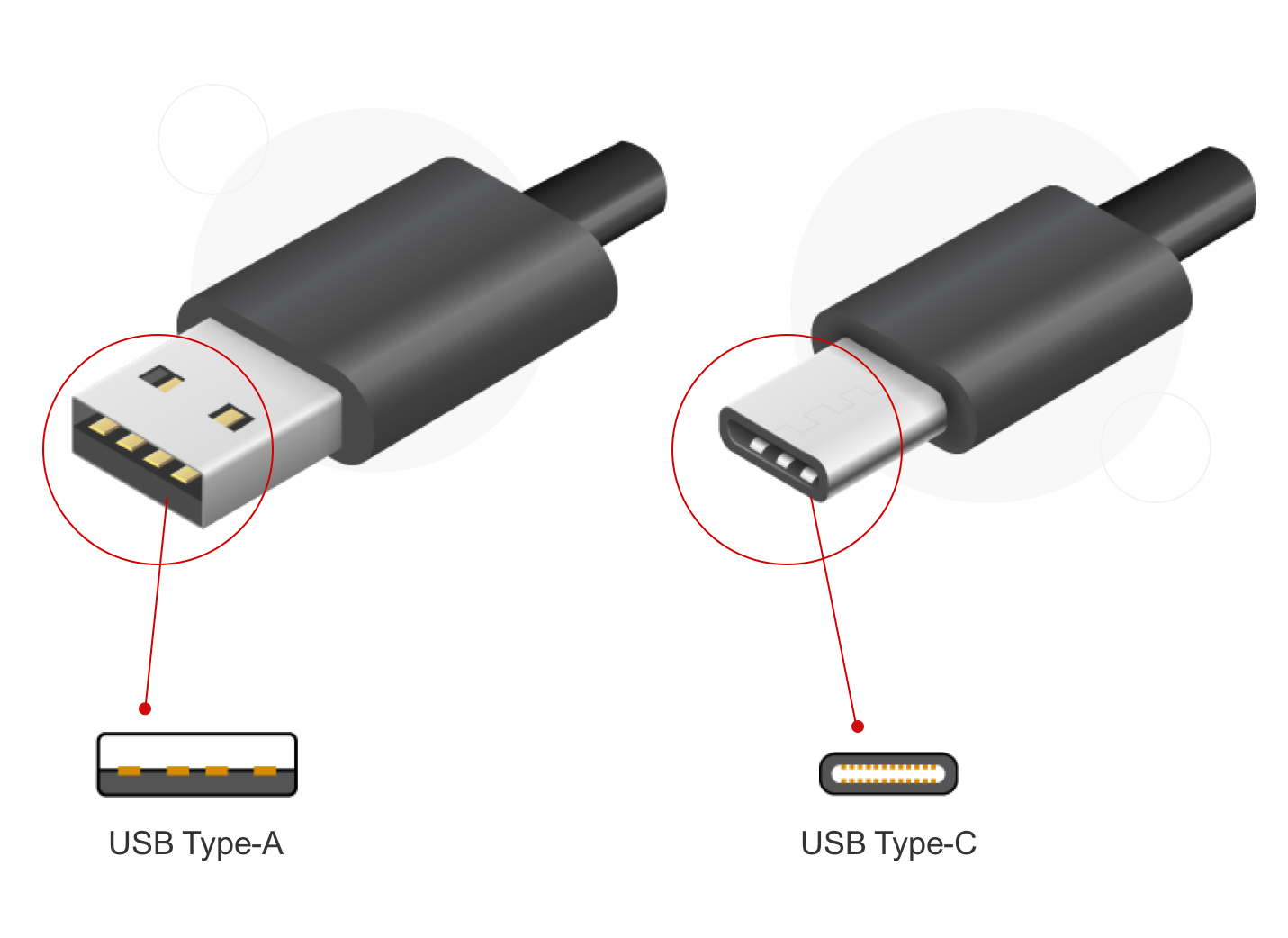
Ah, the humble USB cable. For years, it was a source of minor, yet persistent, daily frustration. You know the drill: frantically fumbling with a USB-A plug, trying to insert it into the port. First try? Wrong way. Flip it. Second try? Still wrong. Flip it again. Third time’s the charm, right? We've all been there, swearing under our breath at this seemingly simple piece of tech. But then, a hero emerged from the tangled mess of wires, a beacon of modern convenience: the USB-C connector. It’s not just a cable; it’s a tiny revolution that makes our digital lives just a little bit smoother, a little bit faster, and a whole lot less irritating. People love it because it takes a common annoyance and makes it vanish, like magic.
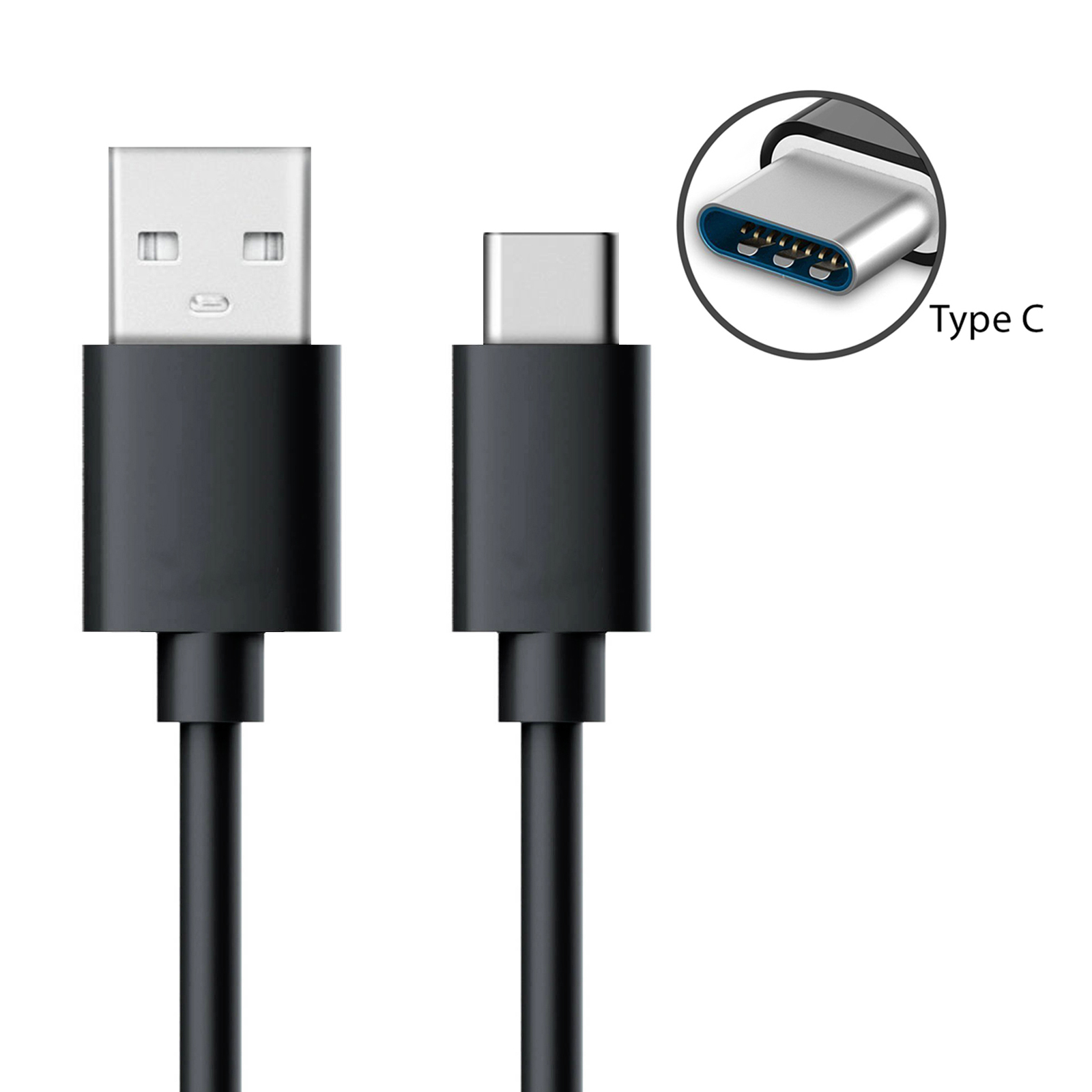
So, what exactly makes USB-C so special, and why is it rapidly becoming the universal standard? Its primary superpower is its reversibility. That's right, there's no "wrong way up" anymore! Whether it’s upside down or right side up, it just plugs in. This might sound trivial, but it’s a huge quality-of-life upgrade, especially when you’re trying to charge your phone in the dark or plug in a peripheral without looking. Beyond this undeniable convenience, USB-C is incredibly versatile. It supports Power Delivery (PD), meaning it can charge everything from your smartphone to your laptop with a single cable and adapter. Think about that: fewer chargers to carry, less clutter. It also boasts lightning-fast data transfer speeds, allowing you to move massive files – like high-resolution photos or 4K videos – in a fraction of the time. Plus, many USB-C ports can transmit video signals, transforming your phone or tablet into a full-fledged workstation when connected to an external monitor. It truly serves as a single conduit for power, data, and display, simplifying your entire tech ecosystem.
You’re likely already interacting with USB-C more than you realize. It's the standard charging and data port on almost all new Android smartphones, and since the iPhone 15, it's Apple's choice too. Many modern laptops, from ultrabooks like the MacBook Air and Dell XPS to robust gaming machines, have embraced USB-C as their primary charging and peripheral port. You'll find it on tablets, external hard drives, monitors, and even some gaming consoles like the Nintendo Switch. A common application involves a single USB-C cable connecting your laptop to a monitor, which then not only displays your screen but also charges your laptop and provides access to a hub of other peripherals – all through that one port. It’s a testament to its incredible flexibility and efficiency, allowing devices to be slimmer and more powerful with fewer dedicated ports.
Must Read
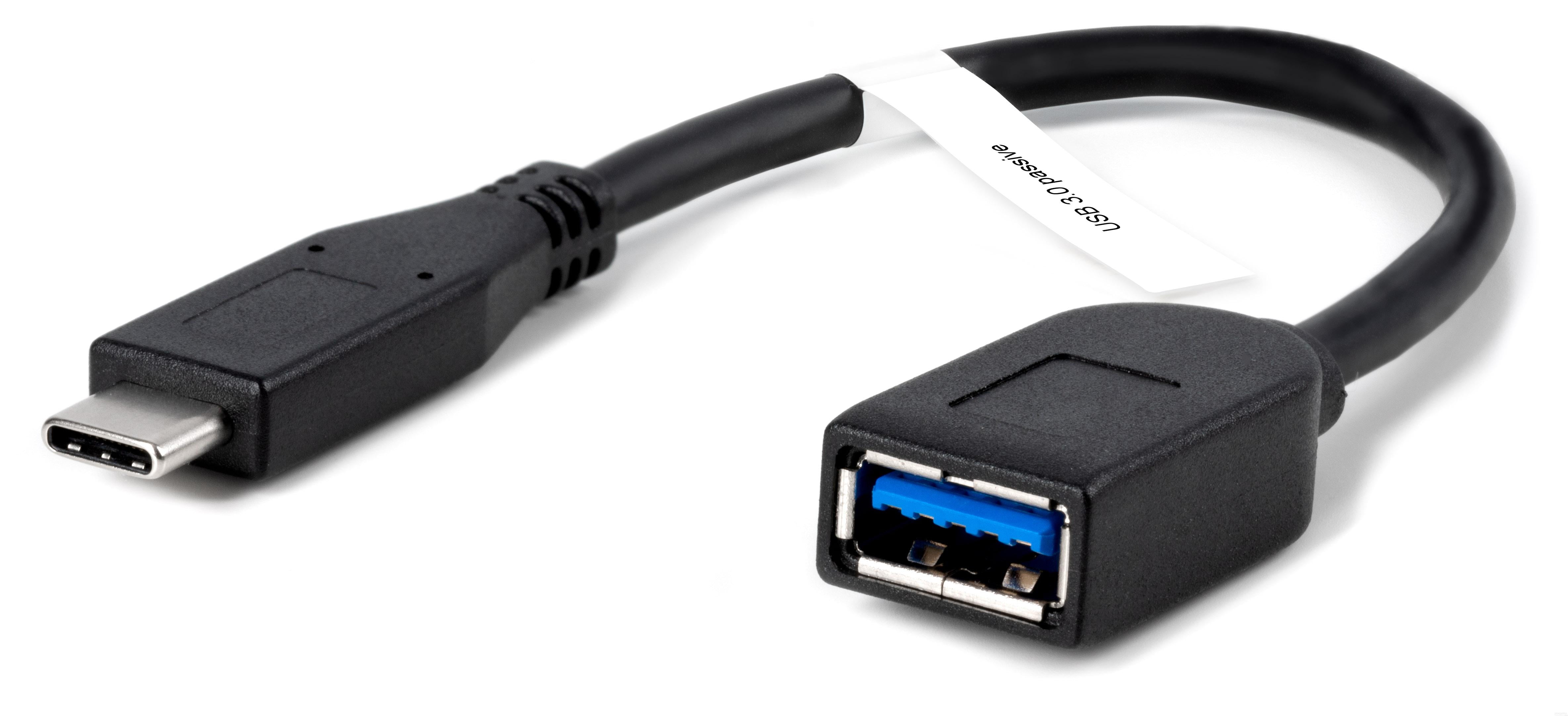
To truly get the most out of your USB-C experience, here are a few practical tips. Firstly, not all USB-C cables are created equal, especially when it comes to charging. If you’re planning to charge a laptop, ensure your cable and power adapter support the necessary wattage for Power Delivery. Look for cables rated for higher speeds if you're frequently transferring large files; some support USB 3.2 Gen 2 or even Thunderbolt for maximum throughput. It’s a good idea to invest in a few high-quality cables, as cheaper ones might not offer full functionality or durability. Consider a USB-C hub or dock if your laptop has limited ports; these can expand one USB-C port into multiple USB-A, HDMI, Ethernet, and even SD card slots. Finally, embrace the simplicity! Gradually replace older, less convenient cables with USB-C where possible. The more you integrate it into your daily routine, the more you'll appreciate the seamless, frustration-free connection it offers. Enjoy the ease!