
What Is A 3d Printer Slicer
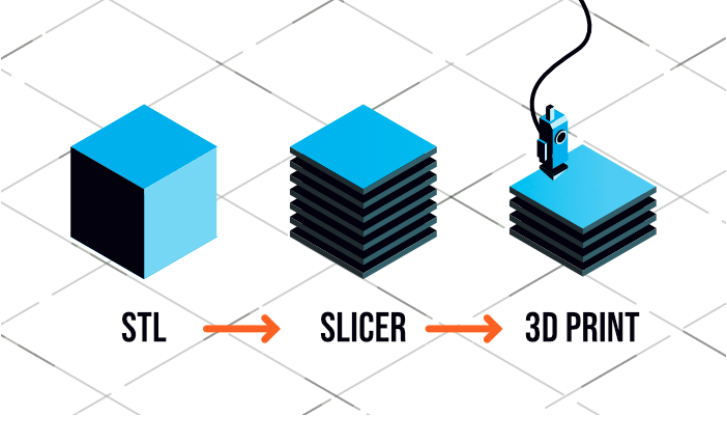
Ever gazed at a cool 3D printed gadget and wondered, "How did they make that?" It’s not just about having a fancy 3D printer, believe it or not! While the printer itself is undeniably awesome, turning a digital idea into a tangible object requires a bit more behind-the-scenes magic. There's a crucial, often-overlooked step, a sort of silent wizard working tirelessly to bring your virtual designs into the real world. This wizard is called a 3D printer slicer.
Now, don't let the name scare you! "Slicer" might sound a little intimidating, like something out of a sci-fi movie. But in reality, it's one of the most fascinating and empowering tools in the entire 3D printing ecosystem. Think of it less as a cold, calculating machine and more as your personal guide and translator, helping your printer understand exactly what you want it to build.
So, What's the Deal with This "Slicer" Thing?
Let's use a fun comparison. Imagine you're an architect with a brilliant design for a new building. You have all the plans, the blueprints, every detail meticulously laid out on your computer. Now, you need a construction crew to actually build it. You wouldn't just send them the entire 3D model of the building and hope for the best, would you?
Must Read
Of course not! You'd give them extremely detailed instructions: "First, pour the foundation here. Next, lay these bricks in this pattern for the first floor. Then, erect the beams for the second floor," and so on. You'd break down the complex structure into thousands of manageable, step-by-step tasks.
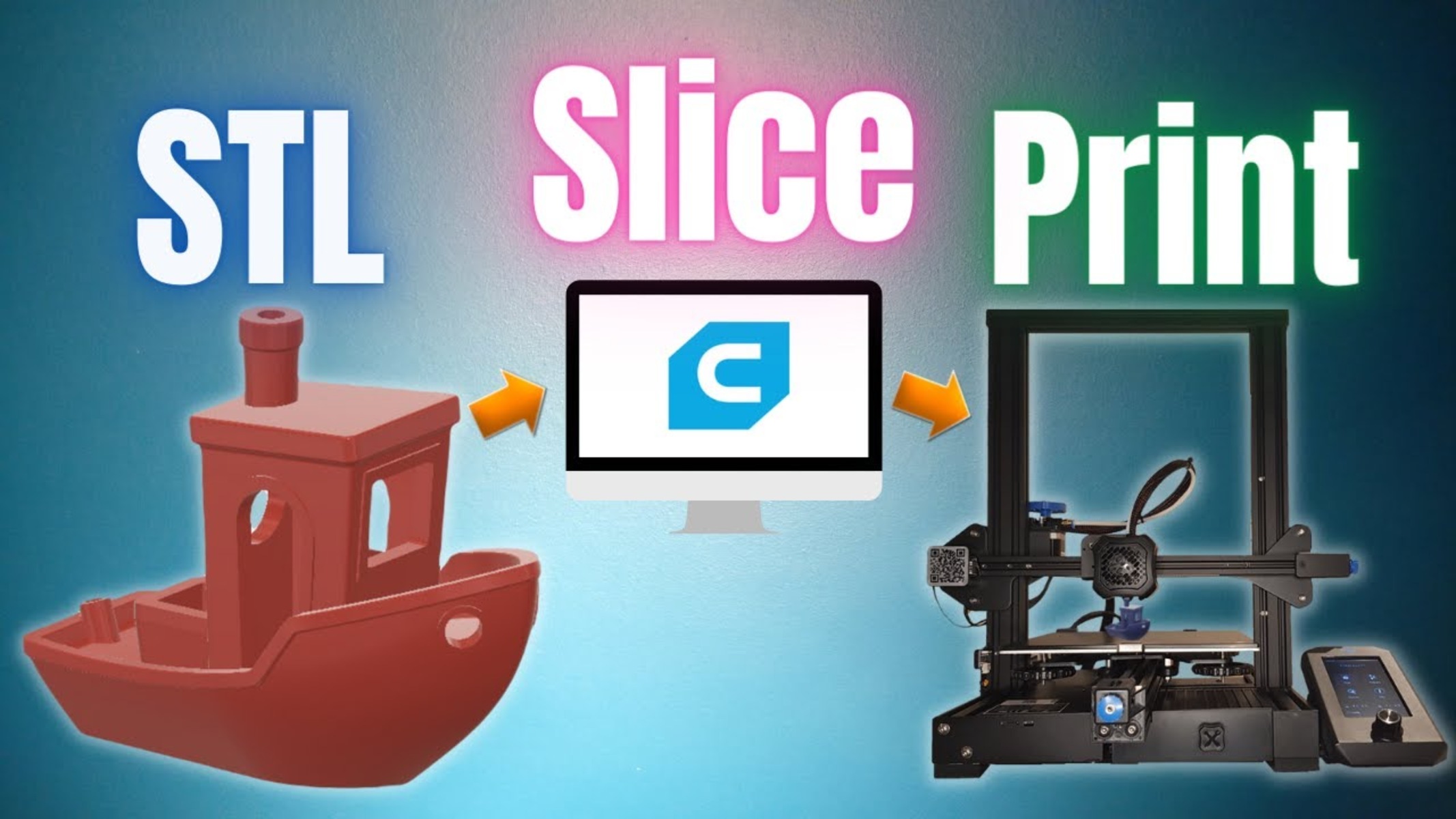
That’s precisely what a 3D printer slicer does. It’s a specialized piece of software that acts as the vital bridge between your abstract 3D model (like an `.stl` or `.obj` file you designed or downloaded) and the physical commands your 3D printer understands. Without it, your printer wouldn't have a clue what to do!
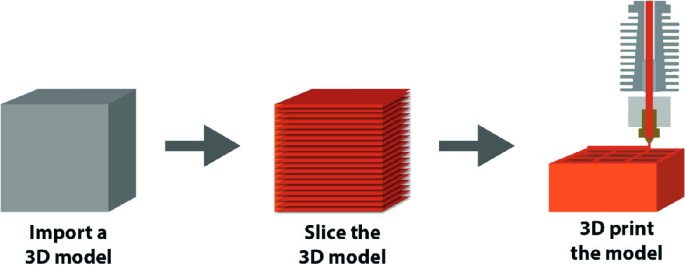
The name "slicer" comes from its primary function: it literally slices your digital 3D model into hundreds, or even thousands, of incredibly thin horizontal layers. Picture taking your object and cutting it into very fine, parallel sheets – like slicing a loaf of bread, but digitally. Each of these "slices" represents one layer that your 3D printer will build.
The Genius Behind the G-Code
Once your model is virtually sliced into layers, the slicer gets even more specific. For each tiny layer, it generates precise instructions known as G-code. This universal set of commands tells your printer everything it needs to know:
- "Move the print head to this exact coordinate."
- "Heat the nozzle to 200 degrees Celsius."
- "Extrude precisely X millimeters of filament."
- "Move in this direction at this speed."
- "Retract the filament slightly to prevent oozing."
It's the printer's script, its choreographic masterpiece, guiding every single movement and action. Without the slicer generating this G-code, your sophisticated 3D printer would just sit there, staring blankly. It’s the conductor leading the orchestra, ensuring every instrument plays its part at the right time.

Why This Digital Chef is Your Best Friend
But here’s where the slicer goes from being "just a translator" to being your best friend in 3D printing. It’s not just about breaking things down; it's about control and customization. This software gives you incredible power to fine-tune almost every aspect of your print, truly making it your own.
Want a print that looks incredibly smooth, with barely visible layers? Use super-thin layers (e.g., 0.1mm). This takes longer, but the resulting finish can be stunningly detailed, almost like a miniature sculpture. Or, in a hurry for a quick prototype? Crank up the layer height for a faster, albeit rougher, print!
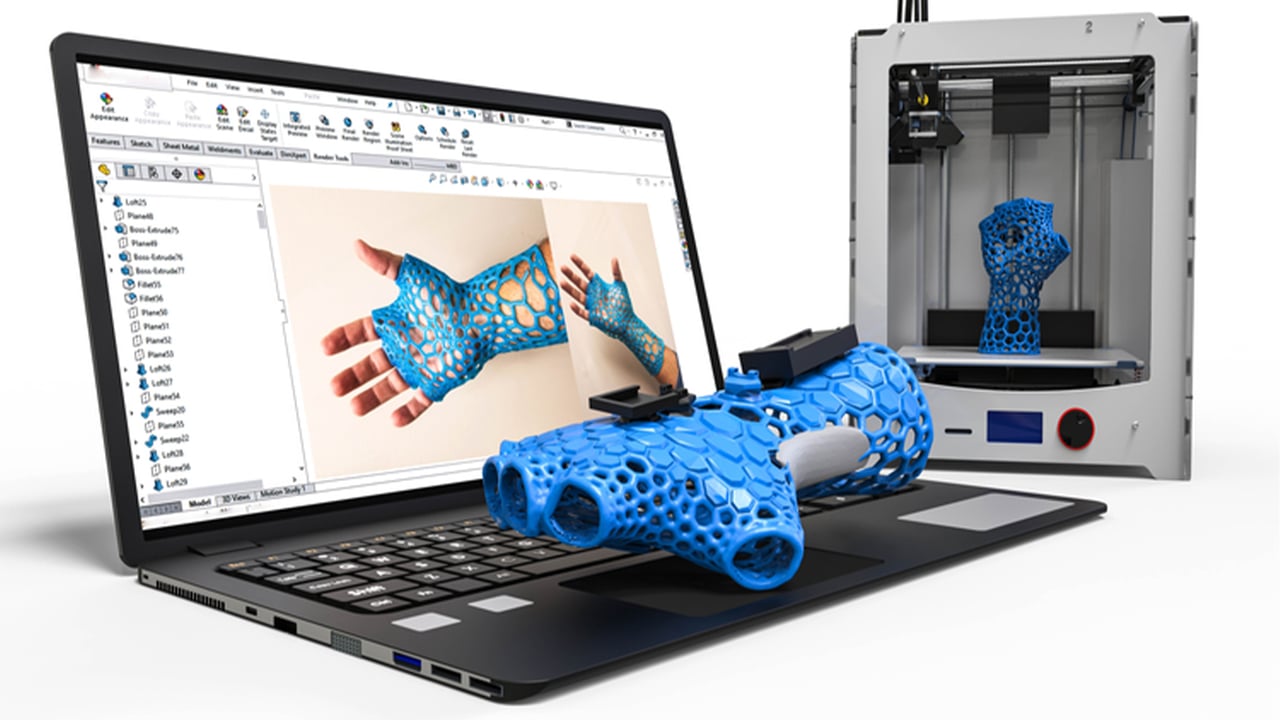
Need your printed part to be strong and durable, perhaps for a functional component? You’ll dive into the infill settings. This determines how much material fills the inside of your object. Choose a hollow shell for speed and lightness, or dial up the infill percentage (e.g., 20%, 50%, or even 100% for solid!) and select from fascinating patterns like honeycomb, grid, or gyroid. It’s like deciding whether your cake should be solid or a lovely, airy sponge!
What if your model has parts that literally hang in the air, like a character's outstretched arm or the eaves of a roof? Gravity isn't a fan of printing in mid-air! That’s where the slicer automatically generates support structures. These are temporary, easy-to-remove scaffolding-like pillars that provide a base for those tricky overhangs. You print them, then snip them off when your object is complete – magic!
And there’s more! Add a "brim" or "raft" to your print – extra layers around the base that help your object stick firmly to the print bed, preventing frustrating failures mid-print. Adjust print speeds, optimize temperatures for various materials like PLA, ABS, or PETG, and even fine-tune how much filament retracts to avoid those annoying "strings" between parts of your print. It’s like being able to fine-tune every single aspect of your creation!
The Unsung Hero of Creation
Essentially, if your 3D model is the brilliant idea, and your 3D printer is the diligent builder, then the slicer is the masterful architect, the meticulous project manager, and the insightful engineer all rolled into one. It meticulously plans every single movement, anticipates potential issues, and gives your printer the precise, unambiguous directions it needs to succeed.
This immense power of customization and control is why 3D printing is so revolutionary. The slicer isn't just a utilitarian tool; it's your personal creative command center. It empowers you to transform a simple digital file into a perfectly optimized, strong, beautiful, or functional physical object. A little tweak in the slicer can mean the difference between a failed print and a masterpiece.
So, the next time you marvel at a 3D printed object, take a moment to appreciate the silent, powerful software behind it. The 3D printer slicer isn't just cutting things up; it's orchestrating a symphony of precision, turning your digital dreams into tangible reality, one meticulously planned layer at a time. Pretty awesome, right?