What Does The Lock Mean On Text Messages
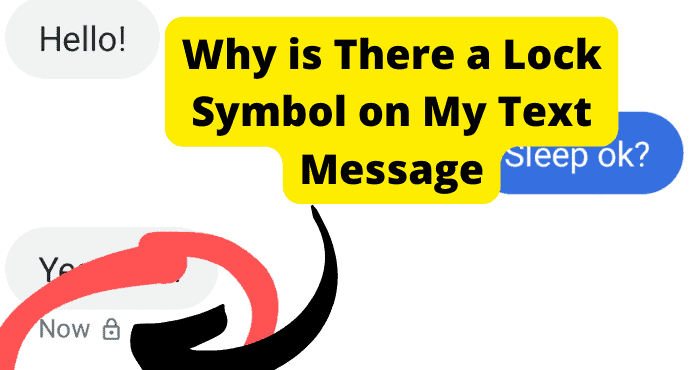
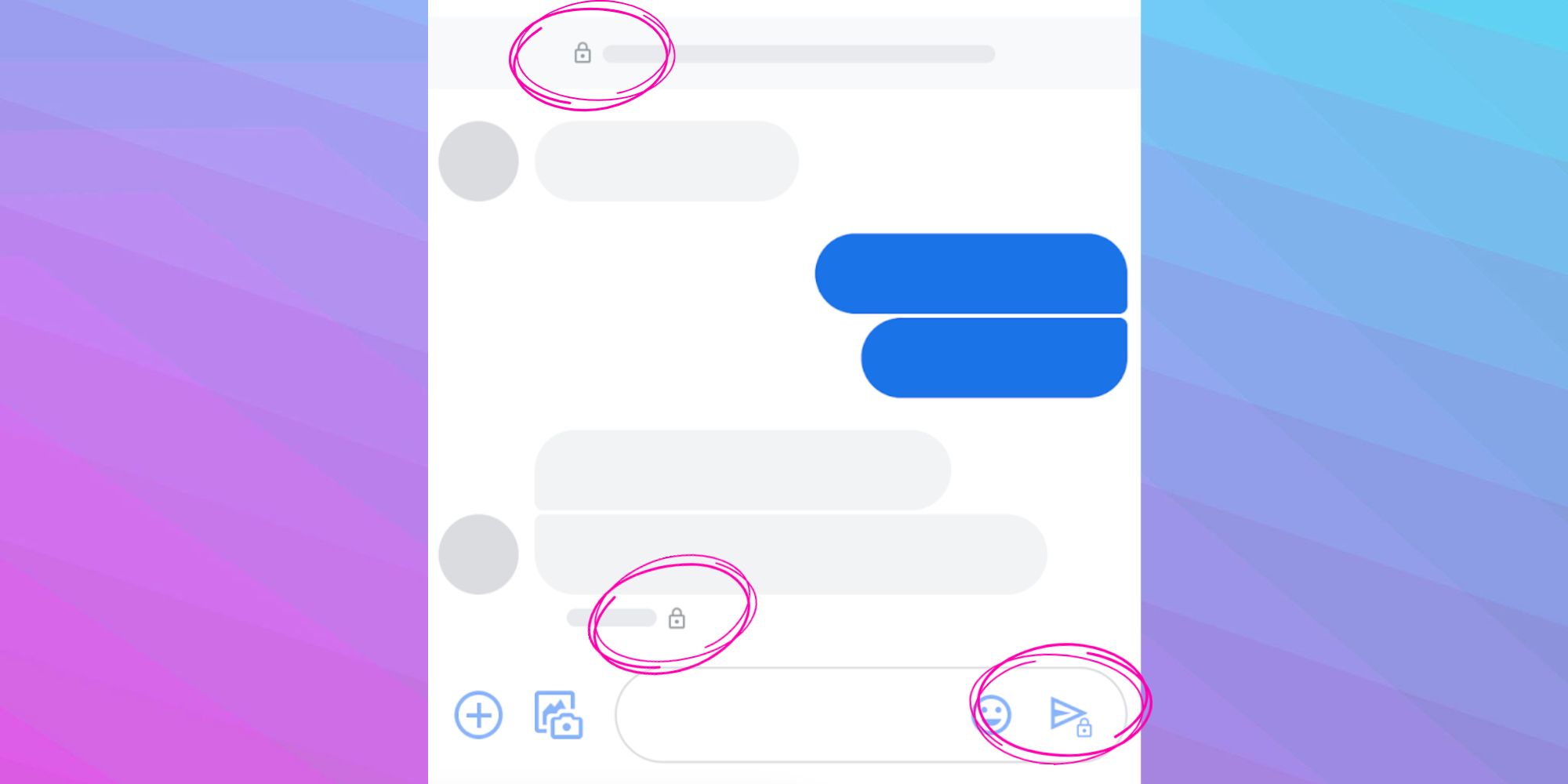
Ever notice that tiny little padlock next to some of your text messages? You know the one. It’s usually tucked away in a corner, quietly minding its own business, looking all mysterious. For ages, I just assumed it meant, "Yup, this message is definitely a message!" or maybe, "Message successfully delivered, you tech wizard, you!" Turns out, it's way, way cooler than that. It’s actually your phone's super-secret, extra-spicy security guard, making sure your digital chatter stays firmly locked down.
What’s the deal with the lock, then?
That little lock icon isn't just for show, like the fancy but non-functional pockets on some jeans. It signifies something called end-to-end encryption. Now, don't let those big words scare you off! It sounds like something only a super spy or a silicon valley guru would understand, but it's actually pretty simple when you think about it in everyday terms.
Imagine you're sending a super-secret note to your best friend in elementary school. You wouldn't just write "Mrs. Henderson wears socks with sandals!" on a sticky note and pass it across the classroom, right? Oh no, that's amateur hour. Instead, you'd write it in a code only you two understood, fold it into an impenetrable origami fortress, and maybe even add a secret handshake for good measure.
Must Read
That’s basically what your phone is doing with that lock icon. When you see it, it means your message is being scrambled into a secret code the moment it leaves your phone, and it can only be unscrambled the moment it arrives on your recipient’s phone.
Your Own Private Digital Whisper Network
Think of it like this: your message takes a journey from your phone to your friend’s. Without the lock, it's like shouting your secrets across a crowded room. Anyone who happens to be listening in (or, you know, has the technical know-how) could potentially hear what you're saying. Awkward!
But with that little padlock? It’s like your message instantly puts on an invisibility cloak and whispers its way directly into your friend’s ear. No one in between – not even the folks who run the messaging service – can peek at the actual content. It’s just garbled nonsense to them. Only you and the person you're chatting with have the special "key" to unlock and read it. How cool is that?
Why Does This Even Matter?
You might be thinking, "Who cares if someone reads my grocery list or my complaints about my cat's diva antics?" And fair enough! But what about when you're planning a surprise party for your partner? Or gossiping (lightheartedly, of course!) about Aunt Mildred's questionable fruitcake recipe? Or maybe you're sharing a slightly embarrassing selfie that definitely shouldn't go viral?

These are the moments when that little lock becomes your digital guardian angel. It ensures that your private conversations, your little inside jokes, your heartfelt confessions, and your 'did-you-see-what-they-just-posted?!' rants stay between you and your intended recipient. It’s like having a secret clubhouse for your chats, complete with a password and a very stern bouncer.
Not All Messages Are Created Equal (But Many Are!)
You might notice the lock doesn't always appear. Typically, it shows up when you're messaging another iPhone user via iMessage (the blue bubbles!), or when you're using apps like WhatsApp, Signal, or Telegram, which have end-to-end encryption built-in by default. If you're sending a plain old SMS text (the green bubbles on an iPhone, or just regular texts on Android), those generally aren't end-to-end encrypted. They're more like postcards – readable by anyone who handles them along the way.
So, if you're planning that top-secret mission to finally convince your spouse that "just one more houseplant" is a perfectly reasonable request, or if you're debating whether pineapple belongs on pizza (it doesn't, fight me), that little lock is your best friend.
The Takeaway: Smile and Chat On!
Next time you see that tiny padlock, give a little mental nod of appreciation. It's not just a decoration; it's a powerful privacy feature working silently in the background, keeping your digital conversations safe and sound. It means you can chat, share, and spill the tea with the peace of mind that your words are for your eyes (and your recipient's) only. So go ahead, plot that surprise, share that slightly embarrassing anecdote, or confess your love for reality TV – your secret is safe!