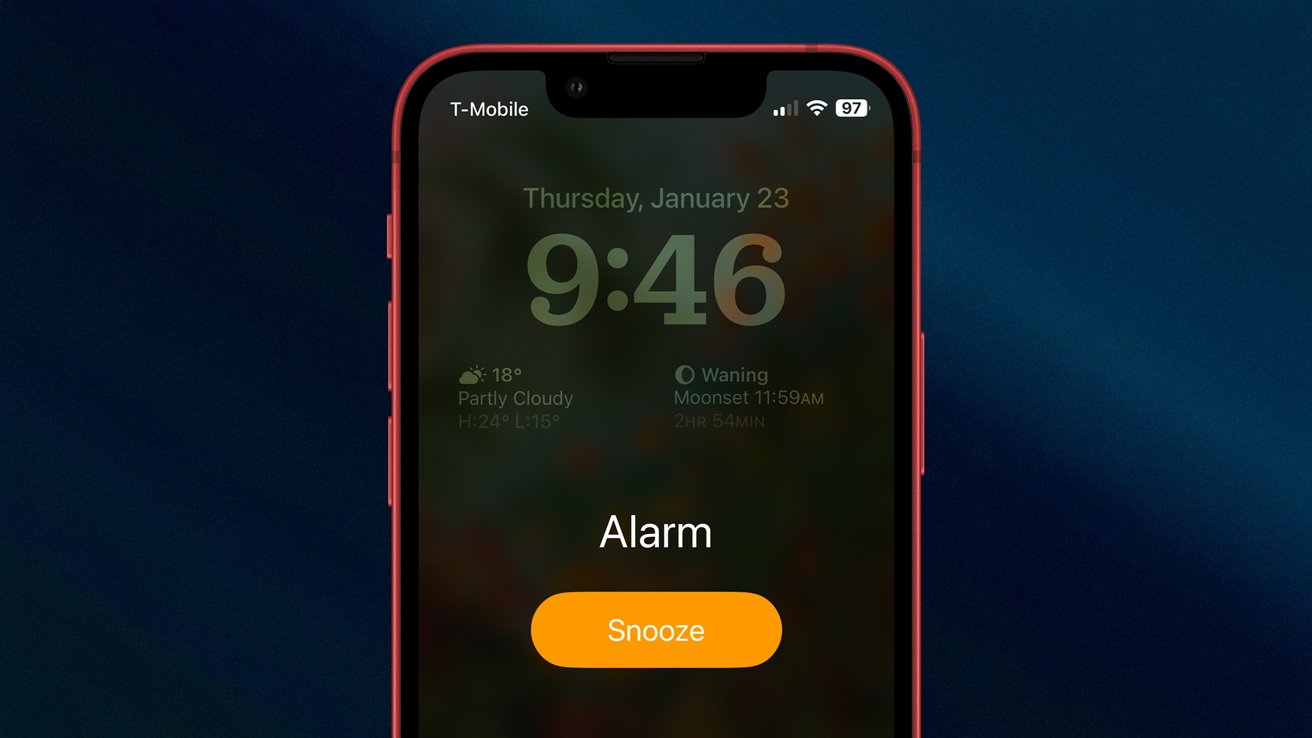
Ever woken up in a cold sweat, heart pounding, only to realize the sun is already high in the sky and your perfectly set iPhone alarm remained as silent as a mime in a library? You're not alone! This common, bewildering, and frankly, panic-inducing mystery has plagued countless iPhone users, leading to missed meetings, forgotten appointments, and the occasional awkward apology. But fear not, sleepyheads! Unraveling the enigma of the silent iPhone alarm isn't just about reclaiming your punctuality; it's a fun and useful journey into understanding your device better, ensuring you never oversleep an important moment again.
The purpose of this little deep-dive is simple: to empower you with the knowledge to troubleshoot those mischievous alarms. The benefit? A stress-free morning, a punctual arrival, and the sweet satisfaction of knowing your tech is working for you, not against you. Let's peel back the layers of this digital mystery!
First up, the most obvious (yet often overlooked) culprit: your volume settings. It sounds silly, but is your Ringer and Alerts volume actually up? While your media volume (for music and videos) can be controlled by the side buttons, the alarm volume often links to your ringtone volume. Head to Settings > Sounds & Haptics and check the slider under "Ringer and Alerts." Make sure it’s cranked up! While you're in the Clock app, editing your specific alarm, double-check that the "Sound" is set to an actual tone and not, say, "None." A surprisingly common oversight!
Next, let's talk about the stealthy saboteurs: Focus Modes and Do Not Disturb. These handy features are designed to silence interruptions, and sometimes, that includes your alarms if not configured correctly. If you have "Do Not Disturb" or any other Focus Mode scheduled to run during your wake-up time, you might have inadvertently told your iPhone to silence everything. You can access these settings via your Control Center (swipe down from the top-right corner) or through Settings > Focus. Ensure that alarms are allowed to break through, or that your Focus Mode isn't active when you need that crucial wake-up call.
Are you embracing the Sleep Schedule feature within the Health app? While fantastic for promoting healthy sleep habits, it also comes with its own alarm system. If you've set a traditional alarm in the Clock app and are using a Sleep Schedule alarm, they can sometimes interfere or cause confusion. It's often best to pick one method and stick to it, or at least ensure they're perfectly coordinated. Another quick fix for many iPhone quirks is the classic restart. It’s amazing how often a simple reboot can clear up minor software glitches that might be preventing your alarm from blaring.
Finally, always ensure your iPhone's iOS is up to date. Software bugs can sometimes affect alarm functionality, and Apple often releases fixes in new updates. Don't let a silent iPhone alarm dictate your day! With a little detective work and a quick tour through your settings, you can ensure your trusty device always rings when it's supposed to. So go forth, set those alarms with confidence, and never miss a beat (or a meeting) again!