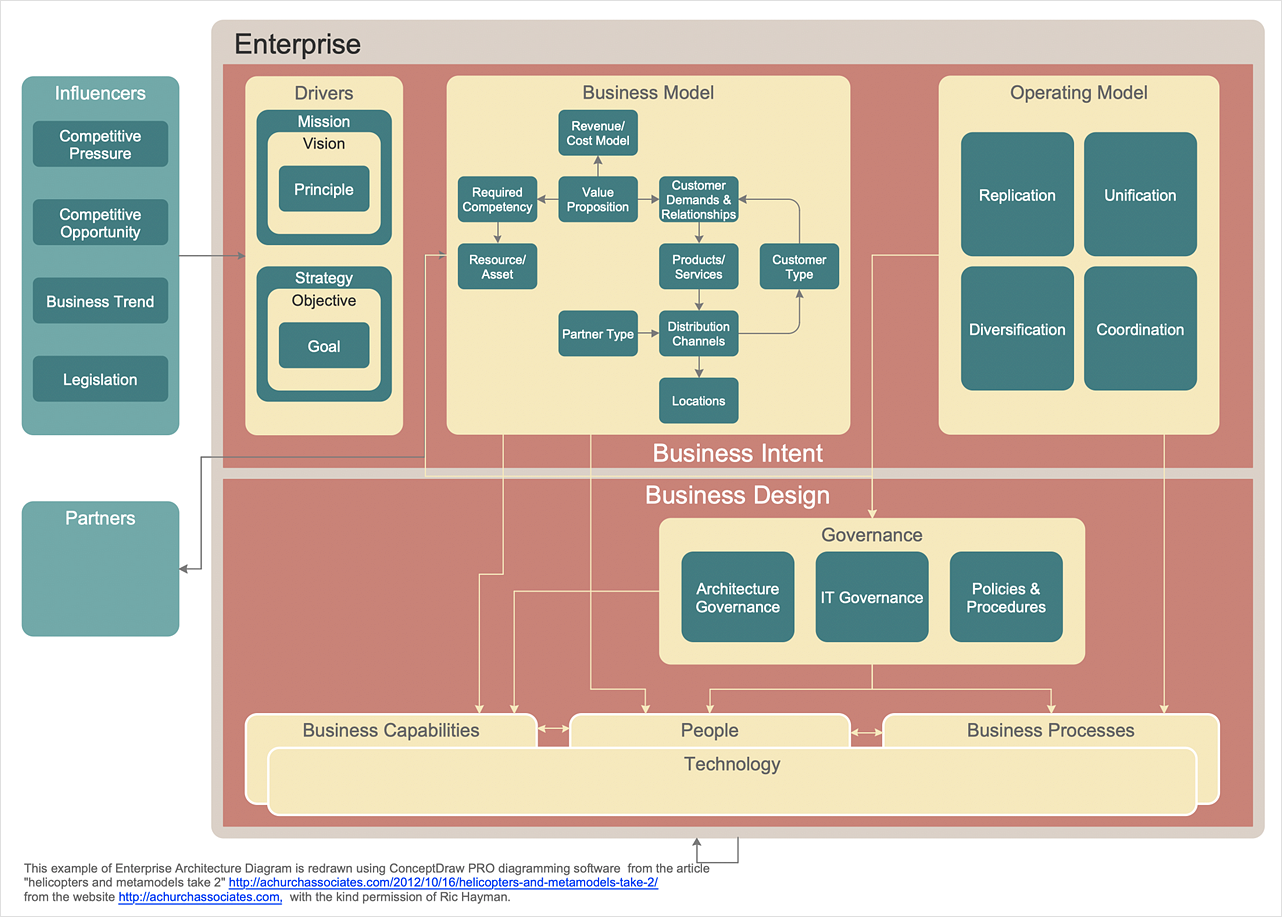
Hey! Grab a virtual coffee, let's chat about Enterprise Architecture diagrams. Sounds intimidating, right? Don't worry, it's not brain surgery (unless you're architecting a brain surgery robot, then maybe a little bit). Basically, it's all about visually representing the, uh... everything. In your enterprise. Yeah, everything.
So, you're probably thinking, "Okay, everything. But... how?" That's where the different diagram types come in. Think of them as different lenses for looking at your business. Each one highlights different aspects, like LEGO bricks – each has its purpose in the grand castle that you're building!
Use Case Diagrams: The "Customer Journey" Storytellers
First up, we've got Use Case Diagrams. These are all about who uses your system and what they use it for. Think of it as mapping out a user's journey. Who are the actors? (Customers, admins, even the system itself!) What actions can they perform? (Log in, buy something, generate reports... you get the gist). It's like a little play, with actors and actions!
They are fantastic for understanding requirements and figuring out what your users actually need, not just what you think they need. Because let's be honest, sometimes those are two very different things. Right? Like asking someone what they want for dinner and getting the answer, “anything.”
Class Diagrams: The Blueprint of Your Data
Next, let's dive into Class Diagrams. Prepare yourself, these get a bit more technical, but stick with me! Think of them as the blueprints for your data. They show the different classes (like "Customer," "Product," or "Order") and how they relate to each other. It shows the building blocks that make your software run.
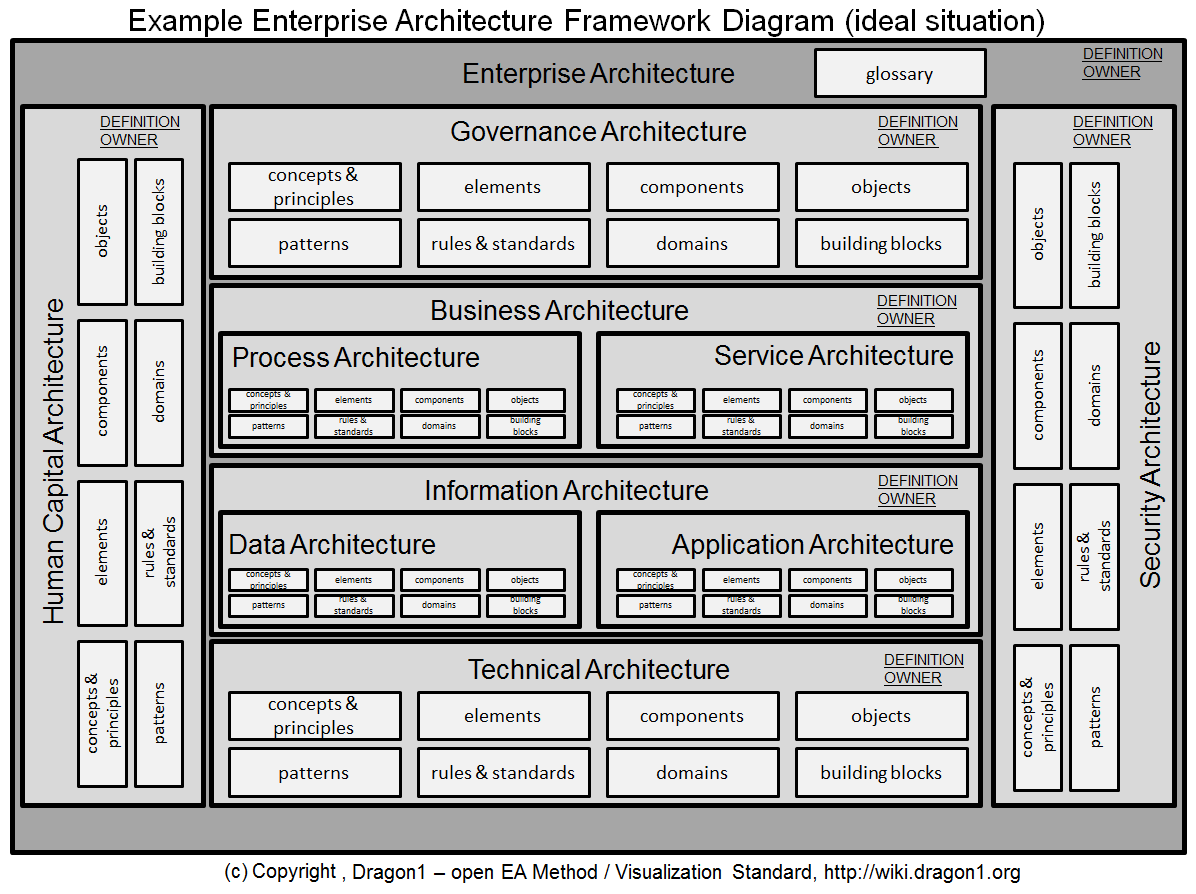
They illustrate the properties each class has (a Customer has a name, address, etc.) and the methods (what can a Customer do? Place an order, update their profile, complain loudly on Twitter?). Basically, it's the DNA of your software, revealing its hidden code... well, visually.
Trust me, it's crucial for developers. Without these, they’d be coding in the dark. And nobody wants that. Imagine trying to build a house without blueprints! Chaos, I tell you, utter chaos!
Activity Diagrams: The Process Flow Funhouse
Time for Activity Diagrams! These bad boys are all about visualizing processes. Think of them as flowcharts on steroids. They show the sequence of activities, decision points, and parallel processes that make up a business process.
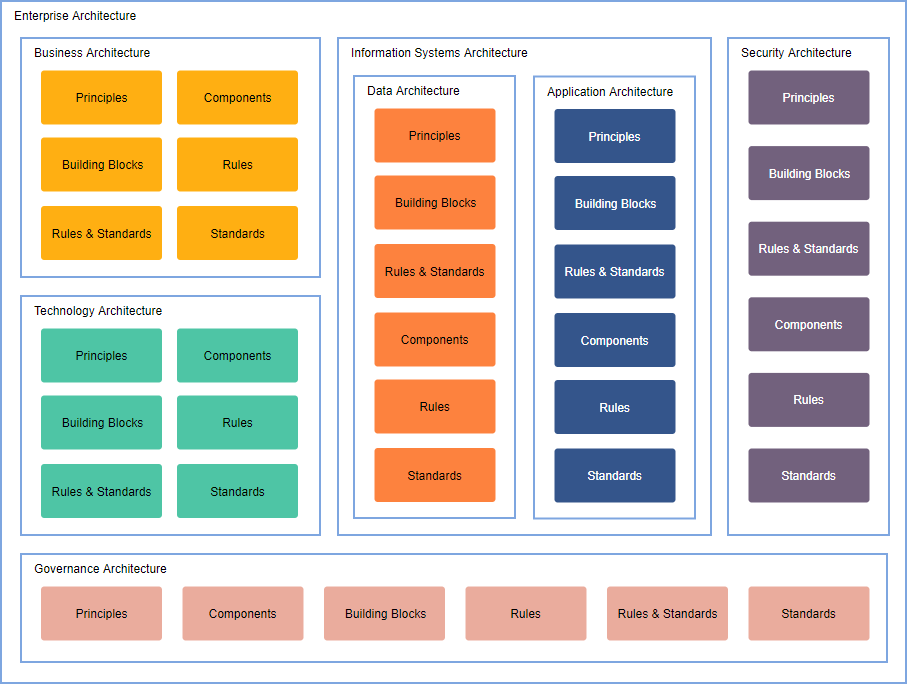
Want to map out how an order gets processed from start to finish? Activity Diagram! Need to understand the steps involved in onboarding a new employee? Activity Diagram! They are perfect for spotting bottlenecks and inefficiencies, turning complicated processes into (relatively) easy-to-understand visuals.
And isn't that what we all want? To make things easier? Especially on a Monday morning after a weekend that went by way too fast.
Deployment Diagrams: Where the Magic Happens (Physically)
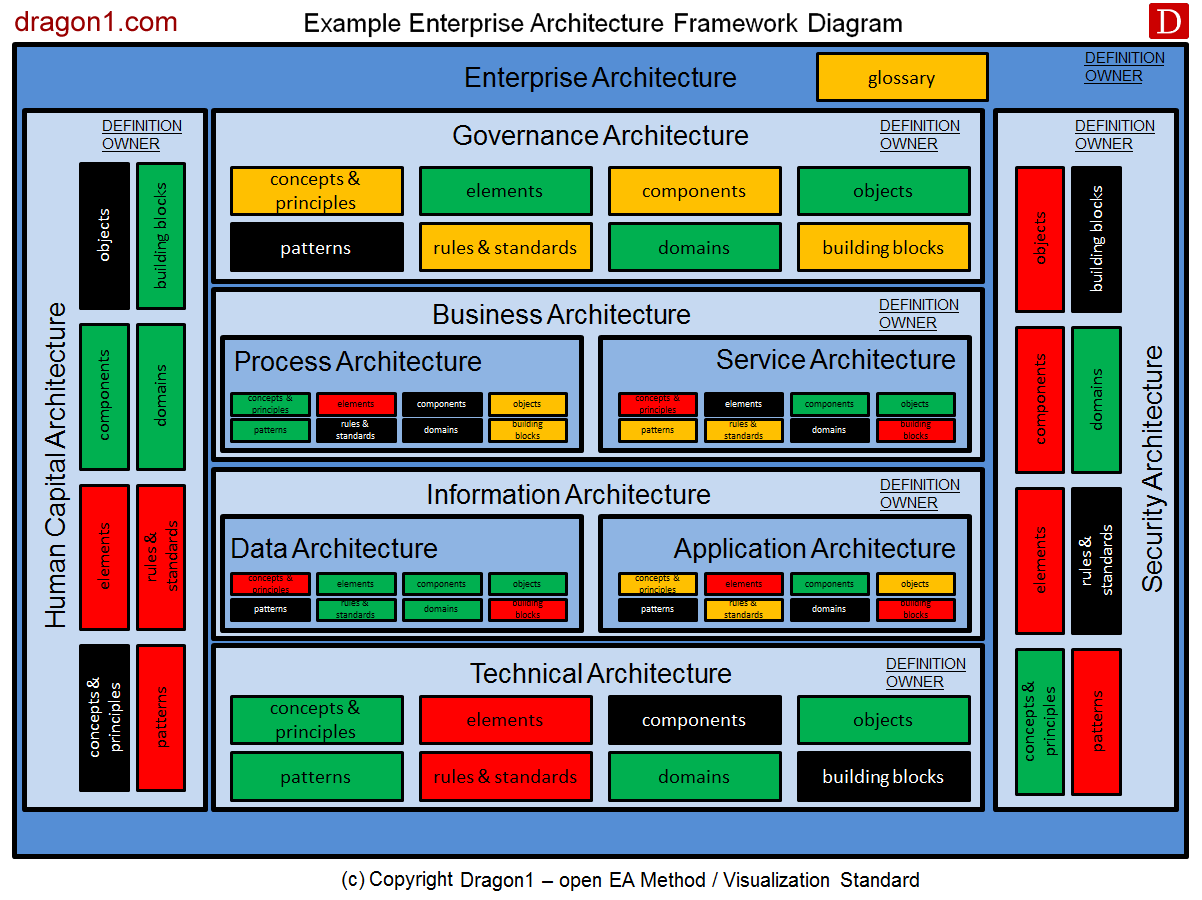
Okay, moving on to Deployment Diagrams. These diagrams show the physical architecture of your system. Where are your servers located? How are they connected? What software is running on each server? They showcase the physical infrastructure and how software components are deployed across various nodes (servers, virtual machines, etc.).
Think of it as a map of your IT infrastructure. You can see all the components and how they interact. This can be especially useful if things start to go wrong. And things always go wrong eventually, don't they? Just knowing where things live is half the battle!
It's like knowing where the fuse box is when the lights go out. Crucial information, especially if you don't want to fumble around in the dark!

Communication Diagrams: The Chatty Network
Last but not least, we've got Communication Diagrams (also known as Collaboration Diagrams). Think of them as a visual representation of how objects communicate with each other. They highlight the interactions between different components within your system, showing the messages passed between them.
Imagine it as a social network for your software components. Who's talking to whom? What are they saying? It's all there! They're great for understanding the dynamic behavior of your system and pinpointing potential performance issues.
So there you have it! A whirlwind tour of some common Enterprise Architecture diagram types. Of course, there are many more out there, but hopefully, this gives you a good starting point. Now go forth and architect (responsibly)! And maybe grab another coffee. You've earned it!