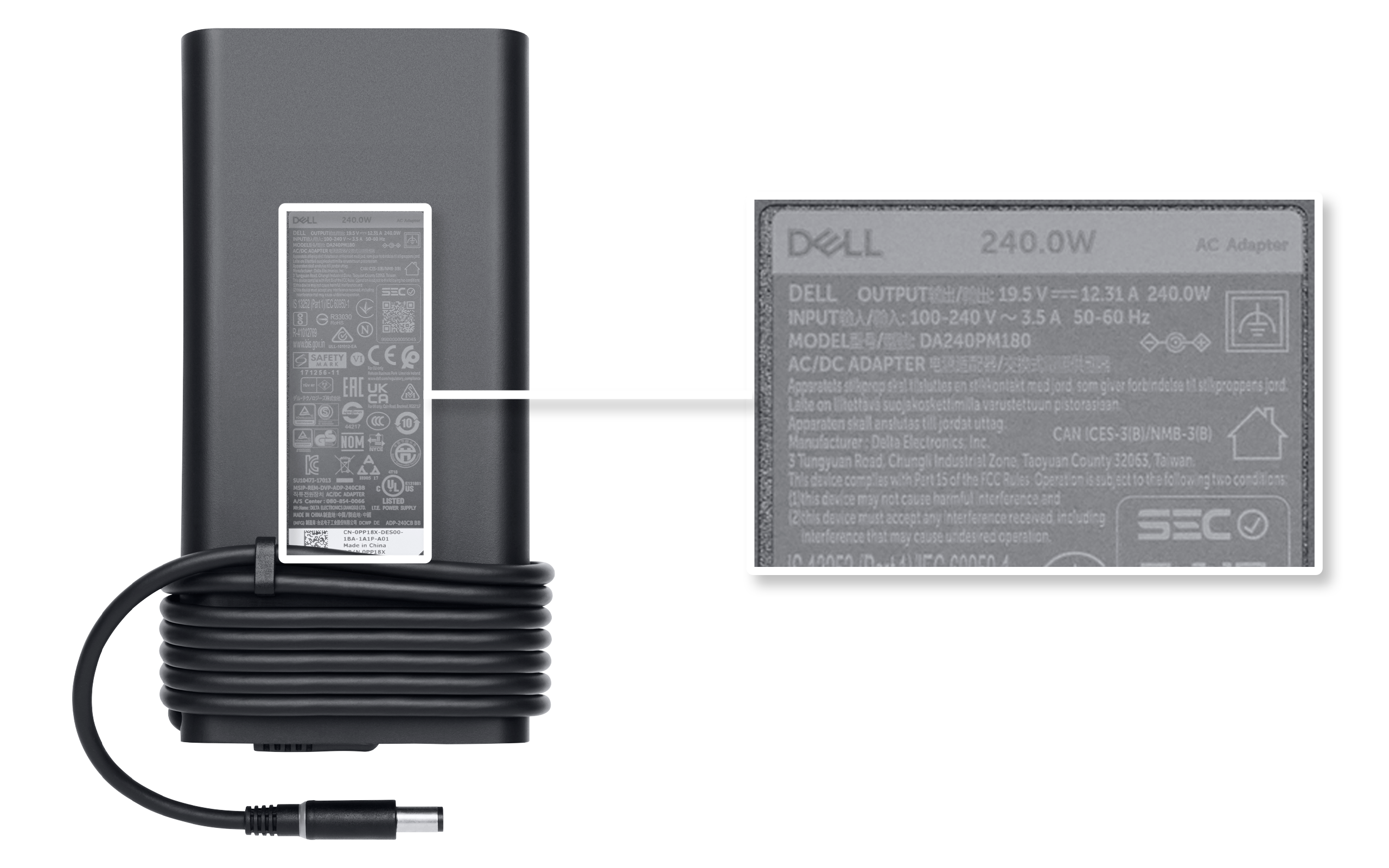
Power Source Power Adapter Battery Not Charging

Let's face it, we've all been there. Staring at a battery icon on our phone, tablet, or laptop that stubbornly refuses to budge, no matter how long it's plugged in. It's frustrating, right? It feels like your trusty device has suddenly betrayed you. But don't panic! This isn't always a sign of impending doom. Understanding why your power source, power adapter, or battery might not be charging is actually a pretty useful skill, and surprisingly, kinda fun! Think of it as becoming a tech detective, solving the mystery of the uncharged device.
The purpose of a power source, power adapter, and battery working in harmony is simple: to keep your device powered and ready to go. The power source (like the wall outlet) provides the electricity. The power adapter (that little brick on the cord) converts that electricity into a voltage that your device can safely use. And the battery stores that energy, allowing you to use your device on the go. When this system fails, the benefits of portability and uninterrupted use vanish.
So, what could be the culprit when your battery refuses to charge? Let's explore some common scenarios:
Must Read
The Dodgy Adapter: Your power adapter is often the first suspect. These little guys work hard, constantly converting electricity. Over time, they can wear out. Try a different adapter (one you know works!). You might be surprised – a faulty adapter is a very common problem. Pay close attention to the voltage and amperage requirements of your device. Using an adapter with incorrect specifications can damage your device.
The Cable Conundrum: Is the cable connecting your adapter to your device in good shape? Check for frays, bends, or loose connections. These seemingly small issues can interrupt the flow of power. Try wiggling the cable where it connects to both the adapter and the device to see if that makes a difference. A damaged cable can be easily replaced, and it's often a cheaper fix than replacing the adapter.
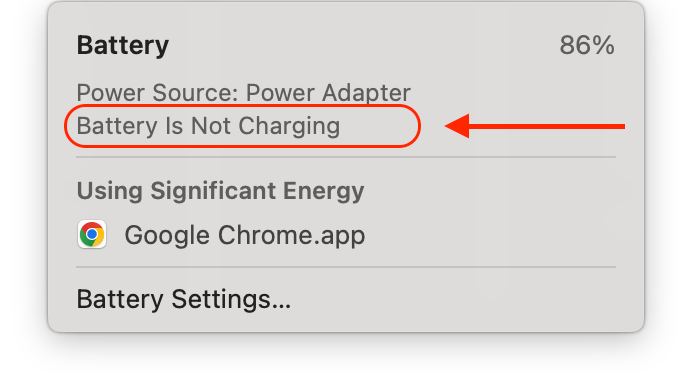
The Port Problem: Dust, debris, and even bent pins inside your device's charging port can prevent a solid connection. Use a can of compressed air to gently clean the port. You might be surprised how much gunk can accumulate in there! Be careful not to insert anything metal into the port, as you could cause further damage.
Software Snags: Sometimes, the problem isn't hardware-related at all. A software glitch can occasionally interfere with the charging process. Try restarting your device. It might sound basic, but a simple reboot can often resolve minor software hiccups.

Battery Blues: Batteries, like all things, have a lifespan. Over time, they lose their ability to hold a charge. If you've tried all the other troubleshooting steps and your battery still won't charge, it might be time for a replacement. Consider the age of your device – a battery replacement might be the most cost-effective solution.
By checking these simple things, you can often diagnose and fix the charging issue yourself. So, next time your device refuses to charge, don't despair! Embrace your inner tech detective and start troubleshooting. You might just surprise yourself with your newfound problem-solving skills!