Ever look at those blinking boxes near your TV or computer and wonder what on earth they do? Maybe you've heard terms like modem and router thrown around, but it all sounds a bit like tech wizardry. Well, good news! Understanding these two key players in your home internet setup isn't just for tech gurus; it's genuinely useful, quite interesting, and honestly, can make your online life a whole lot smoother. Think of it like understanding a few basic parts of your car – you don't need to be a mechanic, but knowing what the steering wheel and pedals do makes driving much easier (and safer!).
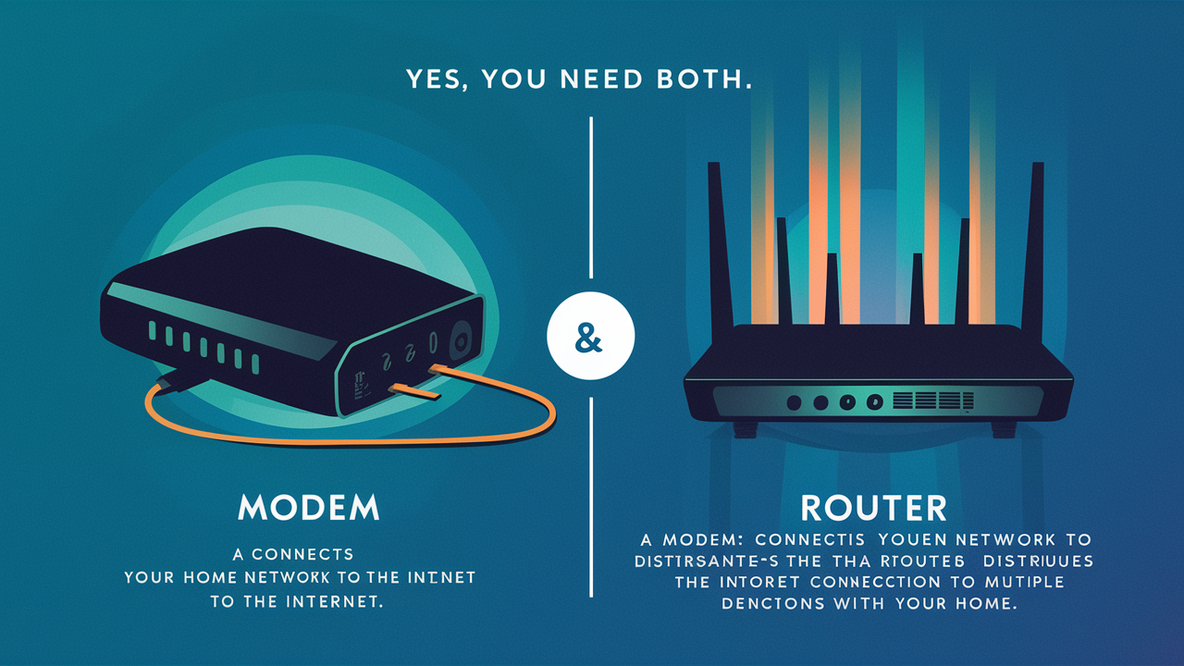
So, do you really need a modem and a router? For most people wanting to connect multiple devices to the internet at home, the answer is a resounding yes! Let's break down why these two gadgets are your internet's dynamic duo. For beginners, knowing the difference is like learning the alphabet of your home network. The modem is the gatekeeper; it's what translates the internet signal coming into your home (from your internet service provider, or ISP) into something your devices can understand. It speaks the "language" of your internet connection – be it cable, fiber, or DSL. Without it, your internet stops at your wall. The router, on the other hand, is the traffic cop. Once the modem brings the internet into your house, the router takes that connection and shares it with all your devices, wirelessly (that's your Wi-Fi!) and often through cables too. It directs where all the data goes, ensuring your phone, laptop, smart TV, and gaming console all get their fair share of bandwidth.
For families, this distinction is even more crucial. Imagine Dad streaming a movie in 4K, Mom on a video call for work, the kids gaming online, and the smart doorbell constantly monitoring activity. A good router ensures everyone gets a smooth experience without constant buffering or dropped connections. Understanding your setup can help you troubleshoot slow internet or even set up parental controls more effectively. For the slightly more hobbyist or tech-curious individual, having separate modem and router units often offers more flexibility for upgrading, customizing network settings, or integrating smart home devices. While many ISPs provide a combo unit (a modem and router all-in-one), separate units give you more control and can sometimes offer better performance.
Beyond the classic modem and router setup, you might encounter some variations. For larger homes or those with pesky "dead zones," a mesh Wi-Fi system is a fantastic alternative to a traditional router, blanketing your entire home in strong, seamless Wi-Fi. You also have different types of modems depending on your internet connection – a cable modem for cable internet, an optical network terminal (ONT) for fiber, and so on. They all do the same job: bringing the internet to your door, just using different "languages" of communication.

Ready to feel a bit more in control of your internet? Here are some simple, practical tips: First, check your devices! Most modems and routers have labels on them identifying what they are. Second, for the best Wi-Fi, place your router in a central location in your home, away from obstructions and other electronics. Third, if your internet is acting up, the classic trick of unplugging both your modem and router for 30 seconds and then plugging them back in (modem first!) often works wonders. Finally, always change the default password for your Wi-Fi network and router settings to something secure – it’s a simple but powerful step for your online safety.
Understanding the difference between a modem and a router might not seem like the most thrilling topic, but it genuinely empowers you. It turns those mysterious blinking lights into familiar tools that work together to bring the world to your fingertips. Knowing the basics gives you confidence, helps you troubleshoot, and ensures you're getting the most out of your home internet experience. So go on, give those unsung heroes of your home network a little nod of appreciation!