
Nest Thermostat Not Reading Correct Temp

Alright, let's chat about something that might sound a little annoying at first, but honestly, it’s kinda fascinating when you dig into it: your smart Nest Thermostat showing a temperature that just doesn't feel right. You know the drill. You walk into a room, it feels like an icebox, but your Nest proudly declares it’s a balmy 72 degrees. Or maybe it’s the other way around – you’re sweating buckets, and it insists everything is perfectly cool.
It’s a head-scratcher, right? Especially with a gadget as sleek and brainy as a Nest. We expect these things to be spot-on, like a super-intelligent butler who knows exactly when you need a cup of tea. So when it acts a bit… off, it makes you wonder: what’s going on behind that polished screen?
The Mystery of the Misreading Nest
Instead of just sighing and adjusting the temp manually (which, let's be honest, we all do), let's get a little curious. Why would a device engineered to be the brain of your home's climate control suddenly seem to have lost its marbles when it comes to the mercury? It's like a professional chef tasting their own dish and saying, "Yep, this is perfectly bland!"
Must Read
The truth is, even the smartest tech isn’t immune to the quirks of the real world. And understanding why your Nest might be a little confused isn't just about troubleshooting; it's about appreciating the cleverness (and sometimes the vulnerability) of these gadgets.
It All Starts with a Tiny Sensor (or Two!)
First off, how does your Nest even know the temperature? It’s not magic, folks! Inside that stylish puck is a tiny, super-sensitive thermometer, often called a thermistor. Think of it as your Nest's little nose, constantly sniffing out the air around it. It's built to be precise, but like any good nose, it can be easily fooled by its surroundings.
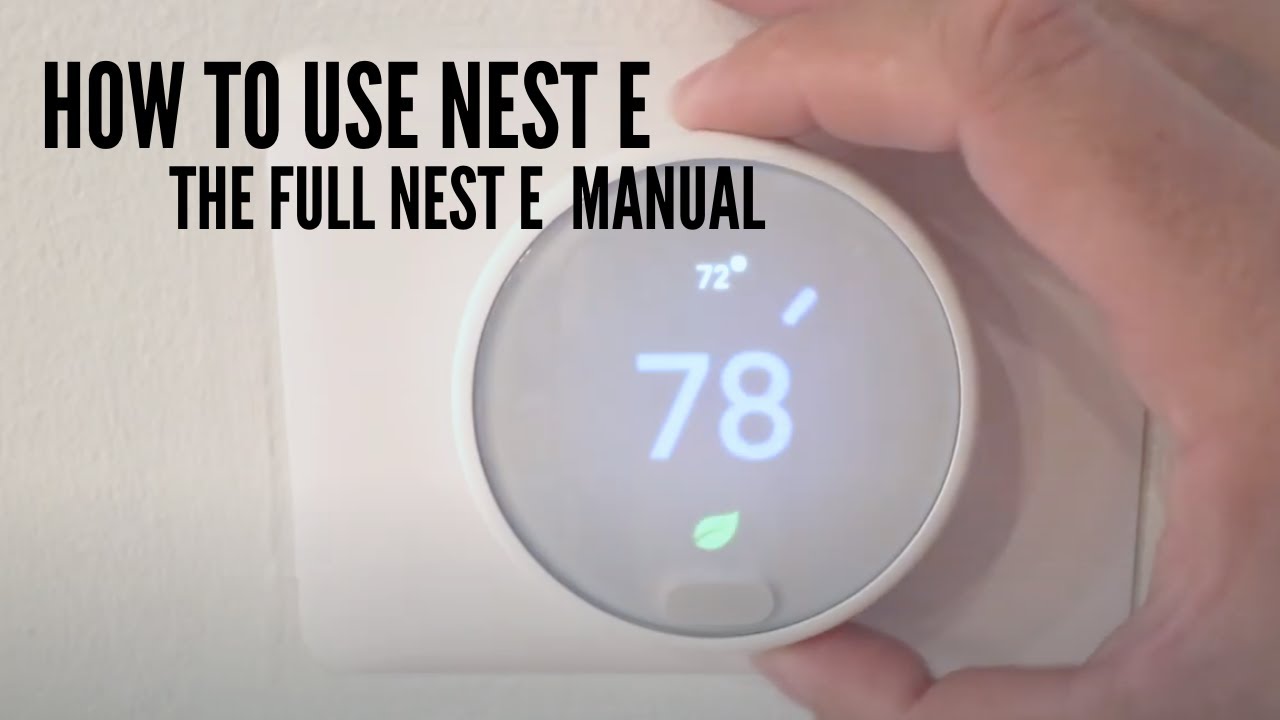
This is where the fun begins. Imagine you're trying to figure out the temperature of a giant swimming pool, but you're holding your thermometer directly under a hot showerhead. You're going to get a skewed reading, right? The same principle applies to your Nest.
Location, Location, Location: The Unsung Hero
This is probably the biggest culprit, and it's something we often overlook. Where is your Nest installed? Is it...
- …basking in direct sunlight for part of the day, even just a little?
- …perched above a vent that's pushing warm or cool air onto it?
- …next to a window with a draft?
- …close to a heat-emitting device like a TV, a lamp, or even a charging phone?
- …on an exterior wall that gets much colder or hotter than the interior?
Any of these scenarios can create a tiny microclimate around your thermostat. Your Nest's little nose (that sensor!) is dutifully reporting the temperature right there, in its immediate vicinity. It thinks it's doing a great job, but that localized temperature might be wildly different from the actual average temperature of your room. It's like judging the temperature of an entire desert by standing next to a single campfire. Not exactly representative, is it?

Dust Bunnies and Tiny Obstructions
Here's a simpler, yet often surprising, factor: dust. Yes, those fluffy little invaders can actually cause issues. If dust or tiny debris accumulates on or around the temperature sensor, it can create an insulating layer or block airflow. This makes it harder for the sensor to get an accurate read of the ambient air. It's like trying to listen to a whisper through a thick blanket – some of the subtle information gets lost.
A quick, gentle clean with a soft cloth might be all it takes to clear up the confusion. Sometimes, the simplest solutions are the most overlooked!
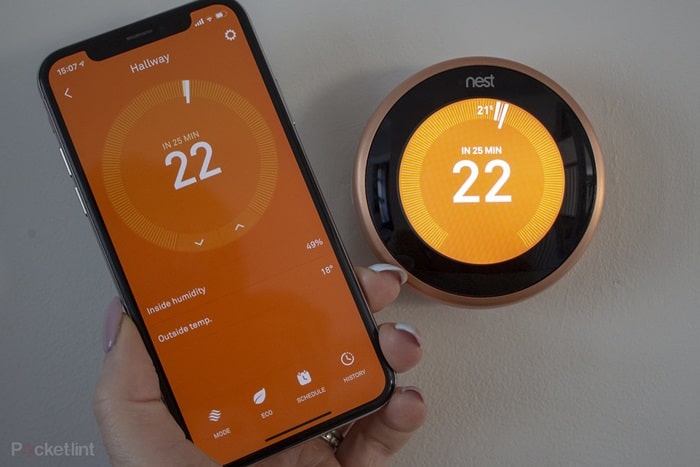
The Brain Behind the Screen: Software & Calibration
Remember, your Nest isn't just a fancy thermometer; it's a mini-computer. And like all computers, sometimes it needs a little mental reset. Software glitches, corrupted data, or even just needing a firmware update can throw its temperature calculations off. The device might be collecting the data correctly, but processing it slightly wrong.
Think of it like a highly skilled accountant who accidentally used the wrong formula in their spreadsheet – all the numbers are there, but the final sum is a bit wonky. Sometimes, a simple reboot (taking it off the wall for a minute and putting it back) or checking for software updates can get its brain back on track.
There's also the concept of calibration. Over time, or due to manufacturing variances, a sensor might drift slightly. While Nest is generally good at self-correcting, environmental factors can push it past its comfort zone. Some advanced settings might even allow for minor calibration adjustments, letting you nudge it back into agreement with a trusted external thermometer.
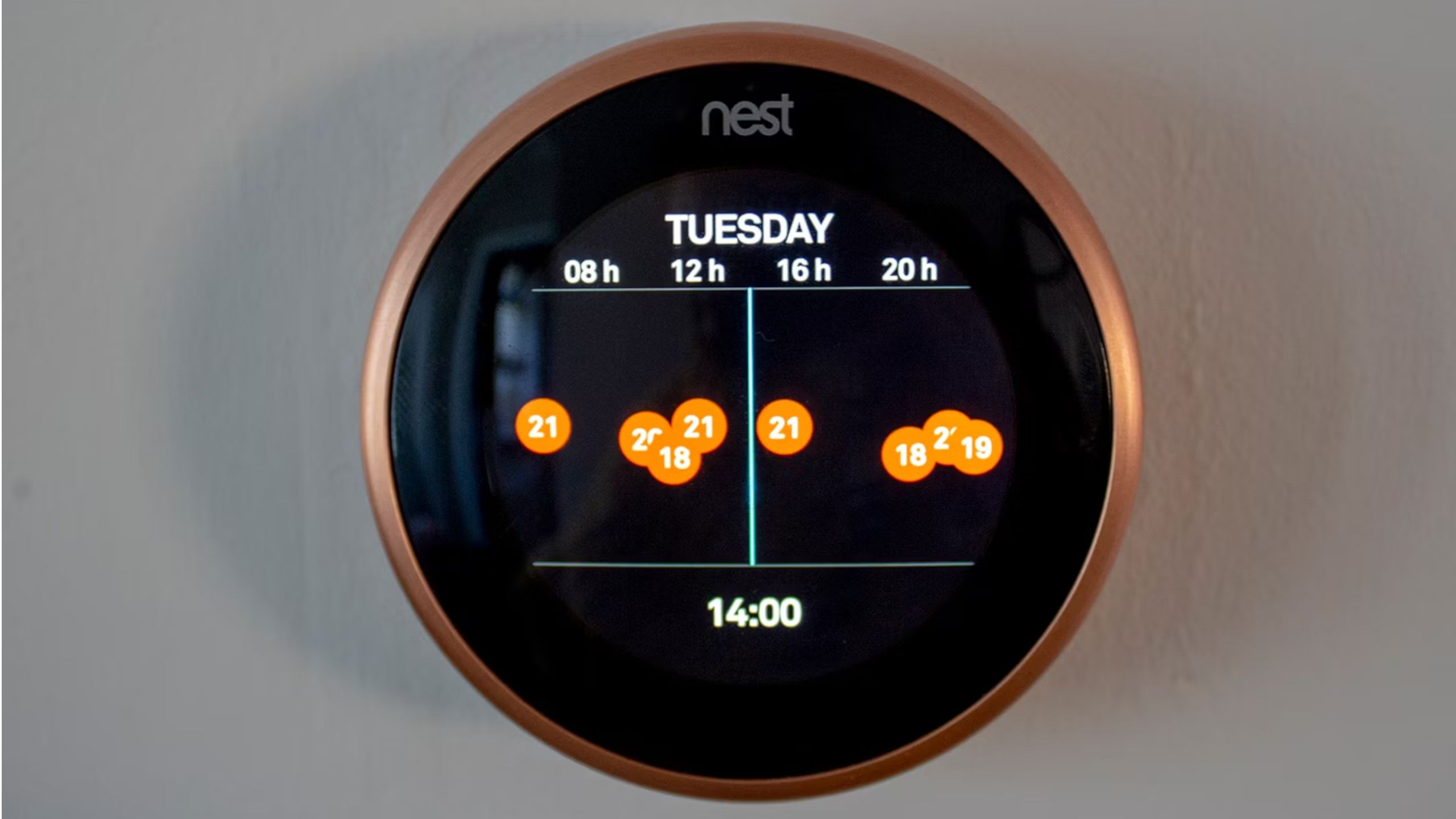
Why It’s All So Intriguing
So, why is a wonky temperature reading actually cool? Because it pulls back the curtain on how these smart devices interact with our very physical world. It shows us that even cutting-edge AI and sleek design are still fundamentally rooted in tiny pieces of hardware that can be influenced by something as mundane as a sunbeam or a dust bunny.
It turns a minor household annoyance into a fun little detective game. You get to play Sherlock Holmes, examining the environment, considering the tech, and piecing together the clues. You learn a bit more about your home, your thermostat, and the delicate dance between smart technology and the real world.
Next time your Nest is telling fibs about the temperature, instead of just grumbling, take a moment to be curious. Ask yourself: "What tiny, invisible force could be playing tricks on my smart thermostat's little nose?" You might just uncover a fascinating insight into the hidden life of your home’s tech. And that, my friends, is pretty neat!