Nest Thermostat Disconnected From Wifi

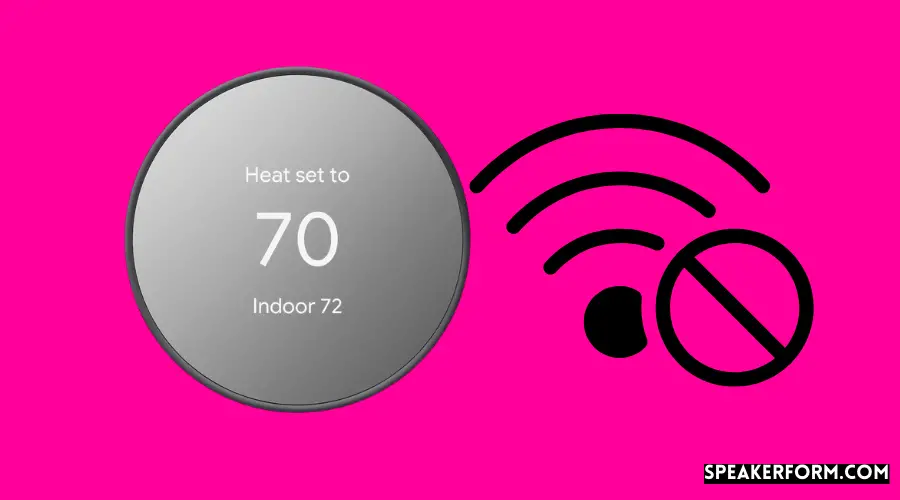
Ever walked into a perfectly chilled or cozy home, thanks to a little gadget you adjusted from your phone hours ago? That's the magic of a smart thermostat, and the Nest Thermostat is often at the heart of that experience. It’s not just a fancy dial on the wall; it's a smart hub for your home's comfort. But what happens when this digital maestro suddenly goes silent, specifically, when your Nest Thermostat disconnects from Wi-Fi? It’s a common little mystery, and peeking behind this digital curtain can be surprisingly fun and empowering, turning a minor tech hiccup into a chance to understand your smart home better.
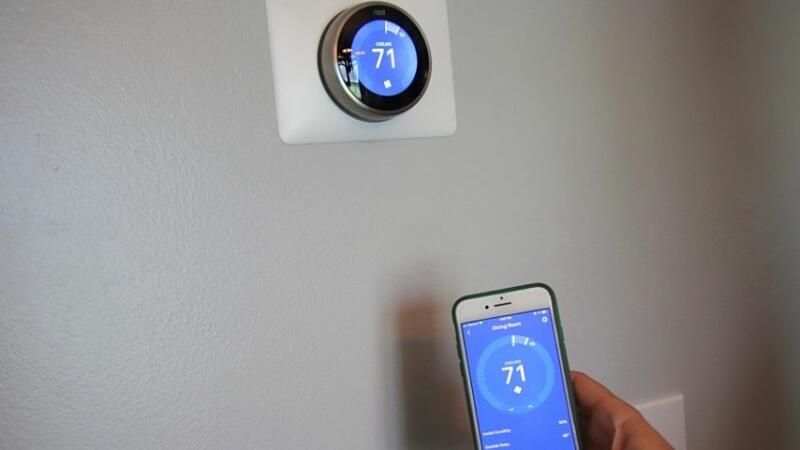
At its core, the Nest Thermostat's purpose is to make your home’s climate control effortless and efficient. It learns your preferences, adapts to your schedule, and can even detect when you're away to save energy. The benefits are immense: lower energy bills, personalized comfort, and the convenience of controlling your heating and cooling from anywhere in the world via an app. Imagine pre-cooling your house on a scorching summer day while you're still at work, or turning up the heat on your way home from a winter hike. These smart features, however, are deeply intertwined with its Wi-Fi connection. Without that link, it's like a brilliant conductor without an orchestra; it knows what to do, but can’t communicate its instructions remotely.
In daily life, a connected Nest Thermostat is a marvel. Students might use it to manage energy use in a shared apartment, ensuring the thermostat isn't blasting heat when no one's home, or an elderly relative might appreciate voice control via an assistant, all thanks to Wi-Fi. But when it disconnects, those conveniences pause. You can still use the device manually at the wall, like a traditional thermostat, but all its smart capabilities go on a coffee break. No app control, no energy reports, and it won't receive those crucial software updates that keep it running smoothly and securely. It’s a moment of truth, reminding us just how much we rely on that invisible Wi-Fi signal for our modern comforts.
Must Read
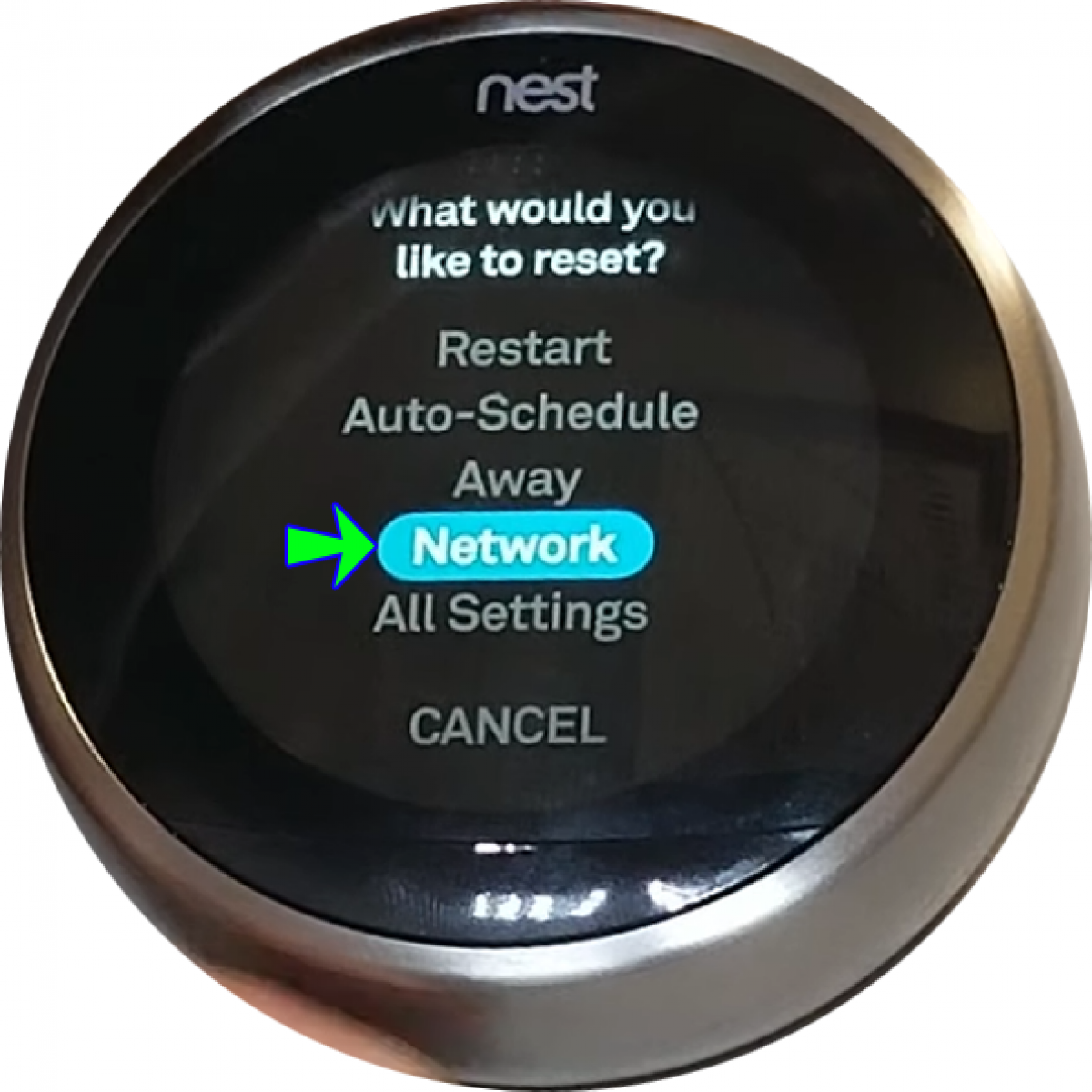
So, how do we get our digital maestro back in tune? Exploring this issue is simpler than you might think. First, always start with the basics: is your home Wi-Fi network actually working? Try restarting your router by unplugging it for 30 seconds and plugging it back in. This often resolves a myriad of connectivity issues for all your smart devices. Next, check your Nest Thermostat itself. Navigate to its settings menu (usually by pressing the unit) and look for a "Network" or "Wi-Fi" option. Sometimes, a simple restart of the Nest device (often found in the settings under "Technical Info" or by holding down the display for 10 seconds) can do the trick. If it still doesn't reconnect automatically, you might need to manually select your Wi-Fi network and re-enter your password through the Nest's on-screen prompts. These small explorations not only fix the immediate problem but also build your confidence in troubleshooting the growing array of smart tech in your home.
Understanding why your Nest Thermostat might disconnect from Wi-Fi, and more importantly, how to fix it, demystifies a piece of everyday technology. It turns a potential frustration into a curious investigation, reminding us that even the smartest devices sometimes need a little human touch. By applying these practical tips, you’re not just restoring comfort; you’re gaining a deeper appreciation for the intricate dance between hardware, software, and that invisible, yet essential, Wi-Fi connection.