
How To Turn Back On Electricity

Alright, gather 'round, folks, grab your imaginary coffee (or a real one, I’m not judging), because we're about to tackle one of life's most primal fears: the sudden absence of electricity. That moment when the lights flicker, then die, and your carefully curated playlist grinds to a halt. Suddenly, you're not just without Netflix; you're living in what feels like the Stone Age, but with significantly more anxiety about your phone battery.
Most of us react the same way: a confused blink, a patting around for the flashlight app on our now-useless phones, and then, the inevitable, "Did I pay the bill?" (Spoiler alert: you probably did.) But fear not, my intrepid explorers of the domestic grid! Turning the power back on isn't some arcane magic reserved for electricians in hard hats. Often, it's a simple flick of a switch, and you, yes you, can be the hero who brings light back to your humble abode. Let's illuminate the process, shall we?
Step 1: The Neighbourhood Watch (Is it just me?)
Before you dive headfirst into the electrical abyss, a quick reality check is in order. Peer out your window. Are your neighbours' houses glowing like a beacon of hope, or are they plunged into the same miserable darkness as yours? What about the streetlights? Are they winking back at you, or looking just as lost?
Must Read
If your entire block looks like a scene from a post-apocalyptic movie, then congratulations! You're part of a widespread outage. This means the problem is bigger than your humble home – think power lines down, a substation hiccup, or perhaps, a squirrel with a serious case of the zoomies. In this scenario, your best bet is to report it to your utility company (because they probably don't know yet, despite having a whole system for it) and then settle in with a good book (remember those?) or a board game. Your power will return when they fix the bigger issue. You're off the hook, hero!
But if your street looks like a Christmas card and your house is the only one sulking in the dark? Ah, my friend, this is your moment to shine! The problem is likely contained within your own four walls. Time to investigate.
Step 2: The Mysterious Box (Locating Your Circuit Breaker Panel)
Every home has one: a metal box, usually grey, often tucked away in a basement, garage, utility closet, or sometimes even a hallway. This is your circuit breaker panel, the beating heart of your home's electrical system. It's not a monster, I promise, just a very responsible distribution hub. Think of it as the air traffic controller for all your electrons.
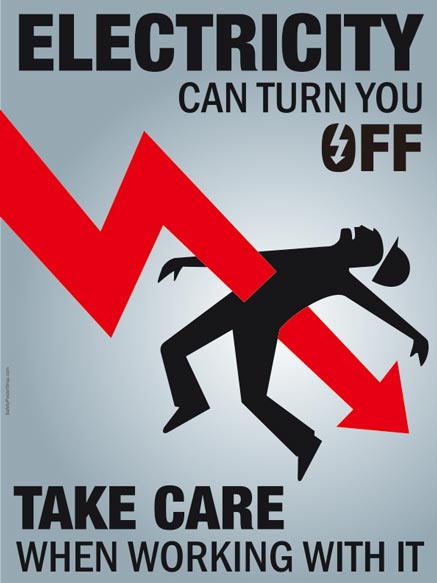
If you're unsure where it is, ask a roommate, a family member, or even consult your home's inspection report (if you're really thorough). Just be sure to approach it with a sense of purpose, perhaps humming a dramatic secret agent theme song. Whatever you do, don't open it if you hear buzzing, see sparks, or smell something burning. At that point, your role shifts from hero to "person who calls a professional immediately." Safety first, always!
Step 3: The Tripped Breaker (Finding the Naughty One)
Once you've located the panel, open its cover. Inside, you'll see a series of switches, usually arranged in neat rows. These are your circuit breakers, each one guarding a specific area or appliance in your home. They're like tiny, vigilant guardians, and their job is to "trip" (flip to the off position) if they detect too much electricity flowing through their circuit, preventing overloads and potential fires. They're basically tiny electrical superheroes!
Now, here's the trick: a tripped breaker won't be perfectly "ON" or perfectly "OFF." Instead, it will often be in a slightly awkward, middle position, or sometimes fully "OFF." It’s like it’s taken a little nap, or maybe it’s just feeling a bit shy. Scan the panel carefully. Look for the one switch that doesn't quite match its neighbours. It might be leaning a little, or fully pushed to the 'off' side even though others are 'on'.

Step 4: The Power Move (Resetting the Breaker)
You've found the culprit! The misbehaving breaker that decided to take your living room lights hostage. Now for the crucial part. To reset it, you don't just push it back to "ON." Oh no, that would be too simple, and electricity likes a bit of drama. You need to perform the sacred ritual:
1. First, firmly push the breaker all the way to the "OFF" position. You should feel a satisfying click.
2. Then, just as firmly, push it all the way to the "ON" position. Another satisfying click, and hopefully, WHOOSH! The lights are back on! Your fridge starts humming! Your Wi-Fi router blinks its happy little lights! You, my friend, are a legend.
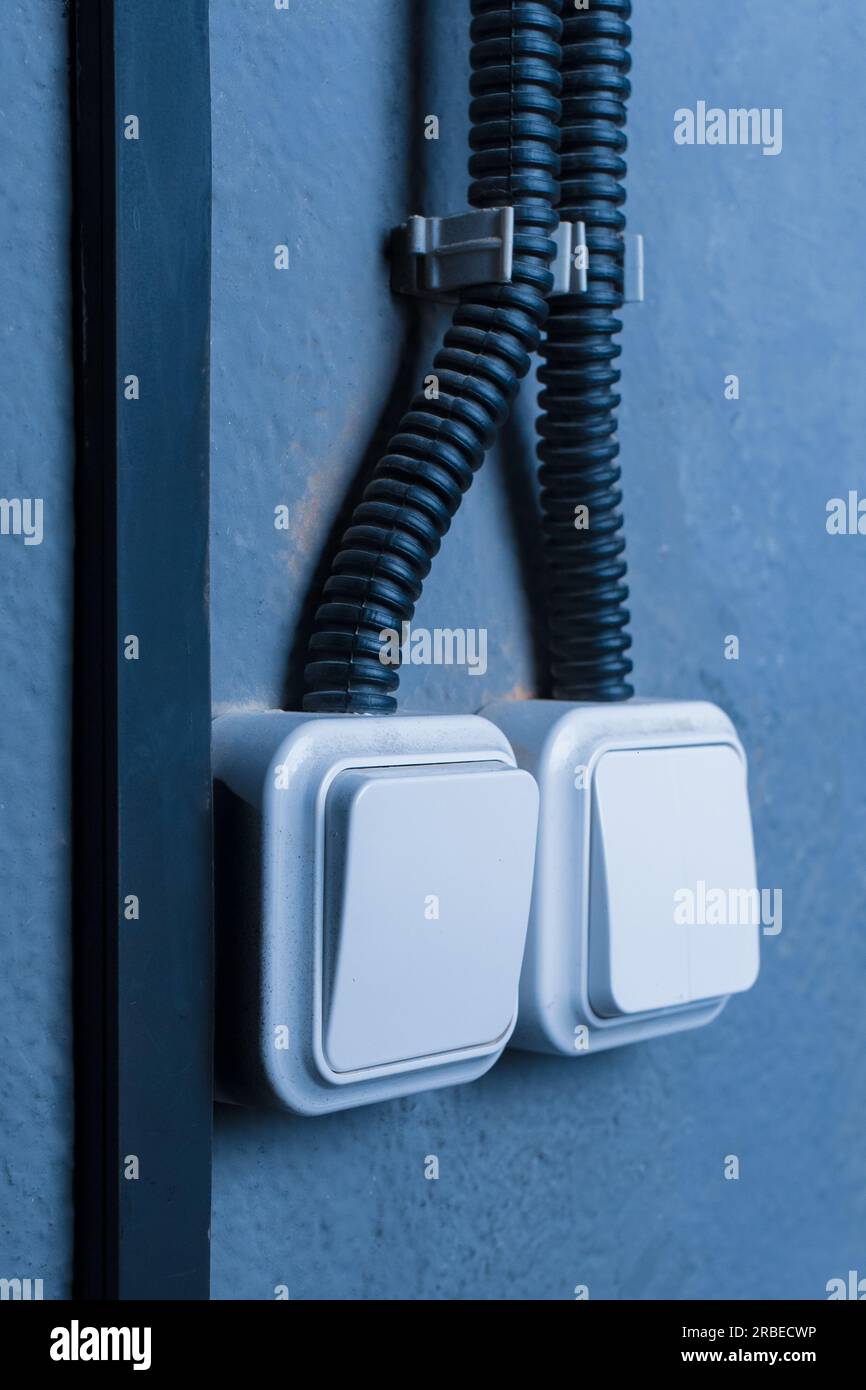
If the lights don't come back on, or if the breaker immediately trips again, don't fret! We're not giving up yet.
Step 5: Playing Detective (What Caused the Trip?)
If the breaker trips again instantly, it means something is still wrong. The most common culprit? An overload. You probably had too many high-power devices plugged into the same circuit. Think hair dryers, toasters, microwaves, vacuums, space heaters – basically anything that heats up or spins violently.
Go to the area that lost power and start unplugging things, especially anything you just plugged in or were using when the power went out. The toaster and the coffee maker on the same counter? That's a classic power struggle. Once you've unplugged a few items, go back to the panel and try resetting the breaker again (remember: OFF then ON). If it holds, great! You've successfully identified the power hog. Now you know to spread your electrical load more evenly.

What if it's not an overload? What if it's something more sinister, like a faulty appliance causing a short circuit? If unplugging everything doesn't help and the breaker still trips, try plugging devices back in one by one. The moment a device trips the breaker again, you've found the faulty item. Unplug it, and resist the urge to throw it out the window. It probably just needs repairing or replacing.
Step 6: When in Doubt, Call a Pro (No Shame in It!)
Sometimes, despite your heroic efforts, the power just won't stay on. Or perhaps you open the panel and it smells like a bonfire, or you see something that looks less like a switch and more like a melted alien. Maybe you've tried everything, and the entire main breaker (the big master switch that controls all power to your house) keeps tripping. Or maybe you're just not comfortable fiddling with wires, which is perfectly understandable. Electricity, while useful, can also be quite dangerous.
This is when you gracefully bow out and call a qualified electrician. They're the real wizards with wires, capable of diagnosing deeper issues like faulty wiring, damaged outlets, or problems with your service entrance. There's no shame in knowing when to call in the experts. In fact, it's the smartest move you can make for your safety and the longevity of your home.
So there you have it! From total darkness to enlightened self-sufficiency, you're now equipped to face the dreaded power outage with confidence. Remember these steps, and the next time the lights go out, you won't just be fumbling for candles; you'll be striding purposefully towards the circuit breaker, ready to reclaim your electrical destiny. Go forth, my friends, and light up your lives!