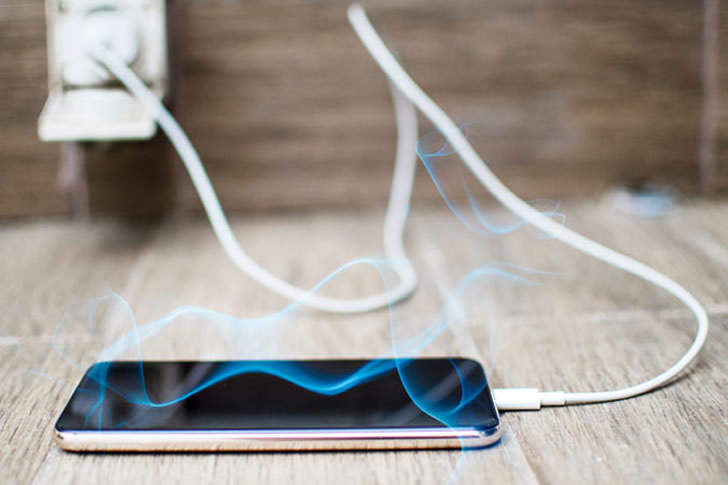
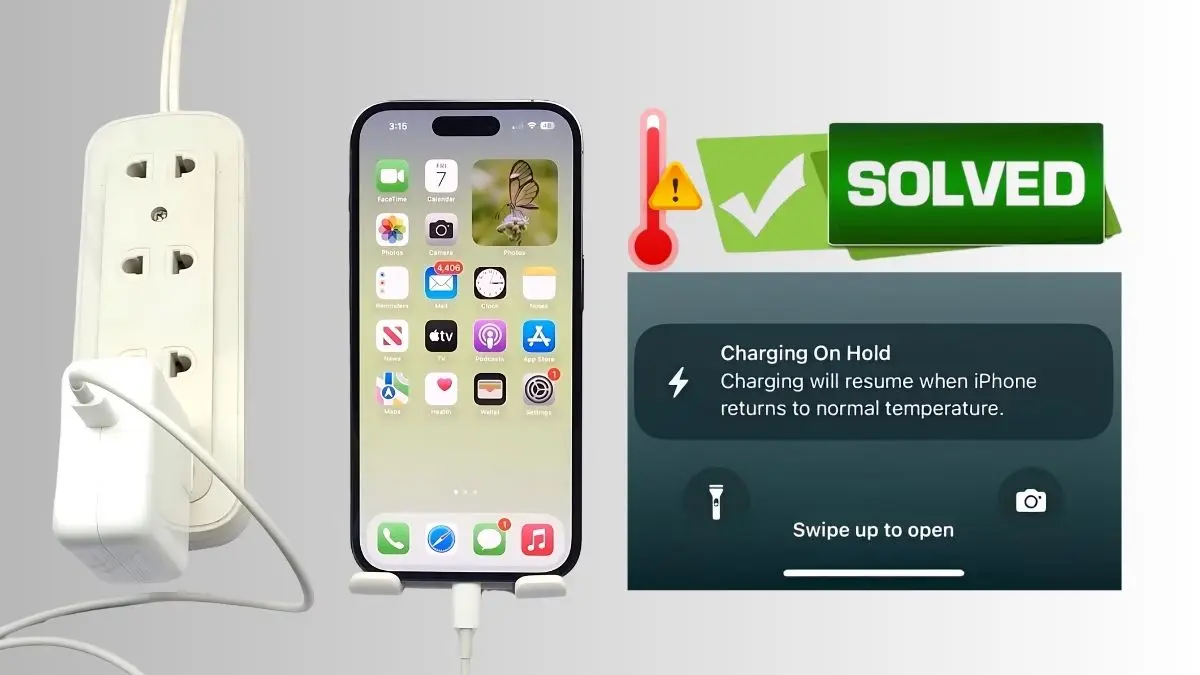
How To Stop Phone From Overheating While Charging

Let's be honest, our phones are like our digital best friends. They’re our connection to the world, our entertainment hubs, and often, our lifelines. We rely on them for everything from navigating unfamiliar streets to capturing precious memories, and of course, staying in touch with loved ones. Think about it: How often do you reach for your phone throughout the day? Probably more than you realize! This constant use means one thing: charging.
The benefits of keeping our phones charged are obvious. A fully charged phone means uninterrupted access to all its amazing features. You can stream your favorite music on your commute, take that perfect sunset photo, or video call your family across the globe without the dreaded low-battery anxiety. Essentially, a charged phone allows you to seamlessly integrate technology into your everyday life, making it easier, more convenient, and often, more enjoyable.
We charge our phones in countless ways and locations. At home, it’s usually plugged into the wall by our bedside. In the car, we use a USB charger to keep the battery topped up during long drives. Some of us even use portable power banks to ensure we’re always powered up on the go. Wireless charging pads are becoming increasingly popular too, offering a convenient and cable-free solution. But all this charging can sometimes lead to a frustrating problem: overheating.
Must Read
So, how do we keep our digital companions cool, calm, and collected while they're refuelling? Here are some practical tips to prevent your phone from overheating during charging and keep it performing at its best:
First, ditch the bulky case while charging. Think of your phone's case as a sweater. When charging, your phone generates heat. A thick case can trap that heat, leading to overheating. Removing the case allows for better ventilation and helps dissipate heat more effectively.
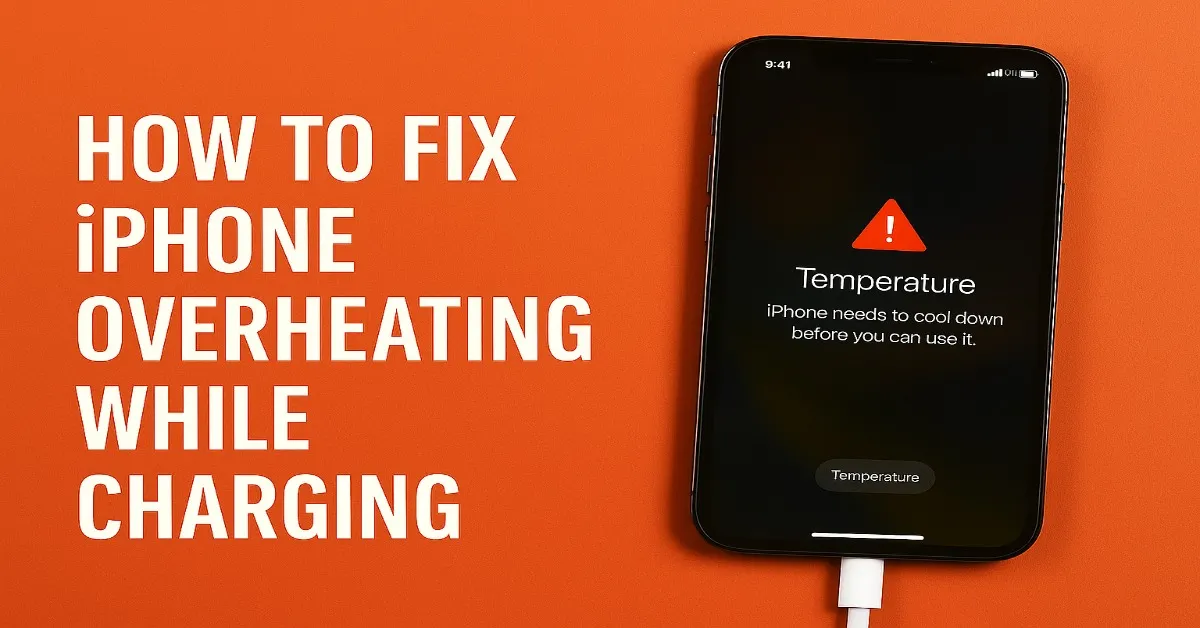
Next, avoid direct sunlight. Just like us, phones don't appreciate being baked in the sun. Charging in direct sunlight is a surefire way to make your phone overheat. Find a cool, shaded spot instead. Think of it like giving your phone a spa day!
Third, close background apps. Many apps continue to run in the background even when you're not actively using them. These apps consume processing power and generate heat. Close unnecessary apps before charging to reduce the workload and prevent overheating. Regularly clearing your background apps is a good habit to get into anyway, as it can also improve your phone's overall performance.

Fourth, use the correct charger. Using a cheap or incompatible charger can deliver inconsistent power, leading to both slow charging and overheating. Always use the charger that came with your phone or a reputable alternative. Investing in a quality charger is an investment in your phone's longevity.
Finally, consider wireless charging. While convenient, wireless charging can sometimes generate more heat than wired charging. If you notice your phone overheating while using a wireless charger, switch back to a wired connection. Experiment and see what works best for your phone model.
By following these simple tips, you can help prevent your phone from overheating while charging, ensuring a longer lifespan and a more enjoyable mobile experience. Keep your phone cool, and it will keep you connected!