
How To Size A Ups Battery Backup
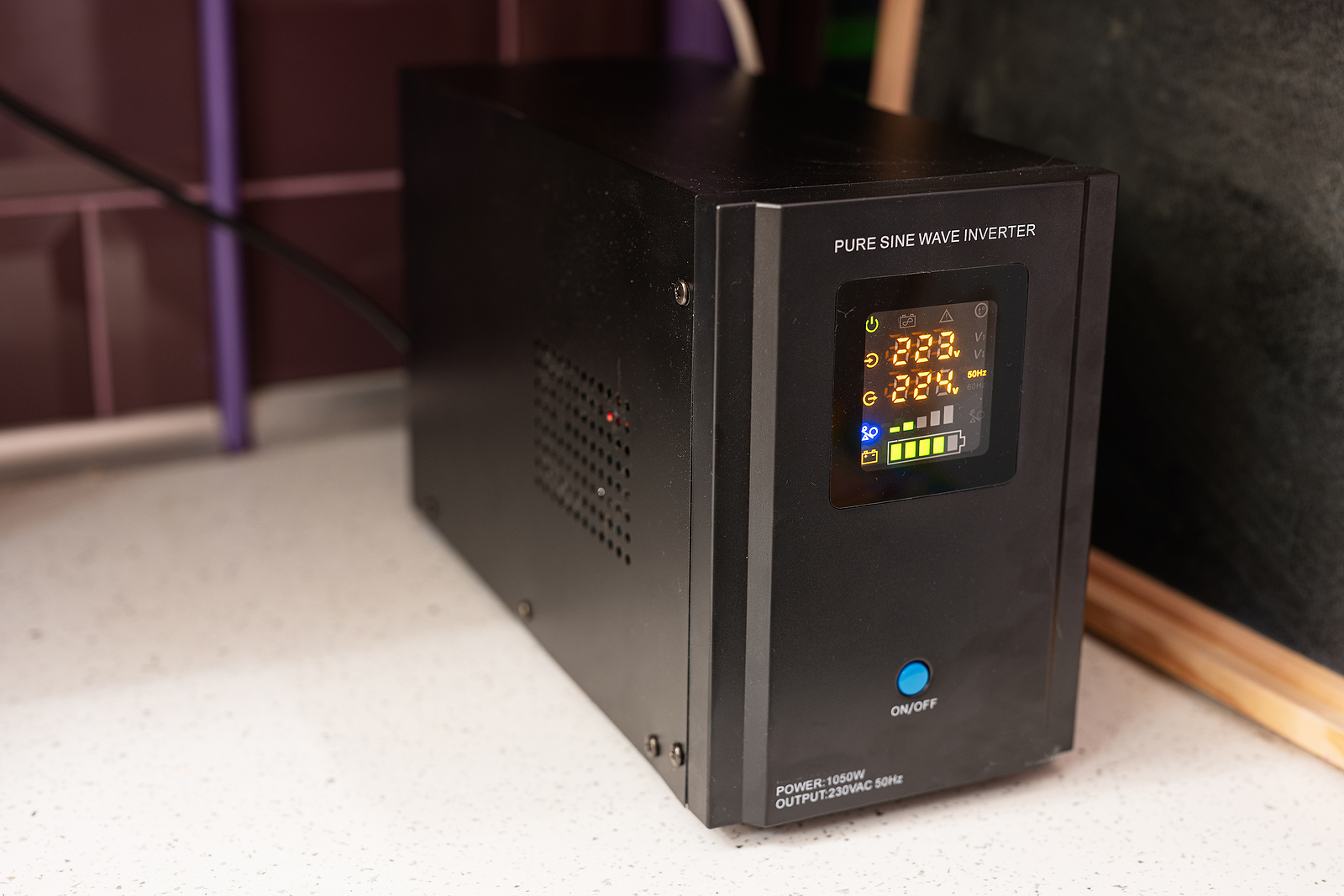
Alright, friend, let's talk about something that might sound a little... technical, but I promise we're going to make it fun, easy, and maybe even throw in a few bad jokes. We're diving into the wonderful world of how to size a UPS battery backup. Think of it as giving your precious electronics a superhero sidekick that kicks in when the power grid decides to take an unscheduled nap.
Ever been in the middle of an epic gaming session, writing the next great novel, or just chilling with Netflix, when poof – everything goes dark? Annoying, right? Not just annoying, but potentially disastrous for your unsaved work or delicate hardware. That's where a UPS (Uninterruptible Power Supply) swoops in, cape flapping, to save the day!
Why Bother Sizing? Isn't Bigger Always Better?
Well, sometimes, but not always with your wallet! You don't want to buy a monster UPS designed for a data center when all you need is something to keep your Wi-Fi alive long enough to finish that online order. And you definitely don't want one too small that throws its hands up in despair the moment it tries to power your fancy new gaming rig. It's all about finding that sweet spot, like perfectly toasted marshmallows.
Must Read
Step 1: Make a Hit List of Your Gadgets (The "What-If" Inventory)
First things first, grab a pen and paper (or a spreadsheet, if you're feeling fancy). List everything you want to keep running during a blackout. We're talking:
- Your desktop computer (the tower itself)
- Monitor(s)
- Modem and Wi-Fi router (essential for emergency cat video viewing!)
- External hard drives
- Maybe a small desk lamp?
- Your phone charger (because priorities)
- Perhaps even that mini-fridge for emergency snacks, if you're feeling ambitious and have a very large UPS in mind!
Don't just think about what you need to shut down safely. Think about what you might want to keep running for a short period. For example, your router and modem consume very little power and could give you internet access for much longer.
Step 2: Find the Power Hogs (It's All About the Watts!)
This is where the detective work begins! For each item on your list, you need to find its power consumption. We're looking for Watts (W), not just Volts (V) or Amps (A). Watts tell you the actual power something draws.
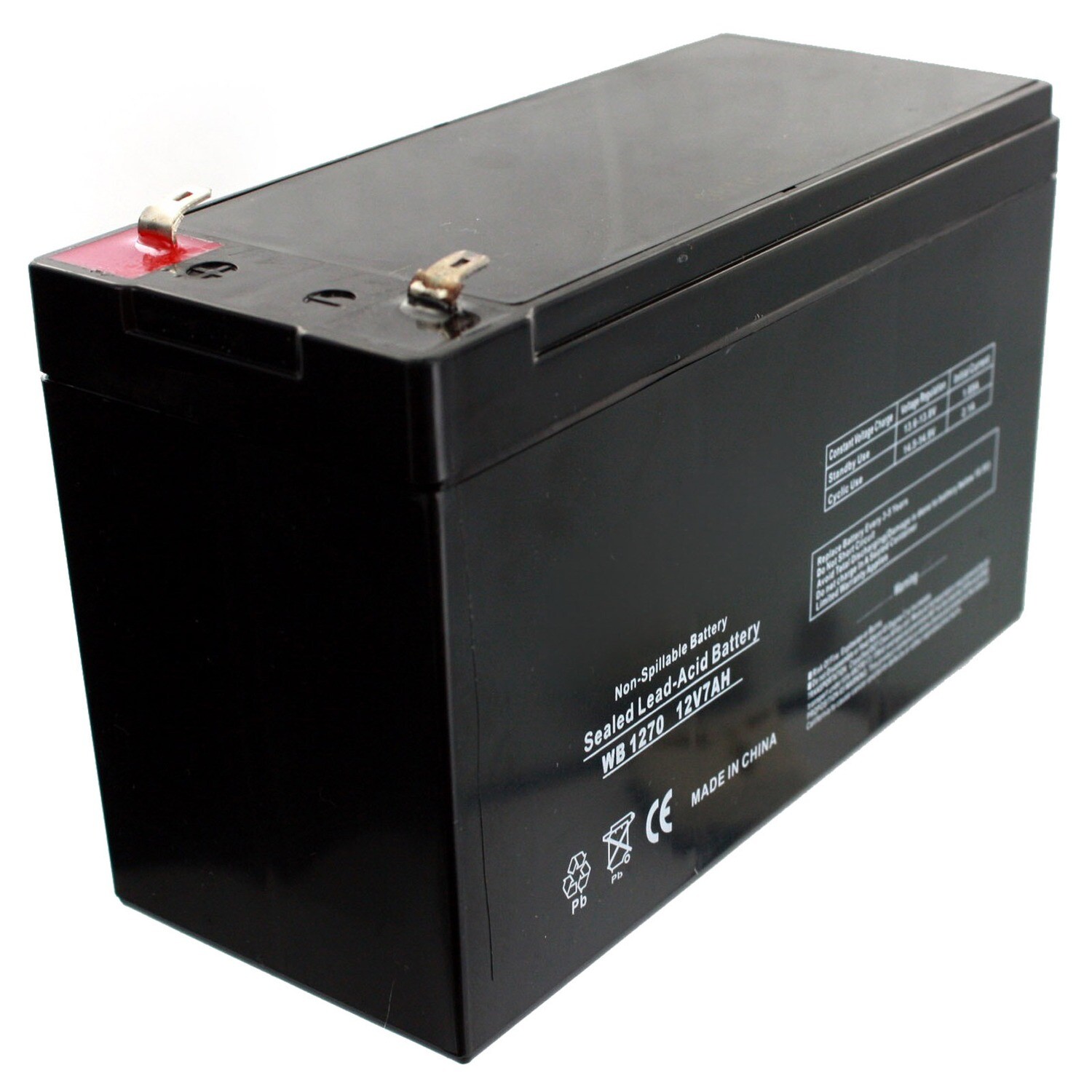
- Check the Device Itself: Many devices have a sticker on the back or bottom listing their power specs. Look for "Input," "Rated Power," or "Power Consumption."
- User Manuals: If the sticker is playing hard to get, dig out the manual.
- Manufacturer's Website: A quick Google search for "[device name] power consumption watts" usually does the trick.
If you only find Volts and Amps (e.g., 120V, 2A), you can estimate Watts by multiplying them together (120V * 2A = 240W). But try to find the actual Wattage first – it's more accurate. If you see a range (e.g., "100-240V"), just look for the Wattage.
Pro Tip: Often, device labels will show something like "120V~ 60Hz 1.5A." The "1.5A" is what you'd multiply by 120V to get a rough Wattage. But again, look for the 'W' first!
Step 3: Total 'Em Up! (Math, but the Easy Kind)
Add up all those Wattage numbers you just collected. This gives you your total Wattage load. Let's say your computer is 300W, monitor is 50W, router/modem are 20W combined. Your total is 370W. Easy peasy!
![Best Small Ups Battery Backup [Updated On: September 2025]](https://m.media-amazon.com/images/I/41JVA0citxL._SL500_.jpg)
Step 4: Understanding VA (The "Fancy" Number)
Okay, this is where it gets a smidge more complicated, but don't fret! UPS units are often rated in Volt-Amps (VA). Without getting too technical (because who wants that?), VA is often higher than Watts. The relationship between Watts and VA is called the "power factor."
For home use, a common power factor for electronics is around 0.6 to 0.7. So, if your total Watts are 370W, you'd divide that by a power factor (let's use 0.6) to get a rough VA estimate: 370W / 0.6 = ~617 VA.
Many modern UPS units list both their VA and Wattage capacity. When buying, make sure your total calculated Watts are less than the UPS's Wattage capacity, and your calculated VA (or a slightly higher estimate) is less than the UPS's VA capacity. Prioritize the Wattage capacity though – that's the actual power it can deliver.
Step 5: How Long Do You Need Power? (The "Runtime" Question)
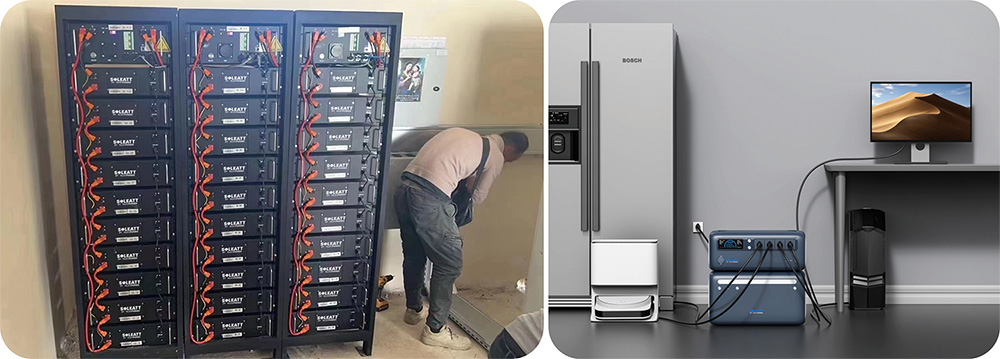
Do you need just 5 minutes to save your work and gracefully shut down? Or do you want to keep your Wi-Fi going for an hour to survive a short outage? This is your runtime. The higher your Wattage load and the longer you want things to run, the bigger (higher VA/Wattage) the UPS you'll need.
UPS manufacturers usually provide runtime charts based on the load. So, once you have your total Watts, you can check these charts to see what size UPS gives you the desired runtime. More powerful (higher VA/W) UPS units have larger batteries and will run things longer.
Step 6: Add a Buffer (The "Just In Case" Magic)
Always, always, always add a little extra! Think of it like buying a bigger carry-on bag than you think you need – you never know what souvenirs you'll pick up! Aim for a UPS that has about 20-25% more Wattage and VA capacity than your calculated total.
![Best Ups Battery Backup [Updated On: September 2025]](https://m.media-amazon.com/images/I/41lBJ4oYPfL._SL500_.jpg)
Why? Future upgrades, unexpected devices you forgot to list, and simply giving your UPS a little breathing room so it's not constantly maxed out. It also generally means slightly longer runtime, which is never a bad thing.
Bringing It All Together for Your Shopping Spree!
So, you've got your total Watts, a rough idea of your VA, and your desired runtime. Now, when you're looking at UPS units online or in a store, you'll see ratings like "APC Back-UPS Pro 1500VA / 900W."
- Make sure your total calculated Watts (plus your 20-25% buffer) is less than the UPS's Wattage rating (e.g., 900W).
- Make sure your estimated VA (plus buffer) is less than the UPS's VA rating (e.g., 1500VA).
- Check the manufacturer's runtime chart for that specific model to ensure it meets your desired duration for your calculated load.
And voilà! You're now a UPS sizing guru! No more blindly picking a box. You'll know exactly what you need to protect your digital life, keep your productivity flowing, and maybe even squeeze in a few extra minutes of Netflix during a power hiccup.
Conclusion: Power to the People (Literally!)
See? That wasn't so scary, was it? You've just equipped yourself with the knowledge to bring peace of mind to your tech setup. No more frantic saving when the lights flicker, no more losing that brilliant idea you just typed up. Your electronics will thank you, your data will be safe, and you, my friend, will be smiling because you're prepared for whatever unexpected electrical adventure comes your way. Now go forth and conquer those power outages!