How To Read Your Electric Meter
Ever looked at your electric bill and wondered, "How on earth do they come up with that number?" Well, get ready to become an energy detective! Learning to read your electric meter isn't just a party trick; it's a genuinely useful and empowering skill that puts you in the driver's seat of your home's energy consumption. It’s a bit like learning to read your car's odometer – once you know how, you gain a new level of understanding about something essential in your daily life, and honestly, it’s pretty fun to demystify something that once seemed so complicated.
So, who benefits from this little nugget of knowledge? For beginners, it's a fantastic first step towards understanding your monthly bill and seeing exactly how much electricity you're using. You can track your usage and avoid those shocking bill surprises. For families, it's a brilliant way to teach kids about energy conservation, helping them understand that leaving lights on truly impacts the meter. You can turn it into a game to identify "energy vampires" in your home and start saving some serious cash. Even for hobbyists or tech enthusiasts, knowing how to read your meter allows you to track the effectiveness of new energy-efficient appliances, solar panels, or even smart home routines. It’s all about gaining control and making smarter choices for your home and your wallet.
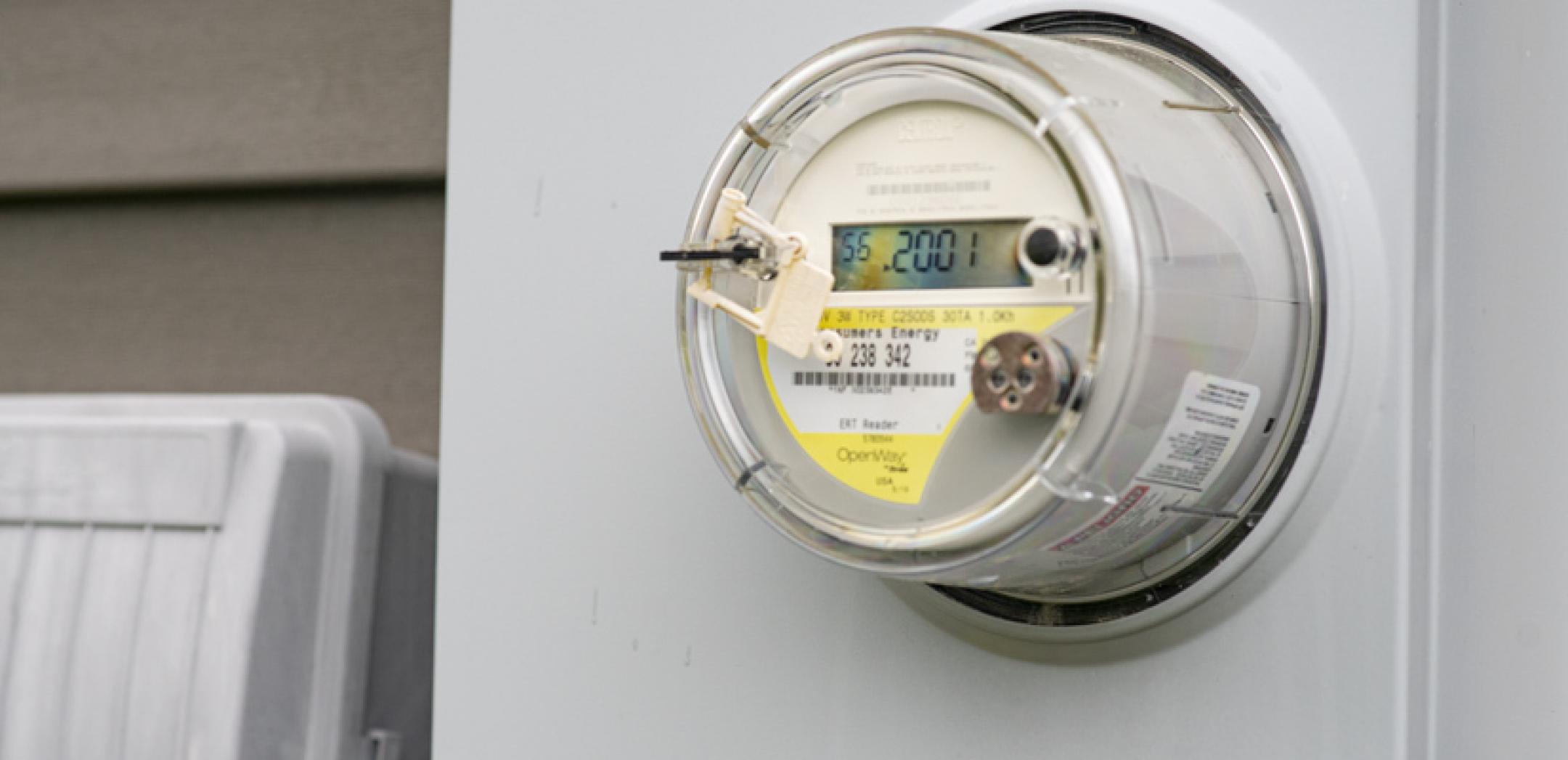
Before we dive into the "how," it's good to know there are a few variations. Most modern homes have digital meters, which are incredibly straightforward: they display a clear number, much like a car’s odometer. Older homes might still have analog meters, featuring a series of small dials. These look a little more intimidating but are actually quite simple once you know the trick. Some newer homes even have "smart meters" which send data directly to your utility company, but you can usually still read them yourself if you wish.
Must Read
Ready to get started? Here are some simple, practical tips:
- Locate Your Meter: Your electric meter is typically on an exterior wall of your home, often near the service entrance. Make sure it's safely accessible.
- Identify Your Meter Type: Is it digital with a clear number display, or analog with several small dials? This determines how you'll read it.
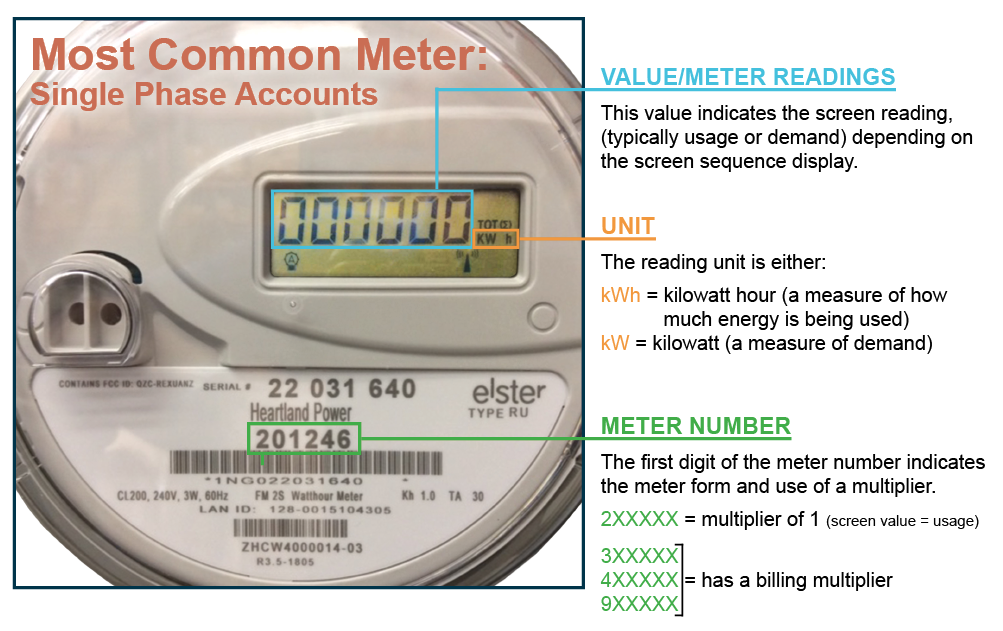
- Reading a Digital Meter: This is the easiest! Simply write down the number you see displayed. That’s your current reading in kilowatt-hours (kWh).
- Reading an Analog (Dial) Meter: This requires a tiny bit more attention. You'll see usually five dials, alternating between clockwise and counter-clockwise numbering.
- Read from left to right.
- For each dial, always read the number the pointer has just passed, even if it looks like it’s very close to the next number.
- If the pointer is exactly on a number, look at the dial to its immediate right. If the pointer on that right-hand dial has not yet passed zero, then use the lower number for the current dial. Otherwise, use the number it’s on. The general rule of thumb is to round down.
- Track Your Usage: Take a reading today, and then again in a week or a month. Subtract your previous reading from your current one to see how much electricity you've used in that period. You can then compare this to your bill!
- Safety First: Never tamper with your meter or attempt to open it. If you have any concerns or see exposed wires, contact your utility company immediately.
Learning to read your electric meter is a small step that brings a big sense of accomplishment. It’s incredibly satisfying to connect the numbers on your bill with the actual meter on your wall. So, go ahead, take a peek at your meter, and start your journey to becoming an energy-savvy homeowner. You might just find yourself saving money and feeling a little bit smarter about how your home runs!