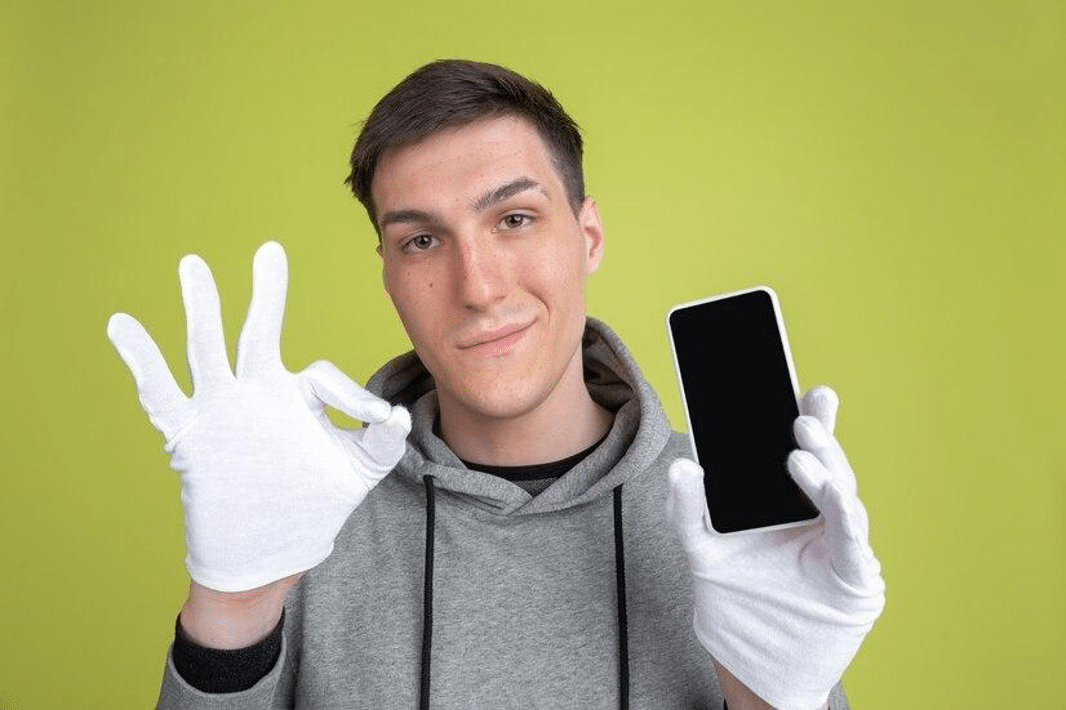
How To Make Your Phone Stay On Without Touching It

Let's face it, we've all been there. You're trying to follow a recipe while cooking, reading a fascinating article, or even just showing off a picture to a group, and your phone screen keeps stubbornly going dark. Ugh! The frustration is real. But fear not, tech-savvy friend, because today we're diving into the wonderful world of keeping your phone screen awake without constantly tapping it like a caffeinated hummingbird. It's a small problem, but the solution can bring a surprising amount of joy and convenience to your digital life.
So, why would you want to keep your screen on constantly? The reasons are numerous! Imagine you're using your phone as a makeshift music player at a party. Having to unlock it every few minutes is a total buzzkill. Or perhaps you're presenting something important and need your phone as a teleprompter. A dark screen isn't exactly professional, is it? Maybe you're just following a complex set of instructions – from building IKEA furniture (shudder!) to brewing the perfect cup of coffee – and you need the steps visible at a glance. The purpose is simple: to maintain constant visibility without the annoyance of repeated taps. The benefits? Increased convenience, improved productivity, and fewer moments of pure, unadulterated screen-related rage!
Now, for the fun part: the methods! The easiest and most common approach is to adjust your phone's auto-lock settings. This setting controls how long your phone waits before dimming and turning off the screen. You can usually find it under "Display" or "Lock Screen" in your phone's settings app. Simply increase the time to the maximum allowed, often around 10 or 30 minutes. While not technically "always on," it's a significant improvement and often all you need. Remember to change it back when you're done to save battery life!
Must Read
For those who want an even more hands-free experience, there are apps designed specifically to keep your screen awake. These apps often use your phone's front-facing camera to detect when you're looking at the screen, preventing it from dimming as long as you're paying attention. Others might use the accelerometer to sense movement, keeping the screen on when the phone is being held. Search your app store for terms like "screen awake," "stay awake," or "keep screen on." Read the reviews carefully before downloading anything, as some apps can be battery drainers or contain unwanted ads.

Finally, a few phones have built-in features that achieve a similar effect. For example, some Samsung devices have a "Smart Stay" feature that uses the front camera to detect your eyes and keep the screen on while you're looking at it. Check your phone's manual or online resources to see if it has any such hidden gems. Always be mindful of your battery life! Keeping your screen on constantly will drain your battery much faster than normal. Consider using a power bank if you know you'll need your screen on for an extended period.
So there you have it! Several simple yet effective ways to keep your phone screen on without lifting a finger (well, almost). Whether you're a recipe enthusiast, a presentation pro, or just someone who hates the dreaded screen timeout, these tips and tricks will help you conquer the darkness and embrace a brighter, more convenient mobile experience. Happy viewing!