How To Make Your Phone Charge Faster Iphone

Let's face it, we've all been there. Your iPhone is blinking that dreaded low-battery warning, you're about to head out the door, and you need a charge, like, yesterday. Luckily, juicing up your iPhone faster is totally achievable with a few simple tricks. Who wouldn't want to learn how to shave precious minutes off their charging time? It's like discovering a superpower for your phone!
The purpose of learning these techniques is pretty straightforward: to spend less time tethered to a wall and more time actually using your iPhone. Think about it – that extra 15 minutes you save could be used to answer that important email, finish that level on your favorite game, or just scroll through TikTok without the fear of your phone dying mid-video. The benefits are clear: more uptime, less anxiety, and a generally happier digital life!
So, how do we achieve this magical feat? Let's dive in:
Must Read
1. Airplane Mode is Your Best Friend: This is the easiest and arguably most effective trick. Switching your iPhone to Airplane Mode instantly cuts off all wireless communication - Wi-Fi, Bluetooth, and cellular data. All that background activity sucks up power, so by disabling it, you're telling your phone to focus solely on charging. It's like putting your phone into a power-saving coma, but in a good way!
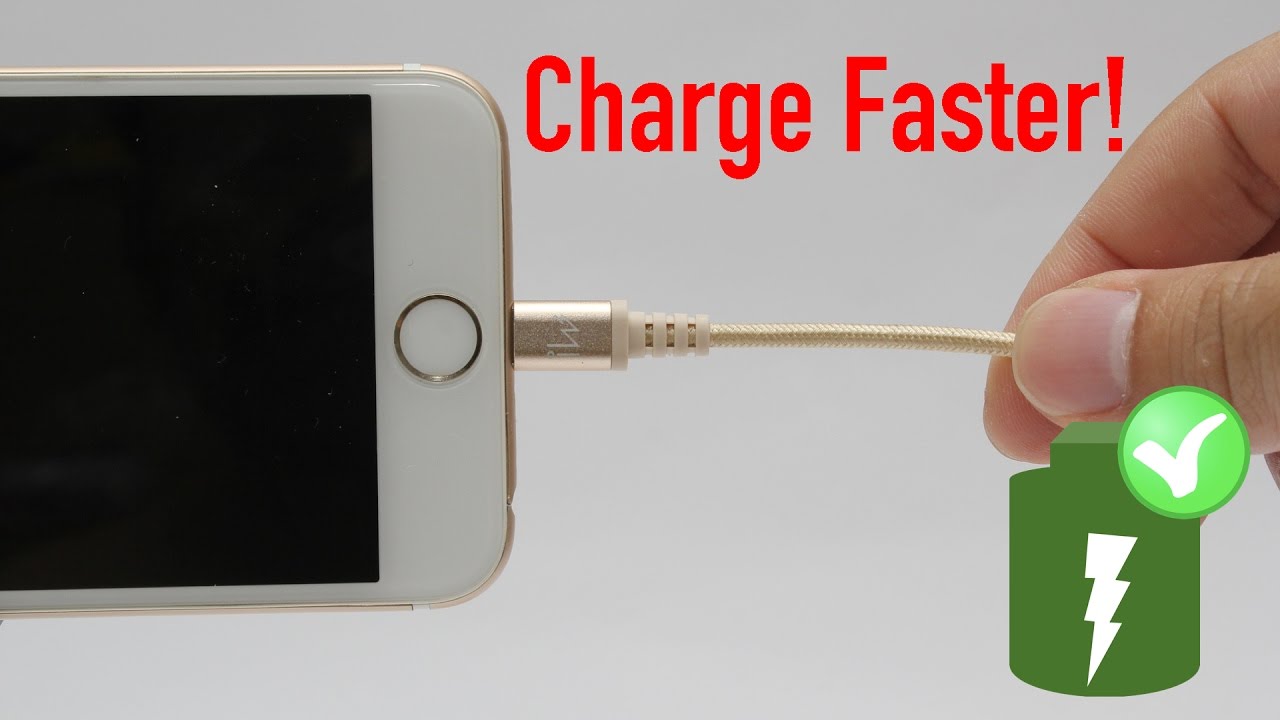
2. Use the Right Charger: Not all chargers are created equal. That old USB port on your computer is going to charge your iPhone much slower than a dedicated wall charger. Even better, use a higher wattage charger. iPads, for instance, often come with a more powerful charger. While iPhones come with a standard 5W adapter, you can safely use a 12W iPad charger or even a 20W USB-C Power Adapter for significantly faster charging. Just make sure it's a reputable brand to avoid any potential risks.
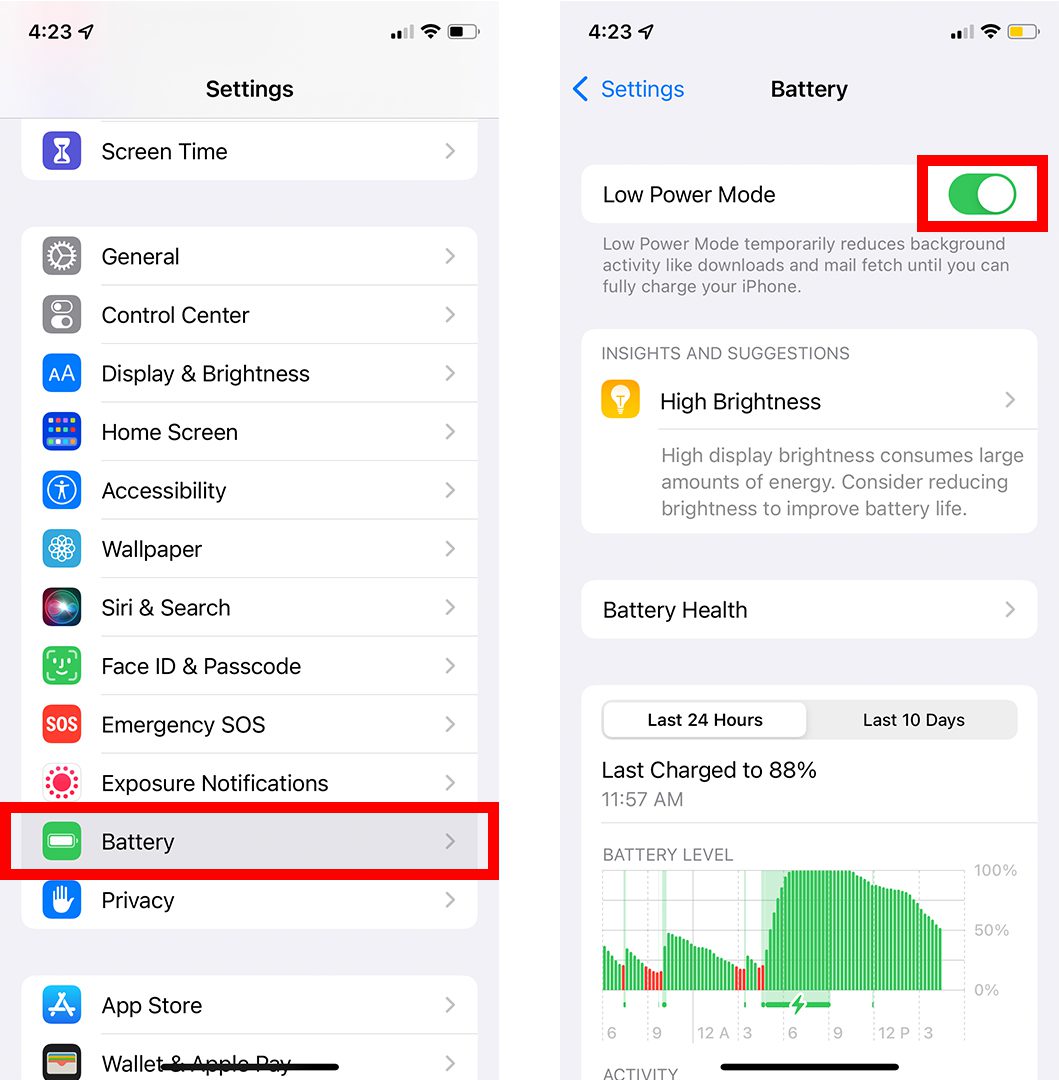
3. Say No to Wireless Charging (for now): Wireless charging is convenient, but it's generally less efficient than plugging directly into a wall. While the technology is constantly improving, for the fastest possible charge, stick to a wired connection. Think of it as a direct line of power versus a slower, more roundabout route.
4. Keep it Cool: iPhones don't like extreme temperatures, and charging in a hot environment can slow down the process or even damage the battery in the long run. Remove your phone case, if it's thick and trapping heat, and keep your phone out of direct sunlight while it's charging. Think of it as giving your phone a little spa day!
![How to Charge Your Phone Faster [For iPhone & Android] - Jackery Australia](https://cdn.shopify.com/s/files/1/0689/8470/1213/files/how_to_charge_your_phone_faster_with_8_ways.png?v=1714357817)
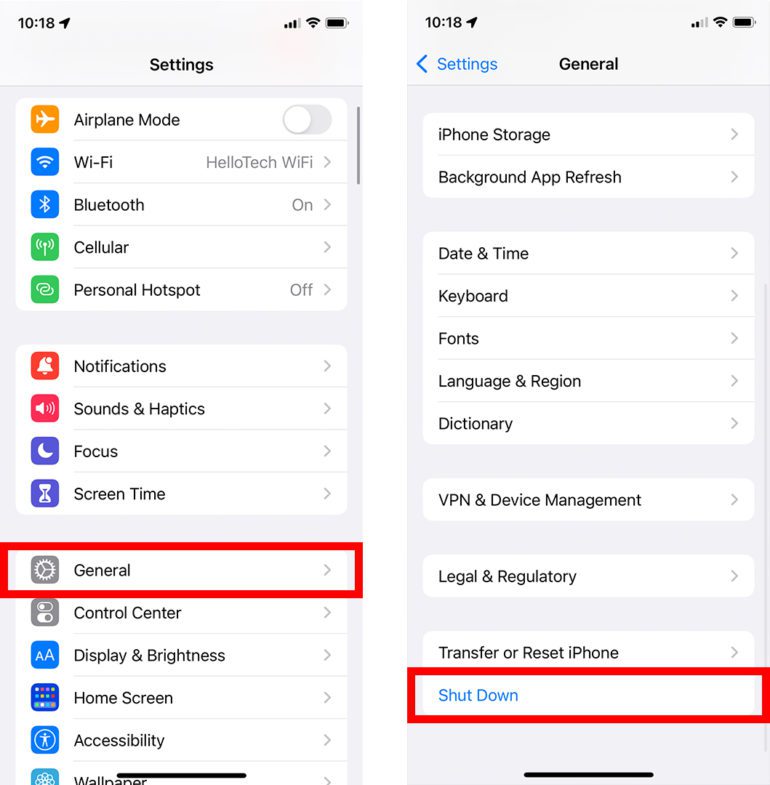
5. Optimize Your Settings: Disable background app refresh for apps you don't use frequently. This prevents them from constantly updating in the background, saving battery and improving charging speed. Also, turn off location services for apps that don't absolutely need them. Every little bit helps!
6. Power Down (Optional): If you really need to charge your iPhone as quickly as possible, consider turning it off completely while it's plugged in. This ensures that 100% of the power is going towards charging the battery, and nothing else.
So there you have it! A handful of easy ways to get your iPhone charging faster. Experiment with these tips and find what works best for you. Remember, a little planning and these simple adjustments can make a huge difference in getting your phone back in action quickly.