
How To Make Alexa Turn On Lights
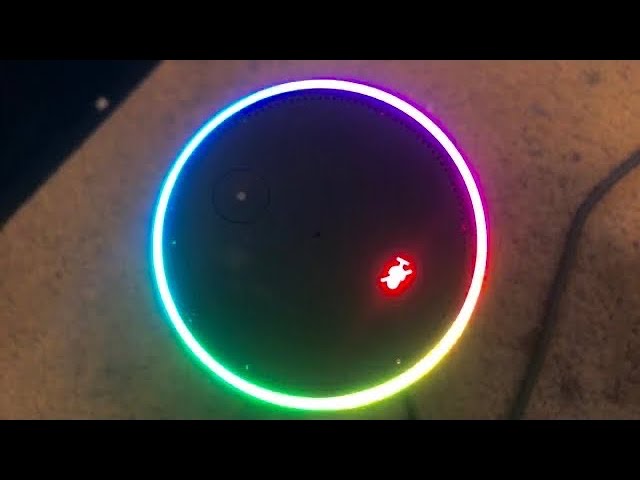
Imagine this: you waltz into a dark room, arms full of groceries or perhaps a sleepy toddler. Instead of fumbling for a light switch, you simply say, "Alexa, turn on the lights!" And just like that, the room brightens. No hands needed, no frantic searching. Pure magic, right?
This isn't science fiction anymore; it's everyday life for many, and it's surprisingly simple to set up. Getting your lights to obey your voice commands with Alexa is one of those little luxuries that feels incredibly futuristic, yet it’s totally within reach.
What makes it so special? It’s the instant gratification, the sheer coolness of it all. It transforms a mundane task into a delightful moment of technological wizardry. You feel like you've unlocked a secret power in your home.
Must Read
The Delight of Hands-Free Living
Think about all those times your hands are full. Maybe you're carrying a pile of laundry, or perhaps you're juggling a coffee mug and your phone. Bumping into furniture in the dark is a thing of the past.
With Alexa and your smart lights, those frustrating moments just disappear. It’s all about effortless control and reclaiming a bit of mental peace. It truly simplifies your daily routine.
And it's not just about convenience; it’s genuinely fun! There’s a playful satisfaction in telling your home what to do, and it instantly obeys. It never gets old, that feeling of vocal command turning on the light.
What You Need for the Magic
To start this exciting journey, you’ll need two main things. First, an Alexa-enabled device. This could be an Echo Dot, an Echo Show, or even a third-party speaker with Alexa built-in.
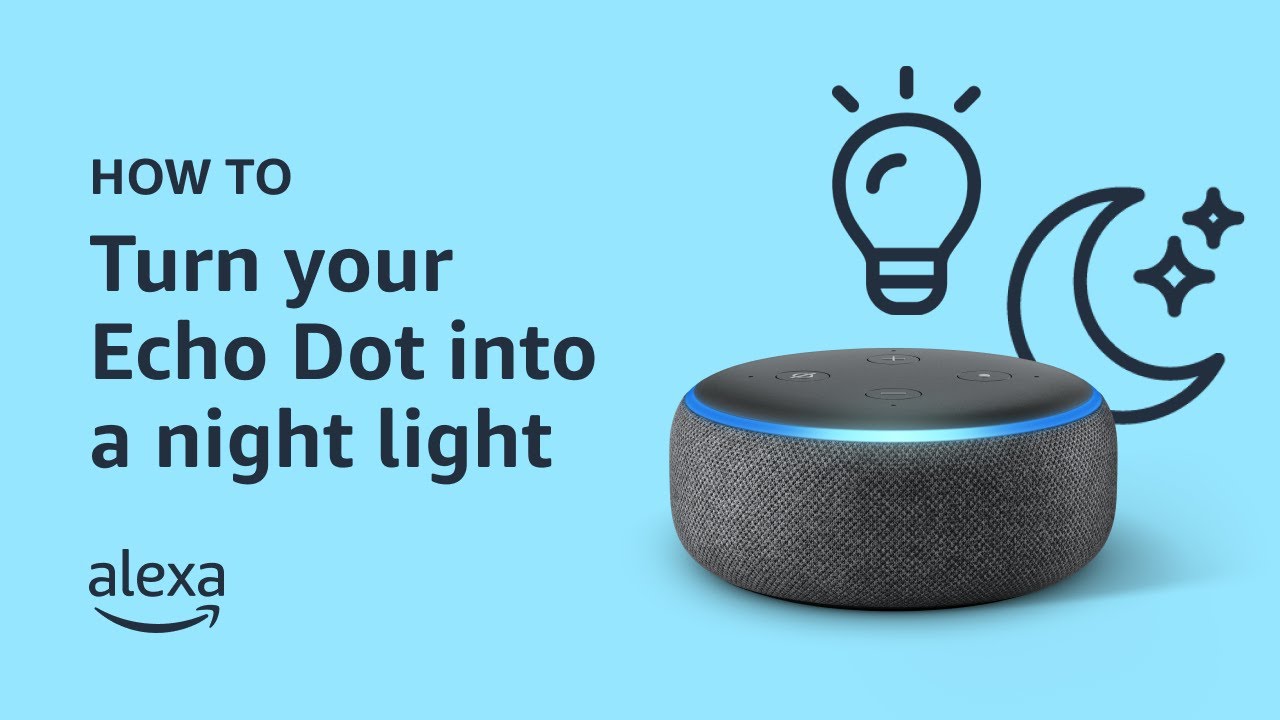
Second, you’ll need some smart light bulbs. These are special bulbs that can connect to your home's Wi-Fi. They look just like regular bulbs but hold a secret, smart power inside.
Many popular brands make these bulbs, and they’re widely available. You can find them at electronics stores or even your local supermarket. Setting them up is usually a breeze, often just screw them in and connect.
Setting Up Your Luminous Command Center
The actual setup process is much simpler than you might imagine. You screw in your new smart bulb just like any other light bulb. Then, you typically download the bulb's app on your smartphone.
The app will guide you through connecting the bulb to your home's Wi-Fi network. This step usually involves a few taps and maybe blinking the light a few times. It sounds quirky, but it works!
Once your smart bulb is connected, you open the Alexa app on your phone. From there, you just ask Alexa to "discover devices." She'll find your new smart bulb and welcome it into your smart home family.

You can then give your light a friendly name, like "bedroom lamp" or "kitchen lights." This makes it easy for Alexa to understand exactly which light you want to control. Simplicity is key here.
The Thrill of the First Command
This is the moment of truth, the grand reveal! Once everything is connected and named, stand in front of your Alexa device. Take a deep breath and prepare for the wonder.
Then, in your clearest voice, say something like:
"Alexa, turn on the bedroom lamp."Or, "Alexa, lights on." You’ll hear her familiar chime, and then, poof! The light turns on.
It's a genuine moment of delight. That little burst of light, commanded by your voice alone, feels incredibly satisfying. You'll probably do it a few more times just for the sheer joy of it.
Showing it off to friends and family is also part of the fun. Their reactions, ranging from "Whoa!" to "How did you do that?", are priceless. You'll feel like a tech magician, truly.

Beyond Simple On and Off
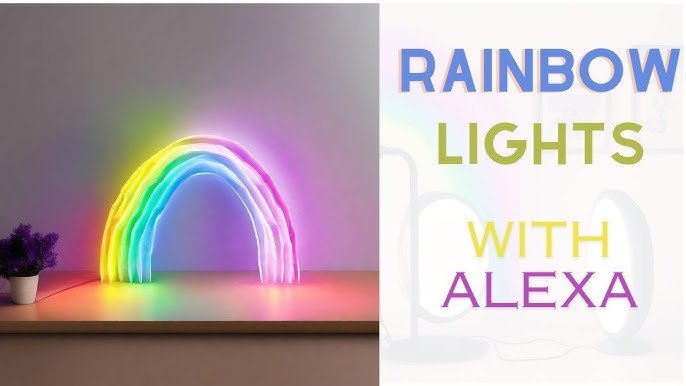
The fun doesn't stop at just turning lights on and off. Smart lights often offer a spectrum of possibilities. Many can change colors, letting you set the mood for any occasion.
Imagine a movie night with the lights dimmed to a soft blue, or a party with vibrant, flashing colors. You can say, "Alexa, set the living room lights to party mode!" and watch the magic unfold.
You can also set up routines. For example, "Alexa, good morning" could turn on your bedroom lights gradually, like a gentle sunrise, and start your coffee maker. Waking up has never been so smooth.
Going to bed becomes easier too. With a simple, "Alexa, goodnight," all the lights in your home can turn off. No more trekking around the house to hit every switch before settling in.
Why It's a Game Changer
This simple ability to control your lights with your voice changes your interaction with your home. It’s not just a convenience; it's an enhancement to daily living, making things smoother and more enjoyable.
It adds an element of safety, too. If you're away, you can schedule lights to turn on and off, making it seem like someone is home. Or, if you hear a bump in the night, you can instantly light up an area.
For those with mobility challenges, voice control is a true godsend. It offers independence and ease that traditional switches simply cannot. This technology genuinely helps people.
Ultimately, making Alexa turn on your lights is an introduction to the broader world of smart home technology. It's an easy, rewarding first step that can open your eyes to all sorts of future possibilities.
So, why not give it a try? Pick up an Echo Dot and a couple of smart bulbs. Experience the magic for yourself. You might just find yourself wondering how you ever lived without it.
The future of home control is not just about gadgets; it's about making your life a little easier, a little more fun, and a lot more amazing. Let Alexa light up your world, one voice command at a time.