
How To Make A Photo Into A Circle

Ever feel like your photos are just...square? A bit boring, maybe? Well, get ready to shake things up! Let's explore a fun way to transform your ordinary images into eye-catching circles.
It's surprisingly simple. And the results? Totally cool!
Round and Round We Go: Your Photo Transformation
First, find a photo. Pick one you love! It could be a picture of your pet, your favorite landscape, or even a silly selfie. The choice is yours!
Must Read
Next, you'll need a photo editing app or website. Don't worry, you don't need to be a pro! There are tons of free and easy-to-use options out there.
Option 1: Online Editors – Quick & Easy
Several websites let you crop photos into circles instantly. Just upload your image. Then, select the circle crop tool. Adjust the circle to fit the part of the image you want to keep. Download your brand-new circular masterpiece!
Many of these online tools also let you adjust the size. You can also adjust the position of the circle. Experiment to get the perfect crop.
Consider using Canva or PicMonkey. These are great if you want to add text or other design elements too.

Option 2: Apps – On-the-Go Fun
Prefer editing on your phone or tablet? No problem! There are plenty of apps for that. Download one that you like. Many photo editing apps have a "shape crop" or "mask" feature.
Look for apps like PicsArt or Snapseed. They offer a lot of flexibility. It's a fantastic way to create images quickly on the go.
Open your photo in the app. Choose the circle shape, and adjust its size. Position it just right, and tap to crop! You'll have a circular photo in seconds.
Option 3: Software – For the Power User
Want more control? Then desktop software is the way to go. Programs like Adobe Photoshop or GIMP (which is free!) offer advanced editing capabilities. But, it can be a bit more complex.
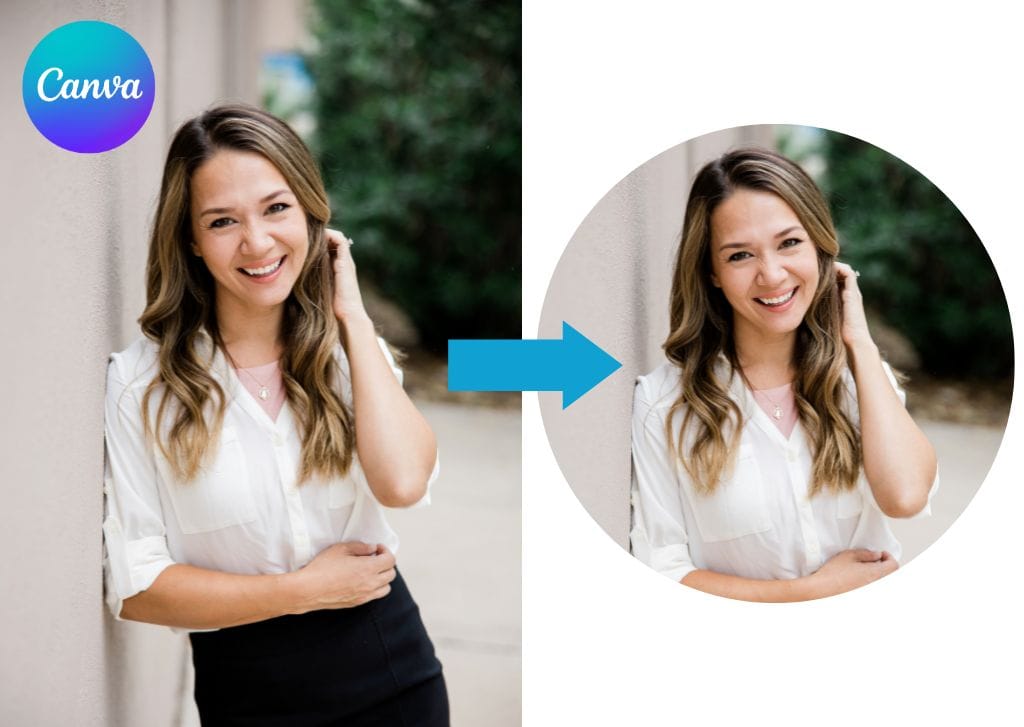
Import your photo into the software. Use the elliptical marquee tool to create a perfect circle selection. Then, inverse the selection and delete the outer area. That leaves you with just the circle!
This method requires a bit more technical skill. The results can be stunning with the control you are getting!
Why Circles? Why Now?
So, why bother making your photos circular? Well, it's all about adding a unique touch. Circles soften the edges. They draw the eye to the center of the image. The result is something special!
Circular photos look great as profile pictures. Think about using them in social media posts. Also, consider using them on your website or blog. They add a touch of whimsy. They can really make your content stand out!

Experiment with different photos. Try cropping faces, landscapes, and even abstract patterns. See how the circle changes the way you perceive the image. It's a fun and creative exploration!
Beyond the Basics: Creative Ideas
Don't stop at just cropping! Add borders to your circular photos. Use contrasting colors to make them pop. Create a collage of circular images. The possibilities are endless!
Try adding a subtle shadow effect. This can give your circular photo a 3D look. Consider using circular photos for print projects, like stickers or magnets.
Think about creating a series of circular portraits of your friends and family. This is a unique and personal gift. It is something they will cherish for years to come.
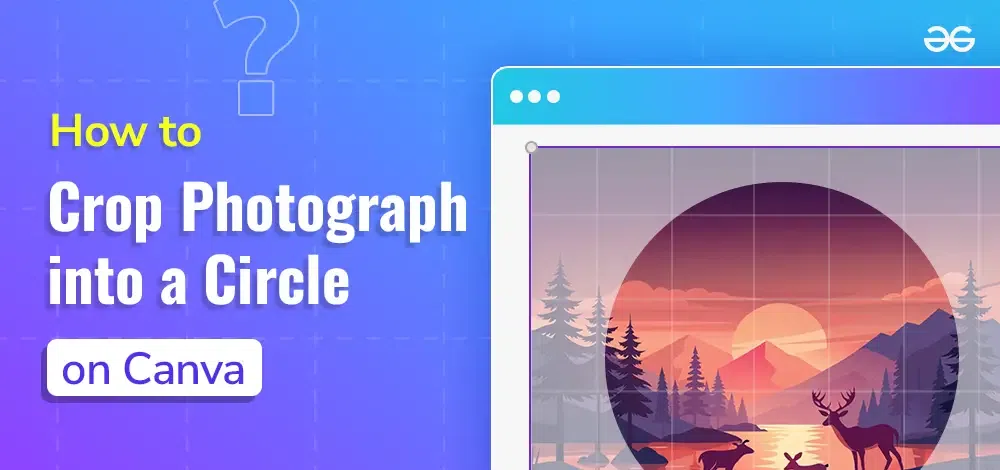
Consider using your circular photos in digital scrapbooks. It's a great way to add a creative touch to your memories.
So, there you have it! Turning a photo into a circle is easy. It's fun. And it's a fantastic way to add a little personality to your images.
Grab your favorite photo. Give it a whirl. You might just surprise yourself with the amazing results. Go ahead and experiment!
Have fun creating your own circular masterpieces! And remember, the only limit is your imagination. Let your creativity shine! Enjoy the process.