
How To Know If Your Tv Is Smart

Ever look at your television and wonder if it's silently judging your binge-watching habits? Or perhaps, if it's hiding some secret superpowers just waiting to be unleashed? Well, let's embark on a fun little quest to discover if your humble TV set is actually a sophisticated, internet-connected genius hiding in plain sight!
Gone are the days when a TV just showed channels. Today, many of them are like little computers disguised as sleek entertainment hubs. They've got brains, they've got apps, and they're ready to party!
So, grab a comfy seat and let's unravel the mystery. Is your TV a dazzling rocket scientist, or is it more of a charming, old-school bookworm? Let's find out together!
Must Read
The Remote Control: Your First Clue!
Take a long, hard look at your TV remote. Does it have more buttons than a typical spaceship console? This little plastic rectangle is often the first giveaway of a TV with a secret identity.
Are there dedicated buttons for services like Netflix, Hulu, Disney+, or YouTube? If you see these little shortcut buttons, congratulations, you're holding a potential magic wand!
Even better, does your remote have a tiny microphone symbol or a button that says "Voice"? If you can talk to your remote, you're definitely in the smart zone. Your TV has ears!
This isn't just a channel flipper anymore; it's a direct portal to your digital kingdom!
If your remote is simpler than a doorknob, don't despair just yet. Some smart TVs hide their brilliance until you press a certain button, usually labeled "Home" or "Smart Hub."
A World of Apps, Right on Your Screen
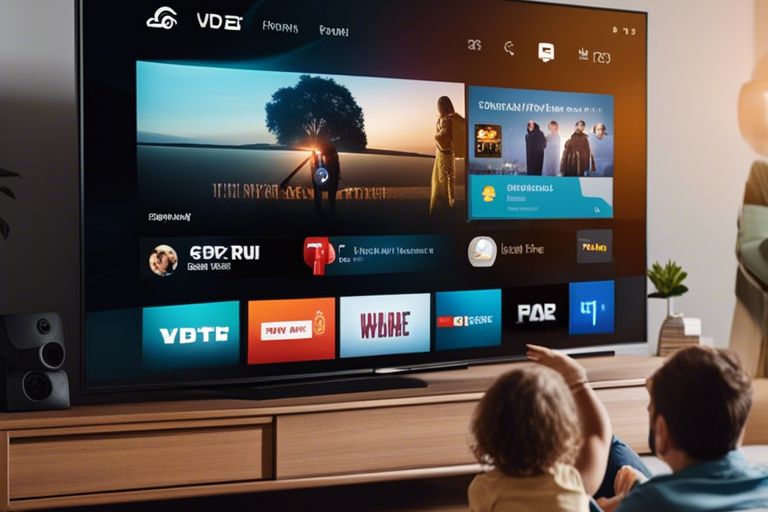
Now, power on your TV. What happens when you hit that "Home" or "Menu" button? Do you see a beautiful, colorful screen filled with little icons, just like your smartphone or tablet?
Are there pre-installed apps for streaming services? Think Netflix, Prime Video, HBO Max, or even music apps like Spotify. If your TV greets you with a vibrant app gallery, it's definitely got a mind of its own!

Even more tellingly, can you browse an "App Store" or "Content Store" right from your TV? This is the clearest sign that your TV isn't just a screen; it's a fully-fledged media platform.
Your TV is basically a giant, living room-sized tablet! Who knew it was so ambitious?
This means you can download new apps, play games, and explore a universe of entertainment without needing any extra gadgets plugged in. It's all built right into the system.
If your TV only shows basic inputs and channel lists, it might be more of a classic model. But don't worry, there's still a chance for discovery!
The Wonderful Web of Wi-Fi
How does your TV get all those apps and streaming goodness? Through the internet, of course! Just like your phone or computer, a smart TV loves to connect to your home Wi-Fi network.
Navigate through your TV's settings menu. Can you find an option for "Network" or "Wi-Fi Settings"? If you can see a list of available Wi-Fi networks, then your TV has a digital antenna ready for action!
You might even spot an Ethernet port on the back of your TV – that's a spot where you can plug in an internet cable directly. Both Wi-Fi and Ethernet are clear indicators that your TV is internet-enabled and therefore, smart!
It's got a brain, and it desperately wants to connect to the global consciousness!
A non-smart TV simply doesn't have the internal hardware or software to manage an internet connection. It’s like a car without an engine; it just won't go online.
Talking to Your TV: The Future is Here!
Remember that microphone button on your remote? If you press it and your TV prompts you to speak, or better yet, actually responds to your voice commands, then your TV is not just smart, it's practically futuristic!
Try saying something like, "Hey TV, open Netflix," or "Find movies with talking animals." If it understands and takes action, your TV is a conversational genius!
Many modern smart TVs are integrated with virtual assistants like Google Assistant or Amazon Alexa. This means your TV can do more than just play shows; it can tell you the weather, set timers, or even control other smart home devices.
"Hey TV, play my favorite documentary about squirrels while I make popcorn!" It's like having a personal butler for your entertainment needs.
Voice control makes navigating menus and finding content incredibly easy and hands-free. It’s a truly magical experience that elevates your viewing fun to new levels.
Casting Spells: From Phone to Big Screen
Have you ever been browsing a funny cat video on your phone and thought, "This really needs to be on a 60-inch screen"? If you can wirelessly send content from your phone or tablet directly to your TV, then you have a smart TV on your hands!

Look for terms like Chromecast built-in, AirPlay, or Screen Mirroring in your TV's features or settings. These technologies allow your TV to wirelessly receive content from your other devices.
It means no more huddling around a tiny phone screen to show off vacation photos! Just tap a button on your device, and poof, it appears on the big screen for everyone to enjoy.
It’s like your TV has a special magnet that pulls fun from your phone right onto its giant face! No messy wires required.
This seamless integration with your mobile devices is a hallmark of a truly smart entertainment system. It bridges the gap between your personal content and your main viewing hub.
What's In A Name? (The Brand Clue)
Sometimes, the smartness of your TV is literally in its name! Take a look at the model number or branding on the TV itself, or on its original box if you still have it.
Does it say Samsung Smart TV, LG webOS TV, Sony Google TV, Hisense Roku TV, or Amazon Fire TV? These specific names are clear, screaming indicators that your TV is indeed a smart one.
Manufacturers often highlight their smart platforms right in the product name. It's like a secret handshake that tells you, "Welcome to the future of television!"
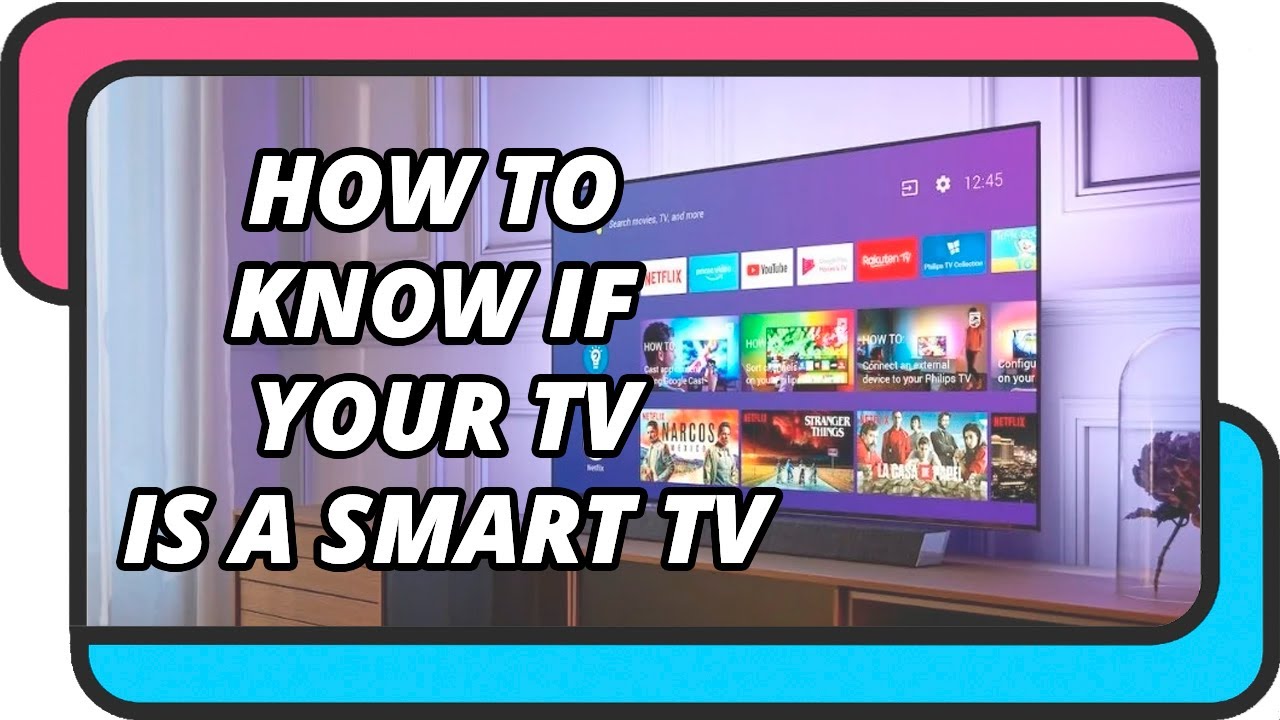
If it has "Smart," "Roku," "Google," or "Fire" in its title, you've definitely hit the intelligence jackpot!
Even if it just says "UHD" or "4K," many modern 4K TVs automatically come with smart features as standard. It’s becoming increasingly rare to find a brand-new, non-smart 4K television.
The Grand Reveal: Why Being Smart Is Awesome!
So, have you uncovered a technological marvel in your living room? If your TV ticks several of these boxes, then congratulations, you're the proud owner of a Smart TV!
This isn't just about showing off; it's about incredible convenience and a whole new world of entertainment at your fingertips. No more fumbling with multiple devices, dongles, or cables!
Your smart TV simplifies your entertainment life, bringing endless movies, shows, music, and even games directly to your biggest screen. It's like having a personal entertainment curator, always ready to serve up something exciting.
Embrace the apps, talk to your remote, and enjoy the effortless streaming. You're living in the future of television, where your TV is not just a box, but a lively, connected, and incredibly clever companion!
Feel good about your TV, because it’s doing a lot more than just showing you the news. It’s a portal to joy, discovery, and endless good times!