How To Know If Tesla Is Charging
There's a special kind of thrill that comes with owning a Tesla – the futuristic design, the instant torque, and of course, the quiet hum of electric power. But for many, especially those new to the EV world, there's often a lingering question that pops up right after you plug it in: "Is it actually charging?" It’s a totally natural curiosity, and frankly, a pretty important one! Knowing with confidence that your Tesla is replenishing its energy isn't just a fun little fact; it’s a cornerstone of worry-free electric vehicle ownership, helping you banish that infamous range anxiety and truly embrace the EV lifestyle.
The primary purpose of knowing your Tesla's charging status is, quite simply, to ensure you're getting power when you expect it. The benefits are immense, offering genuine peace of mind. Imagine waking up to a fully charged car, ready for your day's adventures, rather than discovering it never started charging overnight. This understanding also helps you optimize your charging habits, ensuring battery longevity by avoiding unnecessary deep discharges or confirming successful charging at public stations. It transforms a potentially confusing process into a seamless part of your daily routine, empowering you with real-time feedback about your car's most vital resource.
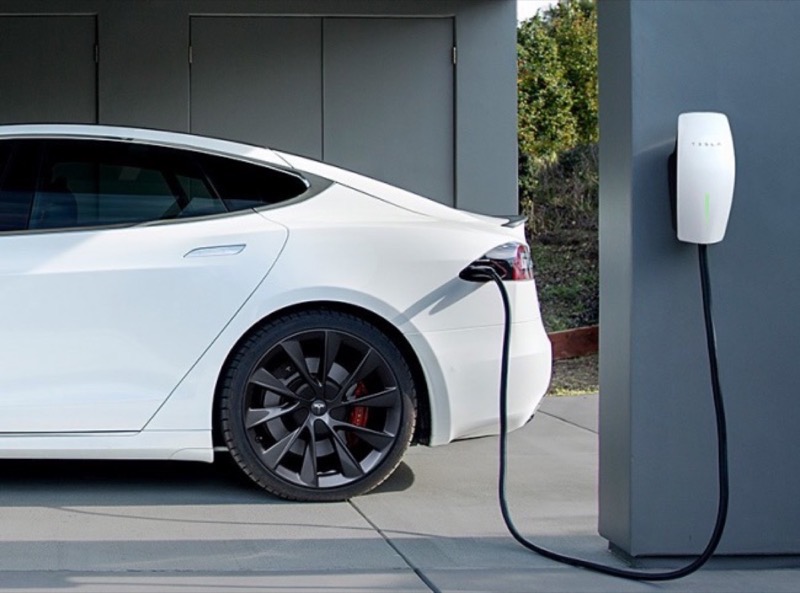
In daily life, this knowledge is invaluable. Picture this: you pull up to a public Supercharger, plug in, and want to quickly verify it's working before you head off for coffee. Or perhaps you’ve just installed a home wall connector and want to confirm it’s correctly interfacing with your new vehicle. For educational purposes, understanding these indicators offers a mini-masterclass in EV ownership. It teaches you to interpret your car's visual and digital cues, making you a more informed and confident driver. It's about learning the silent language of your Tesla, from the subtle glow of a port light to the on-screen digital readouts, making it a crucial skill for new owners and an interesting exploration for seasoned EV enthusiasts.
Must Read
So, how do you explore this fascinating aspect of Tesla ownership? Luckily, there are several straightforward ways to confirm your car is happily guzzling electrons. First up is The Big Screen inside your Tesla itself. Once plugged in, the main display will clearly show a charging icon, often with the estimated time remaining, charging rate, and current battery percentage. It's the most comprehensive source of information. Next, there’s the Tesla Mobile App. This incredibly handy tool allows you to monitor charging progress from anywhere, receive notifications when charging starts or stops, and even schedule charging. It's like having your car's pulse at your fingertips!
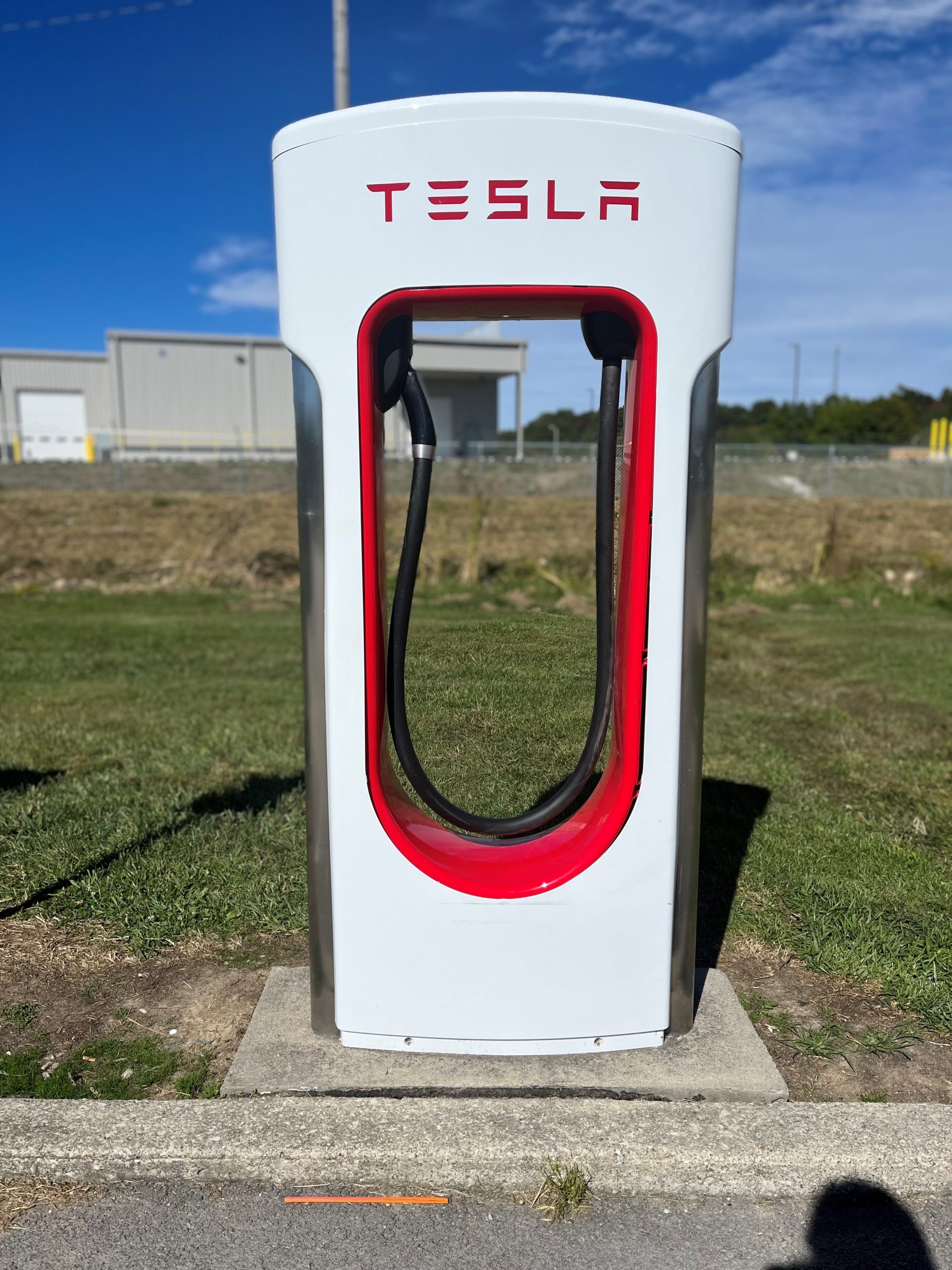
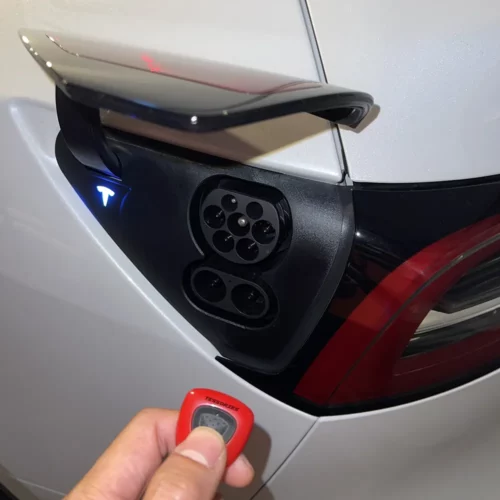
Don't overlook the simpler, more tactile cues either. The Charging Port Light is a quick visual indicator right on the car itself. When charging, it typically pulses green; a solid green means it's fully charged, and other colors can indicate different statuses or issues. You might also hear a satisfying Click! as the charger locks into place, a subtle but reassuring sound. Pay attention to your car's dashboard lights, too, as some models will display a small charging icon. Lastly, observe the charger itself – many public and home charging stations have their own indicator lights that confirm power flow. By combining these tips, you'll not only confirm charging but also gain a deeper understanding of your EV, making every journey a little more informed and a lot more enjoyable.