
How To Get Water Out Of Charging Port Iphone

Oh, the dreaded water-in-the-charging-port scenario. It's happened to the best of us. You're at the beach, caught in a sudden downpour, or maybe just a little too enthusiastic during a spontaneous water balloon fight. Suddenly, your iPhone is flashing warnings, refusing to charge, and generally staging a mini-meltdown. Don't panic! Before you resign yourself to a tech-less evening, let's explore some easy-breezy ways to evict that unwanted aquatic guest.
The Initial Assessment: Is It Really Wet?
First things first, are you sure it's water? Sometimes, a rogue piece of lint or pocket debris can mimic the "Liquid Detected" warning. Take a close look at the port. Use a flashlight or even your phone's camera zoom (ironic, we know!) to get a good view. If you see actual droplets, or if the warning persists despite a visual all-clear, then yep, you've got a moisture problem.
Important: Ignore that initial urge to jam your charging cable in and hope for the best! That's a recipe for short-circuit disaster. Patience, young Padawan. Patience.
Must Read
Step-by-Step Water Removal: Gentle Does It
Now for the main event! Here's your toolkit of non-invasive techniques to coax that water out:
- Gravity is Your Friend: Hold your iPhone with the charging port facing down. Give it a gentle shake or tap. Think of it as a tiny, tech-savvy maraca. Sometimes, gravity is all you need for a quick fix.
- The Compressed Air Assist: A can of compressed air (the kind you use for cleaning keyboards) can be your secret weapon. Aim short bursts of air into the port. Don't hold the can too close, as that can actually introduce moisture. We're trying to remove water, not add to the problem!
- The Patience Game: Sometimes, the best solution is simply… waiting. Leave your iPhone in a dry place, with the charging port facing down, for several hours, or even overnight. Time is a surprisingly effective de-watering agent.
- The Rice Myth: Debunked! You've probably heard the old "bury it in rice" trick. While rice can absorb moisture, it's not as effective as you might think, and it can even introduce dust and starch into the port, creating more problems than it solves. Think of it like trying to unclog a drain with glitter – appealing in theory, disastrous in practice.
Pro Tip: After any of these methods, gently wipe around the charging port with a clean, lint-free cloth. Microfiber cloths are perfect for this.
When to Seek Professional Help
If you've tried these methods and your iPhone is still stubbornly refusing to charge, it's time to consider professional help. Continuing to force the issue could cause permanent damage. Apple Support or a reputable phone repair shop can assess the situation and provide more advanced drying or repair options.
Think of it like this: you wouldn't try to perform surgery on yourself, would you? Sometimes, it's best to leave it to the experts.

Prevention is Key: A Few Smart Habits
Okay, so you've survived the waterlogged iPhone crisis. Now, let's talk prevention. A few simple habits can significantly reduce your risk of future aquatic encounters:
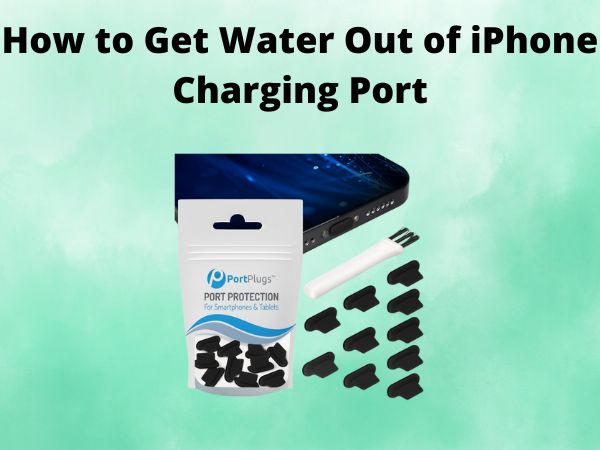
- Waterproof Cases: Invest in a good quality waterproof case, especially if you're frequently around water. Think of it as a tiny, stylish raincoat for your phone.
- Be Mindful: Pay attention to your surroundings. Avoid using your phone near sinks, pools, or in heavy rain. Common sense goes a long way!
- Know Your Phone's Limits: While some iPhones have a degree of water resistance, they're not invincible. Check your phone's specifications to understand its limitations.
Fun Fact: Did you know that the "Liquid Contact Indicator" (LCI) inside your iPhone changes color when it comes into contact with water? It's like a tiny, built-in lie detector for moisture!

Bonus Tip: Consider using wireless charging to minimize wear and tear on your charging port. Plus, it's just plain convenient.
A Final Thought: The Art of Letting Go (Of Tech Anxiety)
In our hyper-connected world, a malfunctioning phone can feel like a major crisis. But remember, it's just a device. Taking a break from technology, even forced upon you by a little water, can sometimes be a blessing in disguise. Use the opportunity to connect with the world around you, read a book, or simply enjoy a moment of peace. After all, life is too short to stress over a damp charging port. Now, go forth and conquer (but maybe keep your iPhone away from the pool this time!).
