How To Edit 3d Printer Files

Ever stared at a super cool 3D model online and thought, "Oh, if only it were a little bit bigger... or had a tiny hook... or perhaps a secret compartment for my emergency snacks?" Well, buckle up, buttercup, because you're about to discover the absolute joy of editing 3D printer files! It's not some mystical dark art practiced by bearded wizards in dimly lit rooms; it’s more like playing with digital LEGOs, but with infinite possibilities and way fewer missing pieces under the couch.
Think of it this way: you’ve got a fantastic blueprint for a miniature castle. But what if you wanted to add a tiny moat? Or make the drawbridge actually move? Or maybe, just maybe, you want to put a tiny flag on top that says, "Property of ME!" Editing 3D files lets you unleash your inner digital architect, sculptor, and mad scientist all at once. It's the ultimate superpower for anyone with a 3D printer, transforming you from a mere downloader of dreams into a creator of custom masterpieces.
Your Digital Toolbox: Where the Magic Happens
First things first, you need a playground. And luckily, there are some incredibly friendly places to start your editing adventure. Our absolute favorite for beginners is a little wonder called Tinkercad. Imagine a cheerful, browser-based wonderland where shapes are your building blocks, and your mouse is your magic wand. It's free, it’s intuitive, and it makes you feel like a genius even if you’re just stretching a cube. Seriously, it's so easy, your grandma could probably design a custom teacup cozy on it (if she were into that sort of thing, which she absolutely should be!).
Must Read
For those who feel a bit more adventurous later on, there are giants like Fusion 360 or Blender. These are like moving from finger painting to oil canvases, offering incredible depth and power. But for now, let's keep our feet firmly in the fun-puddle of Tinkercad. It's like learning to ride a bike with training wheels before attempting a unicycle on a tightrope.
Unleash Your Inner Architect: What Can You Actually Do?
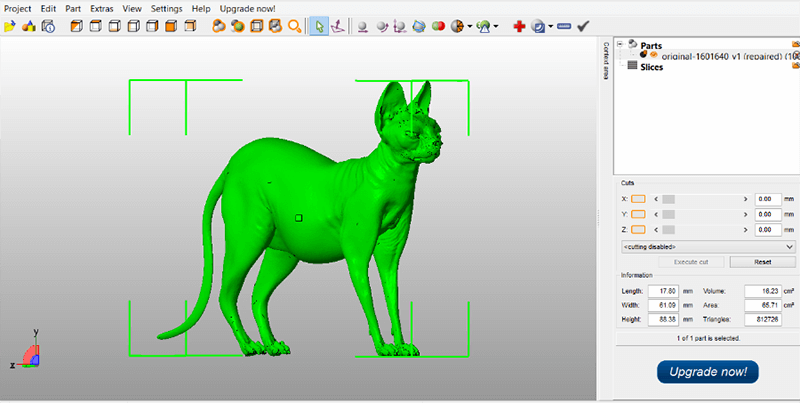
Alright, you’ve opened your STL file (that's the common file type for 3D models, think of it as the universal language of 3D printing) in your chosen editor. Now what? Prepare to feel powerful!

1. Scale it Up (or Down!): Ever printed something only to find it's either adorably tiny or hilariously oversized? No problem! You can grab that model and simply stretch it or shrink it. Want a giant rubber duck that doubles as a pool float? You got it! Need a miniature version of the Eiffel Tower to fit in a gumball machine? Piece of cake! It’s like having a digital resize button for reality.
"But wait, I messed up the proportions!"
Fear not! Most programs let you lock the proportions, so your giant rubber duck doesn't end up looking like a squashed platypus.
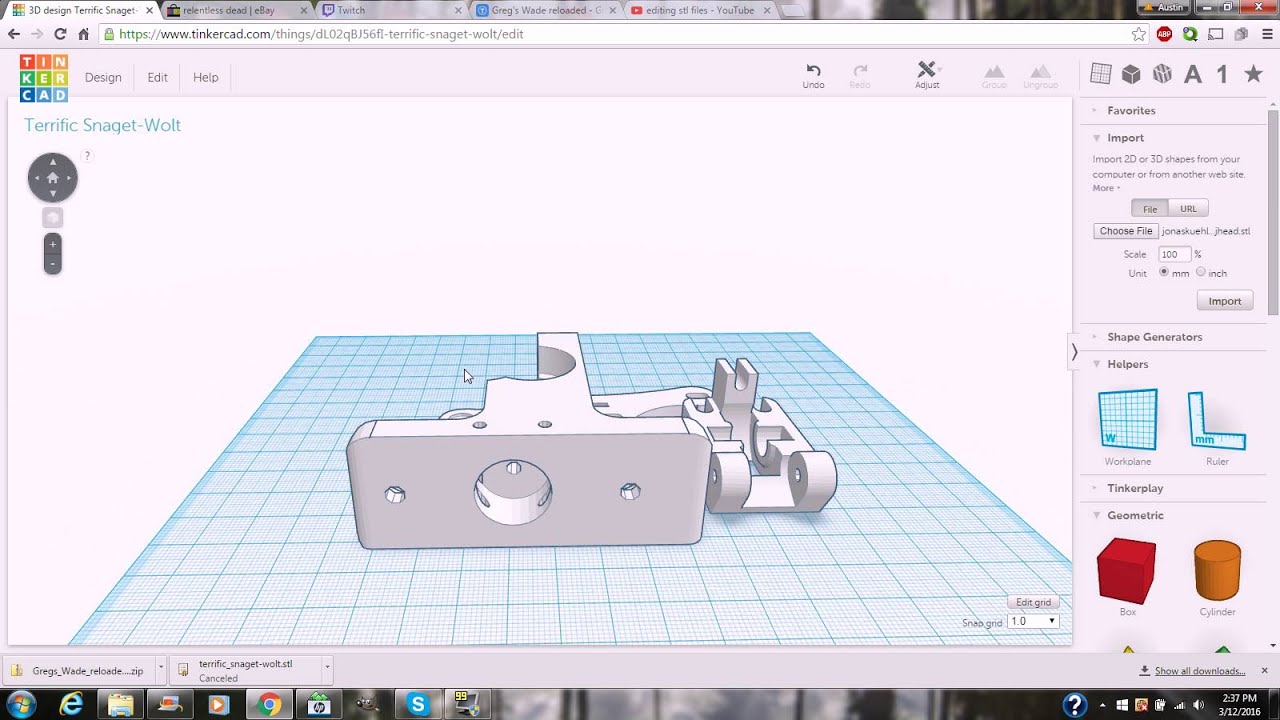
2. Chop and Change: Imagine you have a fantastic model of a spaceship, but you only want the cockpit. Or perhaps you found a cool organizer, but it’s too long for your shelf. Editors let you literally cut pieces off. It’s like having a digital laser cutter that perfectly removes what you don't need, without any messy sawdust! You can also slice models into smaller, more manageable parts if your printer isn't quite big enough for a single epic print.
3. Mix and Match (the Ultimate Digital Mashup!): This is where the real fun begins! You can take two completely separate models and smush them together. Want to put a tiny top hat on your favorite dinosaur model? Go for it! Need to add a handle to that otherwise perfect mug you downloaded? Easy peasy! It's like playing Frankenstein, but instead of bolts and electricity, you're using digital glue and your boundless imagination. Combine a gear with a box to make a secret locking mechanism, or merge a bird with a teacup to create... well, whatever your heart desires!

4. Punch Holes and Carve Out Space: Found a solid cube model but want to turn it into a hollow container? Want to add a slot for a coin or a perfect indent for a tiny magnet? Editors allow you to use "negative" shapes to literally carve away material from your existing model. It's like being a digital sculptor, chiseling away to reveal the perfect inner form.
Go Forth and Edit!
The best part about editing 3D printer files is that there’s no wrong way to experiment. You can always hit "undo" or just delete your digital mess and start fresh. It's a risk-free playground for your creativity! Don't be intimidated by what seems like complex software. Start with Tinkercad, play around with those simple shapes, and before you know it, you'll be customizing, combining, and creating things you never thought possible.
So, next time you see a cool model online, don't just download it and print it as-is. Think: "How can I make this even better? How can I make it uniquely mine?" Because that’s where the true magic of 3D printing lies – in making your own vision a reality, one perfectly edited digital building block at a time. Go on, get your digital hands dirty! Your 3D printer (and your imagination) will thank you for it!