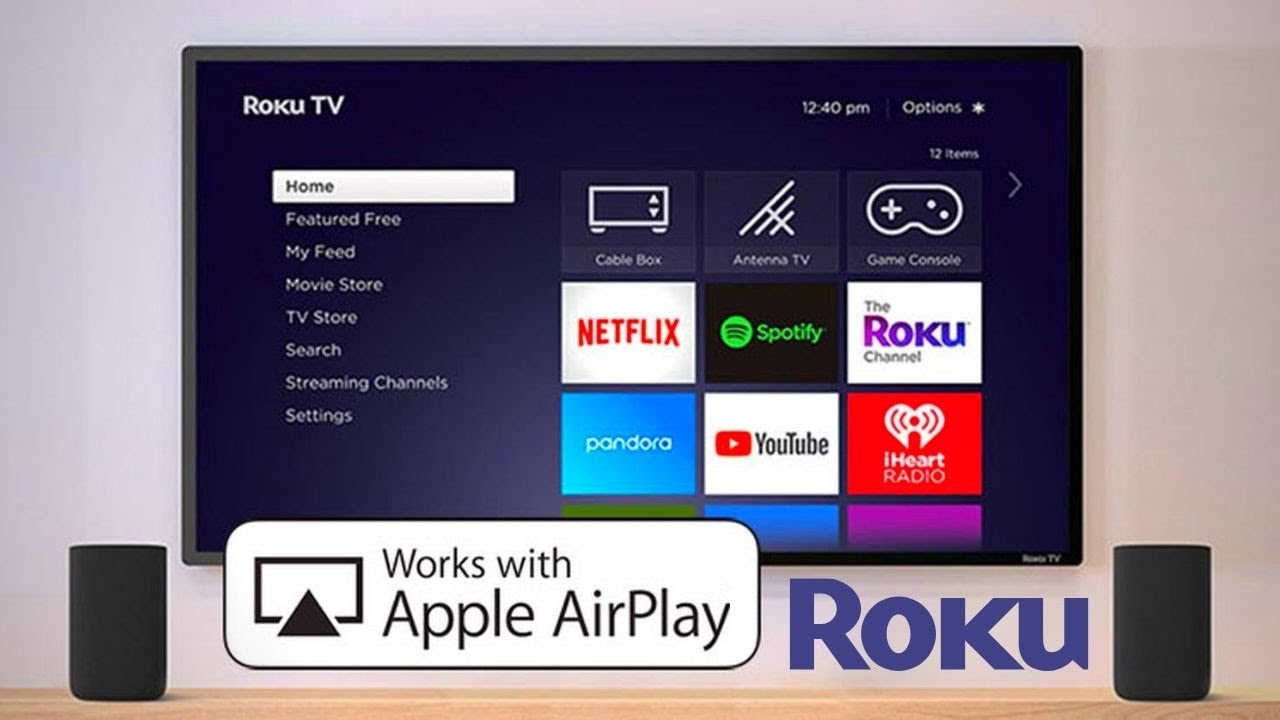
Ah, the modern dilemma. You’ve got your comfy socks on. Your favorite snack is within arm's reach. The kids are finally, blessedly, asleep. All you want to do is watch that one thing from your iPhone on the big screen. The big screen powered by your trusty Roku device. Simple, right? You’d think so. But then you whisper the magic words, the incantation of connectivity: Apple AirPlay.
And suddenly, what should be as easy as flicking a light switch feels like trying to teach a squirrel quantum physics. We’ve all been there. Staring at our phone, then at the TV, then back at the phone, as if sheer willpower alone will bridge the digital divide. Is it just me, or does tech sometimes make us feel like we’re perpetually stuck in the digital Stone Age? Like everyone else got the secret decoder ring, and we’re left with a crumpled piece of paper and a magnifying glass, squinting at instructions clearly written for cyborgs.
The Great Quest for Screen Sharing
The quest to get your beloved Apple AirPlay content onto your ever-reliable Roku can feel like a secret handshake only a few chosen ones truly understand. It’s like trying to find a specific book in a library that only organizes things by "vibe." But fear not, fellow digital pilgrim! It's less of a mystical ritual and more like a friendly nudge to your devices. They just need a little encouragement. A gentle reminder that they’re supposed to play nice, share their toys, and get along for the sake of your entertainment. Really, it’s mostly about getting them to acknowledge each other's existence.
Let's debunk the myth that this is some sort of forbidden dance. First things first, make sure your Roku is actually awake. Not just napping with one eye open, but wide-eyed, plugged in, and ready for action. And this is crucial: ensure both your iPhone (or iPad, or even your MacBook, if you're feeling adventurous) and your Roku are chilling on the same Wi-Fi network. This is like making sure everyone’s at the same party. Hard to chat if one person’s at the disco and the other’s at the library, especially if one is shouting about a cat meme and the other is silently reading a novel about 19th-century whaling. Get them on the same wavelength, literally.
The Not-So-Secret Steps (Finally!)
Once everyone’s on the same digital turf, breathing the same internet air, grab your iPhone. You’re looking for the little icon that looks like a rectangle with an upward-pointing arrow. Think of it as the universal "Hey, I want to share this thing!" symbol. You’ll often find it when you’re watching a video in an app, looking at photos in your gallery, or even just browsing certain websites. Tap that friendly little icon. Go on, don't be shy. It’s not going to bite, or launch you into orbit.
How to Screen Mirror iPhone to Roku: Simple Steps That Work
Now, here’s where the magic (or the brief, suspenseful moment of "will it actually work this time?") happens. A list of available devices should magically pop up. And among them, shining like a beacon of hope and promising instant gratification, should be your Roku device. It might be called "Living Room Roku" or "Bedroom Roku" or whatever whimsical, descriptive name you’ve bestowed upon it. Select it. Just tap its name. It’s that simple. Seriously. You might even feel a little surge of triumph right about now, a tiny victory dance in your soul.
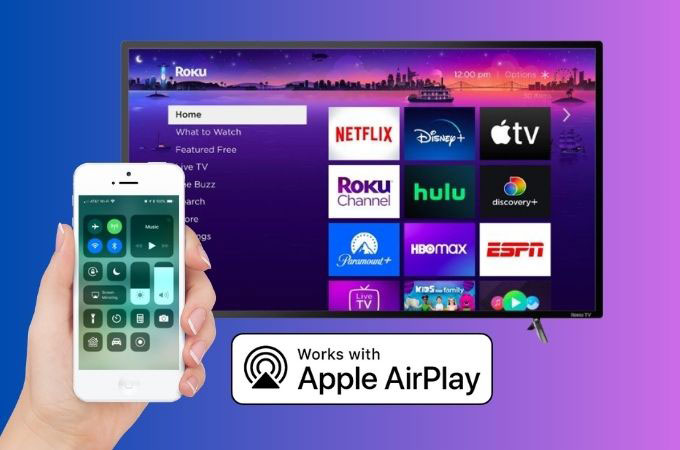
Sometimes, just to keep things interesting, your Roku might ask for a code. Don’t panic! It’s just being polite and ensuring you’re actually you, not some mischievous neighbor trying to hijack your screen time to broadcast their impromptu ukulele concert. This code will flash right onto your TV, big and bold. Type it into your iPhone, and voilà! You’ve just performed a minor miracle. Your phone’s screen should now be majestically mirrored on your television, as if by pure sorcery.
Stream Like a Pro: How to Use Airplay on Roku TV
It feels a bit like teaching an old dog a new trick, doesn't it? Except the "dog" is a sophisticated streaming device, and the "trick" is incredibly useful and profoundly satisfying. You can now parade your vacation photos, stream that obscure indie film everyone’s raving about, or even show off your latest mobile game prowess, all from the glorious comfort of your couch, without squinting at a tiny screen. Imagine the possibilities! No more huddled masses around a phone. Just glorious, expansive viewing.
This whole Apple AirPlay on Roku thing? It’s not about being a tech wizard with arcane knowledge. It’s about being a persistent human who just wants to watch their cat videos, their cooking tutorials, or their latest streaming obsession on a bigger display. And honestly, isn’t that what technology should be for? Making our lives a little bit easier, a little bit more entertaining, without requiring a degree in computer science or a secret decoder ring from the digital gods?
How to setup Apple Airplay on Roku TV - YouTube
My Unpopular (But True) Opinion
My unpopular opinion? Tech companies sometimes overcomplicate things. They package simple functions in daunting names, create interfaces that feel like riddles, and make us believe we need special secret knowledge. When really, it’s often just a matter of knowing which icon to tap, confirming your Wi-Fi status, and maybe, just maybe, restarting everything once. It’s like they enjoy watching us fumble, only to reveal a solution that was surprisingly straightforward all along. A cosmic joke, perhaps? A test of our patience? Or maybe they just like seeing us Google "Why won't my tech work?!" at 2 AM.
But hey, now you know. You’re in on the secret. You’ve bypassed the digital gatekeepers. The next time someone asks you, with a sigh of defeat and perhaps a hint of existential dread, how to get their iPhone onto their Roku, you can flash them a knowing smile. You can be the guru, the sage of screen mirroring, the wizard of wireless display. And you won't even need a pointy hat, a crystal ball, or a sacrifice to the Wi-Fi gods. Just a confident tap of an icon, and a bit of a smug grin.
So go forth, brave streamer! Cast your content. Mirror your memories. Project your passions. The world (or at least your living room) is your oyster, brimming with visual delights. And your Roku, the noble steed, is ready to carry your Apple AirPlay treasures to the promised land of the big screen. Enjoy the show, and remember, sometimes the simplest solutions are hidden behind the most intimidating tech names. And now you've found one. Go get that popcorn!