
How To Create A 3d Printer File
You’ve seen the cool stuff people make with 3D printers. Little trinkets, useful gadgets, maybe even a tiny replica of your pet rock. But where do these amazing digital blueprints, these instructions for plastic magic, actually come from?
It’s not some dark art, I promise. It’s mostly about telling a computer what shape you want, and there are surprisingly many ways to whisper sweet nothings into its digital ear. Let's explore the whimsical world of 3D file creation.
The Digital Sculptor: Crafting from Thin Air
Imagine you have a lump of digital clay. You can push it, pull it, twist it, and poke it until it looks exactly like the masterpiece in your mind. This is essentially what you do when you design a 3D file from scratch.
Must Read
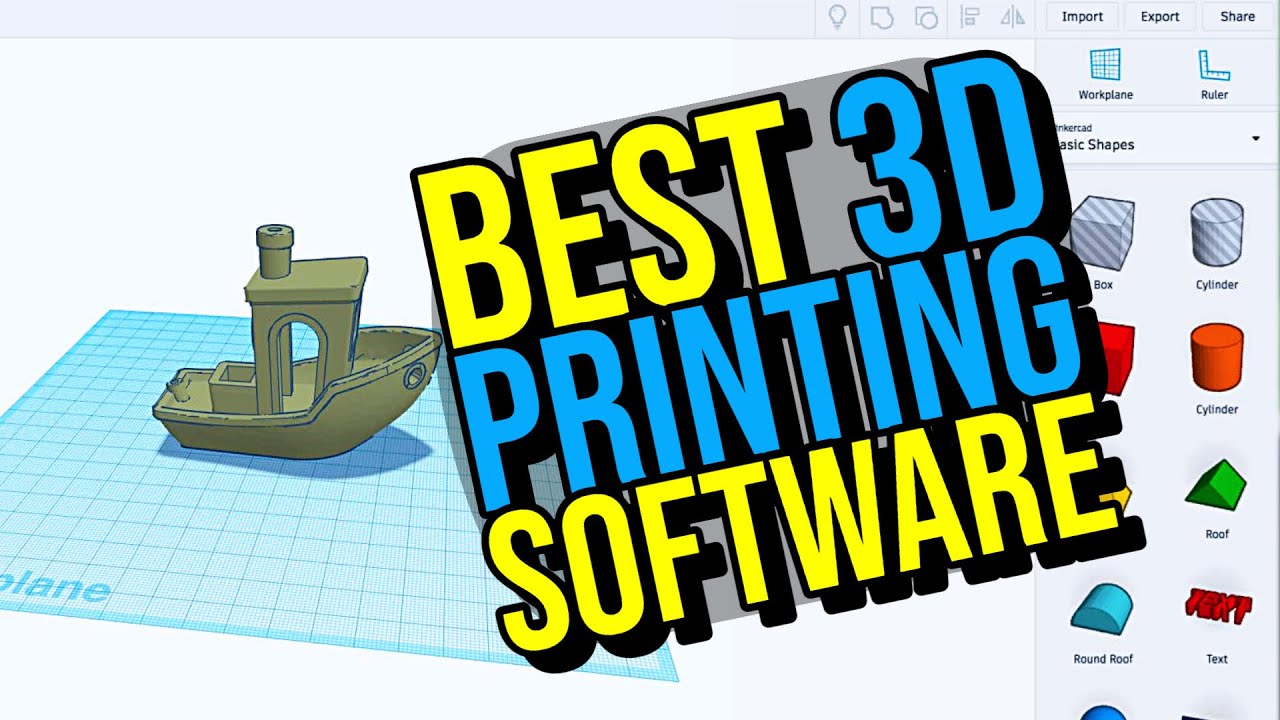
Software like Fusion 360, Tinkercad, or Blender become your virtual hands. Tinkercad is often hailed as a great starting point, like building with digital LEGOs. You combine simple shapes to make complex ones, which is incredibly satisfying.
Some folks think creating a 3D file means you have to be a digital wizard. My (perhaps unpopular) opinion? It's often more about being a curious tinkerer with a mouse, unafraid to click around. You learn by doing, and by accidentally making some truly wild, unprintable blobs.
This method gives you ultimate control, turning your wildest ideas into tangible objects. It’s like being a tiny god of plastic, shaping worlds one digital vertex at a time. The learning curve can feel steep, but every little success feels like a major victory dance.
The Digital Archaeologist: Scanning Reality
What if you already have something wonderful in the real world and you want a 3D printable version? Enter the realm of 3D scanning! It's like taking a digital photograph, but instead of just light and shadow, you capture shape and depth.
Specialized scanners, or even some smartphone apps, can project light patterns onto an object. They then measure how those patterns deform to create a 3D model. Imagine trying to scan your grumpy cat; the results would be... interesting, to say the least.
This is perfect for replicating existing parts or capturing organic shapes that are difficult to design manually. You essentially create a digital twin of a physical object.
My semi-unpopular opinion here? While incredibly cool, 3D scanning often looks easier than it is. Dust, shiny surfaces, or fidgety subjects can turn a simple scan into a pixelated nightmare. Patience, young Jedi, patience.
But when it works, oh, it’s truly magical. You’ve just plucked an object from the real world and made a digital copy, ready to be duplicated infinitely. It's like having a digital cloning machine.
The Digital Librarian: Browsing the Archives
Let’s be honest, sometimes you just want something now. You don't want to sculpt, and you don't have a scanner handy. This is where the vast online libraries of 3D models come into play.
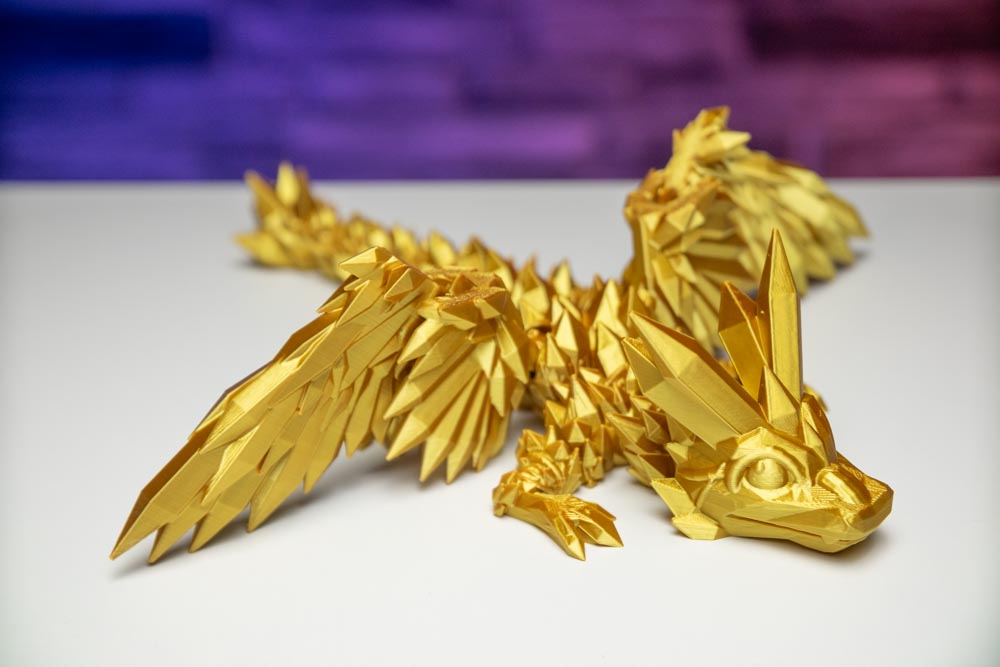
Websites like Thingiverse, Printables, and Cults3D are treasure troves. They host millions of designs, uploaded by generous creators worldwide. You can find everything from phone stands to intricate dragon figurines.
Everyone raves about designing from scratch, but let’s be honest, my perhaps unpopular opinion is that sometimes the real genius is finding someone else's amazing work and hitting 'download'. It's instant gratification, and there's no shame in it!
You simply search for what you want, click download, and you have a printable file. It's the easiest, quickest way to get started with 3D printing. Think of it as the ultimate digital borrowing library.
This method is fantastic for inspiration, for practical prints, and for avoiding design headaches entirely. Just make sure you respect the creator's licenses, of course. Sharing is caring, after all!
The Digital Surgeon: Remixing and Refining
Maybe you found a cool design online, but it’s almost perfect. It just needs a little tweak, a personalized touch, or perhaps a new handle for that digital coffee mug. This is where remixing shines.
You download an existing file and then open it in your design software. You might stretch it, combine it with another model, or chop off a part you don't need. It’s like being a digital DJ, blending tracks to make something new.
This approach bridges the gap between full design and simple downloading. It's often less intimidating than starting from a blank canvas. You get a head start, a template to play with.
"Remixing existing designs is a powerful way to learn and create unique objects."
My slightly provocative opinion? Sometimes a clever remix shows more ingenuity than an entirely new, but uninspired, design. It’s about building on the shoulders of digital giants.
You transform something generic into something uniquely yours. This personalization makes the object much more meaningful. It's your stamp on the digital world.
What Makes a "Good" File? (Hint: It's Not Always Perfect)
Once you have a 3D file, whether you sculpted it, scanned it, or downloaded it, there's a final step before printing. The file needs to be "sliced," which turns your 3D model into thousands of thin layers for the printer. But that's a story for another day.
For now, know that a "good" 3D file is one that your printer can actually print without too much fuss. It should be "watertight," meaning no holes in the digital mesh. Imagine a leaky bucket; the printer gets confused.
Sometimes, a file will require "supports" – temporary structures that hold up overhangs during printing. A well-designed file might minimize the need for these. It’s like giving your model digital crutches.
People stress about perfection. My unpopular opinion? A wonky print often has more personality anyway. Embrace the imperfections; they tell a story!
The truth is, creating a 3D printer file is a journey, not a destination. There will be failed prints, hilarious errors, and triumphant successes. Each method offers a unique pathway to digital creation.
So go ahead, pick a method, and start making. The world of 3D printing is waiting for your next great, or hilariously flawed, creation. You're not just making plastic; you're making memories.