How To Connect To Ring Doorbell That Is Already Installed
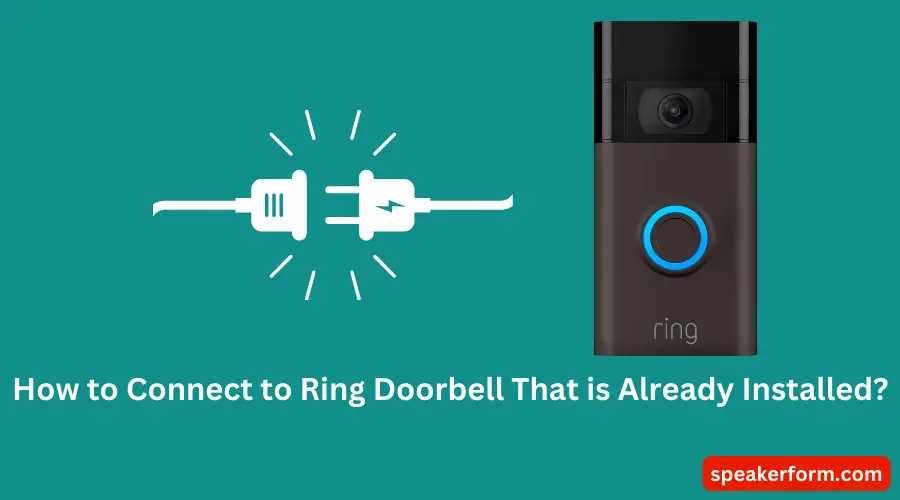
Ever walked into a new home, or perhaps visited a friend, and noticed that sleek little device perched by the front door – a Ring doorbell, already there, humming quietly? It’s quite common these days! Instead of seeing it as a mysterious, pre-installed gadget, imagine the fun in learning how to make it yours, or at least connect to it with permission. It’s like finding a treasure map and knowing how to decipher it, but for your smart home security! Understanding how to connect to an existing Ring doorbell is not just a neat party trick; it’s a genuinely useful skill that puts you in control of your immediate surroundings.
So, what’s the big deal? The primary purpose of connecting to an already installed Ring doorbell is to take ownership and control of its features. This means you can finally start monitoring your entryway, receiving real-time alerts, and even speaking to visitors right from your smartphone, whether you’re home or halfway across the globe. The benefits are pretty clear: enhanced security for your property, unparalleled convenience for managing deliveries or unexpected guests, and immense peace of mind knowing you have an extra set of eyes on your home. No need to buy a brand new one; you’re simply unlocking the potential of what’s already there.
Let’s think about how this plays out in real life. Imagine you’ve just moved into a fantastic new apartment, and lo and behold, a Ring doorbell is part of the package! Instead of being a decorative feature, you can now seamlessly integrate it into your new life, keeping an eye on parcels and feeling safer. Or perhaps you’re house-sitting for a friend who wants to grant you temporary access so you can monitor their home while they're away. Even in a more educational sense, figuring out how smart devices communicate and how ownership is transferred can be a fascinating introduction to basic network security and smart home ecosystems. It’s all about understanding who has the keys to the digital front door.
Must Read
Now, for the practical bit – how do you actually do it? It’s surprisingly straightforward, though it hinges on one critical factor: ownership transfer. The absolute best and most secure way to connect to a pre-installed Ring doorbell is for the previous owner (or the person who currently controls it) to transfer ownership to you through the Ring app. They simply navigate to the device in their app, select "Device Settings," then "General Settings," and finally "Remove Device." Once they do this, the doorbell is essentially freed up.
Then, it's your turn! Download the Ring app (if you haven't already) and create an account. You'll treat the existing doorbell as if it's a brand new one you're setting up for the first time. Tap "Set Up a Device" and follow the on-screen prompts. The app will guide you to connect to the doorbell's temporary Wi-Fi network and then link it to your home's Wi-Fi. What if you can't contact the previous owner? This is where a factory reset comes in. You'll usually need to locate a small setup button on the device itself (sometimes behind a faceplate, requiring a small screwdriver) and press and hold it for about 10-20 seconds until you see a light flashing. This puts the doorbell into "setup mode," allowing you to then add it as a new device in your app. Remember to ensure you have a strong Wi-Fi signal and that the doorbell is powered on, whether it's wired or battery-operated. Connecting to an existing Ring doorbell is a fantastic way to extend your digital skills and embrace the convenience of smart home living without starting from scratch!
I hope this article was helpful!