
How To Clean Usb C Port On Phone
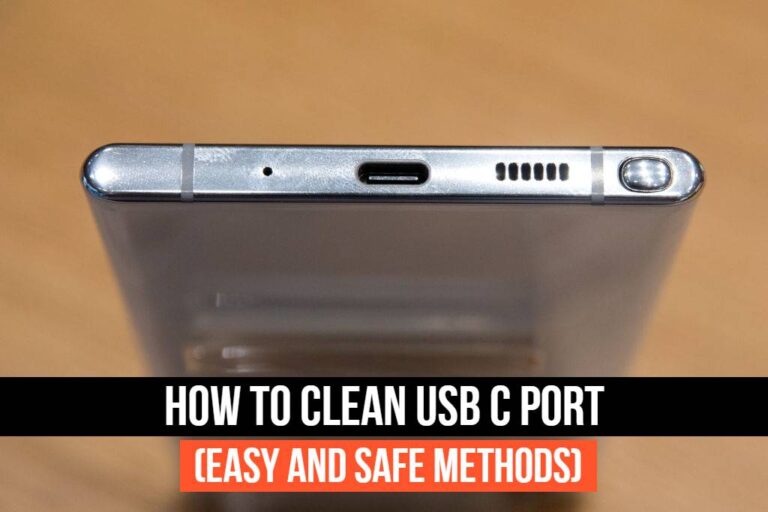
Ever noticed your trusty phone struggling to charge? You plug it in, hear that familiar click, but... nothing. Or maybe it's charging super slowly, or only at a weird angle. Before you start mourning the loss of your beloved device or blaming a faulty charger (though that's a fair first guess!), take a peek at its most vulnerable spot: the USB-C port. Chances are, it's just a little bit... gunked up.
Think about it: your phone lives a hard life. It rides shotgun in your jeans pocket, cozies up in your handbag amidst keys and receipts, or perhaps even takes a tumble onto a dusty car floor. Over time, all that everyday adventuring accumulates a fascinating (and frustrating) collection of pocket lint, dust bunnies, and tiny debris right into that sleek little oval. It's like a magnet for micro-mysteries!
The Culprit: The Unseen Lint Monster
That tiny opening is the perfect hideout for what we affectionately call the "lint monster." It might not be a mythical creature, but its effects can feel equally dramatic when your battery is about to flatline and your charging cable just won't make proper contact. Before you panic, let's turn this minor tech crisis into a moment of mindful maintenance. It’s easier than you think, and actually quite satisfying once you get that satisfying thwack of a fully connected charger again!
Must Read
First, A Word of Caution: What NOT To Do
This is perhaps the most important part. When you see gunk, your instinct might be to grab the nearest sharp object – a paperclip, a sewing needle, a tiny screwdriver. Resist this urge! Metal objects can easily scratch the delicate internal pins of your USB-C port, causing permanent damage. And please, for the love of all things tech, don't try blowing into it like a retro Nintendo cartridge. You'll just introduce moisture and potentially push the debris further in. We're aiming for a clean sweep, not a soggy mess or a damaged port.
Your Gentle Cleaning Arsenal: The "Do's"
Alright, armed with knowledge of what to avoid, let's gather our safe and effective tools. Think soft, non-conductive, and precise.
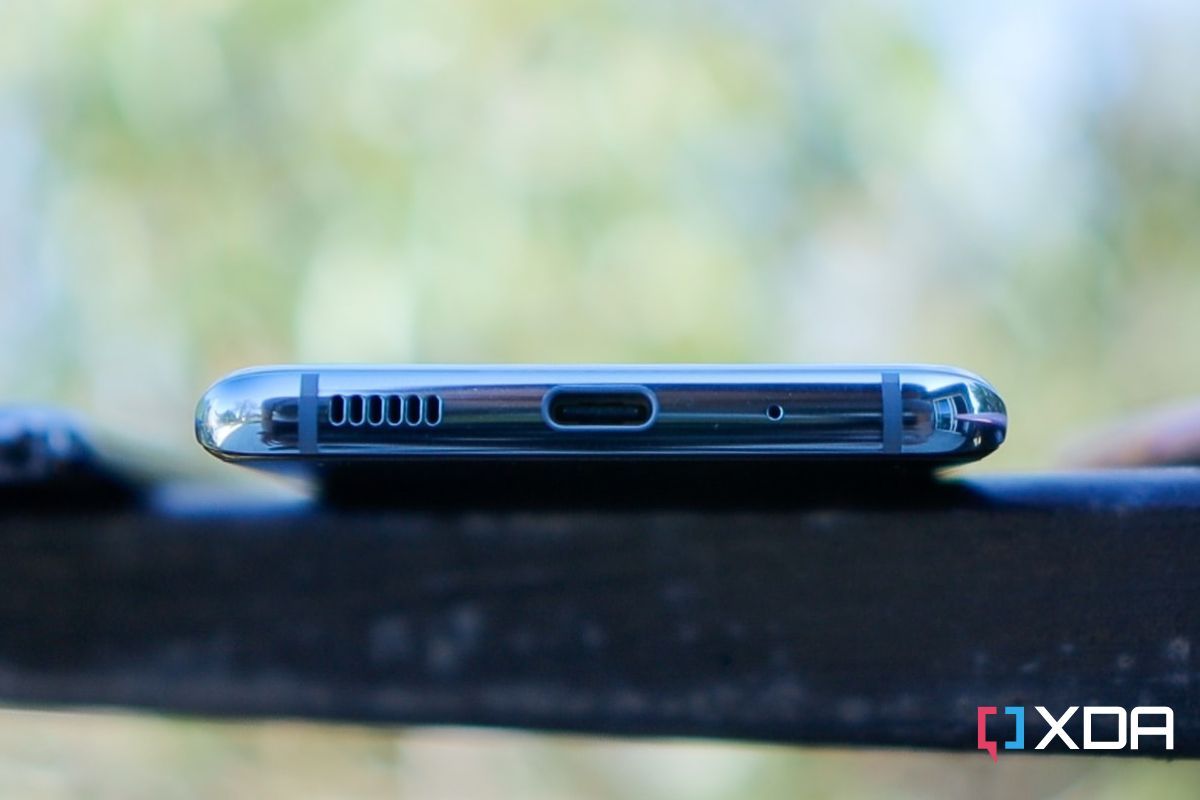
Step 1: Power Down (Safety First!)
Before you start any tech tinkering, no matter how minor, always turn off your phone. This eliminates any risk of short-circuiting or accidentally activating something while you're poking around. Consider it a spa day for your phone – it needs to relax too!
Step 2: Choose Your Weapon Wisely
Here are your go-to heroes for lint extraction:
- A Wooden or Plastic Toothpick: Your best friend for gentle scraping. These are soft enough not to damage the port but rigid enough to dislodge stubborn debris.
- A Plastic Dental Pick: Similar to a toothpick, but sometimes with a slightly angled tip that can be helpful. Again, plastic is key.
- A Small Soft Brush: An interdental brush (the tiny ones used for cleaning between teeth) or a very soft, clean toothbrush can work wonders for sweeping away loose dust.
- Compressed Air (Used with Extreme Caution): This can be helpful, but you need to be smart about it. We'll get to the 'how' in a moment.
Step 3: The Art of Gentle Extraction
Hold your phone with the screen facing up in good light. Look into the USB-C port. You'll often see a small 'tongue' or plastic divider in the middle. The lint usually accumulates at the bottom of the port, wedged against the outer wall.

Take your wooden or plastic toothpick. Carefully insert the tip into the port, aiming for the bottom edge. Use a light hand and a sweeping motion. Imagine you're gently scooping out tiny crumbs. Don't force anything! You'll be surprised how much lint can emerge in one satisfying clump. It's like excavating a tiny archaeological site, unearthing forgotten fibers from seasons past!
Step 4: Compressed Air – The Finesse Move
If you have compressed air, it can be a good follow-up for loose particles. But here's the trick: don't blast it directly and forcefully into the port. Hold the can upright (to prevent propellant liquid from spraying out) and use short, controlled bursts from a few inches away. Angle the spray slightly to encourage debris to exit the port, rather than pushing it deeper. Think of it as a gentle breeze, not a hurricane!
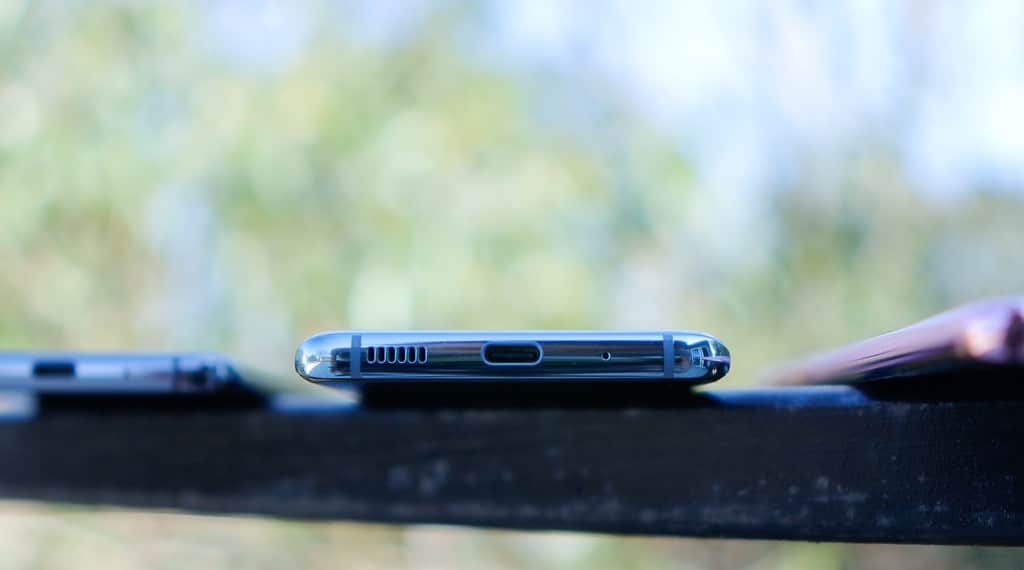
Step 5: The Grand Reveal
Once you feel you’ve dislodged all the visible gunk, power your phone back on and try plugging in your charger. Ah, that sweet, solid connection! The phone lights up, the charging indicator appears, and all is right with the world. You've just saved yourself a trip to the repair shop and extended the life of your phone.
Keeping Your Port Pristine: A Few Pro Tips
Now that you're a port-cleaning pro, let's talk prevention.
- Port Covers: Small, inexpensive silicone or plastic plugs can be inserted into the USB-C port when not in use. They're like little guardian angels against lint and dust.
- Mindful Storage: Try to keep your phone away from lint-heavy areas. If it's in a pocket, maybe dedicate a specific pocket for your phone that's regularly cleaned.
- Regular Checks: A quick glance into your port every month or so can catch minor lint build-up before it becomes a major issue.
A Small Act, A Big Impact
In a world where we're constantly upgrading and replacing our gadgets, taking a moment to care for the things we already own feels refreshingly analogue. Cleaning your USB-C port isn't just about getting your phone to charge; it's a small act of mindful maintenance, a nod to sustainability, and a reminder that a little care goes a long way. It's like giving your best friend a much-needed spa day – they'll thank you for it by working flawlessly for many more adventures to come!
