
How To Charge Your Chromebook Without A Charger
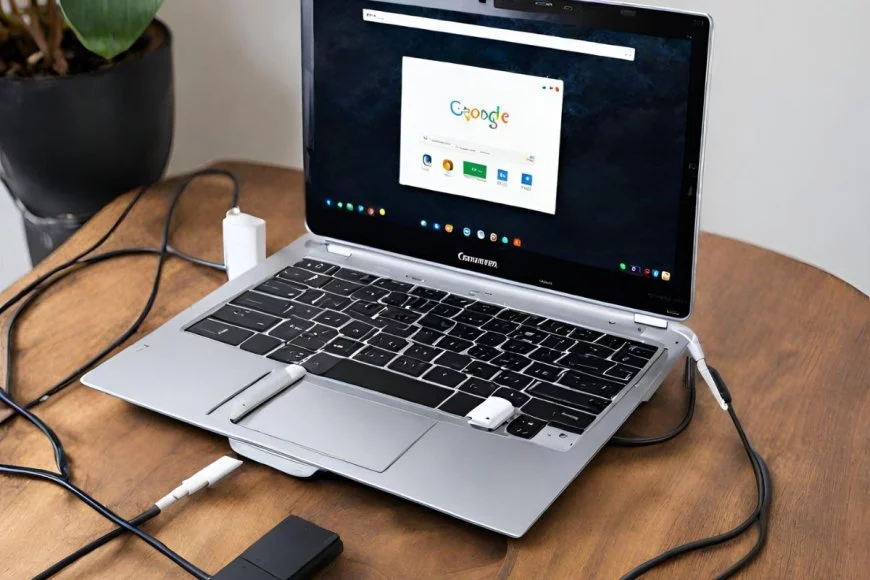
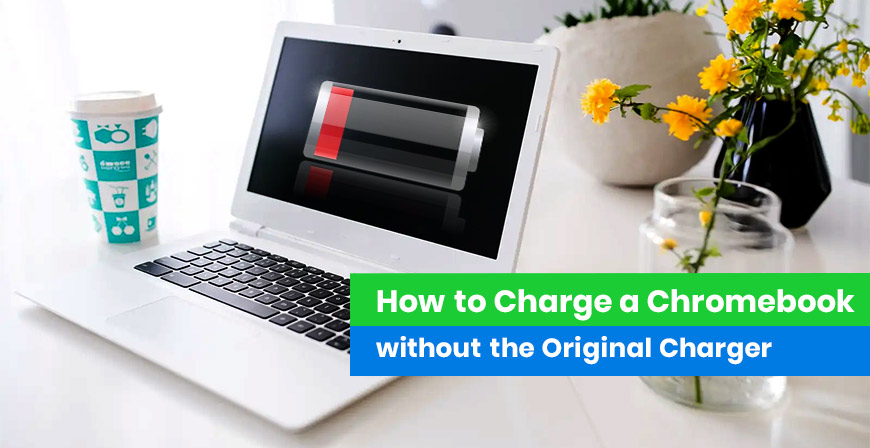
Okay, so your Chromebook's battery is blinking red like a frantic little robot, and your charger? Vanished. Disappeared. Maybe it's hiding with all the missing socks in the dryer dimension. We've all been there, right?
Don't panic! Before you resign yourself to a digital detox (shudder!), let's see if we can MacGyver our way out of this charging crisis. After all, who needs a real charger when you've got ingenuity… and hopefully a few other gadgets lying around.
Option 1: The Universal Savior – USB-C to the Rescue!
Most modern Chromebooks are all about that USB-C life. That little oval port isn't just for show; it's a powerhouse! Do you have any other USB-C chargers lying around? Maybe from your phone, tablet, or even another laptop?
Must Read
Plug it in! Seriously, try it. It might not charge as fast as your original Chromebook charger (boo!), but it's better than nothing, right? We're talking survival here, people! Think of it as giving your Chromebook a tiny, caffeinated energy boost.
Just a heads-up: some older or weaker USB-C chargers might not provide enough juice to power your Chromebook while you're using it. So, maybe close a few tabs (we know, painful!), dim the screen, and try to avoid running any resource-intensive programs. Think of it as putting your Chromebook on energy-saving mode... for its life!
Option 2: Power Bank to the Rescue! (The slightly-more-prepared option)
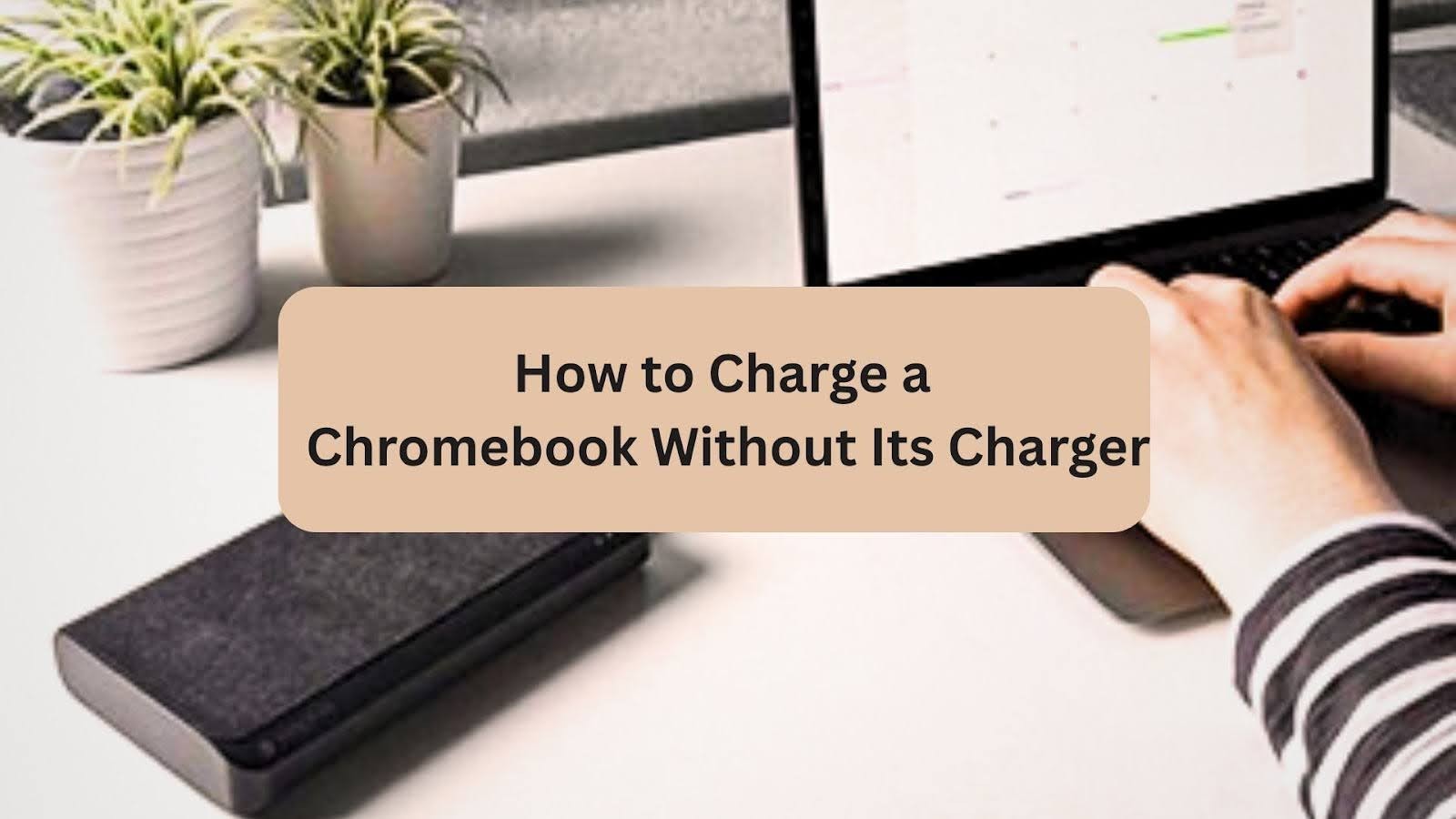
Remember that power bank you bought for that camping trip you never actually went on? Dust it off! If it has a USB-C output (again, USB-C is your friend here!), you might be in luck.
Connect it and cross your fingers! Power banks are lifesavers, especially if you're on the go and nowhere near a wall outlet. Just make sure it's actually charged itself. I mean, wouldn't that be ironic? A dead power bank trying to revive a dying Chromebook. The horror!
Keep in mind, the charging speed will depend on the power bank's output. Don't expect a super-fast charge, but it should keep your Chromebook alive long enough to finish that essay (or, let's be honest, binge-watch one more episode).
Option 3: Beg, Borrow, or... Well, You Know
Okay, so you've exhausted all your internal resources. Time to reach out to your network! Do you have any friends, family, or neighbors who own a Chromebook? Or any device with a USB-C charger that's high wattage enough?
Hit them up! A simple "Hey, my Chromebook charger died, can I borrow yours for a bit?" can work wonders. Offer them a coffee, a baked good, or eternal gratitude in return. Desperate times call for desperate measures, my friend.
Just be sure to return it! Charger karma is a real thing. Nobody wants to be known as the charger thief of the neighborhood. (And trust me, that reputation sticks.)
A Word of Caution (aka, Don't Do These Things)
Look, I know you're desperate, but please, please don't try anything crazy like cutting open wires and sticking them into the Chromebook's charging port. Electricity is not your friend in this situation. You could fry your Chromebook, electrocute yourself, or start a small fire. None of those outcomes are desirable. (Seriously, just don't.)
Also, avoid using those super-cheap, generic chargers you find on questionable websites. They might promise the world, but they could end up damaging your Chromebook's battery or even posing a safety hazard. Stick to reputable brands or, even better, order a replacement charger directly from the Chromebook manufacturer or a trusted retailer.
![Charge Chromebook Without a Charger [ Best Way ] - Alvaro Trigo's Blog](https://alvarotrigo.com/blog/wp-content/uploads/2023/10/how-charge-chromebook-without-charger.jpg)
The Takeaway (and a little pep talk)
Losing your Chromebook charger is a pain, but it's not the end of the world. With a little ingenuity (and maybe a borrowed charger), you can usually keep your Chromebook powered up long enough to survive.
And hey, while you're at it, maybe invest in a spare charger. Future you will thank you. You know, the future you who hasn't lost their charger in the dryer dimension.
Good luck, and may your Chromebook always be charged!