How To Charge Laptop Battery Without Charger

Let's face it: we've all been there. You're staring at that dreaded low battery warning on your laptop, a deadline looming, and…panic. Where's the charger? Vanished! Swallowed by the sofa monster, left at the coffee shop, or perhaps tragically chewed through by a mischievous pet. The sinking feeling is real. But don't despair! While relying on a dedicated charger is always ideal, understanding how to potentially charge your laptop without one can be a lifesaver. It's like knowing a secret magic trick that can save your productivity (and your sanity).
The ability to power up your laptop in a pinch without its standard charger provides immense flexibility and convenience. Think about it: you're traveling and realize you packed the wrong adapter, or you're in a remote location with limited access to standard outlets. Knowing alternative charging methods can be the difference between finishing that crucial presentation and being dead in the water. It empowers you to be prepared for the unexpected and maintain your workflow even in challenging situations.
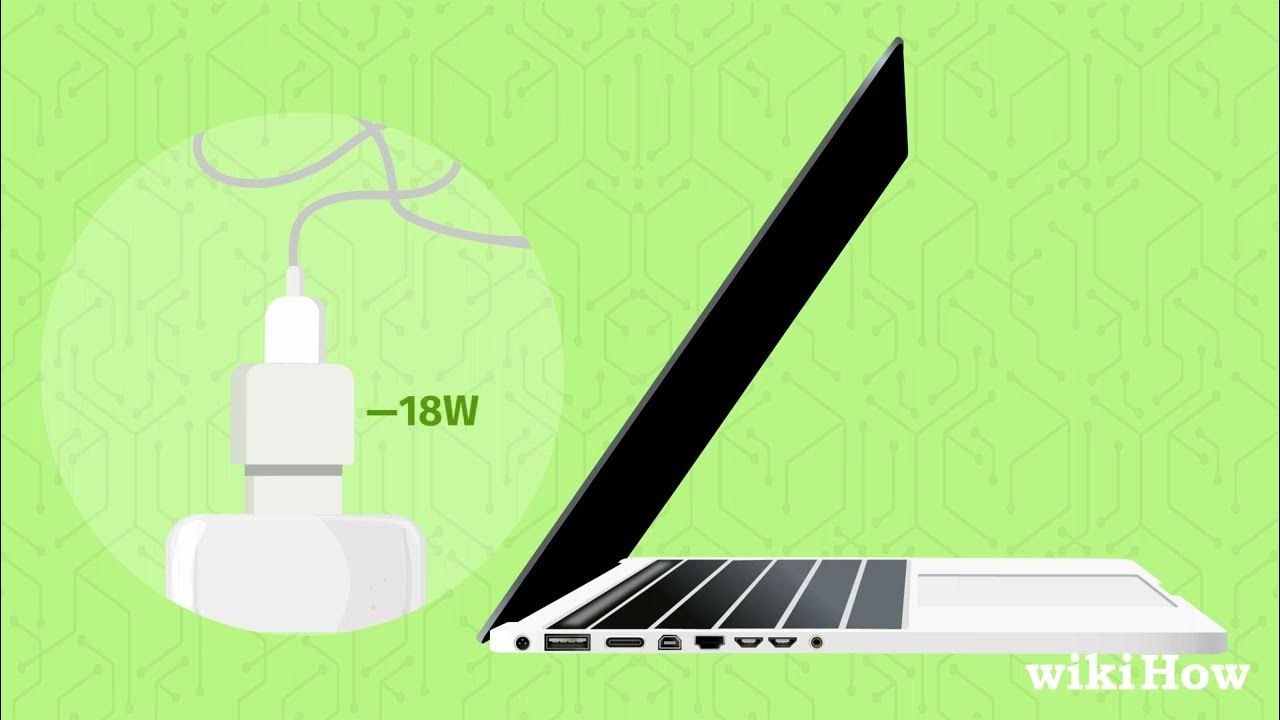
So, what are these mystical methods? One common approach involves using a USB-C Power Delivery (PD) port. Many modern laptops are equipped with these ports, which can both charge the laptop and transfer data. You can use a portable power bank that supports USB-C PD to give your laptop a much-needed boost. Another option, though less common and often less efficient, is using a universal laptop charger. These adapters come with a variety of tips designed to fit different laptop models, allowing you to potentially borrow a charger from a friend or colleague even if they don't have the exact same brand as you. Finally, certain car adapters can also charge laptops, especially if they support USB-C PD. This is particularly useful during long road trips.
Must Read
However, successfully charging your laptop without its original charger requires a bit of finesse. Here are some practical tips to maximize your chances of success:

First, confirm compatibility. Not all USB-C ports support Power Delivery. Check your laptop's manual or the manufacturer's website to ensure your device can be charged via USB-C. Similarly, when using a universal charger, ensure the voltage and amperage match your laptop's requirements. Using an incompatible charger can damage your battery or laptop.
Second, manage your power consumption. While charging with an alternative method, close unnecessary applications and reduce screen brightness to minimize the drain on the battery. Enable battery saver mode to further extend your charging time.

Third, invest in quality accessories. A cheap, unreliable power bank or universal charger can do more harm than good. Choose reputable brands and read reviews to ensure you're purchasing a safe and effective product.
Finally, remember that these alternative charging methods are often slower than using the original charger. Don't expect a full charge in minutes. Think of them as emergency solutions to keep you going until you can access a standard outlet. By understanding these techniques and applying these tips, you can confidently navigate those low-battery emergencies and keep your laptop – and your productivity – powered up!