
How To Charge A Chromebook Without The Charger
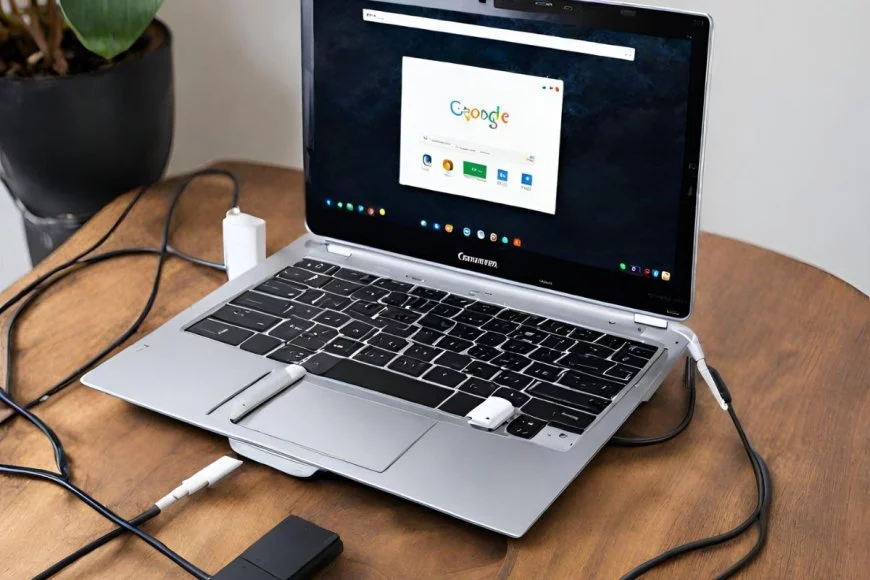
Okay, Chromebook adventurers, let's be honest. We've all been there. You're ready to conquer the world (or, you know, finish that online course), your Chromebook is humming, you're in the zone... and then BAM! Low battery warning. Cue the frantic search for the charger. But what if... it's GONE?! Don't panic! We're about to turn you into a Chromebook charging MacGyver.
The Universal Savior: USB-C (Probably!)
First things first: check your Chromebook's ports! Most modern Chromebooks (especially anything made in the last few years) charge via USB-C. You know, that little oval port that seems to be taking over the world? If you see one (or even better, two) of those babies, you're in luck!
Why is this good news? Because USB-C is becoming the de facto standard. Which means you might already have a USB-C charger lying around! Think about it: your phone, your tablet, maybe even a friend's laptop. Try them all! Just plug it in and see if that little lightning bolt icon appears. It's like a tech treasure hunt!
Must Read
Important note: Not all USB-C chargers are created equal. A charger for a tiny phone might not pump out enough juice to quickly charge your Chromebook. But hey, even a slow charge is better than no charge, right?
Borrowing Power: Portable Power Banks to the Rescue
Okay, so no USB-C chargers are immediately available. Don't despair! This is where portable power banks, those little rechargeable bricks of energy, come in super handy. You know, the things everyone buys for long flights and outdoor adventures?
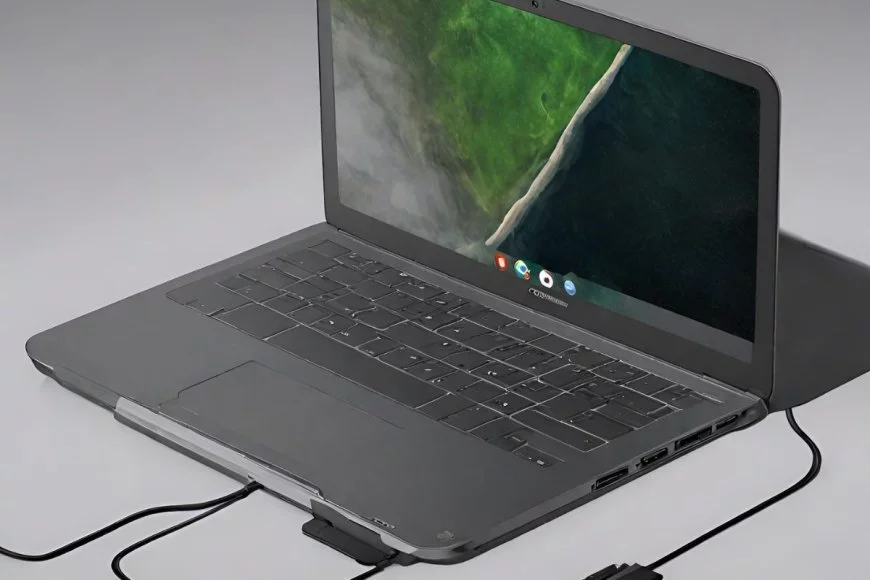
If your power bank has a USB-C output (and many do these days), you're golden! Simply plug it into your Chromebook and let it work its magic. If not, but you do have a USB-A port on the power bank, you can try using a USB-A to USB-C cable. Remember! Always check the power output rating of both the power bank and your Chromebook for compatibility. You want to make sure your power bank meets or exceeds the power demands of your Chromebook.
Think of it as giving your Chromebook a little emergency snack to tide it over until you can find its proper charger. It's a temporary fix, but it'll get you through!
The Ultimate Sacrifice (and Hopefully a Last Resort): Another Laptop
This is a bit of a Hail Mary, but hear me out. If you're truly desperate, and you have access to another laptop (ideally one with USB-C power delivery), you might be able to siphon off some power.
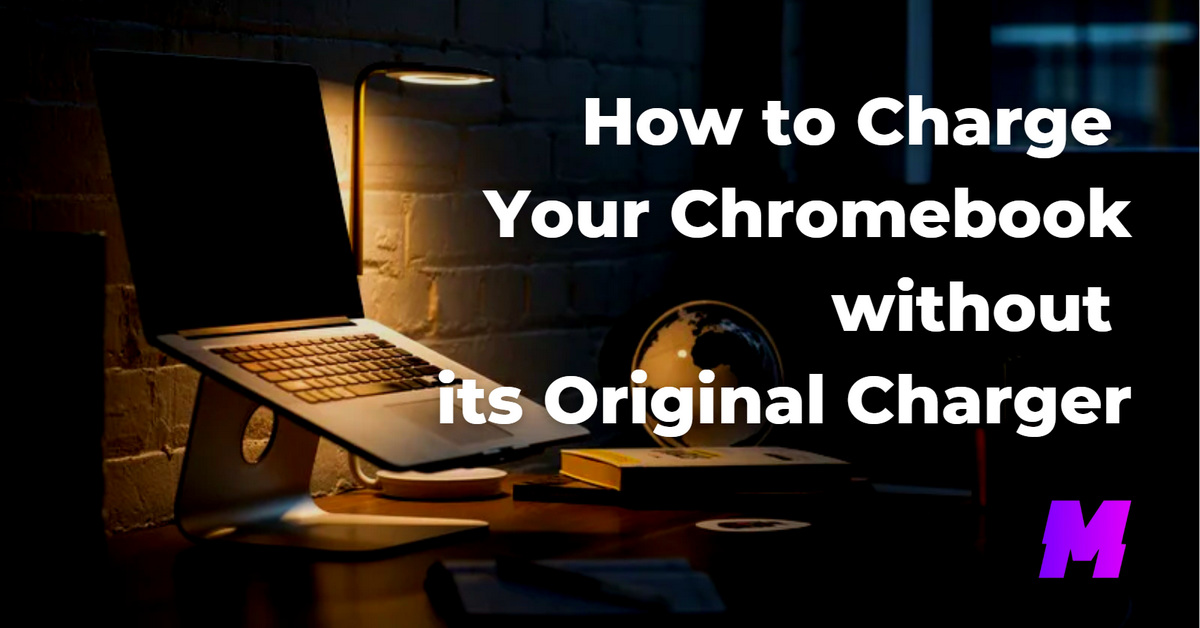
Some laptops can act as a power source for other devices. Connect your Chromebook to the other laptop via a USB-C cable. You'll need to go into the settings of the donor laptop (usually in the power or battery settings) and look for an option to "charge other devices" or something similar. Warning: This will drain the battery of the donor laptop, so only use this if you're in a real pinch!
This is like donating a pint of blood to a friend in need. Noble, but potentially draining. Use with caution!
A Word of Caution (and a Dash of Common Sense)
Before you go plugging your Chromebook into just anything with a USB port, let's pump the brakes for a second. Make sure the charger or power source you're using is reputable and safe. Avoid using damaged or frayed cables, and don't leave your Chromebook unattended while charging with an unfamiliar power source. Better safe than sorry!
Also, it is really important to look for a power rating in volts and amps on both the charger and the Chromebook. You want to ensure the charger provides the appropriate power for the Chromebook.
After all, we're trying to charge your Chromebook, not fry it!
![Charge Chromebook Without a Charger [ Best Way ] - Alvaro Trigo's Blog](https://alvarotrigo.com/blog/wp-content/uploads/2023/10/how-charge-chromebook-without-charger.jpg)
Embrace the Power!
So there you have it! A few tricks to keep your Chromebook powered up, even when you're charger-less. It's all about being resourceful, thinking outside the box, and embracing the versatility of USB technology.
Knowing these hacks isn't just about avoiding a dead battery; it's about feeling empowered! It's about knowing that you can handle unexpected situations and keep your digital life humming along. So go forth, experiment, and never be afraid to try something new. Who knows what other tech secrets you might uncover along the way?
Ready to dive deeper into the world of tech tips and tricks? The internet is a vast and wondrous place, full of knowledge just waiting to be discovered. Start exploring! You might be surprised at what you find. And remember, the more you learn, the more fun you can have!