How To Charge A Chromebook Without A Charger
Let's face it, we've all been there. You're settling in for a productive afternoon with your trusty Chromebook, ready to conquer your to-do list, when suddenly – low battery warning! And even worse? You can't find your charger. Panic starts to set in, but fear not! Knowing how to charge your Chromebook without its specific charger is a surprisingly useful skill. It's like having a secret weapon against digital downtime. Plus, it’s a fun little puzzle to solve, like MacGyvering your way out of a low-power situation.
The purpose of finding alternative charging methods is simple: to keep your Chromebook powered up and working when your usual charger is MIA. The benefits are numerous. Imagine you're traveling, and your charger gets lost or damaged. Knowing you have options can save you from a completely unproductive trip. Or maybe you're at a coffee shop, and someone "accidentally" walks off with your charger (it happens!). Being able to use a different power source keeps you connected and productive.
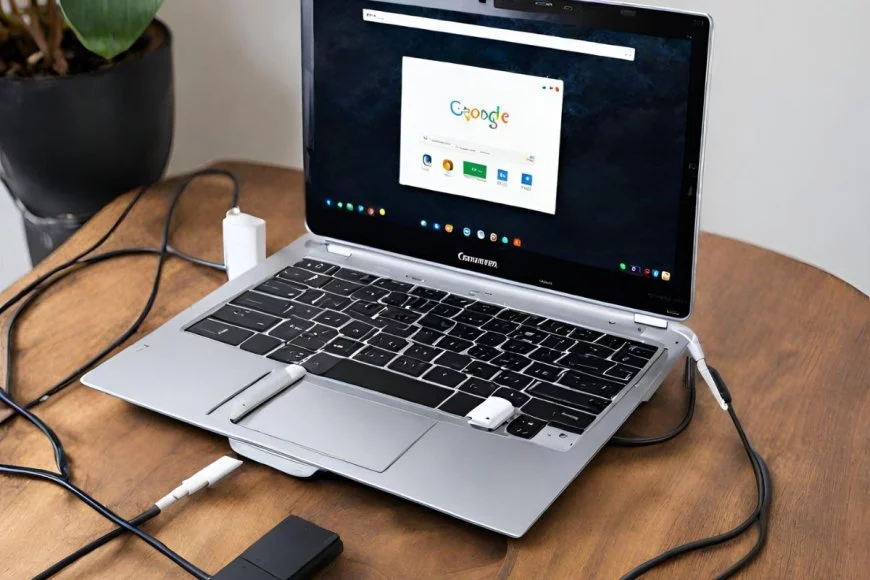
So, how do we pull this off? The most common method relies on the fact that most Chromebooks use a USB-C charging port. This is fantastic news because USB-C is becoming increasingly universal. Here’s your plan of attack:
Must Read
- Borrow a USB-C charger: This is the most straightforward solution. Ask friends, family, or colleagues if they have a USB-C charger you can borrow. Phone chargers, laptop chargers, even portable power banks – as long as it's USB-C and provides sufficient power (more on that below), it should work.
- Use a USB-C power bank (portable charger): These are lifesavers! A fully charged power bank can give your Chromebook a significant boost, buying you valuable time. Look for power banks with Power Delivery (PD) for faster charging.
- Check the Power Output: While most USB-C chargers will work, the charging speed will vary based on their power output (measured in Watts - W). Your Chromebook's original charger likely has a specific wattage. Using a charger with a lower wattage will still charge your Chromebook, but it will do so much slower. You might even find that a very low-wattage charger only prevents the battery from draining further, rather than actually charging it significantly.
- Your Car's USB Port (maybe): Some newer cars have USB-C ports that can deliver enough power to charge a Chromebook, albeit slowly. It's worth a try if you're on the road.
Important Considerations:
- Voltage Matters: Make sure the voltage of the alternative charger is compatible with your Chromebook. This information is usually printed on the charger itself. Using an incompatible voltage could damage your device.
- Fake Chargers: Beware of cheap, unbranded chargers, especially online. They may not meet safety standards and could damage your Chromebook or even pose a fire hazard. Stick to reputable brands.
Charging a Chromebook without its original charger is definitely possible in many situations. By understanding the power requirements of your device and leveraging the ubiquity of USB-C, you can stay powered up and productive, even when your charger is nowhere to be found. Now go forth and conquer that to-do list!
![Charge Chromebook Without a Charger [ Best Way ] - Alvaro Trigo's Blog](https://alvarotrigo.com/blog/wp-content/uploads/2023/10/how-charge-chromebook-without-charger.jpg)