
How To Charge A 12 Volt Battery

Ever felt that little thrill of independence? The open road stretching before you, the quiet hum of a campsite under the stars, or maybe just the satisfaction of fixing something yourself? A huge chunk of that fantastic freedom often hinges on something surprisingly simple, yet incredibly powerful: a humble 12-volt battery. And guess what? Learning how to charge one isn't just a practical skill; it's your ticket to unlocking a world of hassle-free adventure and feeling like a genuine pro.
Sound intimidating? It's not! We're not talking about rocket science here, just a few easy steps that will empower you, save you from potential headaches, and frankly, make you feel pretty darn capable. Ready to ditch the "what if my battery dies?" worries and embrace the "I've got this!" confidence? Let's dive in!
Why Charging Your Battery Is Actually Fun (Seriously!)
Think about it: that little box of energy powers so much of our mobile lives. Your car, RV, boat, motorcycle, even some portable solar setups – they all rely on 12V batteries. Knowing how to keep them juiced up means:
Must Read
- No More Stranding Scares: Imagine being far from home, engine silent. Knowing how to revive your battery means skipping the tow truck and continuing your journey. Pure relief!
- Unleashing Adventure: Want to boondock in your RV or spend a day on the lake without worrying about your onboard power? A fully charged battery is your best friend. Hello, off-grid freedom!
- DIY Hero Status: There’s a special kind of satisfaction that comes from handling things yourself. You’ll be the person everyone secretly (or not-so-secretly) admires for your self-sufficiency.
This isn't just about electricity; it's about empowerment and peace of mind. And honestly, it’s much simpler than you think!
Meet Your Energy Buddy: The 12-Volt Battery
Before we charge, let's briefly acknowledge our star player. A 12-volt battery is essentially a portable energy storage unit. It holds electrical energy that can be released to power various devices. Over time, as it powers things, its energy gets depleted. That's where charging comes in – it's like refilling its energy tank!
The Star of the Show: Your Battery Charger!
You can't just plug a 12V battery into a wall socket (please, don't do that!). You need a specialized device called a battery charger. Its job is to safely convert the alternating current (AC) from your wall outlet into direct current (DC) that your battery needs, and to control the flow to prevent damage.
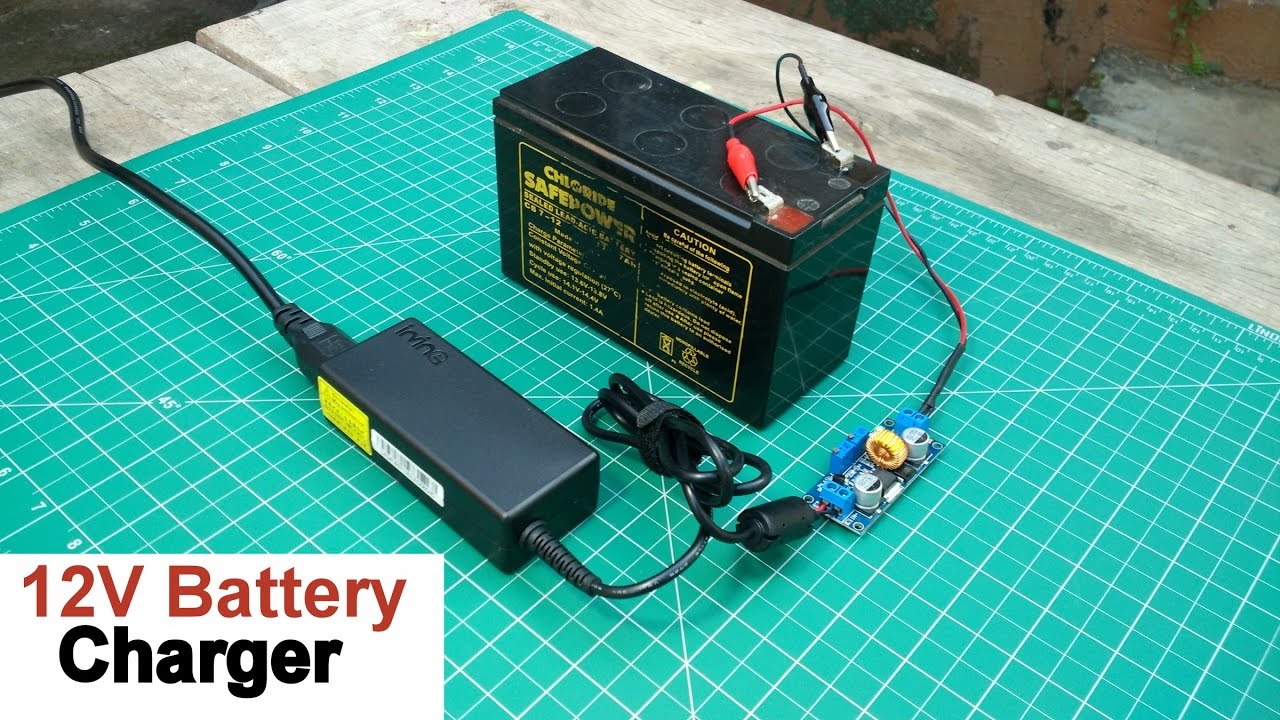
There are a few types, but for most everyday users, two stand out:
1. Smart Chargers (Your Best Friend!)
These are the heroes of the modern charging world. Often called automatic chargers or maintainers, they are incredibly user-friendly. You literally connect them, plug them in, and let them do their magic. They monitor the battery's voltage and charge level, adjusting the current as needed, and automatically switching to a "float" or "maintenance" mode once the battery is full. This prevents overcharging, which is fantastic for battery longevity!
If you're buying a charger, this is the one to get. They make charging effortless and worry-free.
2. Manual Chargers (Use with Caution!)
These older-style chargers require a bit more vigilance. You have to monitor the battery yourself and disconnect the charger once it's full to prevent overcharging. While still functional, smart chargers have largely made them obsolete for casual use due to their "set it and forget it" convenience.
Let's Get Charging! Your Easy-Peasy Steps to Power
Okay, deep breaths! We’re going to walk through this step-by-step. You'll be amazed at how straightforward it is.
Step 1: Safety First, Always!
This isn't a scary step, just a smart one. Batteries contain corrosive acid and can produce flammable gases. So, before you start, make sure you're in a well-ventilated area. Consider wearing safety goggles and gloves, just in case. Better safe than sorry, right?
Step 2: Identify Those Terminals
Look at your battery. You'll see two posts (terminals). One will be marked with a plus sign (+) and is usually red. This is your positive terminal. The other will have a minus sign (-) and is typically black. This is your negative terminal. Easy peasy!
Step 3: Connect Your Charger to the Battery
Here’s the golden rule for connecting battery chargers: Red to Red, Black to Black!

- Take the red clamp from your charger and securely attach it to the battery's positive (+) terminal.
- Then, take the black clamp and securely attach it to the battery's negative (-) terminal.
Make sure the connections are snug and won't easily slip off. Double-check your polarity! Red to positive, black to negative. This is important to avoid sparks or damage.
Step 4: Plug in Your Charger (This is Key!)
Only after the charger clamps are securely connected to the battery, plug the charger's power cord into a wall outlet. This sequence prevents sparks from occurring directly near the battery, which is always a good idea.
Step 5: Let the Magic Happen!
If you have a smart charger (which we highly recommend!), it will usually have indicator lights to show its progress. It might flash, turn green, or display "charging" messages. Simply let it do its job! It will automatically switch to maintenance mode when the battery is full.
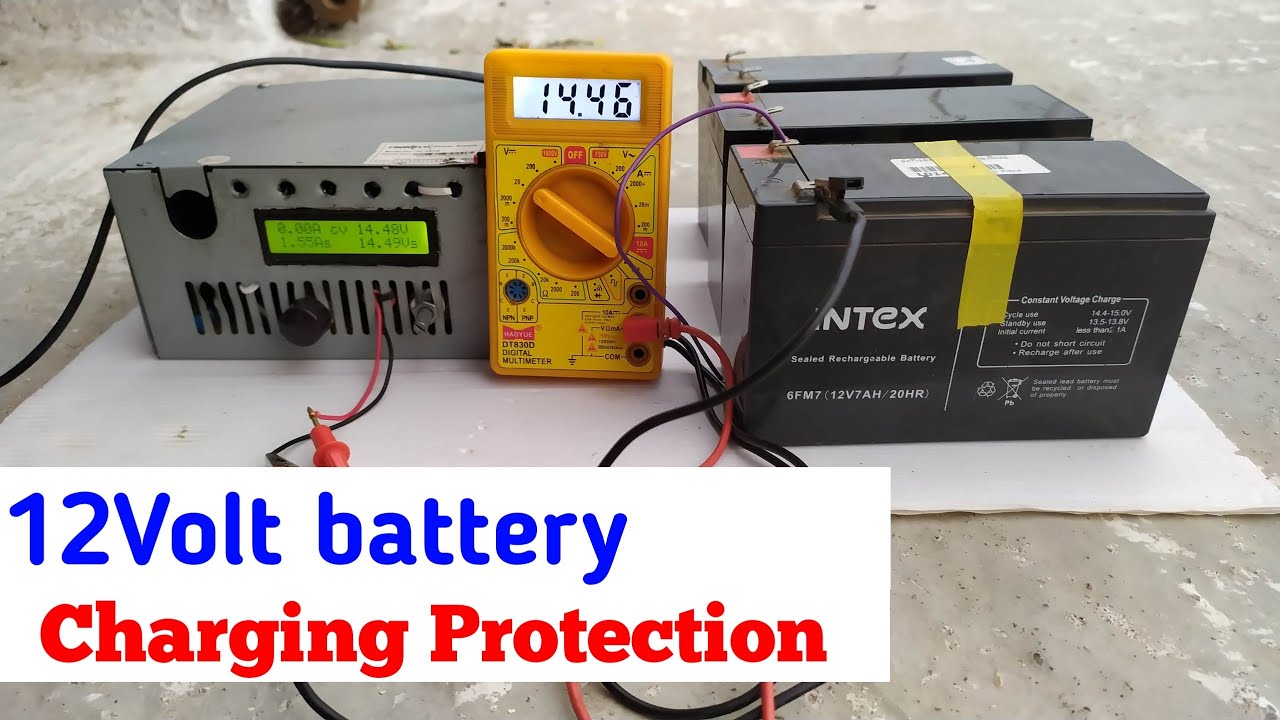
If you're using an older manual charger, you'll need to periodically check the battery's voltage with a multimeter or rely on the charger's gauge (if it has one) to know when it's fully charged. This is why smart chargers are so much less fuss!

Step 6: Disconnect (The Reverse Order!)
Once your battery is charged and your smart charger signals "full" or "maintain," it's time to disconnect. And just like connecting, there's a specific order:
- First, unplug the charger from the wall outlet.
- Next, remove the black clamp from the negative (-) terminal.
- Finally, remove the red clamp from the positive (+) terminal.
Voila! You've successfully charged a 12-volt battery! Give yourself a pat on the back!
Beyond the Battery: The Feeling of Empowerment
See? That wasn't scary at all! You just gained a valuable skill that opens up so many possibilities. No more guessing, no more relying on others, just pure, unadulterated confidence. Think of all the places you can go, the things you can do, knowing you have the power to keep your adventures rolling.
This little act of learning how to charge a battery isn't just about electricity; it's about taking charge of your own journey, understanding the world around you, and feeling capable. So go forth, embrace your inner power-pro, and keep those good times fully charged!