
How To Add Name On Utility Bill

Alright, grab a mug of your favorite brew, because we're about to tackle one of those things that sounds like a super boring adulting task but is actually kinda important. We're talking about getting your name – yes, your fabulous name – onto a utility bill.
Maybe you've just moved in with your significant other (congrats, by the way!), or you've finally convinced your bestie to split rent on that dream apartment. Or perhaps you're just stepping up to the plate and want to show the world, and your credit score, that you're a responsible human being. Whatever the reason, adding a name to a utility bill feels like a rite of passage, doesn't it?
It's not as scary as it sounds, I promise! No secret handshakes or ancient incantations required. Just a few steps, a little patience, and maybe a deep breath or two.
Must Read
Why Bother? (Beyond Just Being a Grown-Up)
So, why go through this mild bureaucratic dance? Good question! It's not just about splitting bills (though, let's be real, that's a big part of it). There are some sweet perks:
- Credit Score Boost: Utility payments can actually help build your credit history! Who knew that paying for electricity could be so empowering?
- Proof of Residency: Need to open a bank account? Get a driver's license at your new address? A utility bill with your name on it is like a gold star for "I live here!"
- Shared Responsibility: If something goes sideways (power outage, anyone?), you both have a direct line to the utility company. No more playing phone tag while the fridge slowly defrosts.
Step 1: Know Your Utilities & Your Utility Company
First things first, you need to know who you're dealing with. Is it the gas company? The electric company? The water folks? The internet provider (though sometimes internet is its own beast, not strictly a "utility" bill in the traditional sense, but still good to know)?
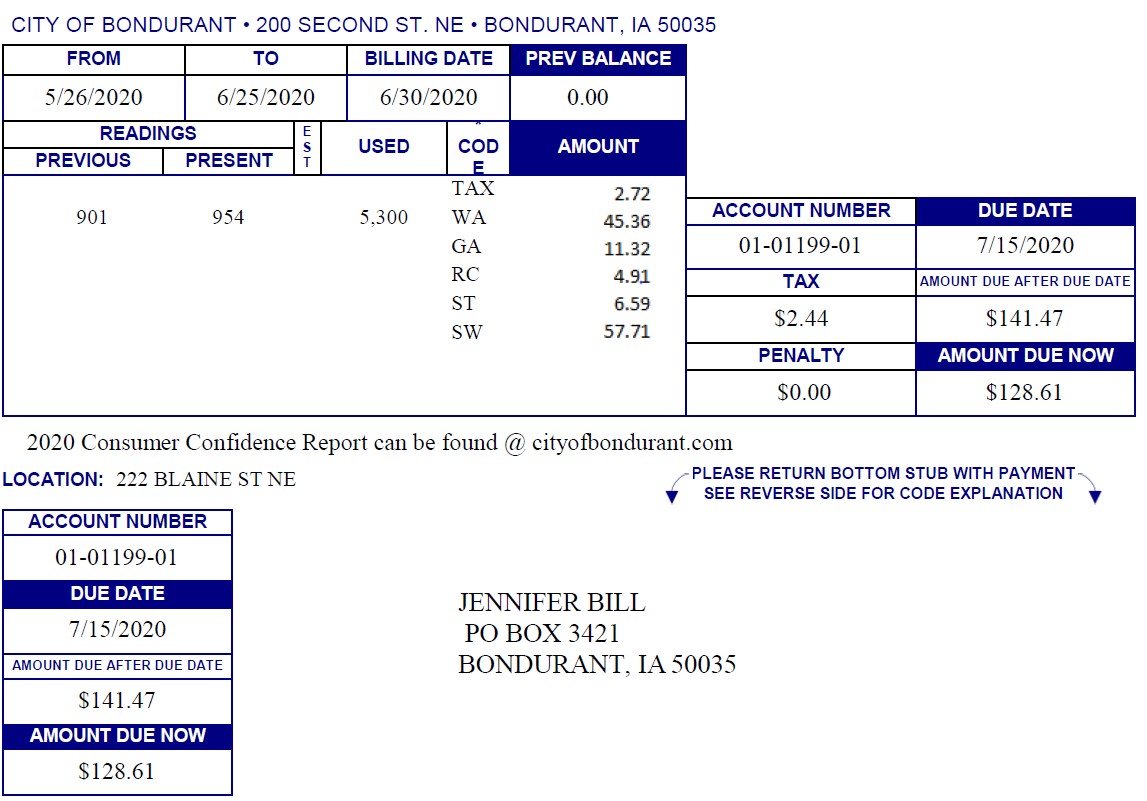
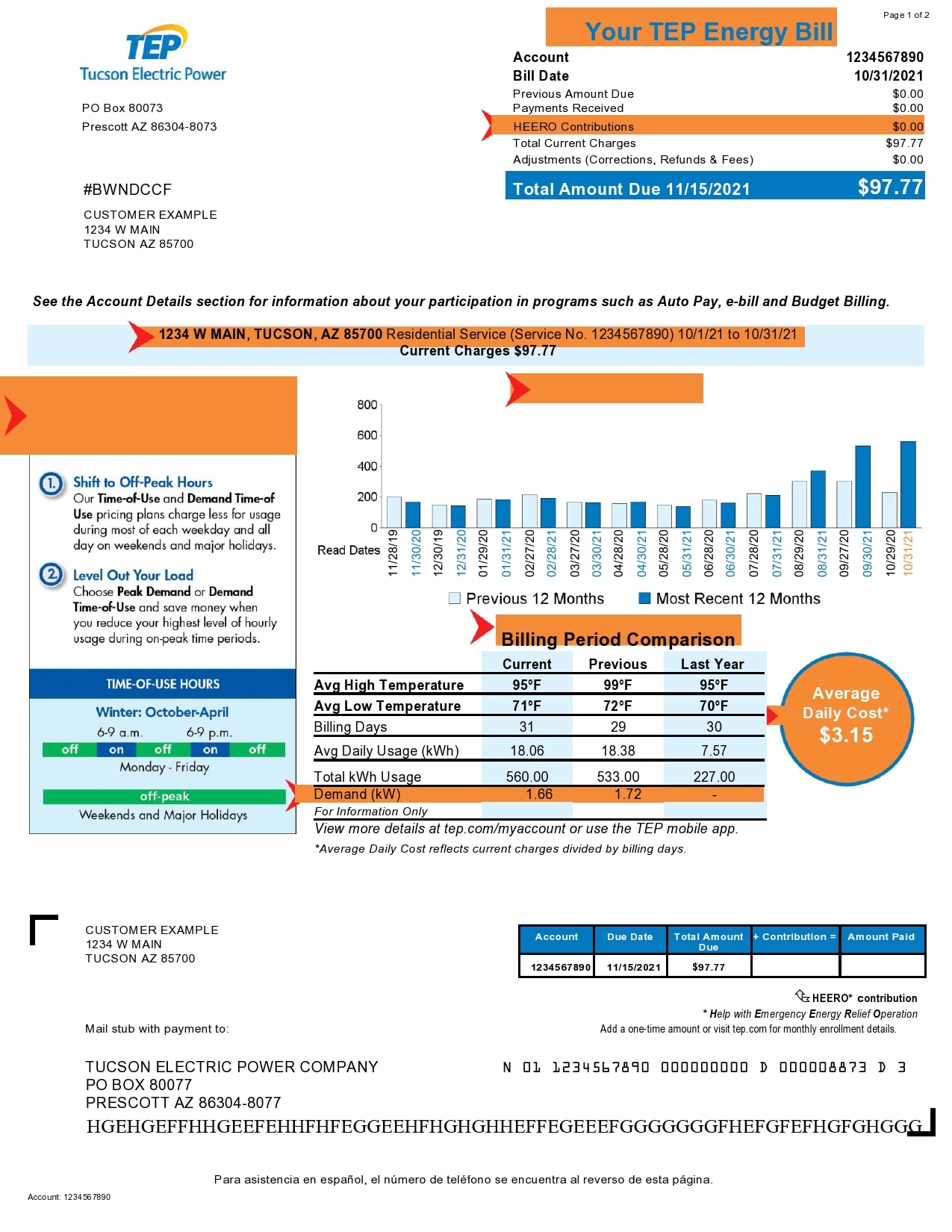
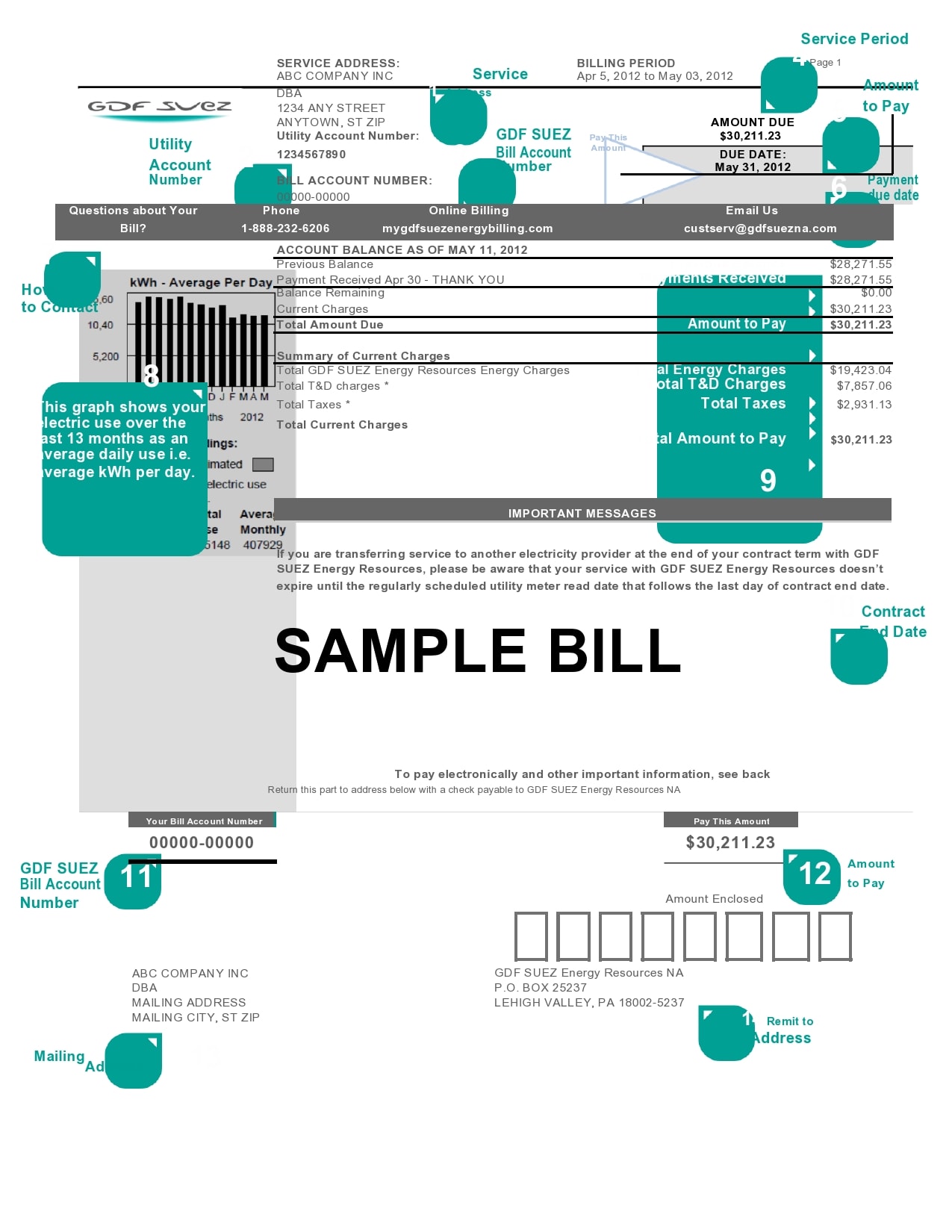
Grab a recent bill. See who the big boss company is. Is it "Awesome Power Co." or "Super Speedy Gas"? Look for their name, their account number, and, most importantly, their customer service number. This is your golden ticket, my friend.
Step 2: Decide Your "Add-On" Strategy
Are you adding your name to an existing account, or are you trying to start a brand new account with two names from the get-go? The most common scenario for "adding a name" is when one person already has the account, and you're joining them. Let's focus on that, as it's usually the slightly trickier one.
If you're starting fresh, it's often a bit simpler. You just both apply together! But for adding onto an existing account...
Step 3: Make the Call (Together, If Possible!)
Okay, deep breath. This is where the magic happens. Call that customer service number you found. Seriously, calling is often the quickest way to get this sorted. Websites can be a labyrinth, am I right?
Here's a pro-tip: try to have both the existing account holder and the person being added on the call. Why? Because utility companies are sticklers for security (and rightly so!). They'll need permission from the current account holder to make any changes. Think of it like a digital "pinky swear" that everyone's on board.
When you call, state your mission clearly: "Hi, we'd like to add a name to an existing account."
What Information Will They Ask For?
Be prepared to provide some info. It's usually pretty standard stuff, but better safe than sorry, right? They'll likely need:
- The existing account number (from that bill you grabbed).
- The name and contact info of the current account holder.
- Your full name and contact info (the person being added).
- Your date of birth.
- A form of identification (like a driver's license number or passport number). Sometimes they just ask for the number, other times they might ask you to email a copy.
- Occasionally, they might ask for your Social Security Number (SSN), especially if they need to run a quick credit check or if you're becoming a primary account holder. Don't be alarmed; it's a standard procedure.
- The service address (duh, but worth mentioning!).
They might also ask about your relationship to the existing account holder. "Roommate," "spouse," "partner" are all perfectly acceptable answers. No need to write an autobiography!
Step 4: The Confirmation & The Victory Dance
Once you've provided all the details and they've processed the request, the friendly customer service rep will confirm that the name has been added. They might give you a confirmation number (jot that down!).
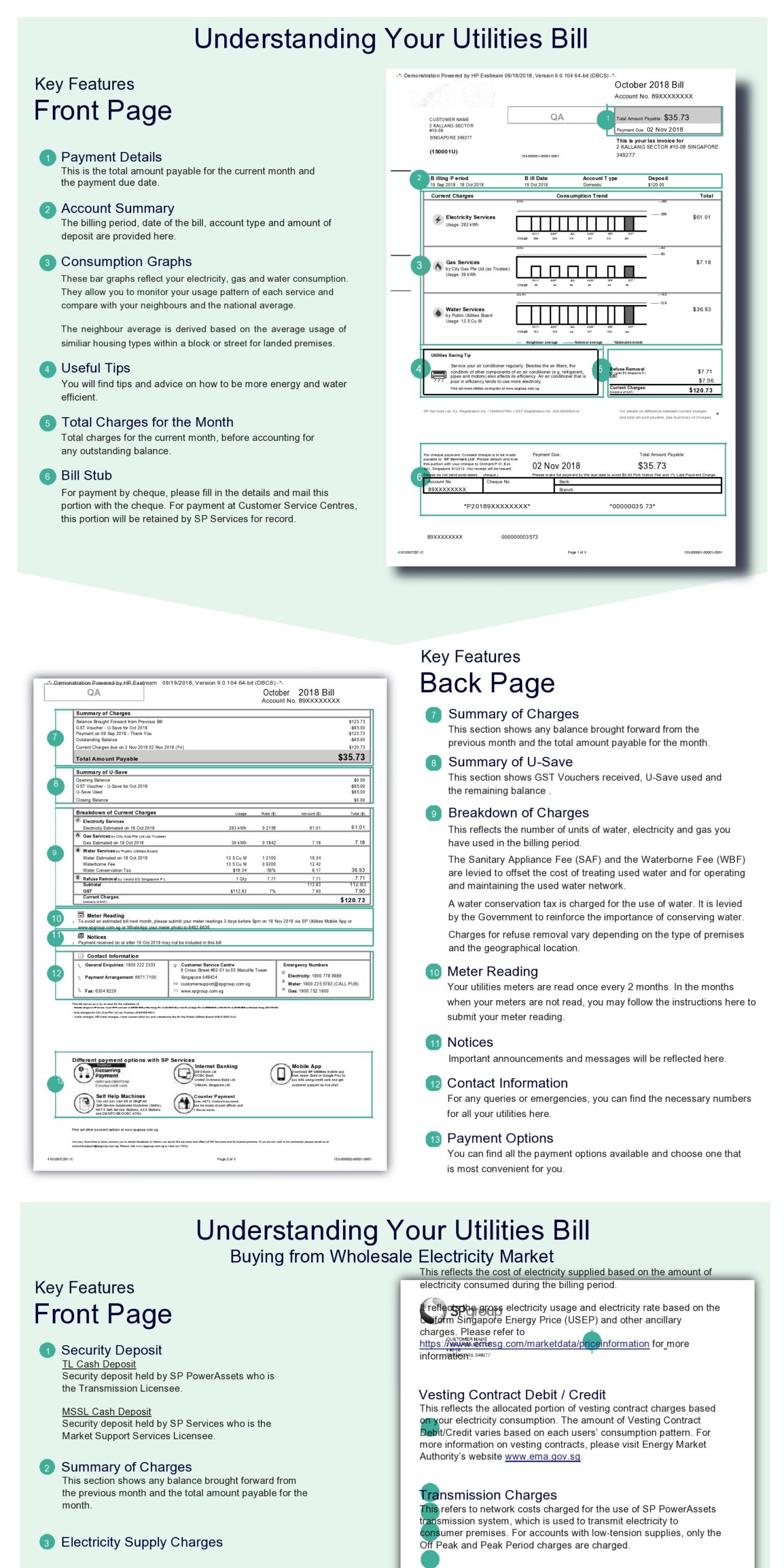
Then, in your next billing cycle, keep an eye out for that shiny new utility bill. It should have both your names proudly displayed! And just like that, you've conquered another piece of the adulting puzzle.
See? Not so bad, was it? It's like filling out a slightly longer online form, but with a real human on the other end guiding you. Go forth, future utility bill co-holder, and revel in your newfound administrative prowess! Maybe even treat yourself to a celebratory coffee. You've earned it!