How To 3d Print A 3d Printer

Ever dreamed of a machine that could make... itself? It sounds like something out of a sci-fi movie, but in the fascinating world of 3D printing, it's not just possible – it's a popular and incredibly rewarding endeavor! We're talking about the ultimate DIY project: 3D printing a 3D printer. It’s a truly meta-making experience that embodies the spirit of innovation and self-sufficiency, turning you into a literal creator of creators.
So, why would anyone embark on such an ambitious journey? The benefits are as cool as the concept itself. Firstly, there's the incredible satisfaction of building something so complex from the ground up. You gain an intimate understanding of how a 3D printer actually works, from its motors to its firmware, which is invaluable for troubleshooting and future upgrades. Beyond the immense learning curve, it can also be significantly more cost-effective than buying a pre-assembled machine, especially if you're aiming for a high-quality, open-source design. Many of the most popular and robust printer designs, like the Prusa i3 or Voron, are open-source, meaning their plans and software are freely available to the public. This community-driven approach fosters innovation and provides a wealth of support for builders.
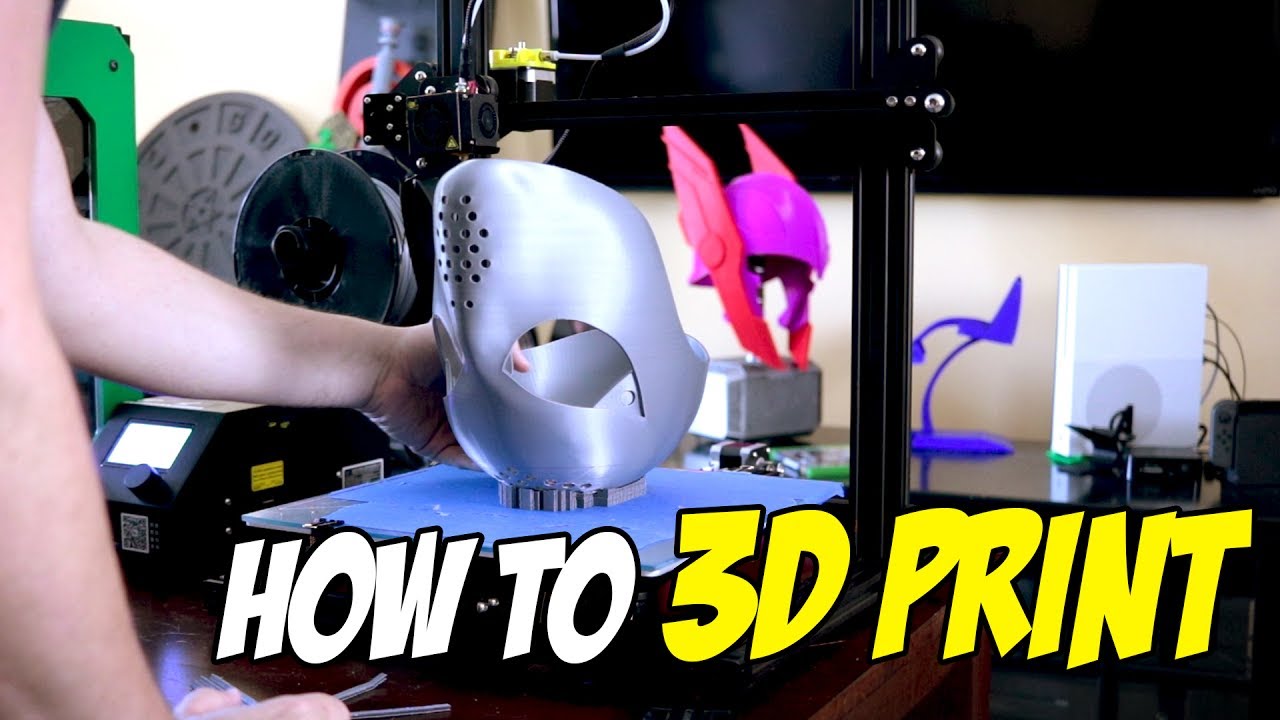
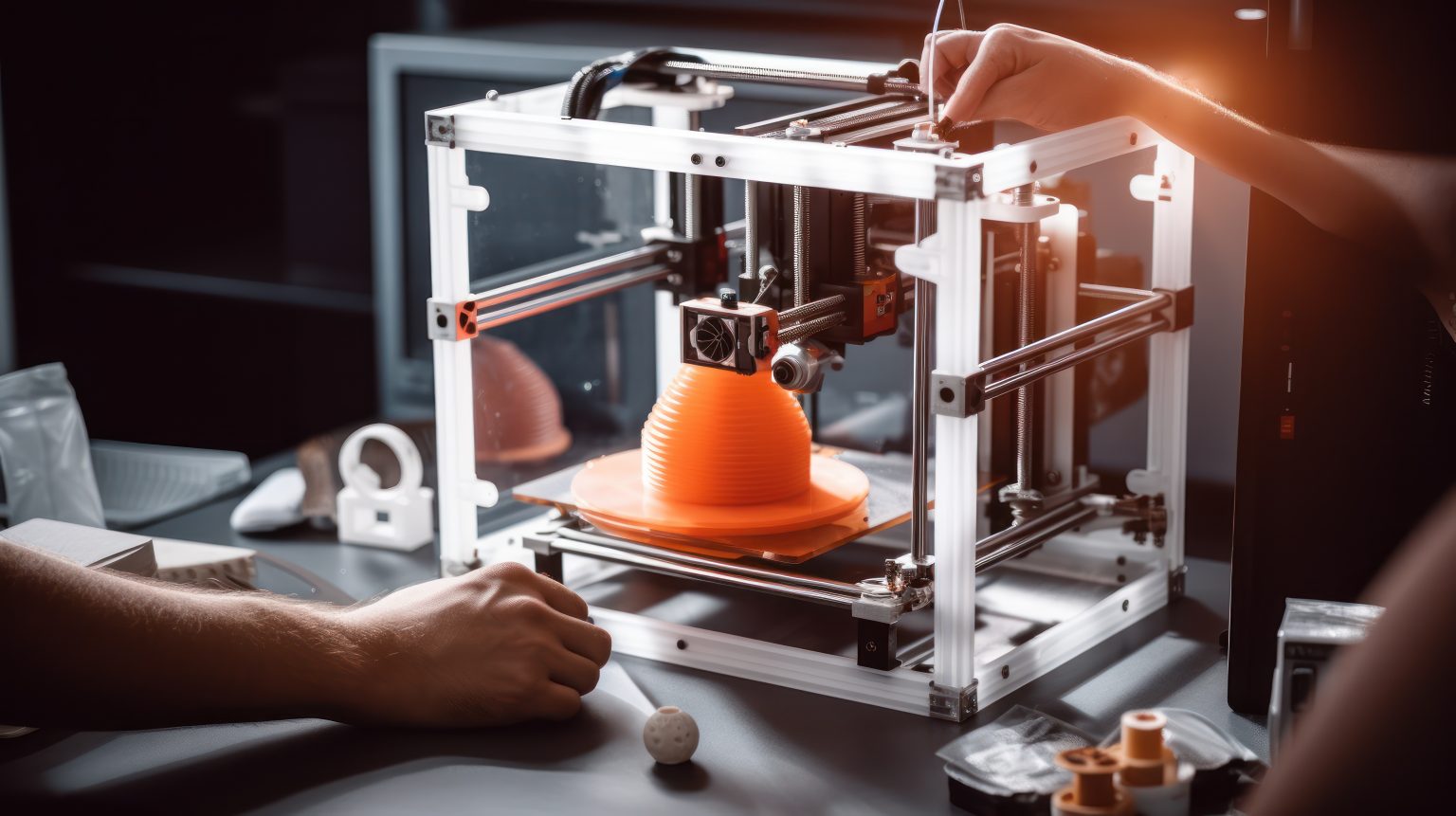
Alright, so how do you actually print a printer? It begins with an existing 3D printer – think of it as the "mother printer" – which you'll use to fabricate the necessary plastic components for your new "baby printer." You'll download the digital design files (STL files) for your chosen open-source printer model. These files detail every plastic bracket, mount, and housing that the new printer will need. You then load these files into your existing printer and start printing! It’s a fantastic way to utilize a current machine to its fullest potential, cranking out all the custom parts that make the build so unique.
Must Read
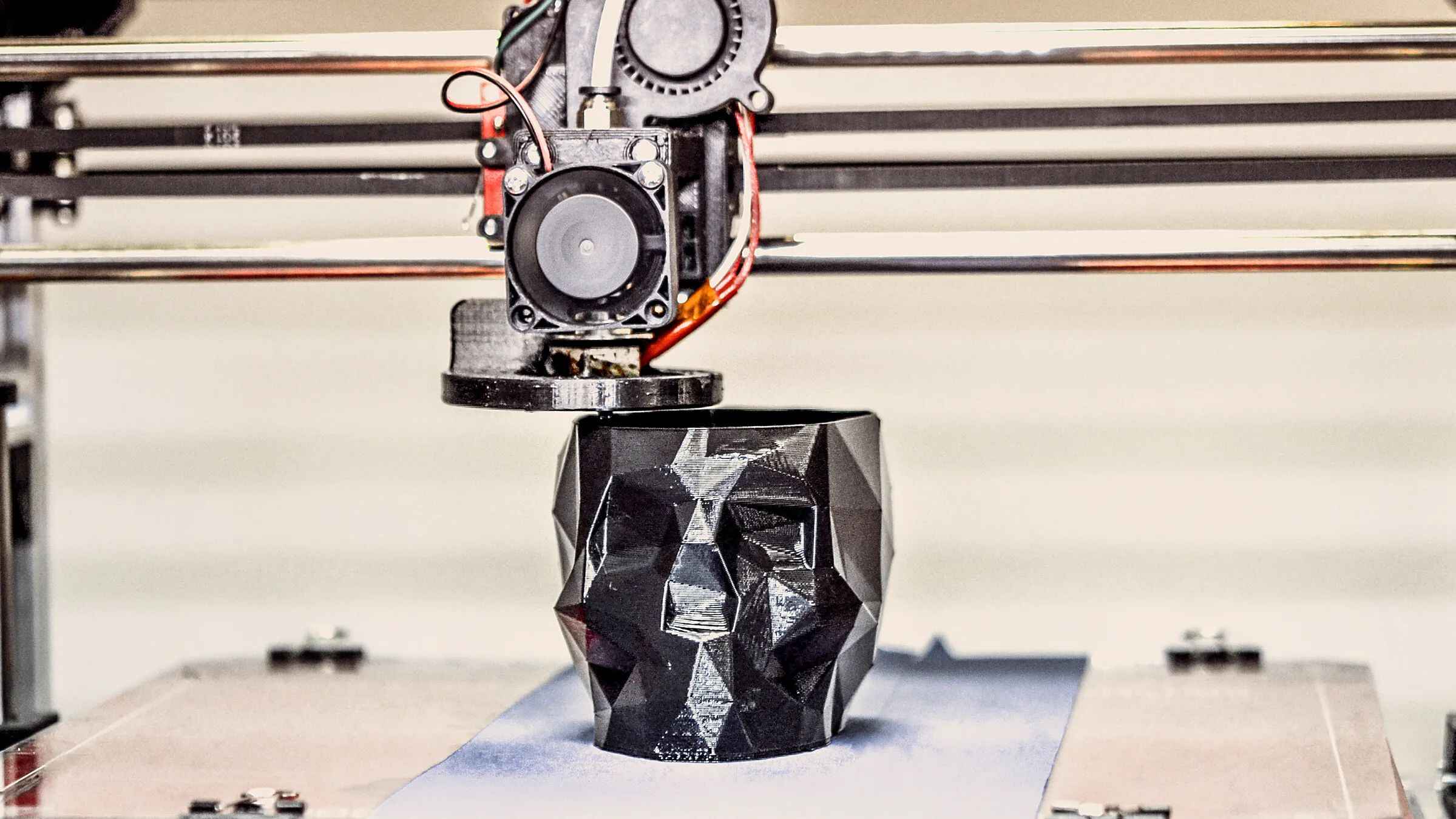
Once you have all the plastic parts printed, it's time for the shopping list! Remember, a 3D printer isn't just plastic. You'll need to source the "guts" of the machine: stepper motors, a hotend (the part that melts the filament), a heated build plate, linear rails or rods, belts, an extruder assembly, and the all-important electronics board (often called the mainboard or controller board) that acts as the printer's brain. Many online suppliers and kits exist to help you gather these non-printed components. The final step is the assembly, which often feels like building a highly advanced LEGO set. Following detailed instructions and guides from the open-source community, you'll meticulously put together all the parts, wire the electronics, and then, crucially, calibrate your new machine. It's a journey from raw materials to a fully functioning marvel, culminating in the ultimate bragging right: "I built that!"