
How Long Does It Take To Fully Charge Apple Watch
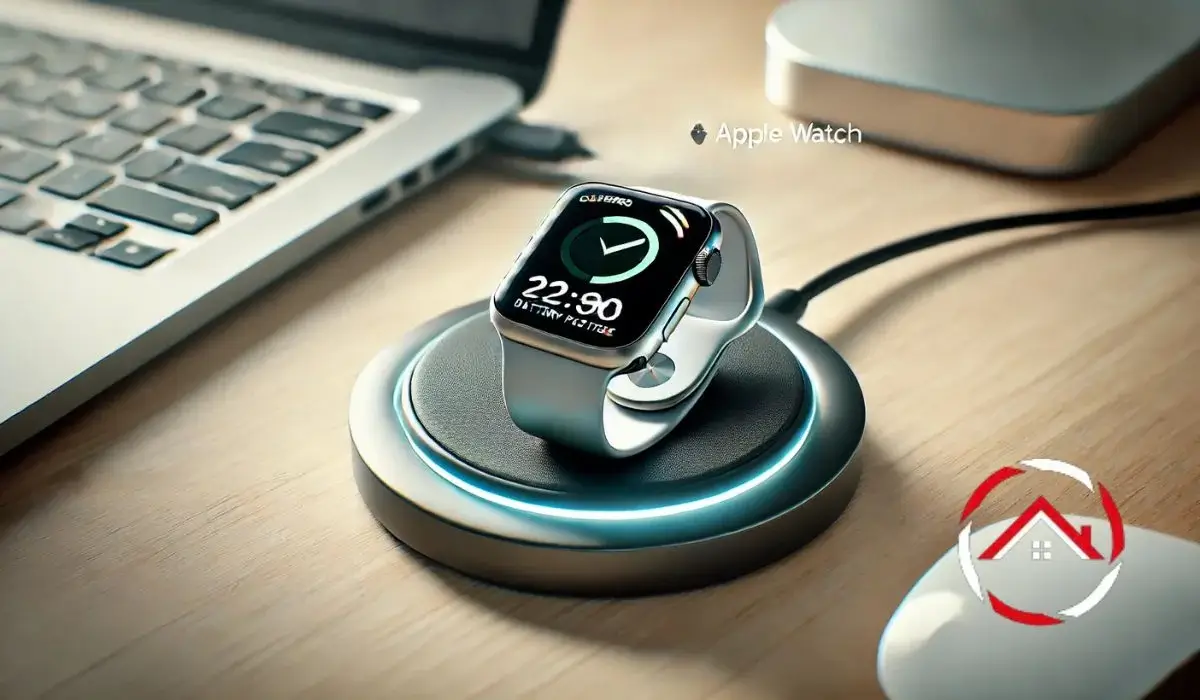
Alright, folks, gather ‘round! Let’s talk Apple Watches. Specifically, the age-old question that plagues us all: How long does it actually take to fully charge one of these little wrist computers? It’s a query that's kept philosophers awake at night (probably not, but let's pretend), and driven countless people to the brink of madness (again, probably not... but the suspense is real!).
Seriously though, it is a valid question. You don’t want to be caught with a dead Apple Watch right before your meticulously planned interpretive dance about battery life. So, let’s dive in!
The Official Apple Line (and Why It’s Slightly Fuzzy)
Apple, in their infinite wisdom, provides some guidelines. They generally say you can get to 80% charge in about 1.5 hours, and a full 100% in around 2.5 hours. Sounds straightforward, right? Wrong! This is tech we're talking about. Nothing is ever quite that simple.
Must Read
Think of it like baking a cake. The recipe says 30 minutes, but then your oven's a little wonky, you accidentally put in an extra egg, and suddenly you're staring at a gooey mess that resembles a prehistoric swamp creature. Same deal with charging your Apple Watch! Several factors can affect the charging time.
The Culprits Behind the Charge Delay (aka: Excuses, Excuses!)
Here’s where things get interesting. Prepare for a whirlwind tour of potential charging roadblocks:
1. The Age of Your Watch: Let's face it, batteries aren't immortal. After a few years, your watch battery might be feeling its age. It won't hold a charge as well, and charging speeds might decrease. It's like trying to get a senior citizen to run a marathon - they might try, but they're not setting any world records.

2. The Charging Puck Situation: Are you using the official Apple charging puck? Or a third-party one you found in a dusty drawer? The official puck is always your best bet for optimal charging speed. A dodgy off-brand charger might be the reason your watch is taking longer than a sloth on vacation.
3. The Cable Caper: Is your charging cable in good shape? A frayed, damaged cable can significantly slow down the charging process. Inspect it carefully. If it looks like it’s been through a war, it's time for a replacement. Think of it as giving your watch a proper, reliable lifeline.
4. The Temperature Tango: Extreme temperatures (hot or cold) can affect battery performance. Avoid charging your Apple Watch in direct sunlight or in a freezer (yes, some people do weird things). Treat it like a delicate flower… a delicate, wrist-worn, tech-savvy flower.
5. Background Activity: Is your watch constantly buzzing with notifications, tracking workouts, or playing music while charging? All that activity consumes power, slowing down the charging process. Put it in Theater Mode or Power Reserve while charging to minimize background drain. It's like telling your watch to take a nap and let the electricity do its thing.
![How To Charge Apple Watch Series 8 (explained) [d19177]](https://i.ytimg.com/vi/6xqvvmd8YmE/sddefault.jpg)
6. The Software Surprise: Sometimes, software glitches can mess with charging speeds. Make sure your watch is running the latest version of watchOS. Software updates can often include battery optimization improvements. It’s like giving your watch a software spa day!
Tips and Tricks for Speedy Charging
Okay, now that we've identified the culprits, let's talk solutions! Here's your arsenal of charging optimization techniques:
Use the official Apple charging puck and cable. We can't stress this enough. It's like using the right type of gas for your car - you want the premium stuff!
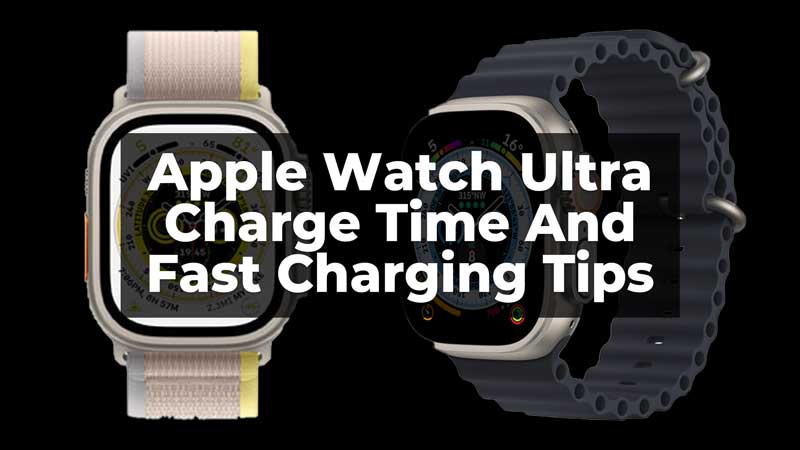
Turn off unnecessary features while charging. Bluetooth, Wi-Fi, raise-to-wake... give your watch a break! Think of it as turning off the lights in your house to conserve energy.
Enable Power Reserve Mode. This limits functionality but significantly extends battery life and can help speed up charging.
Keep your watch at a moderate temperature. No charging in saunas or igloos, please.
Clean the charging contacts. Sometimes, a little dust or debris can interfere with the connection. A quick wipe with a soft, dry cloth can do the trick.

Restart your Apple Watch periodically. Just like your phone or computer, a restart can sometimes resolve software glitches that might be affecting charging.
The Final Verdict (and a Dose of Reality)
So, how long does it take to fully charge an Apple Watch? The honest answer: It depends. But, with a little care and attention, you can generally expect a full charge in around 2 to 3 hours. Remember that 80% in 1.5 hours target. And if it takes considerably longer than that, it might be time to investigate the culprits we discussed earlier.
Ultimately, charging your Apple Watch is a bit of an art form. Experiment, observe, and adapt. And remember, don't let a dead battery ruin your interpretive dance!
Now, if you’ll excuse me, I need to go charge my own Apple Watch. I have a very important appointment to… check the weather. Yes, that’s it. The weather.