How Long Does It Take To Charge A Apple Watch

Okay, let's talk about that little gadget that's always whispering sweet nothings (or nagging reminders) on your wrist: the Apple Watch. We love it, we rely on it, but oh boy, the charging anxiety is real. Ever felt like you're perpetually tethered to a charging cable? You're not alone. So, how long does it actually take to juice this thing up?
Think of your Apple Watch battery life like a toddler’s attention span. It’s there, it's vibrant, but it can vanish in a puff of smoke when you least expect it – usually right before that important meeting or when you're halfway through your daily workout. So, keeping it charged is key.
The Nitty-Gritty: Charging Times De-Mystified
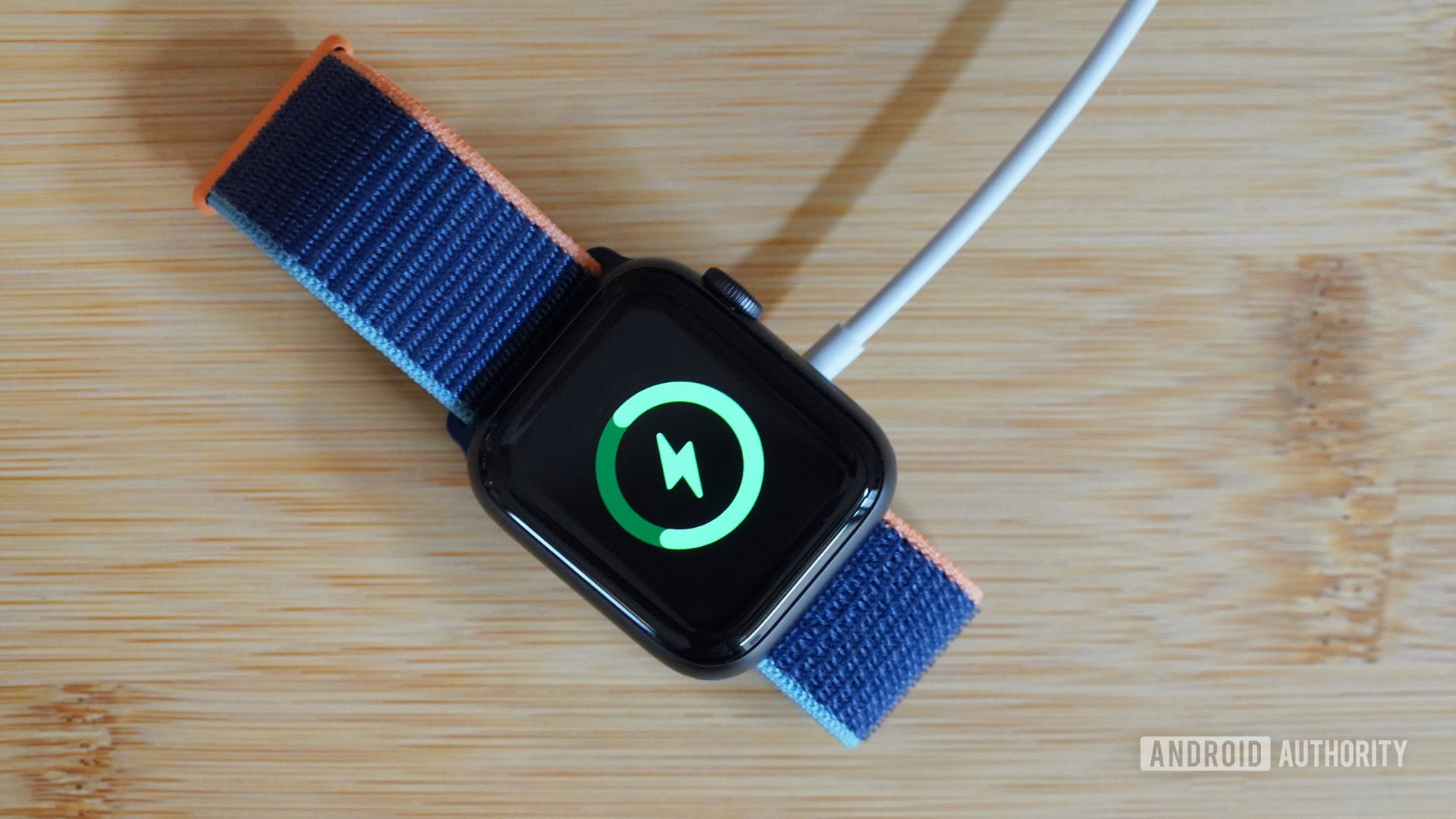
The short answer? Expect around 2 to 2.5 hours to fully charge a completely dead Apple Watch. That's from 0% to 100%. But let's break it down a little further, because life isn't always about waiting for the full monty.
Must Read
Quick Boost: Need a fast hit of power? You’re in luck! You can usually get to 80% charge in about 1.5 hours. Think of it like downing an energy drink before a marathon – enough to get you going for a decent stretch.
Overnight Sensation: Most of us charge our watches overnight. Slap it on the charger before you hit the hay, and you’ll wake up to a fully charged companion, ready for another day of pings, steps, and notifications. Just make sure you're using a genuine Apple charging puck or a reliable MFi-certified one. We've all heard horror stories about dodgy chargers frying electronics.

Factors Affecting Charging Time
Now, before you set your watch (pun intended) to these times, let's acknowledge the gremlins in the machine. Several things can influence how quickly your Apple Watch gains power:
- The Series: Newer models generally charge a bit faster than older ones. Apple's always tweaking things under the hood. It's like upgrading from a bicycle to a scooter – both get you there, but one's a little zippier.
- The Adapter: Using a higher wattage adapter (like the one you use for your iPhone or iPad) can shave off some charging time. Think of it as giving your watch a double shot of espresso instead of a regular coffee.
- The Cable: A damaged or frayed charging cable is a recipe for slow charging or, worse, no charging at all. Treat your cables with respect! They're like the veins of your digital life.
- Background Activity: If you're actively using your watch while it's charging (streaming music, making calls, etc.), it will charge slower. Imagine trying to fill a bathtub while someone's simultaneously draining it – inefficient, right?
Tips for Optimizing Your Charging Experience
Alright, so how can you become a charging ninja and minimize your Apple Watch's downtime?
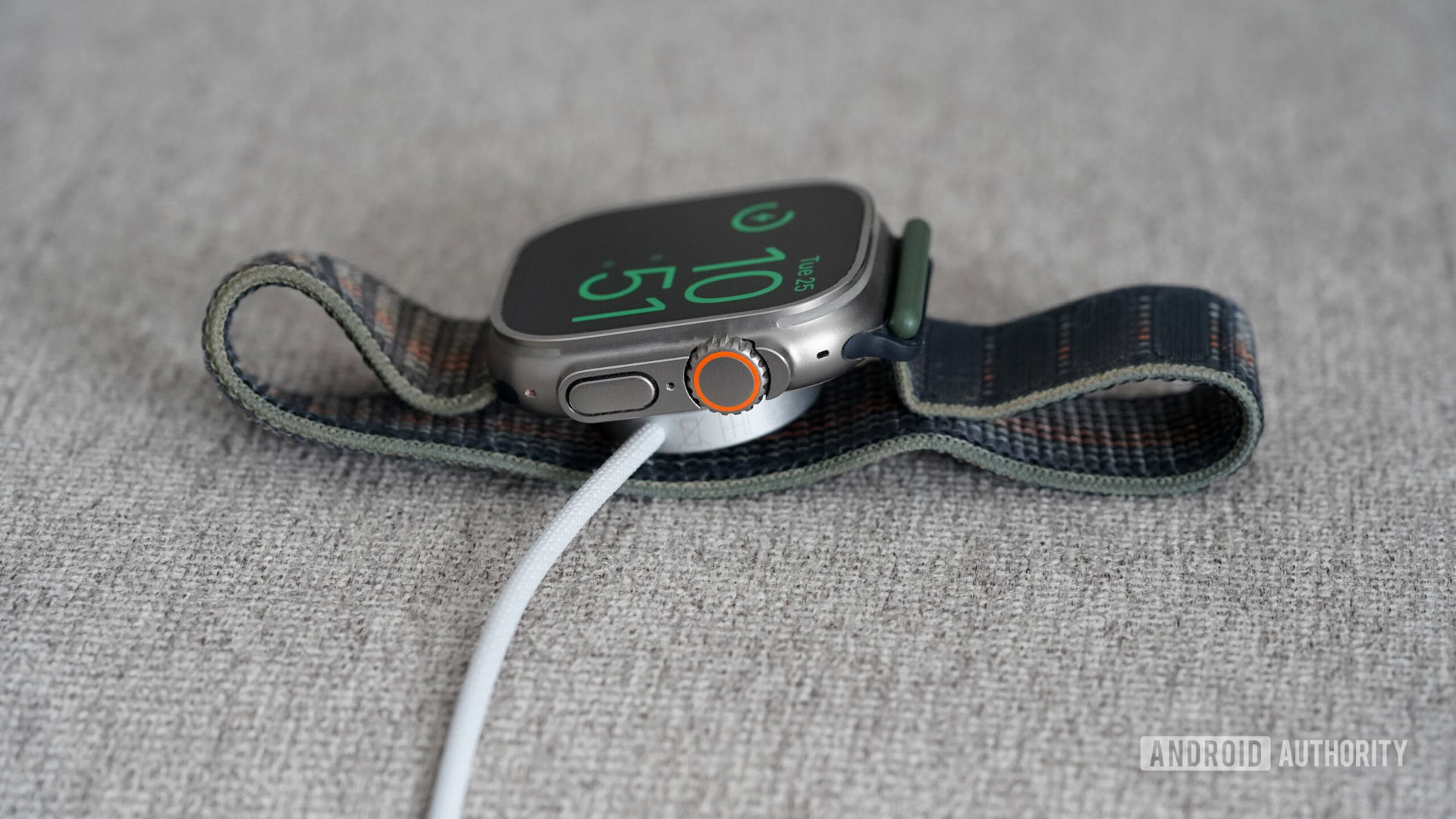
- Use Optimized Battery Charging: This feature, buried in your watch's settings, learns your charging habits and slows down charging after 80% to prolong battery health. It's like a responsible adult version of charging.
- Keep Your Software Updated: Apple often includes battery optimization tweaks in software updates. Don't be a Luddite – update your watch!
- Turn Off Unnecessary Features: Features like Always On Display and background app refresh can drain battery life faster. Turn them off if you're really trying to stretch your watch's endurance.
- Clean the Charging Contacts: Dust and grime can interfere with charging. Give the charging contacts on your watch and the charging puck a quick wipe with a soft, dry cloth.
Ultimately, keeping your Apple Watch charged is about integrating it into your daily routine. Find a charging schedule that works for you, invest in a good charging setup, and don't panic if it takes a little longer than expected. Remember, even superheroes need to recharge their batteries!
So go forth, wear your Apple Watch with confidence, and may your battery percentage always be in your favor! And if all else fails, remember the wise words of every tech guru ever: "Have you tried turning it off and on again?"