
How Do You Program A Thermostat
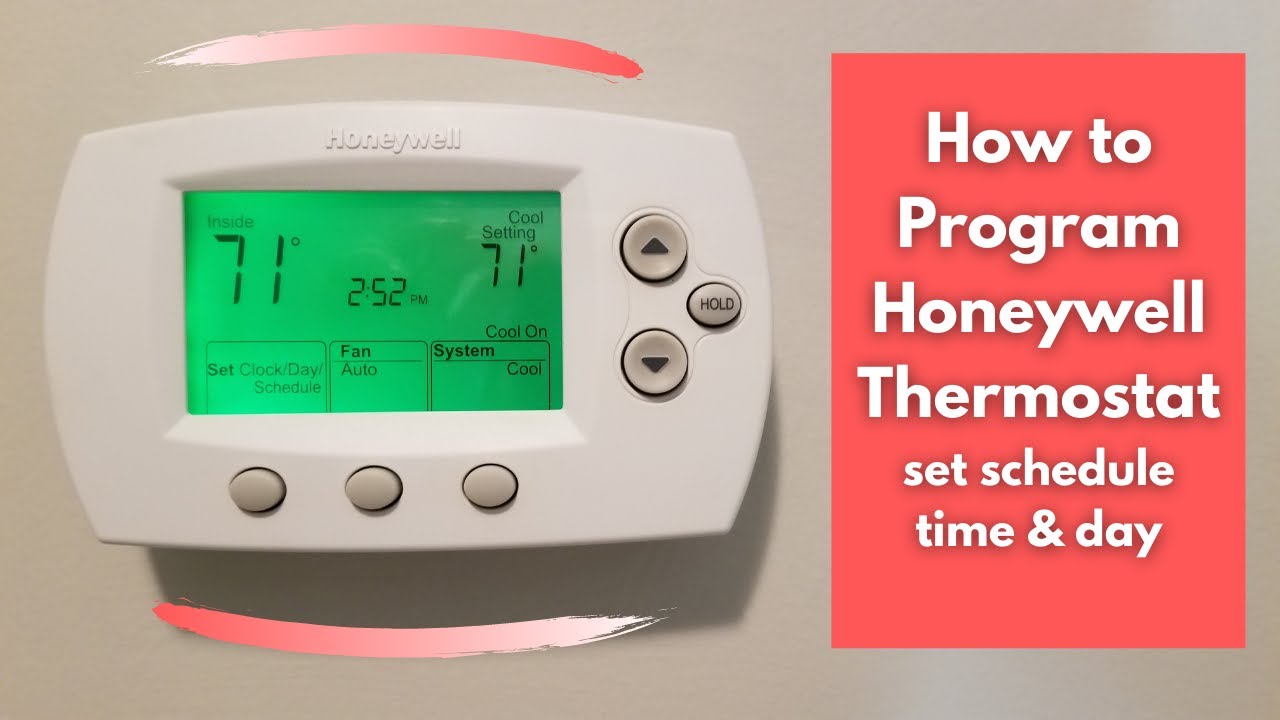
Let's be honest: that little box on your wall, the one that dictates your home’s cozy factor, can sometimes feel like a mini spacecraft control panel. With its blinking numbers and cryptic buttons, programming a thermostat often gets relegated to the “I’ll figure it out later” pile. But what if we told you it's less rocket science and more like setting your favorite podcast to auto-download? It’s surprisingly simple, incredibly rewarding, and a total game-changer for your comfort and your wallet.
Think about it: who wants to come home to a fridge-cold house in winter or a sauna in summer? Nobody! Yet, leaving your thermostat at a constant temperature when you're out can quietly drain your energy budget like an unnoticed subscription service. It's time to take the reins, embrace the future (or just the present, really), and master this everyday magic trick.
Why Bother? The Cozy, Green, and Frugal Wins
There are three big reasons to get friendly with your thermostat’s programming features. First, comfort. Imagine waking up to a perfectly warm bedroom without having to shiver your way to the thermostat. Or returning from work to an invitingly cool living room. Second, savings. The U.S. Department of Energy suggests you can save around 10% a year on heating and cooling costs by simply setting your thermostat back 7-10 degrees Fahrenheit for 8 hours a day. That's real money back in your pocket for that extra latte or weekend treat. And third, eco-friendliness. Less energy waste means a smaller carbon footprint. You’re not just saving money; you’re being a good global citizen.
Must Read
It’s a win-win-win scenario. So, let’s dive in!
Getting Started: Your Thermostat's Personality
First things first, take a good look at your thermostat. Is it a sleek, modern touchscreen marvel, or a more traditional button-and-display model? Don't worry, the core principles are the same. Most thermostats, especially programmable ones, will have a display showing the current temperature and time, and buttons for adjustments. Look for buttons labeled like “Menu,” “Program,” “Mode,” “Hold,” “Fan,” or “Set.”
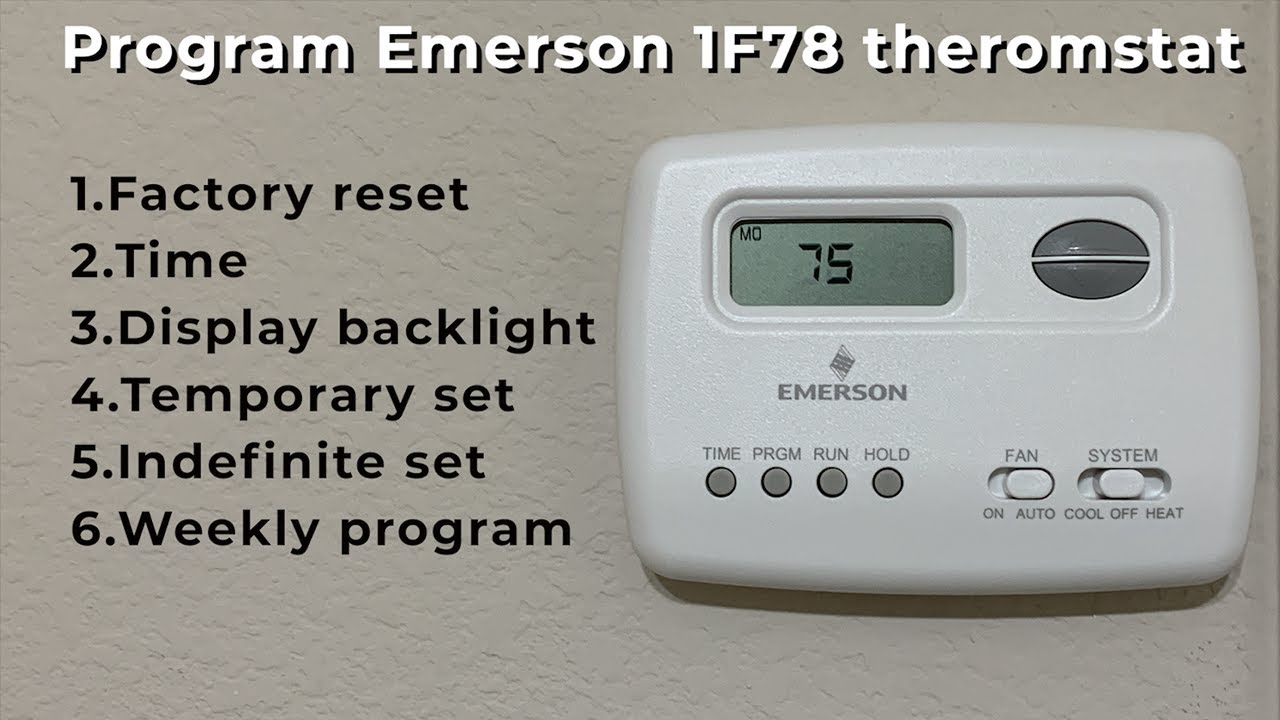
Pro Tip: If you’re truly lost, a quick Google search for your thermostat’s make and model (e.g., “Honeywell T4 Pro manual”) can unearth its digital instruction booklet faster than you can say “HVAC.”
The Step-by-Step Serenity Sequence
Ready? Let's break down the typical programming flow:

Hit that Program Button: Look for “Program” or sometimes “Set Schedule.” Press it. Your thermostat might then ask you to select the day or period you want to adjust.
Set the Time and Day: Before anything else, make sure your thermostat knows what time and day it is! This is crucial. Use the “Up/Down” arrows or touch controls to set the current time, then cycle through days (often Monday-Sunday or Weekday/Weekend).
Understand the "Periods": Most programmable thermostats divide the day into at least four distinct periods:
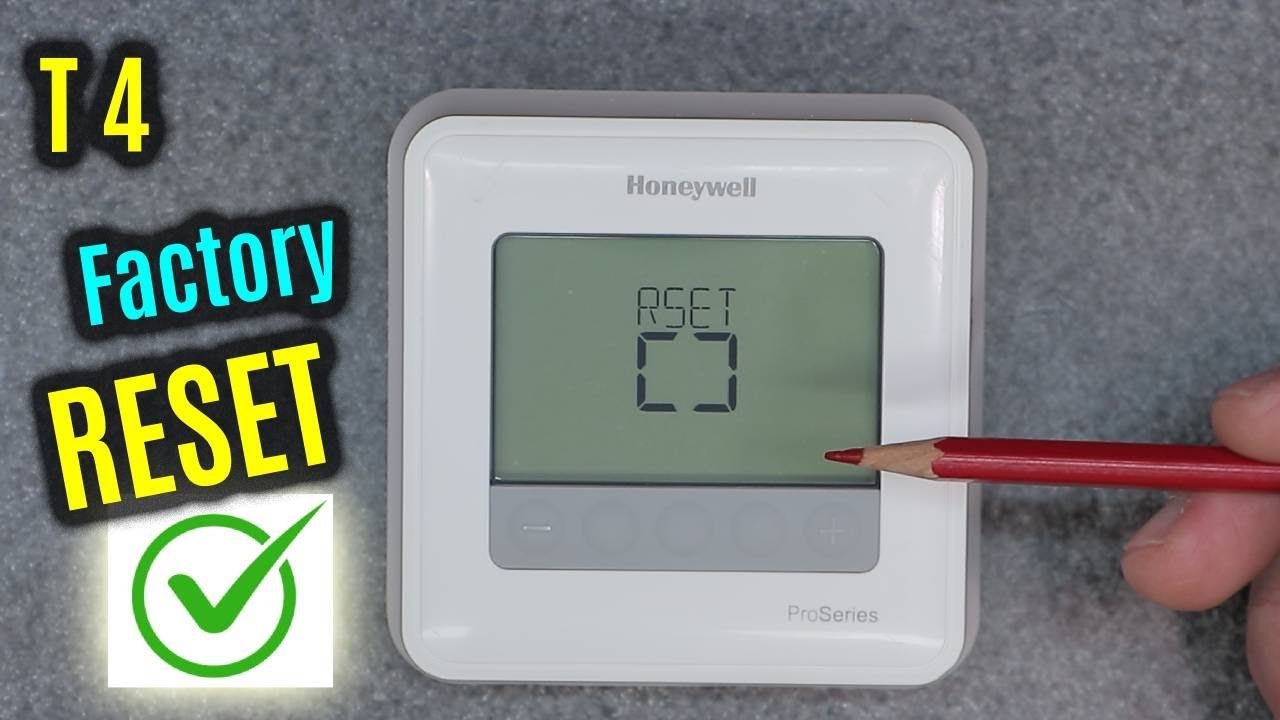
How to Program Honeywell Pro Series Thermostat: Easy Step-by-Step Guide - Wake: When you get up and want the house comfortable.
- Leave: When everyone leaves for work/school and energy can be conserved.
- Return: When you come home and want comfort again.
- Sleep: When everyone is asleep and a slightly cooler/warmer temperature is fine.
Some even offer separate settings for weekdays and weekends, which is super handy!
Dial in Your Ideal Temps: For each period (Wake, Leave, Return, Sleep), you'll set a specific temperature. Use the “Up/Down” arrows to adjust. For example, you might set 70°F for "Wake" and "Return" in winter, but drop it to 62°F for "Leave" and "Sleep." In summer, maybe 75°F for "Wake" and "Return," and 80°F for "Leave" and "Sleep."
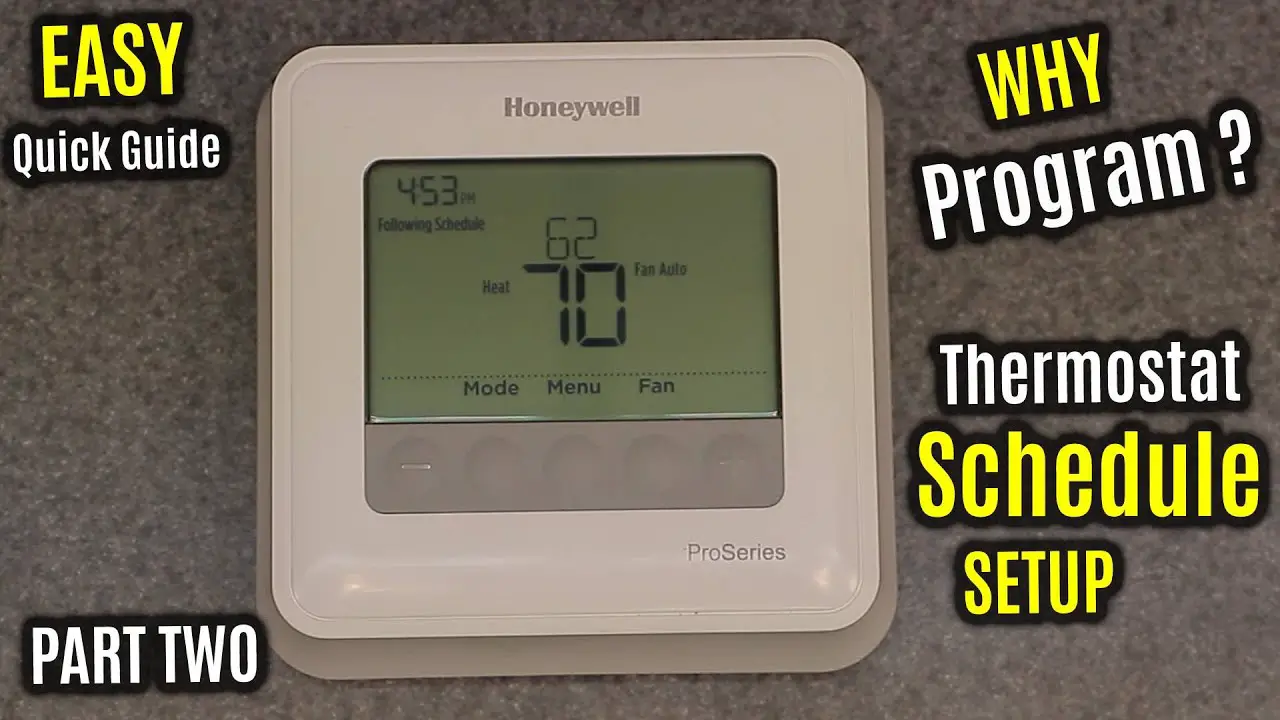
How to Program Honeywell Pro Series Thermostat: Easy Step-by-Step Guide Save Your Masterpiece: Once you’ve gone through all the periods for all the days you want to program, look for a “Hold,” “Run,” “Done,” or “Save” button. Pressing this tells your thermostat, "Okay, this is my new routine!"
Smart Thermostats: The Next Level of Chill
If you're lucky enough to have a smart thermostat (think Nest, Ecobee, or similar Wi-Fi wonders), the process is often even more intuitive, guided by an app on your phone. These clever devices can even "learn" your habits over time or use geofencing to know when you're arriving home. They're like the self-driving cars of home comfort – pretty neat!
Quick Tips for Thermostat Zen
- Set it and Forget it: Once programmed, try not to constantly override it. Let it do its job! Constantly fiddling can negate your savings.
- Small Adjustments, Big Impact: In winter, aim for around 68°F (20°C) when home and awake. In summer, try 78°F (26°C). These are energy-efficient sweet spots.
- The 7-Degree Rule: Remember that 7-10 degree setback? Apply it! When you're away or asleep, a few degrees difference can save a surprising amount of energy.
- Maintenance Matters: Regularly change your air filters! A clogged filter makes your HVAC system work harder, wasting energy and impacting performance. It's like trying to run with a paper bag over your head – inefficient and uncomfortable.
- Don't Overcompensate: Cranking the heat to 90°F won't warm your house faster than setting it to 70°F. It just means it will heat to 90°F, costing you more if you forget to turn it down!
A Small Step, a Big Leap for Home Happiness
Mastering your thermostat might seem like a small task in the grand scheme of life, but it's a powerful one. It's about taking control of your environment, fostering comfort, and making mindful choices that benefit both your pocket and the planet. Just like choosing to meal prep or setting a morning routine, programming your thermostat is an act of intentional living. It's about making your home a more efficient, enjoyable, and effortless sanctuary. Go ahead, give it a try. You've got this!