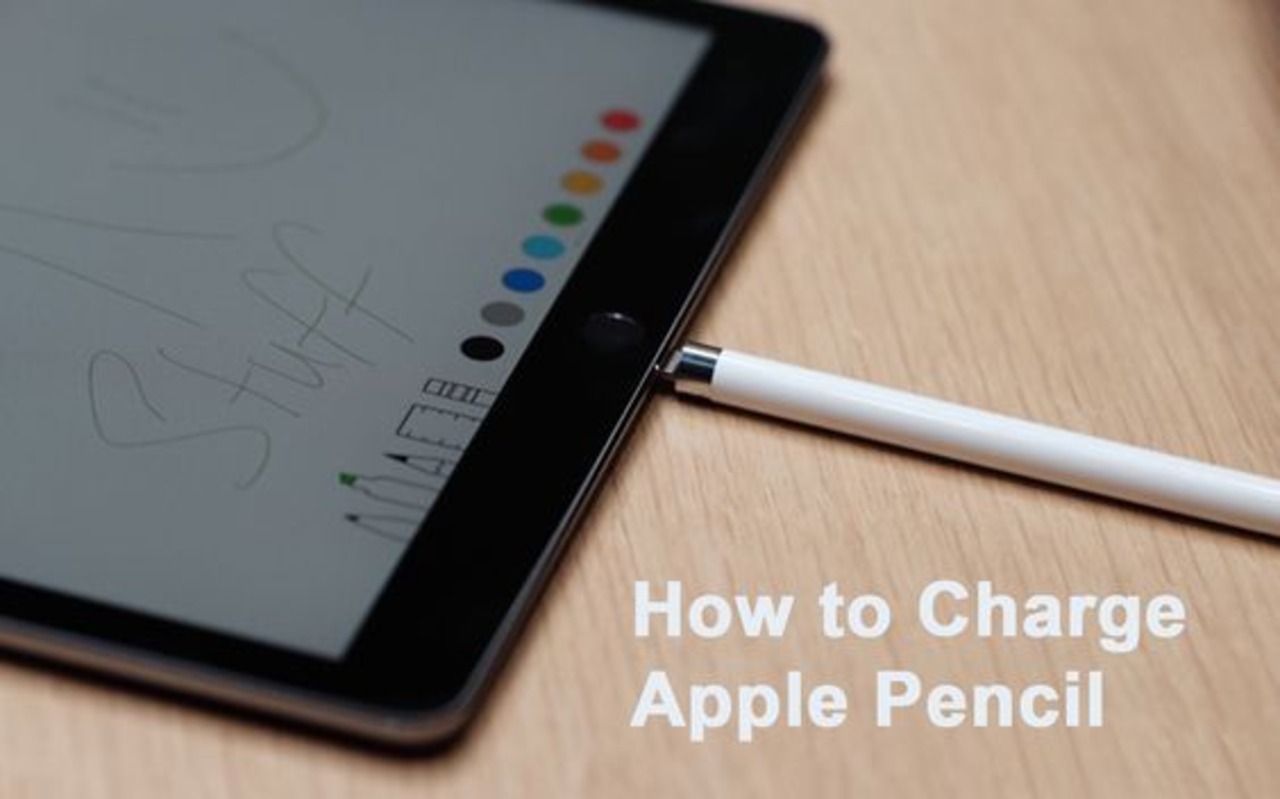
How Do You Know If Your Apple Pencil Is Charging
Ever felt like your Apple Pencil is playing hide-and-seek with its battery life? One minute you're sketching a masterpiece, the next...nada. Silence. The cursor sits there, mocking you with its unresponsive blankness. We've all been there. Figuring out if your Apple Pencil is actually charging can sometimes feel like deciphering ancient hieroglyphics. But fear not, fellow digital artists and note-takers! This is your guide to knowing if your Apple Pencil is juicing up, explained in a way that won't make your brain short-circuit.
The Obvious (But Sometimes Overlooked) Methods
Let's start with the basics, shall we? These are the methods that are so obvious, they often escape our notice. Kind of like looking for your sunglasses while they're perched on your head.
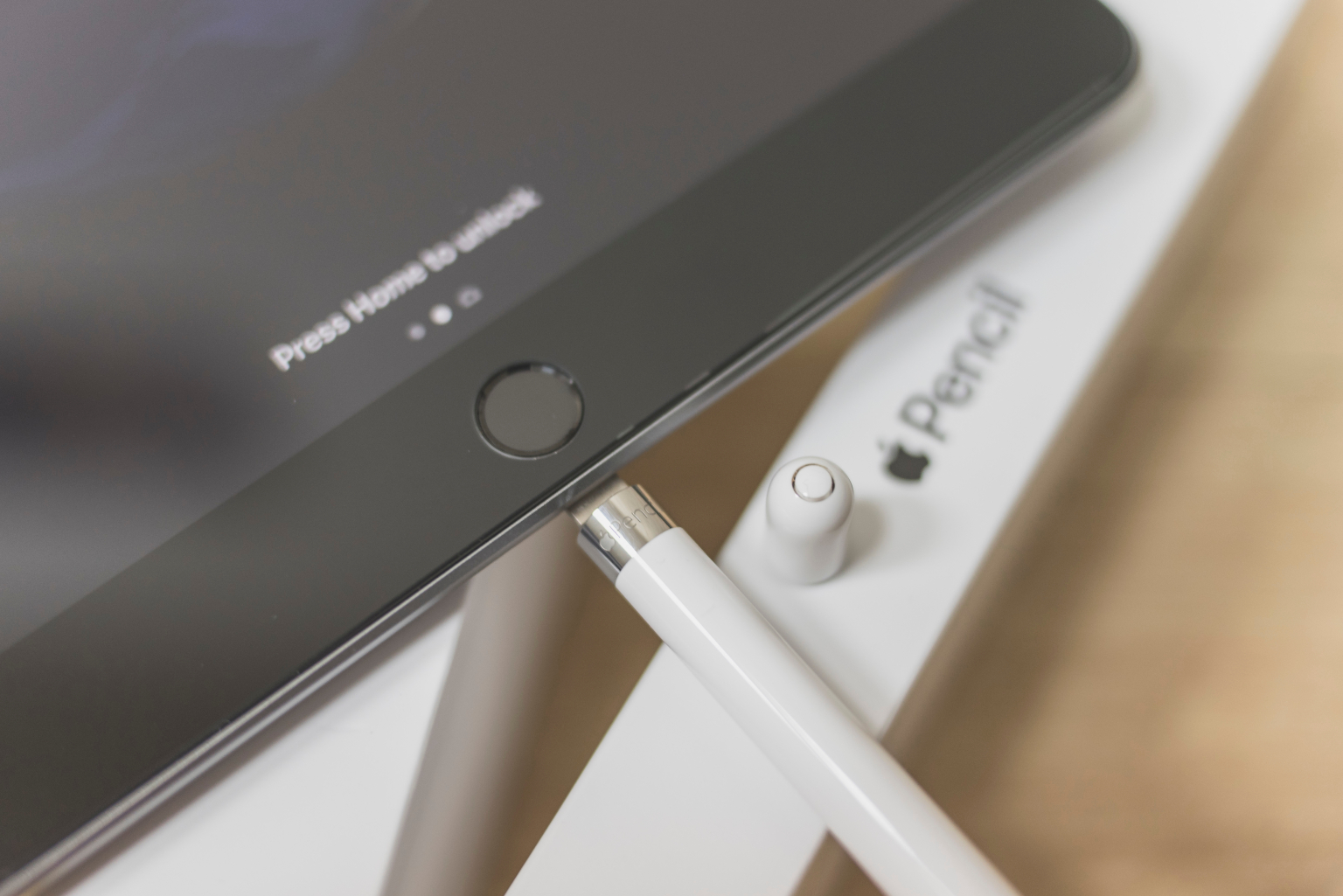
First up: The iPad Notification! When you magnetically attach your Apple Pencil to your iPad (the spot where it charges, usually the side), a little notification should pop up at the top of your screen. It’s like your iPad is politely saying, "Hey, just so you know, this thing is charging." It will display the Pencil’s current battery percentage and then change to show it charging. If you don't see this, it's like your iPad is playing hard to get. Check the connection, maybe wipe off the contacts on the Pencil and iPad, and try again.
Must Read
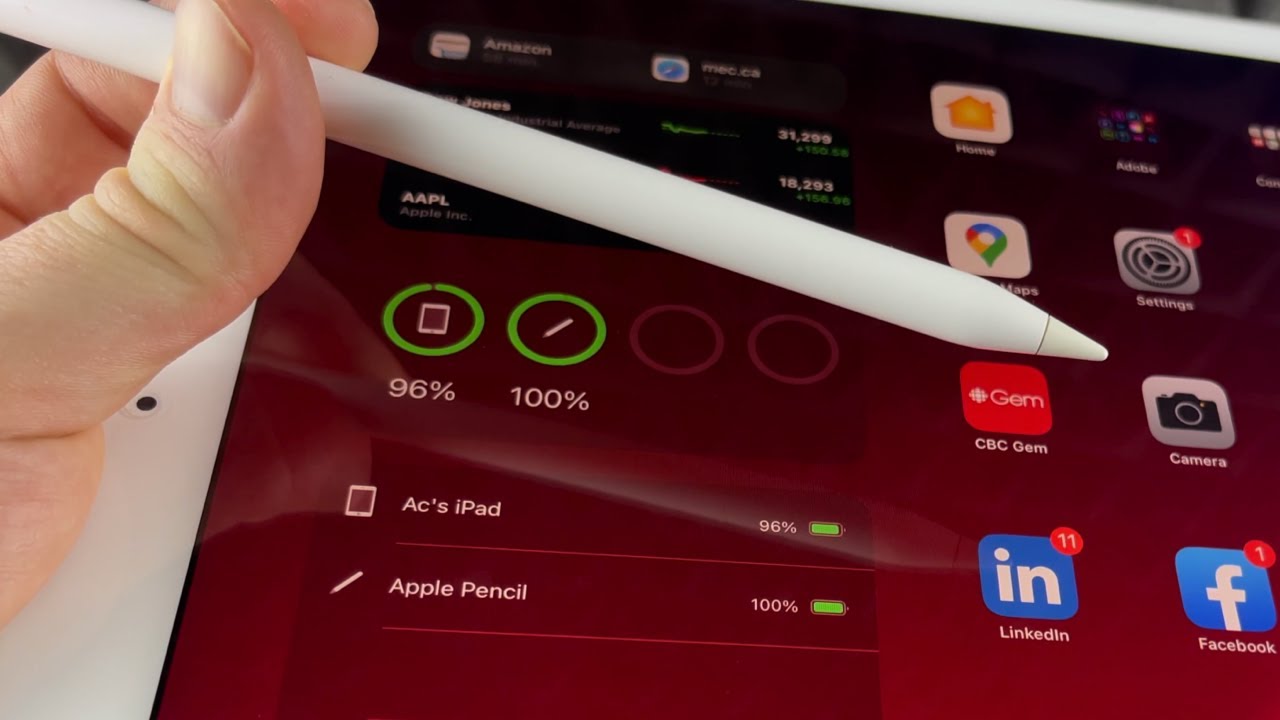
Next, the Widgets are your Friend. If you're a widget person (and honestly, who isn't?), you can add the "Batteries" widget to your home screen. This handy little widget will show the battery levels of all your connected Apple devices, including your Pencil. It's like having a little battery report card right at your fingertips. No more guessing!
Digging a Little Deeper: iPad Settings
Okay, so the notifications and widgets are ghosting you. Don't panic! Sometimes, the answer lies within the mysterious depths of your iPad settings.
Head over to Settings > Bluetooth. Find your Apple Pencil in the list of devices. If it's connected, it should show the battery percentage. However, keep in mind this isn’t a live reading, it will only update periodically. But it can give you a general idea of how much juice you have. It's like a quick peek at the gas gauge before a long road trip.
If you can't see the pencil there, make sure Bluetooth is turned on. It seems obvious, but you'd be surprised how often Bluetooth gets accidentally switched off. Imagine trying to order pizza online with your internet turned off… it's just not going to work.

Troubleshooting: When Things Go Wrong (And They Always Do)
Alright, let's say you've tried everything, and your Apple Pencil is still stubbornly refusing to charge. What do you do? Don't throw it across the room just yet. (Although, the temptation is real.)
Check the Connection: Make sure the Pencil is securely attached to the iPad. Sometimes a tiny speck of dust or debris can interfere with the connection. Give the charging points on both the Pencil and the iPad a quick clean with a soft, dry cloth. Think of it as giving them a little spa treatment.
Restart Your iPad: Yes, the old "turn it off and on again" trick does work sometimes. It's like a digital reset button for your brain (and your iPad's brain, too). A quick restart can often clear up minor software glitches that might be preventing the Pencil from charging.
Try a Different Charging Method: If you have a first-generation Apple Pencil, it comes with a Lightning adapter. Try charging it using a Lightning cable and a power adapter. If that works, then the problem might be with the iPad's charging port. If it doesn't work...well, then the problem is probably with the pencil itself.
The Bottom Line
Knowing if your Apple Pencil is charging shouldn't feel like rocket science. With these simple tips and a little bit of patience, you'll be back to creating digital masterpieces in no time. Remember, a happy Pencil is a productive Pencil! So, keep it charged, keep it clean, and keep creating! And if all else fails, maybe it's time for a new one. Think of it as an investment in your artistic future! Happy sketching!