
How Do You Fix A Phone Charger

Ever been there? Your phone's clinging to life at a perilous 2%, and you plug it in, only to see... absolutely nothing. Zip. Nada. That little battery icon just sits there, smugly unmoving, perhaps even giving you a digital shrug. It's like your phone is staring at you, saying, "Nope, not today, pal."
The culprit? Often, it's not the phone itself, but that humble, often-abused phone charger. Before you toss it in the bin with a dramatic sigh and start Googling 'new phone charger delivery near me at midnight,' let's play a little detective game, shall we?
Why Should You Even Care? (Hint: Your Wallet Will Thank You!)
You might be thinking, "It's just a charger, I'll buy another one." But wait! Imagine this: you're just about to catch that epic Pokémon, or send that crucial "I'm five minutes away!" text, and poof, your phone dies. That's a classic charger-failure scenario, and it's annoying, right?
Must Read
Plus, buying a new charger every time one acts up? That adds up faster than your online shopping cart on a Friday night! Think of it as being kind to your wallet, and frankly, a tiny bit kinder to the planet. Every charger you save from the landfill is a small victory.
And let's be honest, there's a certain smug satisfaction, isn't there, in bringing something back from the brink? Like giving your charger a little CPR and watching it spring back to life. It’s less about being a tech wizard and more about being a smart cookie.
First, The Detective Work: Is It REALLY The Charger?
Before you blame your poor cable, let's do some quick troubleshooting. Think of it like being a doctor, but for electronics!
1. Check the Outlet!
Seriously, this is the number one overlooked culprit. Is the wall socket actually working? Try plugging in something else – a lamp, a different phone charger – or simply try your charger in a different wall outlet. Sometimes, it's just a sleepy outlet that needs a good wake-up call (or is entirely defunct).
2. Is It Your Phone, Not the Charger?
Grab a known-good charger (maybe borrow one from a perpetually prepared friend or a patient family member). If your phone charges perfectly with their charger, then bingo! Your phone's charging port might be the issue (a tiny fluff bunny hiding in there, perhaps?). If it still doesn't work, we're definitely looking at your charger.
3. The Cable or the Adapter?
Most chargers have two parts: the cable (the actual wire) and the adapter (the wall plug). This is the trickiest bit to diagnose. If you have a spare cable or adapter lying around, try swapping just one part at a time:
- Try your phone with your adapter but a different cable.
- Then, try your phone with your cable but a different adapter.
Pinpointing the exact culprit is half the battle!
Common "Fixes" (More Like Troubleshooting & TLC)
Right, you've narrowed it down. Now for the 'fix-ish' part. These aren't always true "repairs" but often solve the problem!
The "Wiggle Test" (A Classic!)
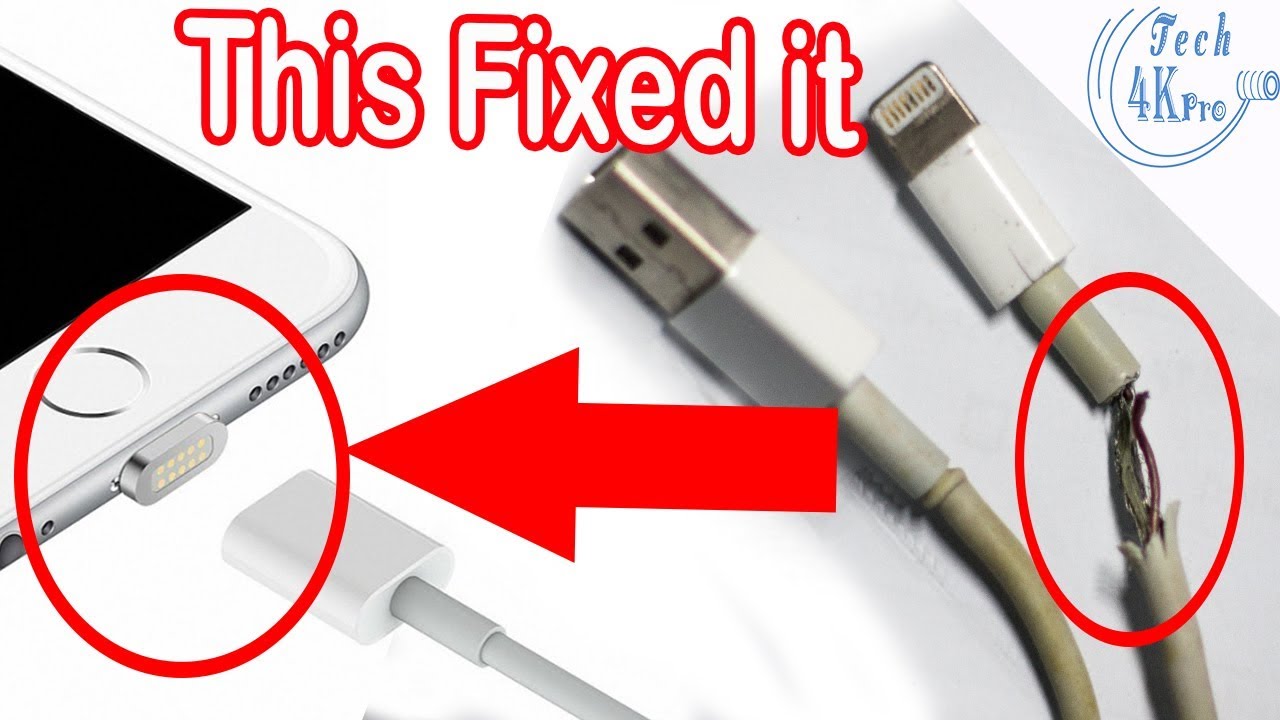
This is where you gently wiggle the cable where it connects to your phone or the adapter. If you find a 'sweet spot' where it suddenly starts charging, bingo! You've found the broken spot. This often means an internal wire has snapped from too much bending, often near the connector head. This tells you the cable is the issue.
While you can try to reinforce it with electrical tape for a temporary fix (think of it as a band-aid for a broken bone), it's a strong sign it's time for a new cable soon. It's living on borrowed time!

Clean the Ports (Get Rid of the Fluff Bunnies!)
Remember that 'fluff bunny' I mentioned? Sometimes, the charging port on your phone (or even the charger itself) gets gunked up with lint, dust, or pocket debris. It's like a tiny, invisible barrier. Carefully, and I mean very carefully, use a wooden toothpick (never metal!) or a blast of compressed air to dislodge any offenders. You'd be amazed how much crud can accumulate in there.
Cable TLC (Tender Loving Care)
A lot of charger issues come from how we treat our cables. Do you yank it out by the cord? Do you coil it super tightly like a python strangling its prey? Do you bend it at extreme angles while using your phone in bed? Treat your cables like delicate little creatures! Gentle coiling, avoiding sharp bends, and unplugging by the plug (not the wire) can make them last ages longer. It's like giving your cable a little spa day, every day!
The Adapter Itself
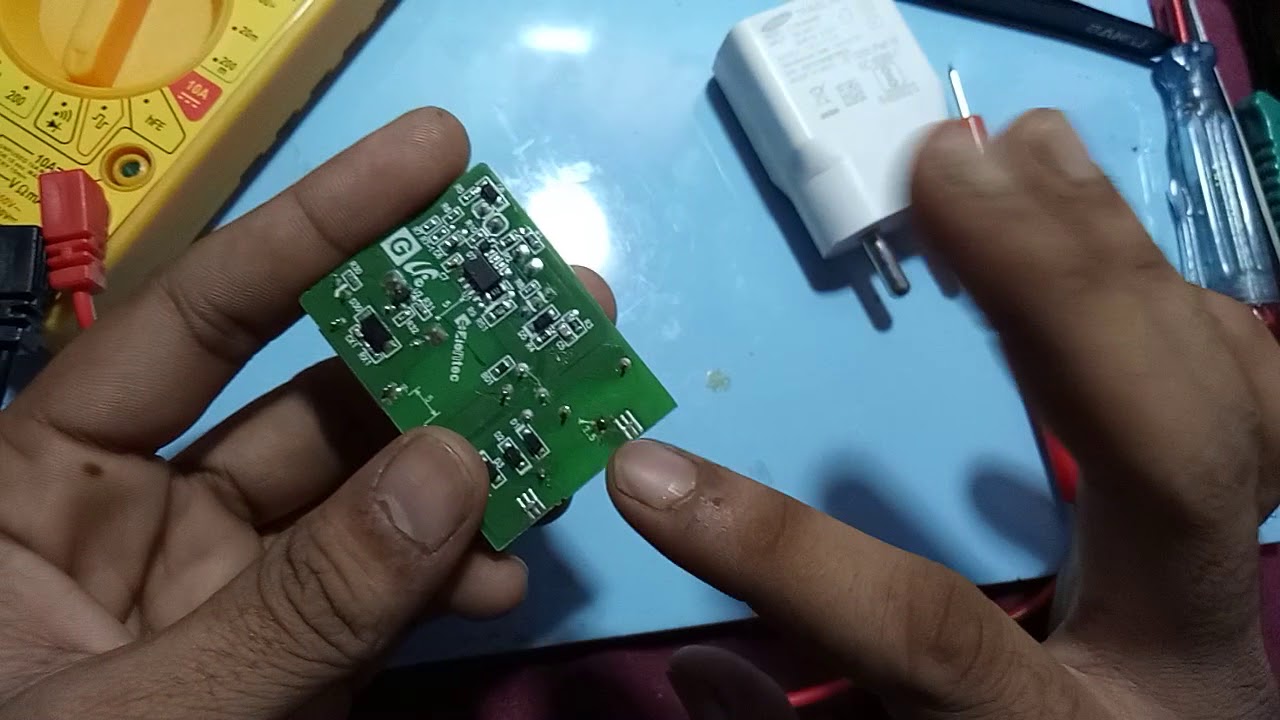
If you've ruled out the cable and your phone, the adapter (the brick that plugs into the wall) might be the problem. Unfortunately, these are usually sealed units and not really fixable by the average Joe. If it's giving up the ghost, it's generally time for a replacement. Think of it as a mini computer that decided to retire early.

When to Throw in the Towel (Safety First!)
Okay, but sometimes, a charger is just done. And when it comes to electricity, safety trumps all. When do you give up and buy a new one?
- Frayed Wires: If you see exposed wires, especially near the connectors, please, please stop using it. This is a fire hazard and an electrical shock risk. Not worth it!
- Overheating: If your charger (either the cable or the adapter) gets unusually hot during charging, that's a red flag. Unplug it immediately.
- Visible Damage: Cracks, bends, or anything that looks visibly broken.
In these cases, your best bet is to safely dispose of it and invest in a new, good quality replacement. Think of it as an upgrade to a safer, more reliable charging experience.
Happy Charging!
So, there you have it! "Fixing" a phone charger isn't about being an electronics guru; it's about a little bit of common sense, a dash of detective work, and a whole lot of love for your gadgets (and your wallet). Next time your phone gives you that 'I'm dying' look, don't despair.
Give your charger a quick once-over. You might just be surprised at how easy it is to bring it back to life and keep those crucial texts, selfies, and epic gaming adventures going strong. Happy charging!