How Do You Charge Beats Solo 3

Ever found yourself in the mood for some epic tunes, a gripping podcast, or an important call, only to be met with the dreaded silence of dead headphones? It's a universal tragedy, especially when you own a pair of beloved Beats Solo 3! These iconic headphones are more than just a fashion statement; they're your portal to crystal-clear sound, thumping bass, and pure audio bliss. But all that magic needs power, right? Knowing how to properly charge your Beats Solo 3 isn't just useful; it's the secret handshake to uninterrupted jams, podcasts, and calls. No one wants their soundtrack to cut out mid-song! Let's dive into the super simple steps to keep your soundtrack going, ensuring you're always ready for your next audio adventure.
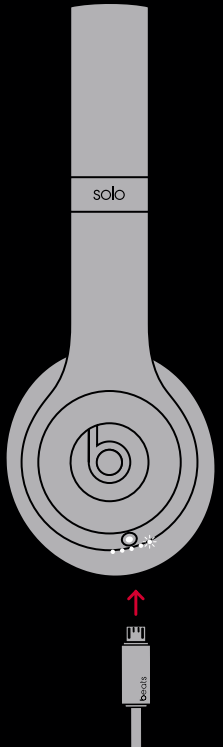
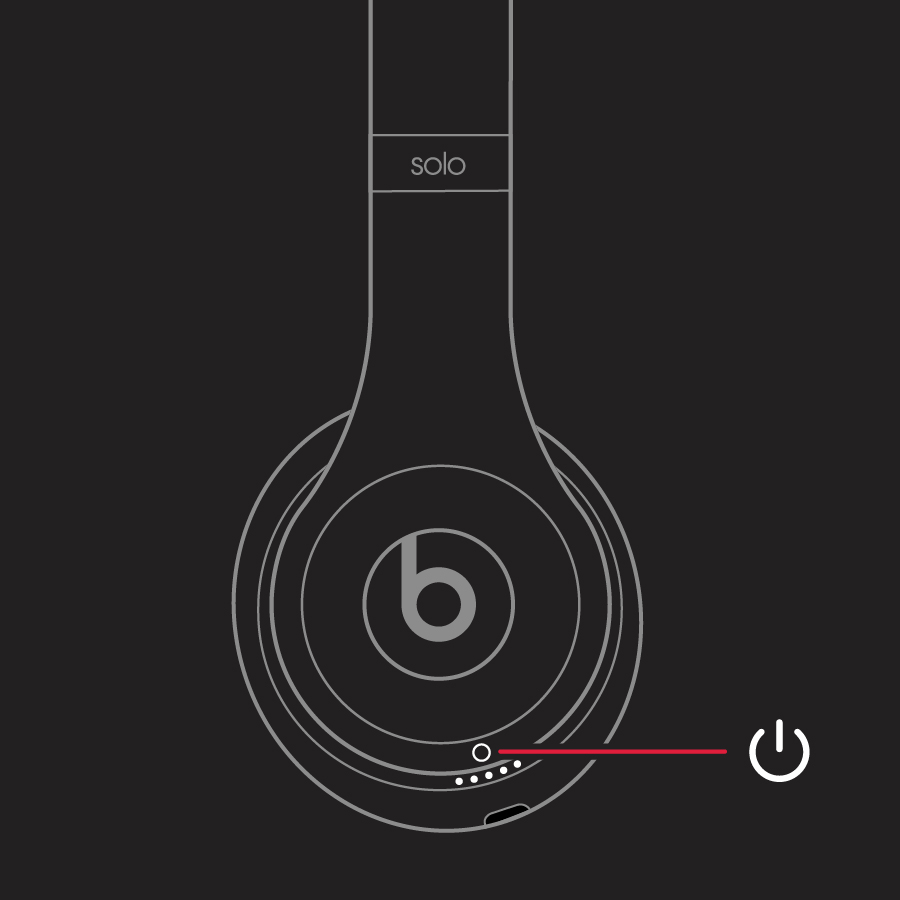
Good news! Charging your Beats Solo 3 is as easy as pressing play. First things first, you'll need two essential items: your Beats Solo 3 headphones and their accompanying Micro USB charging cable. This cable usually comes in the box with your headphones, but if you've misplaced it, don't fret – any standard Micro USB cable will do the trick. Now, take a peek at the right ear cup of your headphones. You'll spot a small, subtle port – that's your charging haven! Gently plug the Micro USB cable into this port. The other end of the cable, the standard USB-A side, goes into a power source. This could be a wall adapter connected to an electrical outlet, a USB port on your computer, or even a portable power bank for charging on the go when you're out and about. Once connected, keep an eye on the LED fuel gauge lights on the right ear cup. They'll start blinking to indicate charging is in progress, and all five lights will glow solid white when your headphones are fully juiced up and ready for action! It's a clear and simple indicator, so you're never left guessing.
While the actual charging process is straightforward, a few pro tips can help you maximize battery life and ensure your Beats Solo 3 stay rocking for years to come. Firstly, try not to let your battery die completely too often. It’s generally better for modern lithium-ion batteries to be topped up regularly rather than fully drained from 100% to 0%. Also, resist the urge to leave them plugged in indefinitely after they're full; while modern devices have built-in protection against overcharging, it's still good practice to unplug them once they're fully charged. The Beats Solo 3 also boasts a fantastic feature called Fast Fuel. If you're really in a pinch and need power quickly, just 5 minutes of charging can give you 3 hours of playback when the battery is low! Pretty neat for those unexpected moments, right? Always try to use the original charging cable or a high-quality alternative to ensure efficient and safe charging, as not all cables are created equal. And when you're not using them, store your Beats Solo 3 in a cool, dry place – extreme temperatures aren't a friend to any battery, and proper storage helps maintain their longevity.
Must Read
See? Keeping your Beats Solo 3 powered up and ready for adventure is incredibly simple. With a standard Micro USB cable and a few smart charging habits, you'll never have to miss a beat. By understanding these easy steps, you can ensure your headphones are always ready to deliver that premium audio experience you love. So go ahead, plug them in, watch those lights glow, and get ready to immerse yourself in your favorite sounds. Happy listening!