How Do I Charge My Apple Pen
Ah, the Apple Pencil! It’s truly a magical wand for your iPad, turning it into a sketchbook, a notepad, or even a sophisticated graphic design studio. From doodling masterpieces to jotting down quick notes in a meeting, it transforms the way we interact with our tablets. But like any good magic, it needs a little power to keep going! The question of "How do I charge my Apple Pen?" is a common one, and honestly, it's a lot simpler than you might think. Getting to grips with its charging methods means you'll never be caught mid-sketch with a dead battery, keeping your creative flow perfectly uninterrupted. It’s a small piece of practical knowledge that makes a big difference to your daily Apple experience!
Understanding how to charge your Apple Pencil offers clear benefits for just about everyone. For beginners, it means you can dive into the world of digital art or efficient note-taking without the frustration of a sudden power outage. You'll gain confidence knowing your tool is always ready. Families often find the Apple Pencil invaluable for kids' schoolwork, creative projects, or even just fun games; knowing how to keep it charged ensures educational time isn't interrupted by a "Pencil's dead!" complaint. And for hobbyists or serious artists, a fully charged Pencil is non-negotiable. It keeps your workflow smooth, ensuring inspiration strikes can always be captured instantly, whether you're perfecting a detailed illustration or sketching on the go. It’s all about empowering your creative journey and making sure technology serves you, not the other way around.
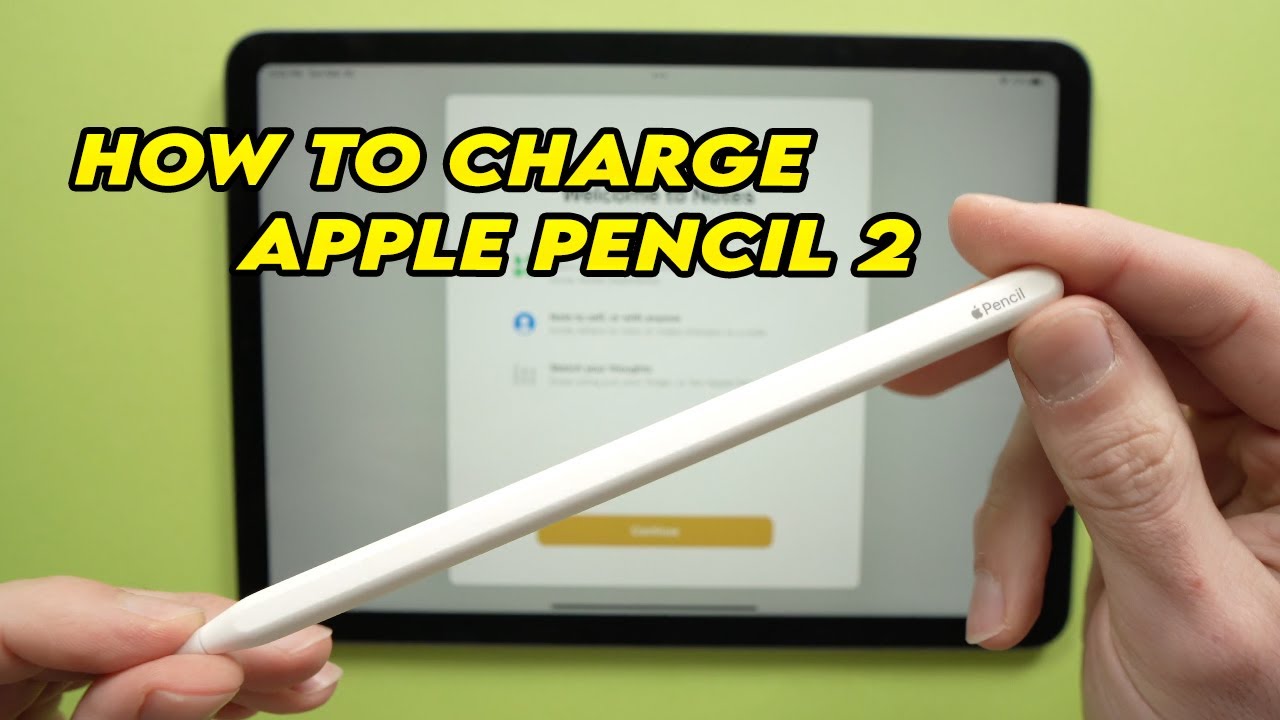
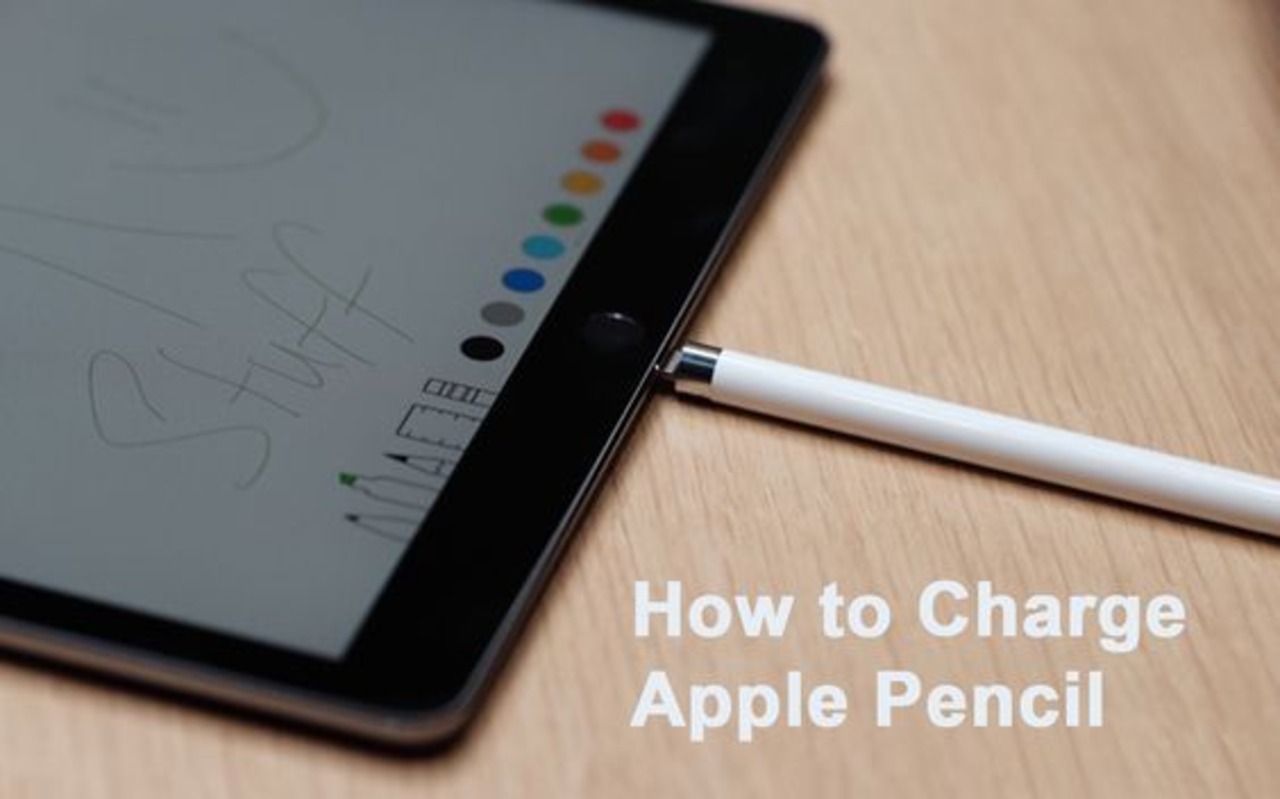
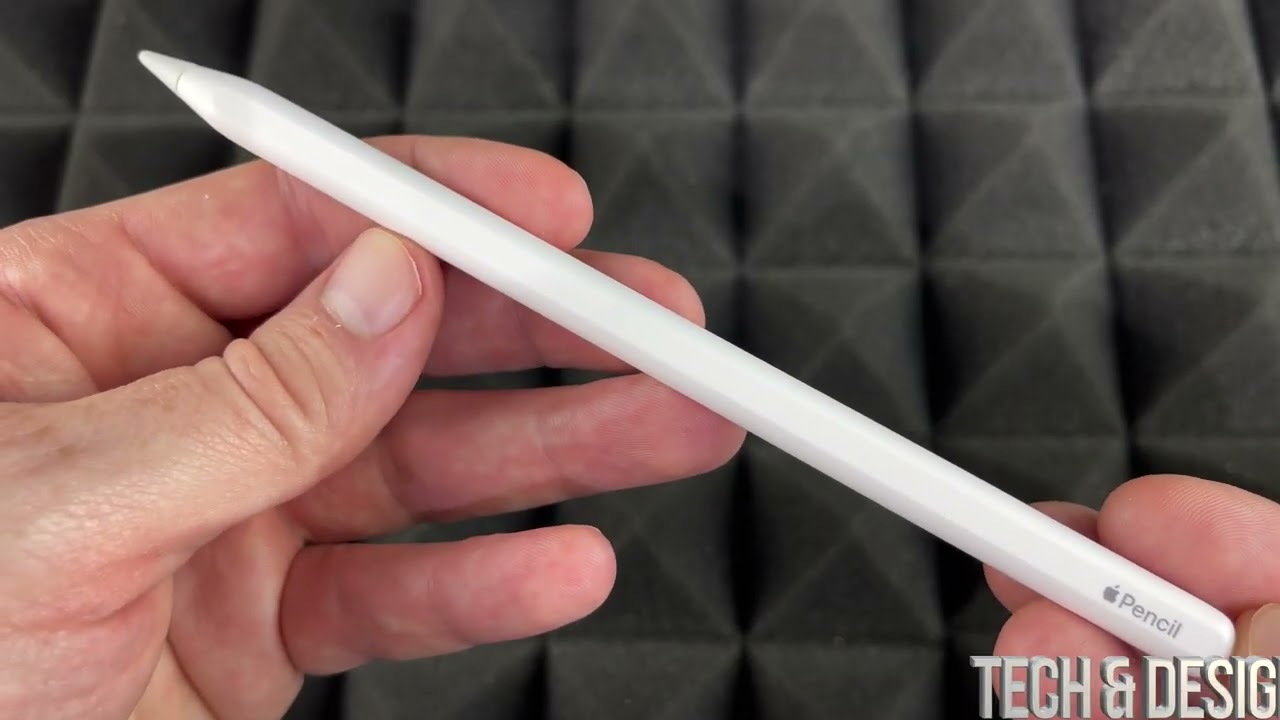
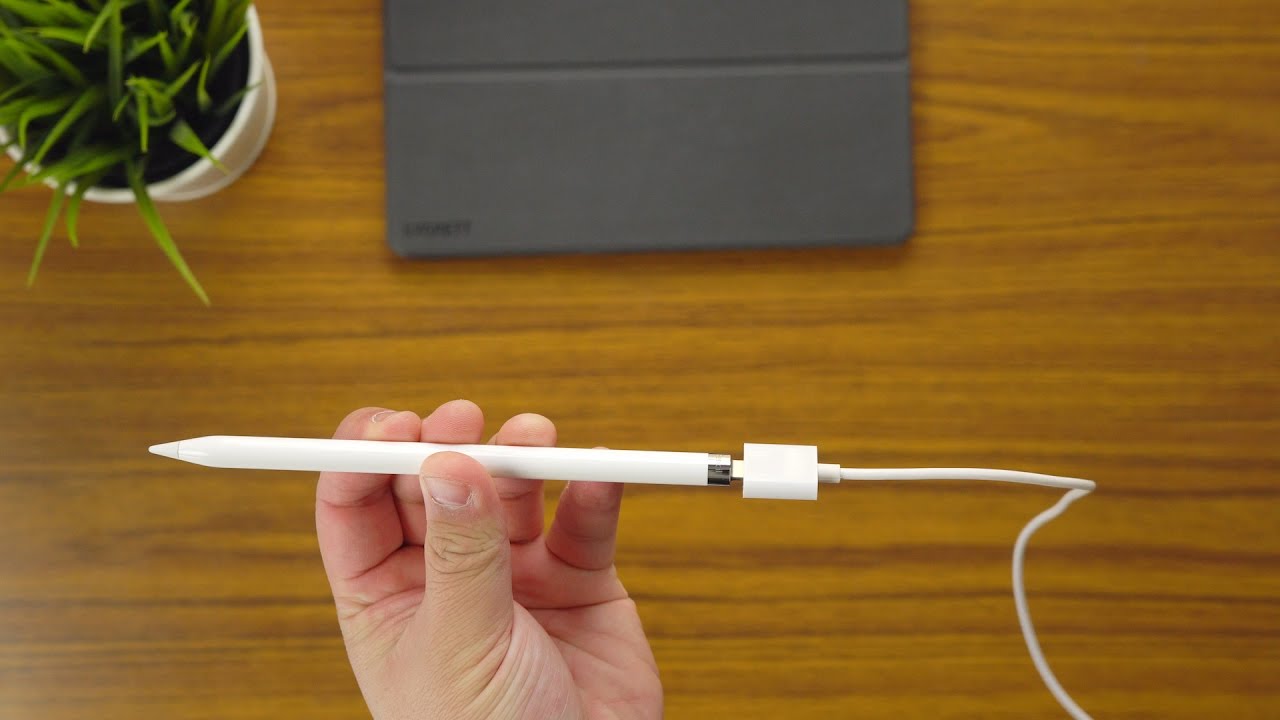
The key to charging your Apple Pencil actually depends on which generation you own, as Apple has refined the process over time. If you have the 1st Generation Apple Pencil, you're looking at a rather iconic (and sometimes a bit precarious) method. You simply remove the cap from the back of the Pencil to reveal a Lightning connector. This connector then plugs directly into the Lightning port on your compatible iPad. Yes, it sticks out a bit, making it look like your iPad has a tiny, delicate antenna, but it works! Alternatively, the 1st Gen Pencil also came with a small adapter that allows you to charge it using your standard Lightning cable, which is often a safer bet than having it protrude from your iPad. For those with the newer 2nd Generation Apple Pencil, the charging experience is wonderfully seamless and truly next-level. This Pencil charges wirelessly by magnetically snapping to the right side of your compatible iPad Pro, iPad Air, or iPad mini. There are no caps to remove, no ports to plug into – just attach it, and it begins charging and pairing automatically. It’s incredibly convenient and ensures your Pencil is almost always topped up when you need it.
Must Read
Getting started with charging your Apple Pencil is refreshingly straightforward. First, and most importantly, identify your Pencil model – this is the crucial first step! If you have the 1st Gen Pencil, you have two primary options: 1. Gently pull off the silver cap at the end of the Pencil and plug it directly into your iPad’s Lightning port. Keep an eye on it to avoid accidental bumps. 2. Use the tiny Lightning adapter that came with your Pencil. Plug one end into the Pencil and the other into your iPad's standard Lightning cable. This allows for a more stable charge away from your iPad. For the 2nd Gen Pencil, it’s even simpler: just attach it magnetically to the flat edge on the right side of your compatible iPad. You’ll usually see a charging indicator pop up on your iPad's screen, confirming it’s juicing up. A great tip for both is to regularly check the battery level by swiping down from the top-right corner of your iPad screen to see your widgets, or by adding the 'Batteries' widget to your home screen. This way, you’re always in the know and can top up before you run low.
See? Charging your Apple Pencil isn't some complex wizardry; it's a simple, intuitive process once you know which generation you're working with. Whether you're carefully plugging in your 1st Gen or effortlessly snapping your 2nd Gen into place, the goal is the same: to keep your creative companion powered up and ready for action. Mastering this small task ensures your iPad experience remains seamless and enjoyable, letting you focus on the fun stuff – drawing, writing, and exploring all the amazing things your Apple Pencil can do. So go ahead, get charged up, and unleash your inner artist!