
How Do I Charge My Airpods Pro

Alright, so picture this: you're about to dive into your favorite podcast, ready to tune out the world, only to realize your beloved AirPods Pro are... dead. Ugh. The absolute worst, right?
And then comes the age-old question, whispered in hushed tones of mild panic: "How do I even charge these things?!"
Don't worry, friend. You're not alone. We've all been there, staring blankly at that sleek little white pebble, wondering where the magic happens. Good news? It's ridiculously simple. Like, "why did I ever doubt this?" simple.
Must Read
First things first: Your AirPods Pro Case is the Real MVP.
Seriously, this isn't just a fancy carrying case. It's their tiny, portable power station. Think of it as their home, and their charging station, all rolled into one super neat package. They literally can't charge without it. It's a package deal, folks!
So, step one, always and forever: Make sure your AirPods themselves are tucked snugly inside their charging case. You can't just plug a cable directly into an AirPod. Imagine the tiny, frantic plugging efforts! Adorable, but nope.
Once they're in there, a little light usually pops on. If it's amber, they're charging up. If it's green, they're good to go! Easy peasy. The case literally takes care of charging the earbuds themselves, autonomously. Pretty neat, huh?
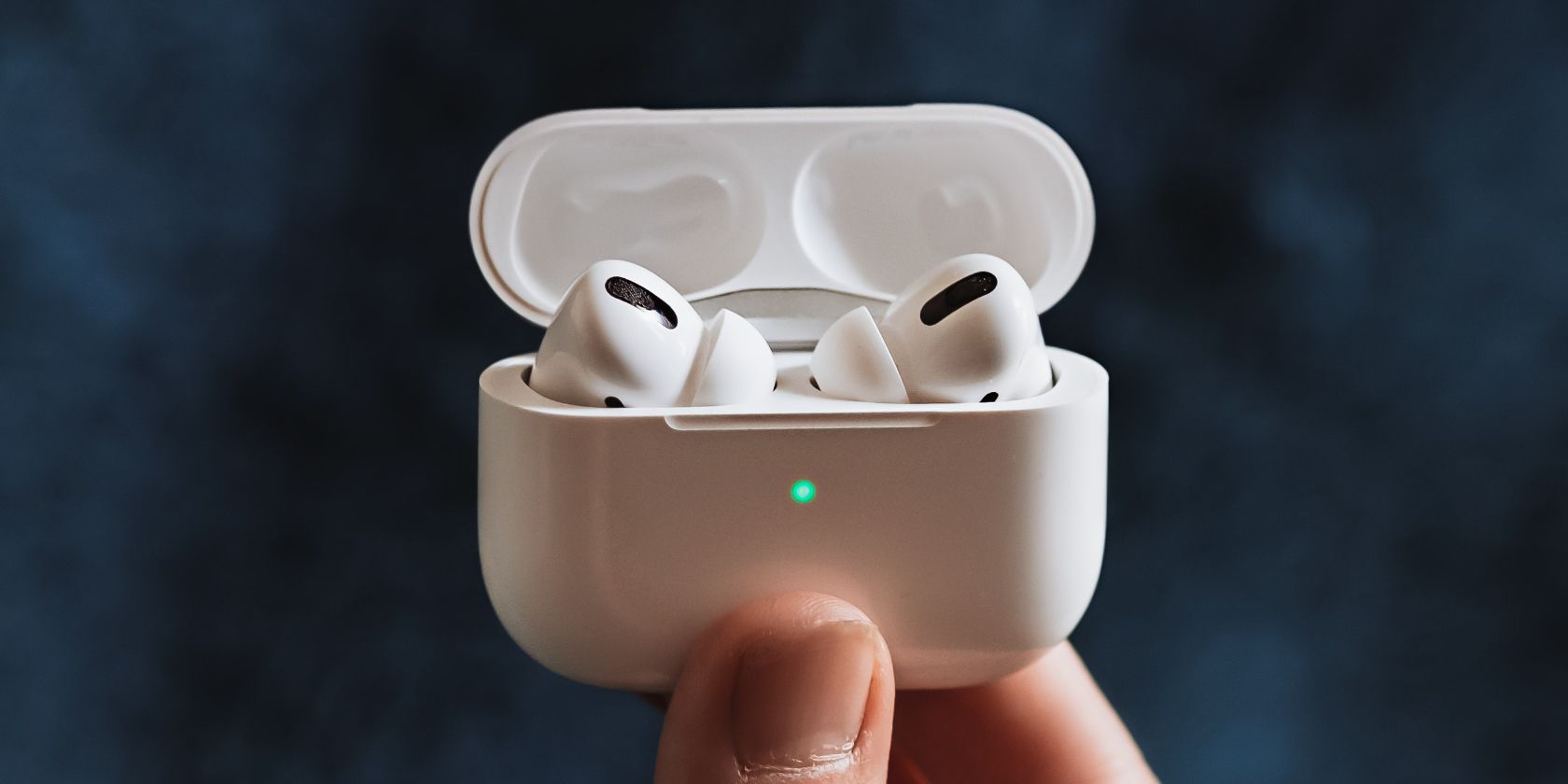
Now, How Do We Charge the Case? Ah, the Plot Thickens (but not really).
Okay, so your AirPods are happily juicing up inside their case. But what happens when the case itself starts running on fumes? Because, shocker, it needs power too! This is where we have a couple of fantastic options, depending on your tech-savvy level (or your mood that day).
Option 1: The Trusty Old Lightning Cable (Wired Wonder!)
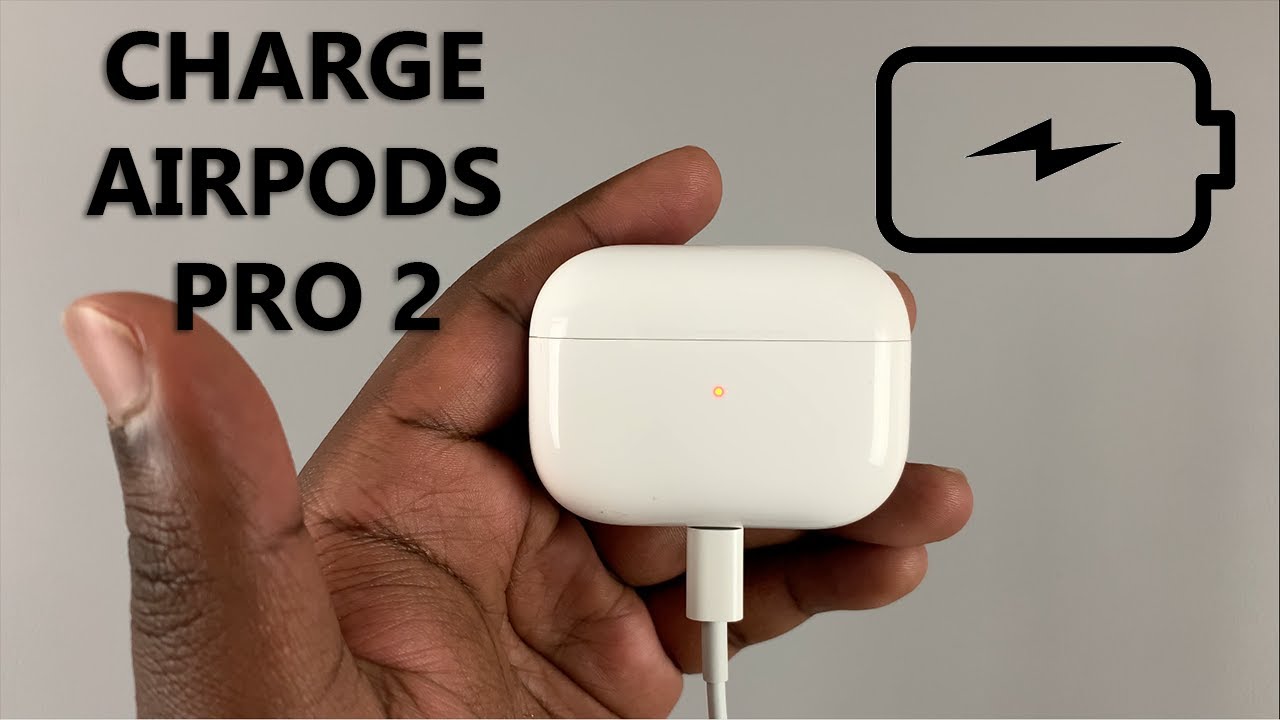
Remember that familiar white cable that charges your iPhone? Yeah, the one with the small, reversible end? Guess what? Your AirPods Pro case uses the exact same one! No need for some exotic, rare charging accessory here.
Flip open your case, and look at the very bottom. See that little port? That's your ticket! Plug the Lightning end of the cable into the case, and the USB-A or USB-C end (depending on your cable version) into a power source. We're talking:

- A wall adapter (the classic cube!)
- Your computer's USB port (super convenient!)
- A portable power bank (lifesaver on the go!)
When you plug it in, you'll see that little LED indicator on the front of the case light up again. Amber means it's charging, and green means it's fully charged and ready to rock. Simple, effective, and gets the job done every single time.
Option 2: The Futuristic, Cable-Free Magic of Wireless Charging!
If you've got AirPods Pro (especially the newer generations, or if you got the wireless charging case), you're in for a treat! This is where things get super cool and delightfully lazy. No cables required, just good vibes and a charging pad.
You'll need a Qi-compatible wireless charging mat or stand. Most newer AirPods Pro cases are also MagSafe compatible, which means they'll snap right into place on a MagSafe charger. So satisfying!
Simply place your AirPods Pro case (with your AirPods inside, naturally) face up on your wireless charging pad. Make sure it's centered, or if it's MagSafe, it'll practically jump into position for you. You'll see that little LED light on the case glow amber, confirming it's sucking up that sweet, sweet power wirelessly.
When it turns green, you're golden! Untethered, unbothered, and fully charged. How's that for modern convenience?
"But How Do I Know My Battery Life?" Great Question!
Glad you asked! Because who wants to guess? Apple's made this super intuitive too:
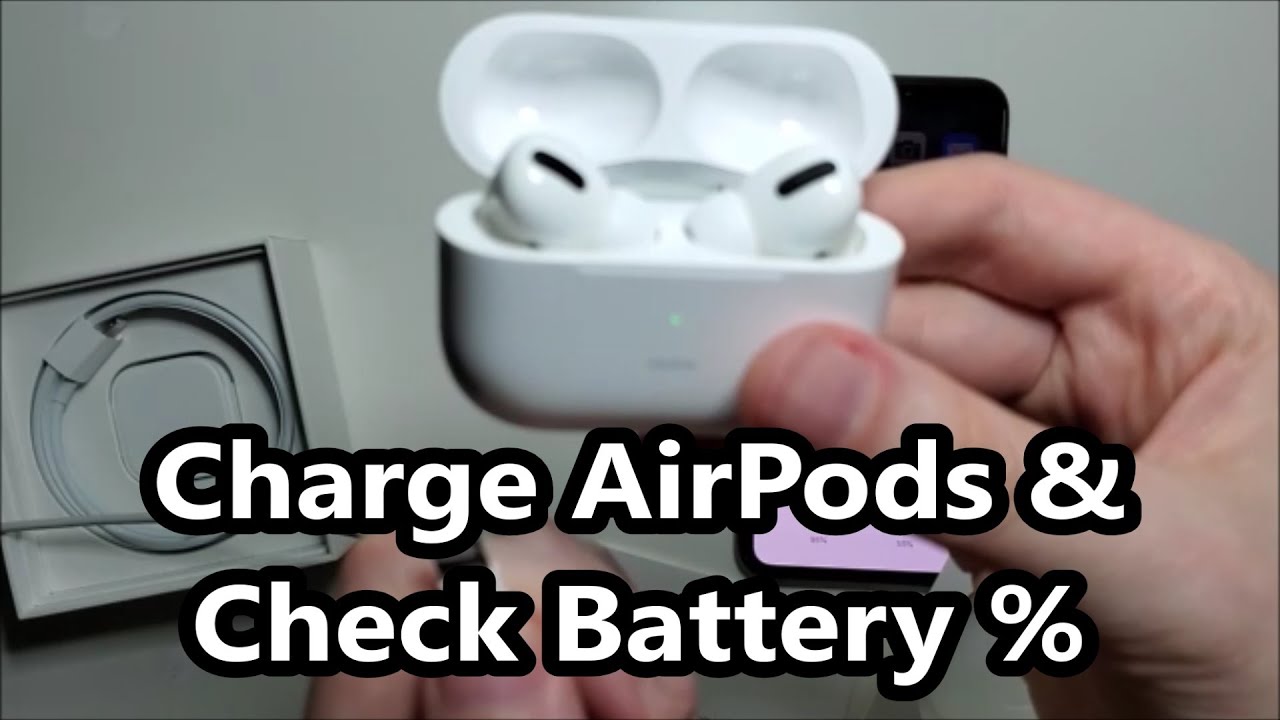
- Open the case: Just pop open the lid with your AirPods inside, right next to your iPhone. A little pop-up will appear on your screen showing the battery levels for both your AirPods and the case. Magic!
- Widgets: Add the Batteries widget to your iPhone's Home Screen or Today View. It's a game-changer! You'll see all your Apple device batteries at a glance.
- Ask Siri: "Hey Siri, what's my AirPods battery?" She's usually pretty quick with an answer!
A Few Quick Pointers, Just Because We're Friends:
Charging Time: AirPods charge pretty quickly! A few minutes in the case can give you an hour of listening. For a full charge of the case, it usually takes a couple of hours, wired or wirelessly. Overnight charging is perfectly fine too – Apple's tech prevents overcharging, so no worries there!
Battery Longevity: Try not to let your case or AirPods die completely all the time. Lithium-ion batteries (the kind in most modern gadgets) prefer being topped up. And definitely don't leave them baking in a hot car – heat is the enemy of battery life!
See? Told you it was easy! No secret ancient rituals or complex wiring diagrams needed. Just a little understanding of how that clever case works, and you're all set to enjoy your tunes, podcasts, and calls without that dreaded "low battery" anxiety.
Go forth and listen, my friend. Your AirPods Pro are ready when you are!