How Do I Activate Wireless Charging On My Phone
Okay, so you've got one of those fancy-pants phones that everyone's buzzing about – the kind that can seemingly suck power out of thin air, or at least, a charging pad. Wireless charging, baby! It sounds like something straight out of Star Trek, doesn’t it? But here’s the thing: it’s not always as simple as plopping your phone down and poof, instant energy. Sometimes, it feels more like trying to parallel park while a gaggle of tourists takes pictures of your impending doom. So, let's break down how to actually get this wireless charging thing working.
Step 1: Make Sure You're Invited to the Wireless Charging Party
First, and this is a biggie, does your phone even do wireless charging? It's like showing up to a potluck with a bag of air and expecting a feast. Check your phone's specs online or in the user manual. Look for phrases like “Qi wireless charging” or “compatible with wireless chargers.” If you see it, huzzah! You're officially on the guest list. If not... well, you might be stuck with the good old cable and wall wart for a bit longer. It’s not the end of the world, but it is a bit like ordering pizza and getting a sad little salad instead.
Step 2: The Power Pad - Not Just a Pretty Face
Alright, you've confirmed your phone can wirelessly charge. Awesome. Now, about that charging pad… is it plugged in? I know, I know, it sounds ridiculously obvious. But trust me, we've all been there. You’re staring blankly at your phone, wondering why it isn't charging, only to realize the charger itself is about as useful as a paperweight because it’s not connected to a power source. It’s like trying to drive a car without gas. Make sure the power adapter is firmly plugged into both the charging pad and the wall outlet. A loose connection is a surefire way to wireless charging disappointment.
Must Read
Step 3: The Great Alignment Caper
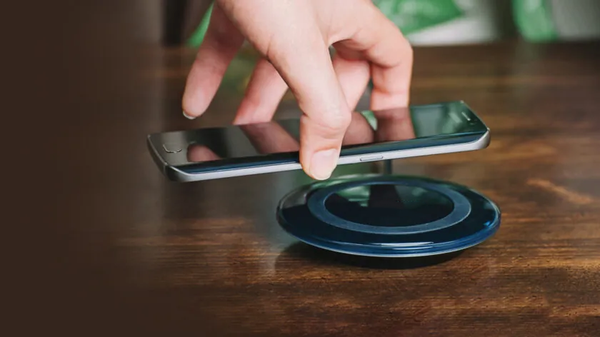
This is where things can get a little…fussy. Think of it like trying to thread a needle while wearing oven mitts. Wireless charging relies on precise alignment between the charging coils in your phone and the charging pad. Usually, the coils are in the center of both, but your phone's coils might be a bit higher or lower. This is especially true on larger phones. You might need to experiment a little bit to find the "sweet spot."

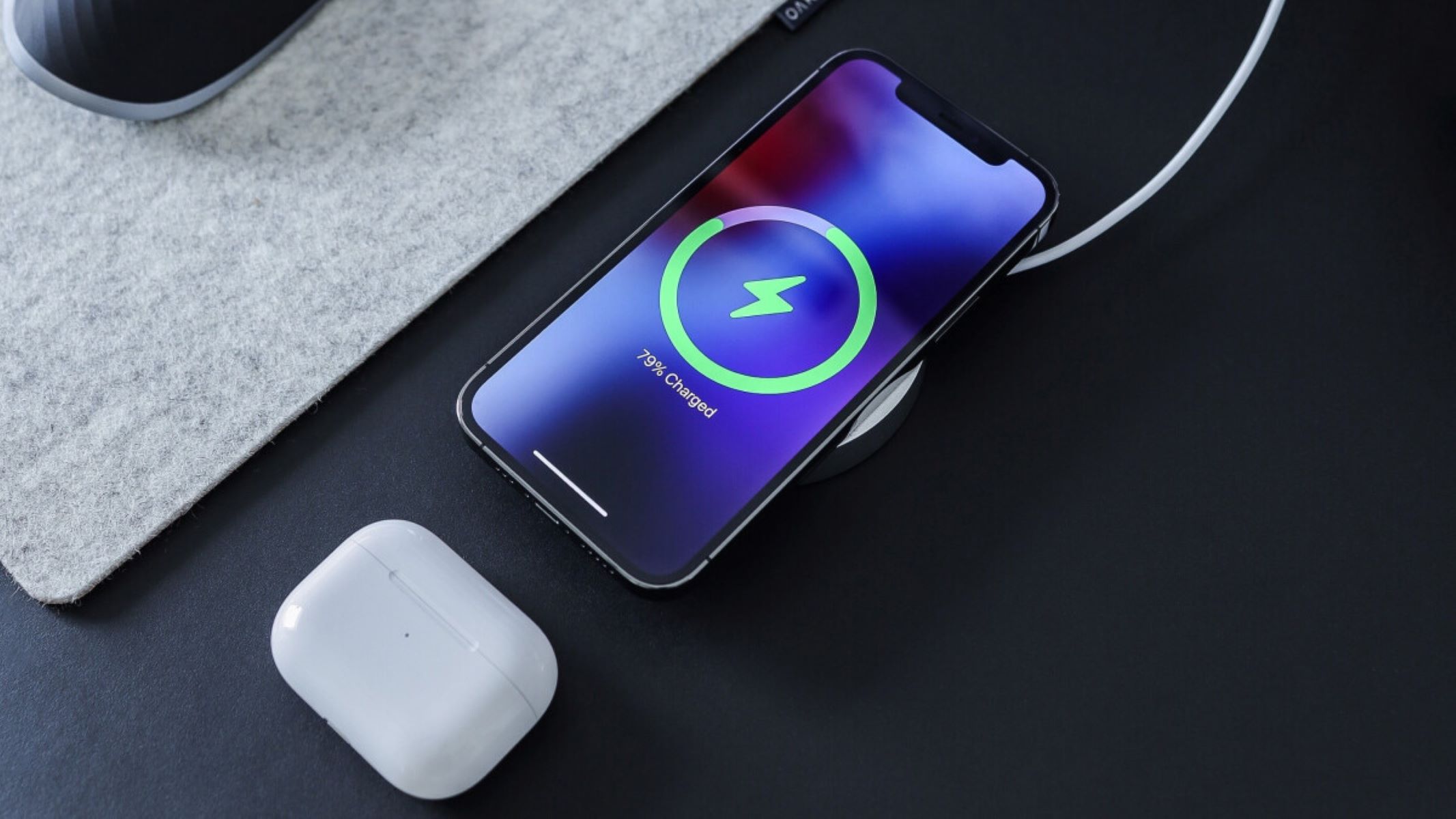
My personal method is to place the phone dead center first, then slowly nudge it around until I see the charging indicator light up on the pad or the charging icon appears on my phone screen. Think of it as a gentle dance. If you're using a thicker case, you might need to take it off. Some cases block the wireless signal entirely. It’s a bummer, I know, but sometimes you gotta ditch the fashion statement for functionality. It’s like wearing a raincoat in the shower – counterproductive, right?
Step 4: Observe the Ritual of the Charge
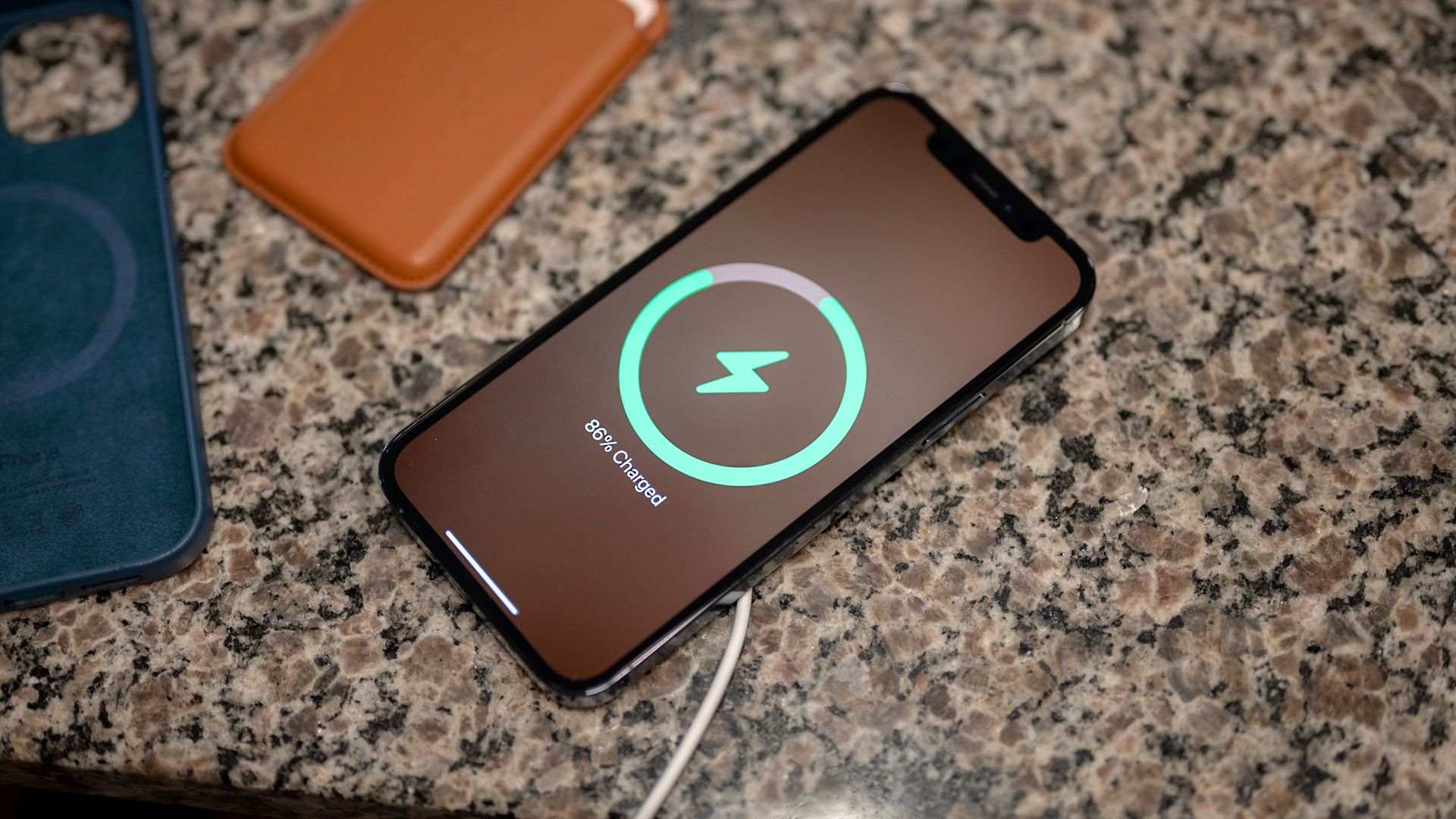
Once you’ve got the alignment down, leave your phone alone! Resist the urge to constantly pick it up and check if it's charging. Wireless charging is generally slower than wired charging, so patience is key. Think of it as slow-cooking a delicious stew. You wouldn't keep opening the lid every five minutes, would you? Let the magic happen. Most phones and chargers will give you a visual cue – a light, a sound, or a screen notification – to indicate that charging is in progress. If you see it, you’re golden!
Troubleshooting: When Wireless Charging Goes Rogue
Sometimes, even when you've followed all the steps, wireless charging just refuses to cooperate. Don't panic! Here are a few things to try:
- Restart your phone. It sounds cliché, but sometimes a simple reboot is all it takes to clear up software glitches.
- Clean the charging pad and your phone's back. Dust and debris can interfere with the charging process.
- Try a different charging pad. It's possible the charging pad itself is faulty.
- Update your phone's software. Manufacturers sometimes release updates that improve wireless charging performance.
- Consider the charging case. Cheap charging cases, while they look pretty, can do the opposite of what you want. Consider buying a reputable brand to ensure that your phone case is compatible with the charger.
Wireless charging is a convenient technology, but it's not always perfect. With a little patience and a bit of trial and error, you can usually get it working. And when it does work, it's a pretty sweet feeling. It's like finally figuring out how to assemble that IKEA furniture without needing to resort to calling a professional. Ah, the sweet taste of victory!