
Honeywell Thermostat Reset Older Model
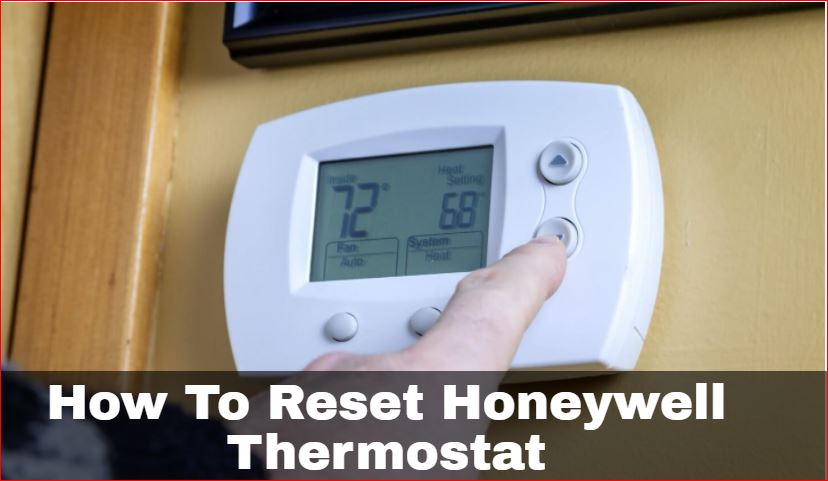
Okay, friend, pull up a chair. Got your coffee? Good. Because we're about to tackle one of life's tiny, often maddening, mysteries: that older Honeywell thermostat that's suddenly decided it's living in its own little world. You know the one. Maybe the screen's gone a bit wonky, or it's just stubbornly refusing to follow your commands. It's like it's saying, "Nah, I'm good, I'll stick to 78 degrees in winter, thanks."
Before you toss it out the window – a perfectly understandable impulse, by the way – let's talk about a reset. Because often, that's all it needs. Think of it as hitting the snooze button on its grumpy little brain. A quick refresh, a little "come on, pal, let's get back to basics."
We’re talking about those glorious older models here, right? Not the fancy Wi-Fi, app-controlled ones that talk to your smart speaker. No, no. We’re discussing the workhorses, the ones with actual buttons you can feel pressing, maybe a little flip-out door. The ones that just work... until they don't. And when they don't, it’s usually for a simple reason: a tiny software glitch, a forgotten setting, or just a moment of existential crisis. It happens to the best of us!
Must Read
First Up: The "Soft Nudge" – Battery Reset!
This is your go-to, your absolute first line of defense. It’s like turning your computer off and on again when it freezes. Works wonders, doesn't it?
First, take a good look at your thermostat. Most older Honeywell models, especially the non-wired-to-the-wall-for-power ones, run on batteries. Usually AA or AAA. And where are they? Often, there’s a little compartment on the bottom, or maybe the whole front plate gently pulls away. Don't be afraid to give it a gentle tug or slide. You'll hear a satisfying click or feel a slight give. Pop that open.
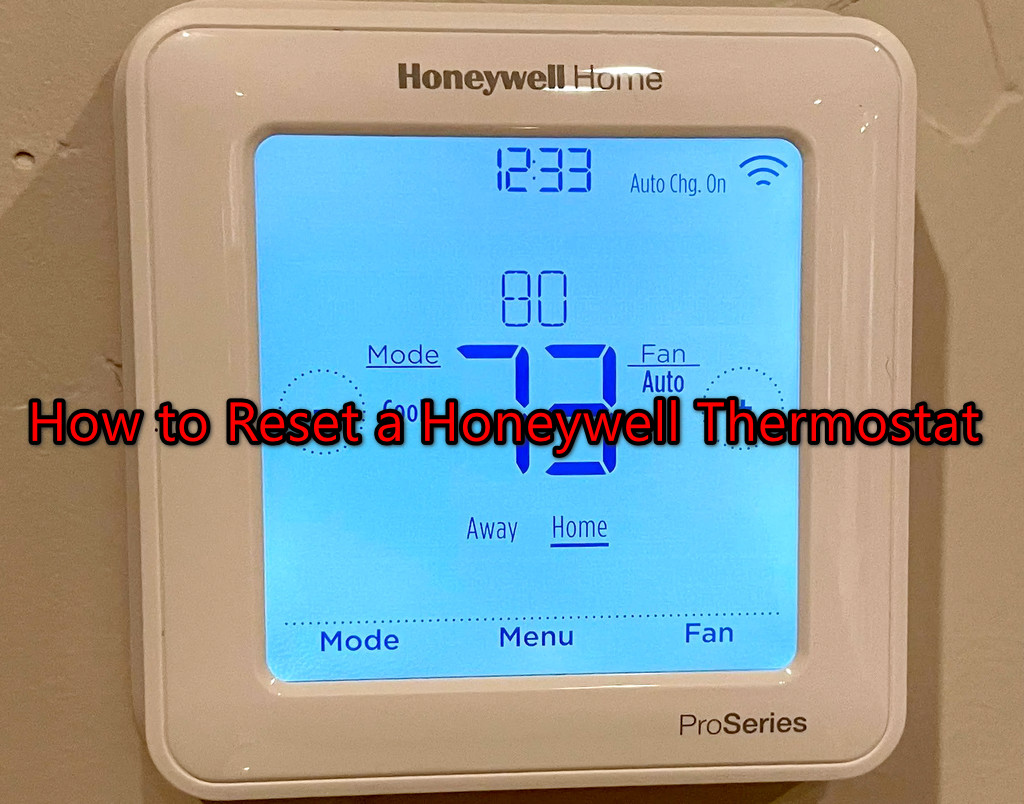
See those batteries? Yes, those precious little power sources. We're going to pull 'em. All of them. Just take 'em right out. Now, this is the crucial part, my friend: don’t immediately pop them back in. Give it a moment. Seriously. Walk away, make another coffee, contemplate the meaning of life. Or, you know, just count to thirty slow, deliberate seconds. This isn't just for show. It allows any residual charge to completely drain from the thermostat’s internal memory. It’s like hitting the "forget everything" button.
Once your thirty seconds (or more, if you got caught up in life's big questions) are up, slide those batteries back in. Make sure they’re facing the right way, of course! We're not trying to summon ancient spirits here, just reset a thermostat. Close up the compartment. Did the screen light up? Did it beep at you? Victory! It should now be asking you to set the time and date, feeling all fresh and new, ready to follow your every command.
Next Option: The "Big Kahuna" – Power Cycle at the Breaker
Okay, so you tried the battery trick, and your thermostat is still giving you the cold shoulder. Or worse, it’s completely blank, unresponsive, like it’s decided to take an unscheduled nap. Don’t panic. We’re going a step further, right to the source of its power: your furnace or air handler.
This method involves turning off the power to your HVAC system. Why? Because some thermostats are hardwired and draw a small amount of power directly from the system, even if they also use batteries. Pulling the batteries just won't cut it in those cases. They need a full power interruption.
You’ll need to make a little trip to your electrical panel. You know, that big gray box, usually in the basement, garage, or a utility closet? Now, a word of caution: safety first! If you're unsure which breaker controls your furnace or air conditioner, look for labels. Common labels are "Furnace," "AC," "HVAC," or simply "Heat." If there's no label, you might have to do a little detective work, or, if you're really uncomfortable, maybe call a pro. But generally, it's pretty straightforward.
Once you’ve found the correct breaker, flip it to the "Off" position. You’ll probably hear your furnace fan stop, or your AC unit outside go quiet. That's a good sign! Again, we play the waiting game. Give it a good two to five minutes. Let everything completely power down. Let that little thermostat's brain truly reboot.
After your wait, flip that breaker back to the "On" position. Head back to your thermostat. It should now be powered up, hopefully looking much happier and ready for you to input the time, date, and your desired comfort settings. Mission accomplished!
The "Deep Dive" – Menu Reset (If Your Model Has It)
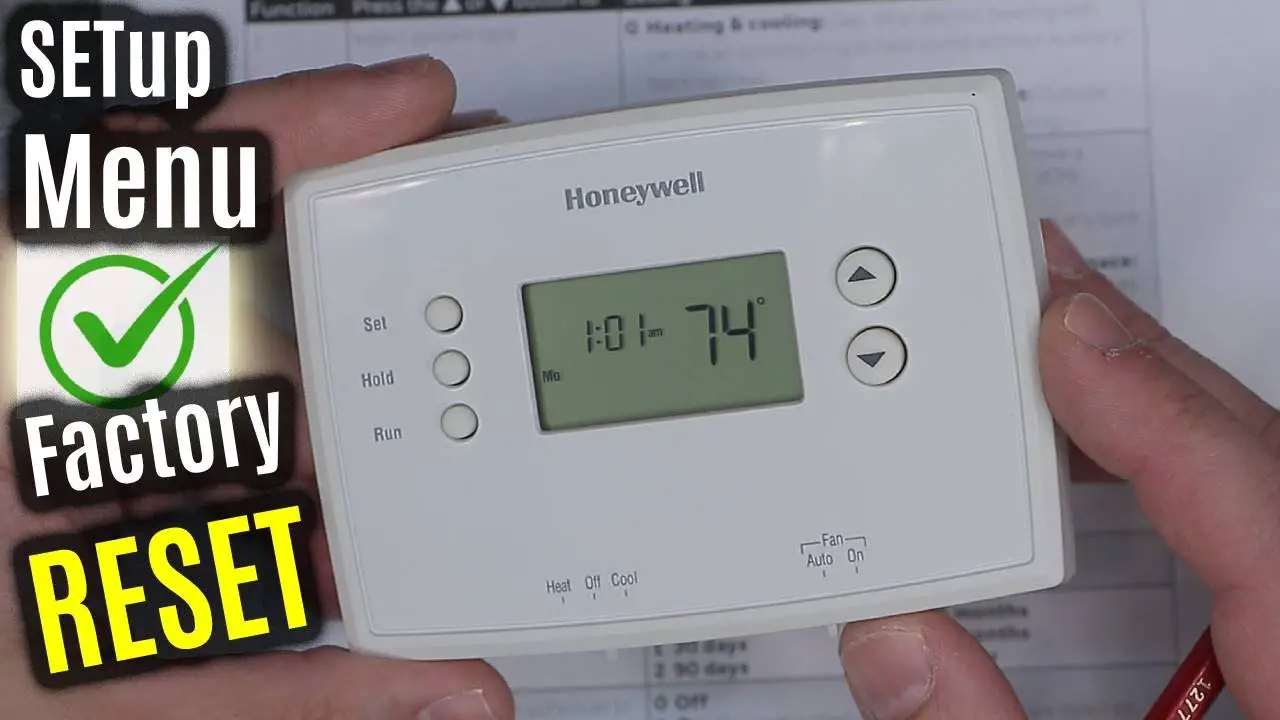
Now, this is less common for really old models, but some of the slightly "less old" older models might have a hidden menu reset function. Think of it as a secret handshake. It’s not always obvious, and you might need your owner's manual for this one (or a quick Google search with your specific model number, like "Honeywell T87F reset").
Typically, you’ll be looking for a combination of button presses. Maybe holding down "Fan" and "Up" simultaneously for a few seconds, or pressing "Menu" and then navigating to a "System Settings" or "Installer Options" menu. If you find it, you might see an option for "Factory Reset" or "Clear All Settings." Proceed with caution here, as this will wipe everything back to square one, as if it just came out of the box.

If your thermostat doesn't seem to have this hidden option, don't sweat it! The battery pull or the breaker flip usually does the trick for most older, non-programmable, or simpler programmable models.
After the Reset: The Fresh Start!
So, you’ve done it! Your thermostat is looking bright-eyed and bushy-tailed again. Now comes the important part: re-entering your settings. Set the correct time and date. Then, carefully program your desired temperature schedule. Take your time. Make sure those "away" and "sleep" temperatures are exactly how you like them. This is your chance to start fresh, maybe even optimize those settings for better energy efficiency!
And then? Just enjoy the sweet, sweet feeling of control. Your home will be comfortable, your thermostat will be humming along, and you, my friend, will have conquered a small but mighty tech challenge. You’re practically an HVAC technician now. Go ahead, pat yourself on the back. You earned it!