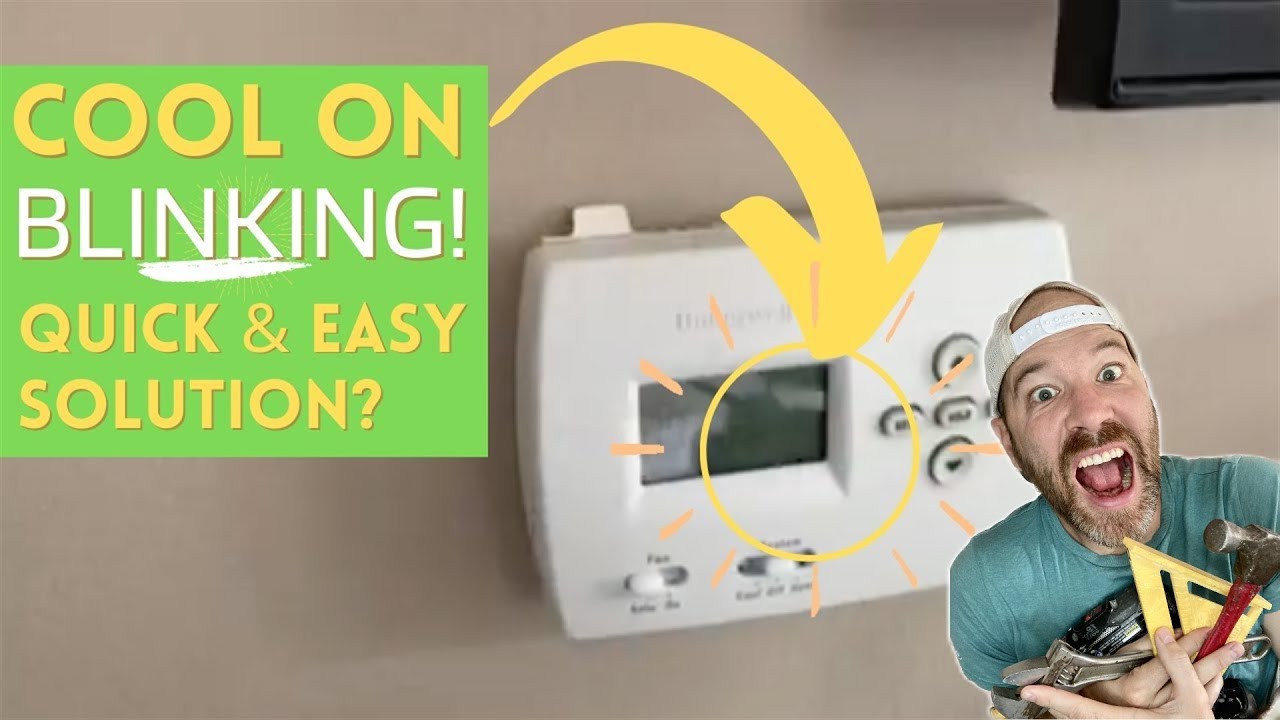
Honeywell Pro Series Cool On Flashing

Alright, so picture this: You walk over to your thermostat, maybe after a long day, ready to bask in that sweet, sweet cool air. You glance at your Honeywell Pro Series, all sleek and modern, and then… gasp… it says “Cool On” but it's flashing. What in the actual arctic blast is going on?! Is it broken? Is it mad at you? Did you forget to water the house plants again?
Relax, friend. Take a deep breath. (Preferably a cool one, which we're aiming for!) This little blinking light, while momentarily panic-inducing, is usually just your Honeywell being smart. Like, really, really smart. It's not usually a cry for help or a secret message that your AC is about to spontaneously combust. Nope, it's more like your AC unit saying, "Hold up, buttercup! I need a sec."
What's the Deal with the Flashing "Cool On"?
So, what’s the big secret? Why the light show? Well, your Honeywell Pro Series thermostat, bless its digital heart, is actually designed to protect your air conditioning system's most important component: the compressor. Think of the compressor as the engine of your AC. It does all the heavy lifting, the real grunt work, to get that cool air flowing.
Must Read
Now, imagine you’re working out, right? You wouldn’t just sprint from zero to sixty without a little warm-up, would you? Or worse, stop dead in your tracks and then immediately try to sprint again? Your muscles would be screaming! Your AC's compressor feels pretty much the same way. It needs a moment to rest, to equalize pressure, before it kicks back into high gear.
That flashing “Cool On”? It's typically indicating a compressor delay. It’s a built-in safety feature, a little timer that gives your compressor a breather. Usually, this delay lasts about five minutes. Sometimes a tiny bit longer, but generally, we're talking about the length of a quick snack break, not an entire Lord of the Rings marathon.
Why Does It Even Happen?
You might see this flashing especially if you've done a few things:
- You just turned the AC off and then immediately tried to turn it back on. (Impatience, we've all been there!)
- You switched your system from heating to cooling (or vice versa) and then back again quickly.
- There was a power flicker or outage, and the system is just resetting itself.
In all these scenarios, your Honeywell is saying, "Whoa there, let's not break anything expensive!" It’s preventing your compressor from short-cycling, which is a fancy term for turning on and off too rapidly. Short-cycling is a big no-no; it puts immense strain on the compressor and can significantly shorten its lifespan. And nobody wants to replace an AC compressor prematurely, right? That’s like, a whole new level of "ouch" for the wallet.
What Should You Do When It Flashes?
The short answer? Nothing. Seriously, just chill (pun intended!).

The best course of action is almost always to wait patiently. Go get a glass of water. Check your phone. Wonder aloud how long it takes for a five-minute delay to actually feel like five minutes. Your thermostat is doing exactly what it's supposed to do. It’s protecting your investment.
After those few minutes, the flashing should stop, the “Cool On” should become solid, and you should start feeling that glorious, refreshing cool air wafting through your vents. Ahhh, sweet relief!

When to Maybe, Possibly, Just a Little Bit Worry
Okay, so most of the time, flashing "Cool On" is totally normal. But what if it keeps flashing? Like, for ages? Or what if it stops flashing, goes solid, but absolutely no cool air comes out?
Now, that’s when you might want to investigate a tiny bit further. Here are a couple of quick, friend-level troubleshooting tips:
- Check your air filter: A dirty filter can restrict airflow and make your system struggle. It’s like trying to breathe through a really thick blanket.
- Flip the breaker: If the unit outside (the condenser) isn't making any noise, or if the inside fan isn't blowing, try resetting the circuit breaker for your AC unit. Give it a minute or two, then flip it back on. This is like the AC's version of "have you tried turning it off and on again?"
- Outdoor unit check: Is the big fan outside spinning? Is there ice on the lines? These are signs of potentially bigger issues that might warrant a professional peek.
But honestly, for the vast majority of "Cool On" flashing incidents with your Honeywell Pro Series, it's just a friendly reminder from your thermostat that patience is a virtue. It’s a little digital guardian looking out for your AC's longevity. So next time it flashes, don't sweat it (literally!). Just give it a moment, and soon enough, you’ll be chilling like a villain.