
Cool On Flashing On Honeywell Home Thermostat

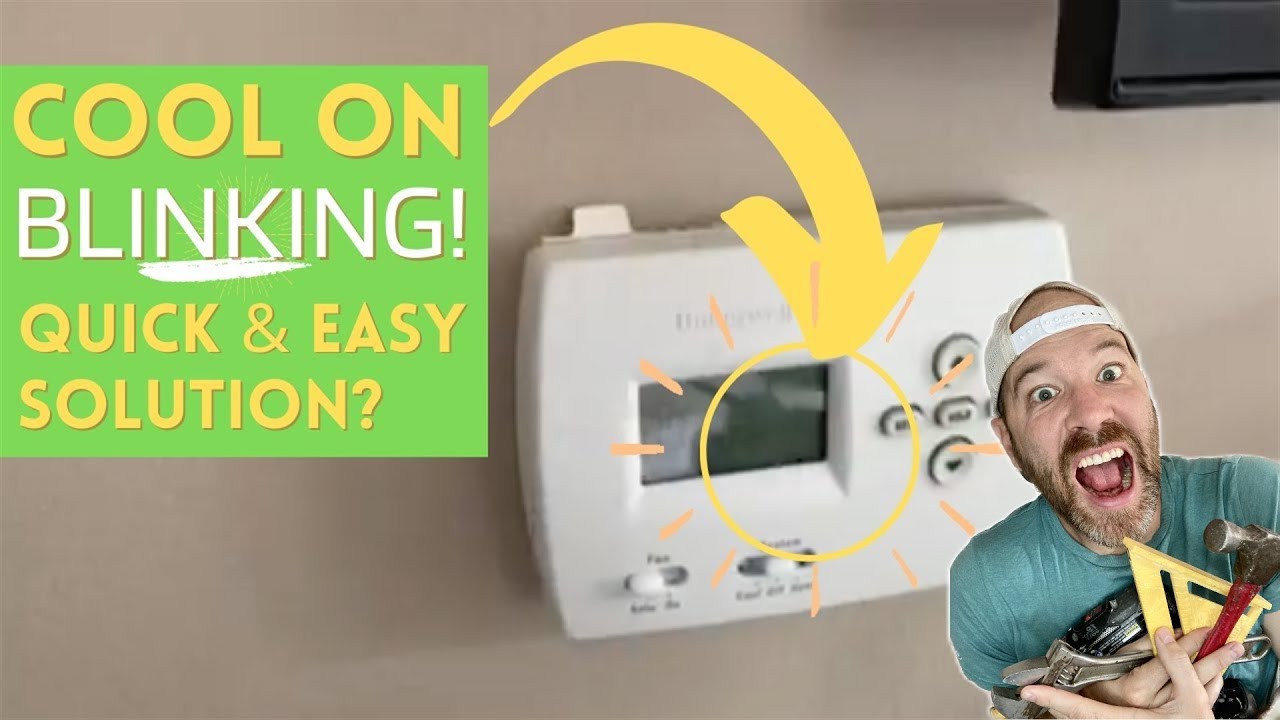
Ever stared at your Honeywell Home thermostat and seen the words "Cool On" flashing? Don't panic! It's not a secret code from aliens (probably). Think of it less like a blinking red alarm and more like your thermostat's way of saying, "Hey, I'm working! Let's get this place nice and chilly." But why does it flash?
Let's dive into the fascinating, not-at-all-terrifying world of flashing thermostat displays. It's actually kind of cool when you understand it.
Decoding the "Cool On" Flash
The most common reason "Cool On" flashes is because of a built-in delay. This is particularly true if you've just turned on the AC, or if the power has been interrupted recently. Think of it like this: your AC unit is a powerful beast, a mechanical dragon ready to breathe cool air. But you wouldn't want to startle the dragon, would you? A quick on/off switch could damage its delicate (and expensive) parts.
Must Read
The delay protects your AC compressor from something called short cycling. What’s that, you ask? Imagine repeatedly starting and stopping your car engine every few seconds. Not good, right? Same principle applies here. That flashing "Cool On" is your thermostat patiently waiting, ensuring a smooth and safe start for your cooling system. This delay is often a few minutes, usually between 3 and 5. Be patient, good things come to those who wait (and those who want a cooler house).
Is It Always a Delay?
Okay, so most of the time, the flashing is just a friendly reminder of the safety delay. But, like everything in life, there are exceptions. What if it keeps flashing for longer than you think it should? Or, what if the house isn't getting any cooler even though it's flashing? Then, Houston, we might have a small problem.
Here are a few other possibilities to consider:
- Power Issues: A brief power outage, even a flicker, can sometimes confuse your thermostat. It might be trying to reset itself, leading to the flashing display.
- Wiring Problems: Loose or damaged wiring can cause all sorts of weirdness. Think of it as a loose wire in a lamp – sometimes it works, sometimes it doesn't. The connection between your thermostat and the AC unit could be faulty.
- Compressor Issues: This is a bit more serious. If the compressor in your AC unit is struggling to start, the thermostat might keep trying, resulting in the flashing.
- Thermostat Malfunction: Sometimes, the thermostat itself is the problem. It could be a software glitch or a hardware issue. It's like your phone freezing up – annoying, but sometimes unavoidable.
Troubleshooting Time!
So, your "Cool On" is still flashing after a reasonable amount of time (let's say, longer than 10 minutes). What can you do? Don't reach for the toolbox just yet. Here are some simple steps you can try:

- Wait it Out: Seriously. Sometimes, patience is the best medicine. Give it a full 30 minutes.
- Power Cycle: Turn off the power to your AC unit at the breaker box for a few minutes, then turn it back on. This is like restarting your computer – it can often resolve minor glitches.
- Check the Batteries: If your thermostat uses batteries, make sure they're fresh. Low batteries can cause all sorts of strange behavior.
- Consult the Manual: Your Honeywell Home thermostat probably came with a manual. Dig it out and see if it has any troubleshooting tips for flashing displays.
When to Call a Pro: If you've tried these steps and the "Cool On" is still flashing, it's time to call in the experts. Don't try to fix things yourself if you're not comfortable working with electrical components. Remember, electricity is serious business. A qualified HVAC technician can diagnose the problem and get your AC system back up and running smoothly. They’re like doctors for your air conditioner!
The Cool Conclusion
So, the next time you see "Cool On" flashing on your Honeywell Home thermostat, don't panic. Remember, it's usually just a safety feature to protect your AC unit. But if it persists, don't hesitate to investigate further or call a professional. After all, a comfortable home is a happy home, and that’s worth ensuring, right? Think of it as investing in your personal happiness and avoiding those sweaty summer nights!
And hey, now you know a little more about how your thermostat works! Isn't that... cool?
![Why is My Honeywell Thermostat Flashing “Cool On”? [7 Easy Fixes] - www](https://www.mechstudies.com/wp-content/uploads/2023/09/honeywell-thermostat-flashing-cool-on-how-fix-troubleshoot-768x424.jpg)
