
Can You Leave Laptop Plugged In All The Time

Okay, let's talk laptops! Those magical portals to cat videos, late-night work sessions, and connecting with Aunt Mildred on Facebook. But there's one question that haunts us all: Can I just leave this thing plugged in forever?
The Great Laptop Charging Debate
It's a question that's sparked more debates than pineapple on pizza (and we all know how passionate people get about that). Are we slowly murdering our beloved machines by keeping them constantly juiced up? Or are we being overly cautious, living in fear of a battery apocalypse that will never come?
Well, gather 'round, because I'm about to spill the beans (or should I say, spill the volts?). Let's dive into the world of laptop batteries, charging habits, and the truth behind that nagging voice in your head that screams, "Unplug it! Unplug it now!"
Must Read
The Battery Boogeyman: Old Wives' Tales and Modern Myths
For years, we've been told horror stories about overcharging. Grandparents warned us about fried batteries and shortened lifespans. They spoke of the dangers of exceeding that magical 100% mark!
And back in the day, they had a point! Older laptops used different types of batteries, like NiCad (Nickel-Cadmium) or NiMH (Nickel-Metal Hydride). These batteries did suffer from something called "memory effect."
Basically, if you didn't fully discharge them before recharging, they'd "remember" that partial discharge and start losing capacity. Think of it like a tiny, grumpy battery that holds a grudge. But those days are largely gone, thank goodness!
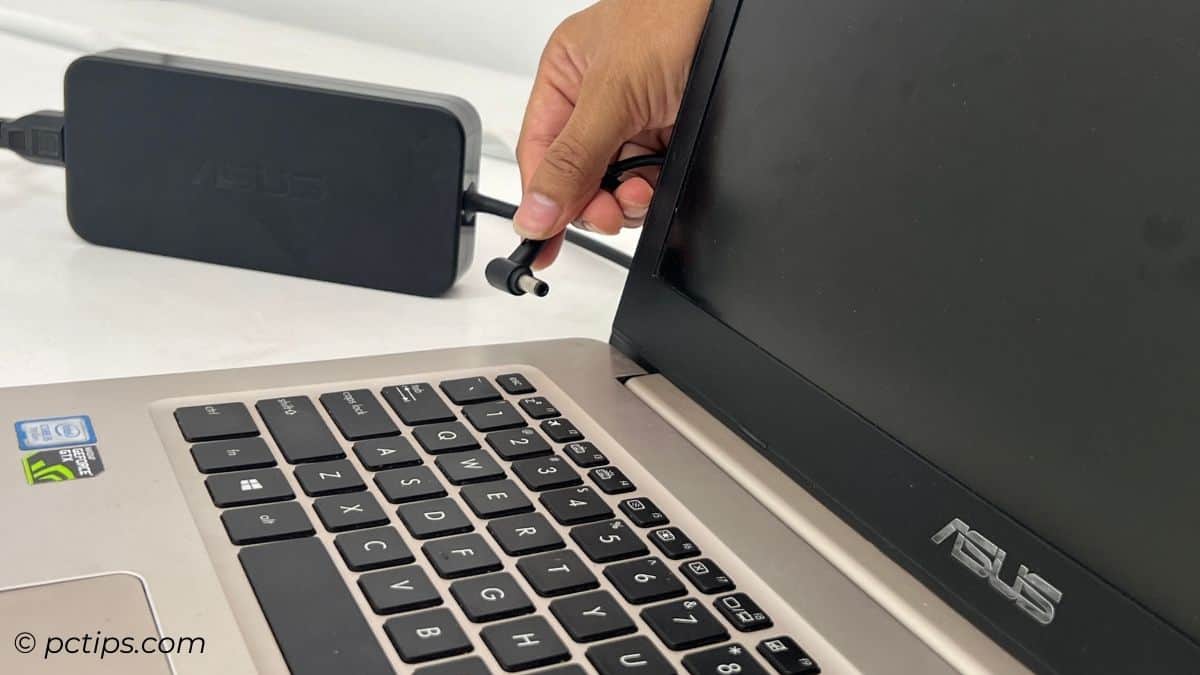
Lithium-Ion to the Rescue!
Modern laptops, the sleek and shiny ones we know and love, use lithium-ion (Li-ion) batteries. These batteries are way smarter and much less dramatic than their predecessors.
Lithium-ion batteries don't have that pesky "memory effect." So, you can charge them whenever you want, for however long you want, without worrying about them losing capacity. It's like they're saying, "Charge me up, Scotty! I can handle it!"
This is mostly because of the advanced charging circuitry inside your laptop. It’s a tiny little power manager that’s very diligent.
But Wait, There's a Catch (Isn't There Always?)
Okay, so leaving your laptop plugged in all the time won't necessarily "fry" the battery in the traditional sense. But there is one thing to keep in mind: heat.

Heat is the enemy of all things electronic, including lithium-ion batteries. Constant high temperatures can degrade the battery over time, reducing its overall lifespan. Imagine leaving a chocolate bar in the sun – it'll still be chocolate, but it won't be quite as good.
If your laptop tends to get super-hot when plugged in and fully charged, it might be worth unplugging it occasionally to let it cool down. Give that little machine a breather!
So, Can I Leave It Plugged In or Not?!
The short answer? Yes, you usually can. Modern laptops are designed to handle being plugged in for extended periods. They have built-in mechanisms to prevent overcharging and to stop drawing power once the battery is full.
Think of it like a water tank with an automatic shut-off valve. Once it's full, it stops filling. Your laptop does something similar!
However, it's still a good idea to be mindful of heat. If your laptop is getting toasty, unplug it for a bit. Consider lifting it off of surfaces such as a blanket or pillow. And always, ALWAYS make sure your vents are clear.
Best Practices for Happy Laptop Batteries
Want to keep your laptop battery in tip-top shape for years to come? Here are a few simple tips:
- Don't let it overheat: Keep your laptop in a well-ventilated area and avoid using it on soft surfaces that can block airflow.
- Periodically discharge the battery: Every few weeks, let your battery drain down to around 20% before plugging it back in. This helps to keep the battery calibrated.
- Store it properly: If you're not planning on using your laptop for an extended period, store it with the battery charged to around 50%. This is the sweet spot for long-term storage.
These steps will help prolong the lifespan of your laptop’s battery.
The Bottom Line: Relax and Enjoy Your Laptop!
The whole "plugged in or unplugged" debate doesn't need to be a source of constant anxiety. Modern laptops are pretty smart, and they can handle being plugged in most of the time.
So, go ahead and binge-watch that show, finish that report, or chat with Aunt Mildred without worrying about slowly killing your battery. Just be mindful of heat, follow a few simple best practices, and enjoy your laptop! Think of your laptop as you would a houseplant. Both will live longer with some care and attention.
And remember, life's too short to stress about battery percentages. Now, if you'll excuse me, I have a date with my laptop and a new season of my favorite show. Cheers!
Disclaimer: Battery technology varies, so always check your laptop manufacturer's recommendations for optimal battery care. This article is for general informational purposes only and should not be considered professional advice.
This has been some fun, right? We can go out and enjoy our computers with less stress now!