
Can You Charge An Ipad With A Wireless Charger
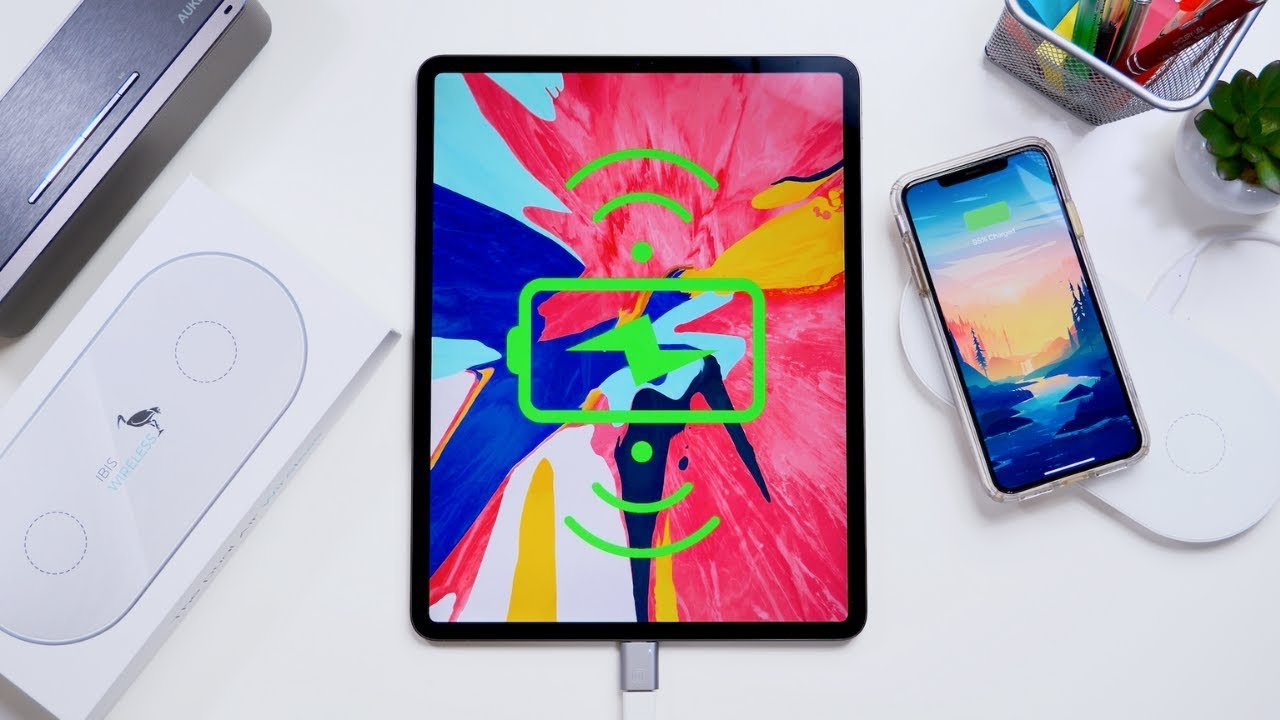
Hey there, friend! Ever wondered if you could ditch the cable and just plop your iPad onto a wireless charger? Like, wouldn't that be amazing? Imagine the minimalist aesthetic! Let's dive into this techy question, shall we?
So, the short answer? Generally, no. At least, not in the way you're probably thinking. Bummer, I know!
Why No Wireless Charging (Officially)?
Must Read
Okay, so here's the deal. Most iPads, as of today (and I mean today because tech changes faster than I can decide what to have for breakfast!), don't come with built-in wireless charging capabilities like some iPhones and Android devices. Why, Apple, why?!
Think about it: iPads are bigger, right? More surface area! That means they'd need a bigger charging coil to effectively receive power wirelessly. And a bigger coil? Well, that means more space taken up inside the iPad. And space is precious real estate in the tech world, you know?
Plus, let's be honest, iPads also have bigger batteries. A bigger battery needs more power to charge, and current wireless charging tech just isn't quite as efficient or as fast as plugging in with a cable. Nobody wants to wait all day to charge their iPad, do they? Especially if they're trying to binge-watch their favorite show. (Guilty as charged!)
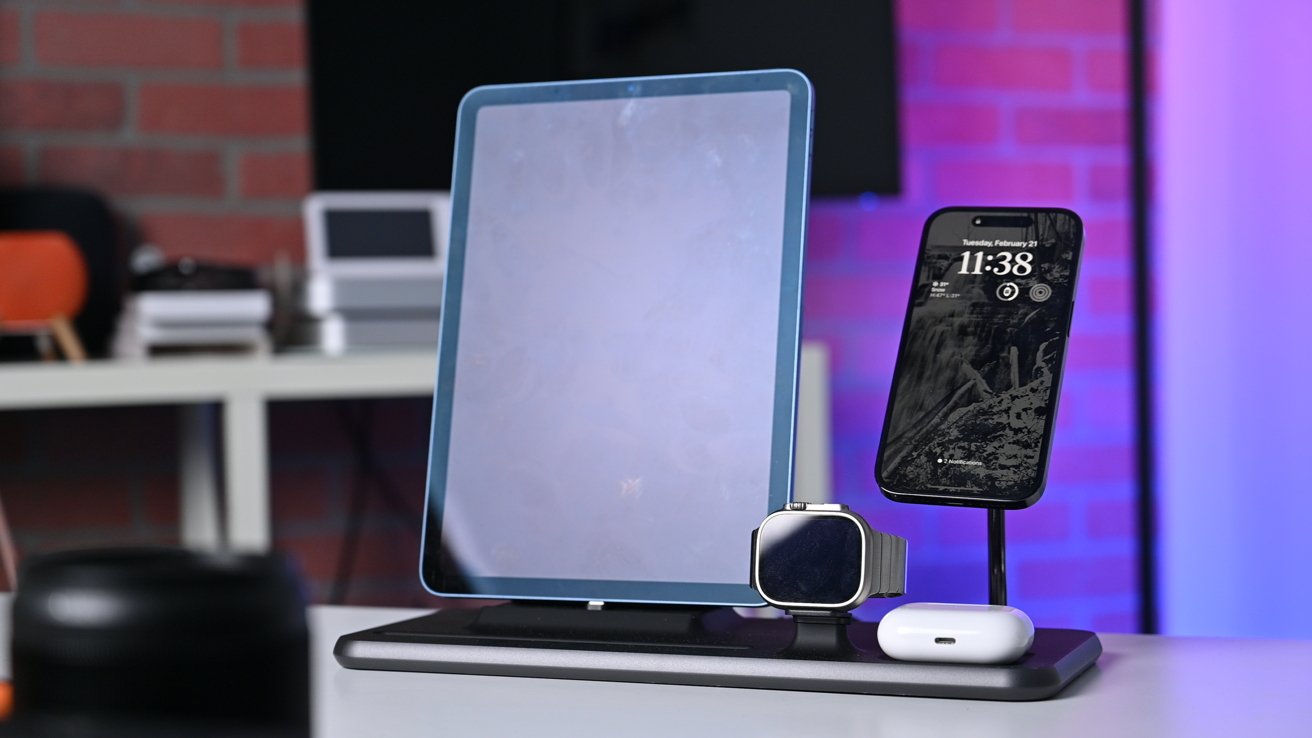
Basically, it comes down to a combo of space limitations, charging speed concerns, and Apple's design choices. They're probably focusing on other cool features. Though, seriously, wireless charging would be pretty darn cool!
But... There's Always a "But," Right?
Okay, okay, don't lose all hope! There are a few workarounds, though they’re not exactly perfect or officially endorsed. We're talking about venturing into "hacky" territory. Are you ready to get a little adventurous?
You could theoretically use a wireless charging adapter or case. These basically add a wireless charging receiver to your iPad. You plug the adapter into the Lightning or USB-C port, and then stick the receiver onto the back of your iPad (usually inside a case). Then, BAM! Wireless charging-ish.

But here's the catch (and there's always a catch, isn't there?). These adapters aren't always the most reliable. Charging speeds might be painfully slow. And some adapters might not even work properly with your iPad model. It's a bit of a gamble, really. Are you feeling lucky?
And let's not forget the aesthetic. Sticking something onto the back of your sleek, beautiful iPad? It kind of defeats the purpose of having a gorgeous device, doesn't it? (Though, if function trumps form for you, go for it!)
Is It Worth It?

That's the million-dollar question, isn't it? Personally? I'd say probably not, for most people. The convenience factor is tempting, sure, but the slow charging speeds and potential compatibility issues just aren't worth the hassle for me.
I mean, think about it. You're essentially adding a clunky workaround to solve a problem that doesn't really need solving. Just plug it in, right? Simple and reliable. Plus, you know it'll actually charge.
But hey, if you're a die-hard wireless charging enthusiast, and you're willing to experiment, then go for it! Just do your research, read reviews, and be prepared for potentially underwhelming results.
The Future of Wireless iPad Charging?

Who knows what the future holds? Maybe Apple will surprise us with wireless charging in future iPad models. Maybe they'll develop some super-efficient, super-fast wireless charging technology. (Fingers crossed!)
Until then, though, we're stuck with cables. But hey, at least we have super-fast USB-C charging now, right? Progress! (Even if it's not wireless progress.)
So, there you have it! The lowdown on wireless charging for iPads. Hopefully, this has been helpful (and at least a little bit entertaining!). Now, go forth and charge your iPad... with a cable. For now.
And hey, if you do try a wireless charging adapter, let me know how it goes! I'm always curious. :)