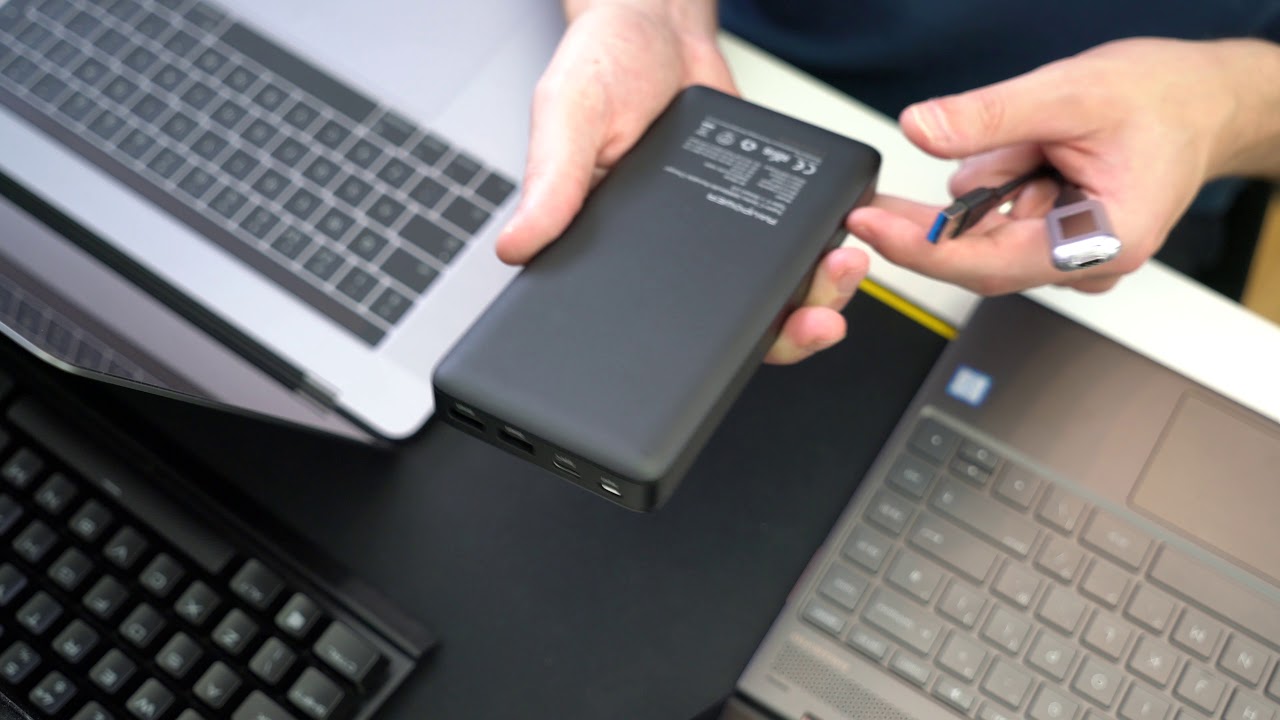
Can I Charge My Laptop With Usb
We’ve all been there. You’re elbow-deep in a crucial work project, halfway through binge-watching that show everyone’s talking about, or just about to send that perfectly crafted email, when suddenly… the dreaded low battery warning pops up. That little red icon of doom, blinking judgmentally. Panic sets in. Your charger is, of course, in another room, another bag, or possibly another dimension. You glance around frantically, and your eyes land on it – a humble USB phone charger. A flicker of hope ignites. "Could this… save me?" you wonder, picking it up like it's a magic wand.
It’s the digital equivalent of trying to put out a forest fire with a water pistol. You know, deep down, it’s probably not going to work for your chunky old laptop. But for some of the newer, sleeker models? Well, that’s where things get interesting. Let’s unravel this modern mystery with a chuckle or two.
The Old Days: Why Your Phone Charger Was a No-Go
Back in the good old days (read: five years ago), trying to charge your laptop with a phone charger was about as effective as trying to fill a swimming pool with an eyedropper. Laptops are like hungry teenagers; they need a lot of power, and they need it fast. Traditional phone chargers, with their tiny output, just couldn't deliver the goods. It wasn’t about the plug fitting, it was about the juice. Laptops typically need around 45 to 65 watts, sometimes even more for gaming beasts, while your average phone charger might only kick out 5 to 10 watts. That's like offering a marathon runner a single grape and expecting them to sprint. Not happening!
Must Read
Your laptop would essentially look at that anemic power supply, shrug, and continue its slow, agonizing march towards powerlessness. It was a classic case of "nice try, kid, but you're out of your league."
Enter the Hero: USB-C and Power Delivery
But then, a hero emerged from the tangled mess of cables: USB-C. This isn't just a new shape; it's a whole new ball game. Think of it as the universal adaptor that actually works. And the real secret sauce? Something called Power Delivery (PD). This is where your face lights up with understanding and a little bit of awe.
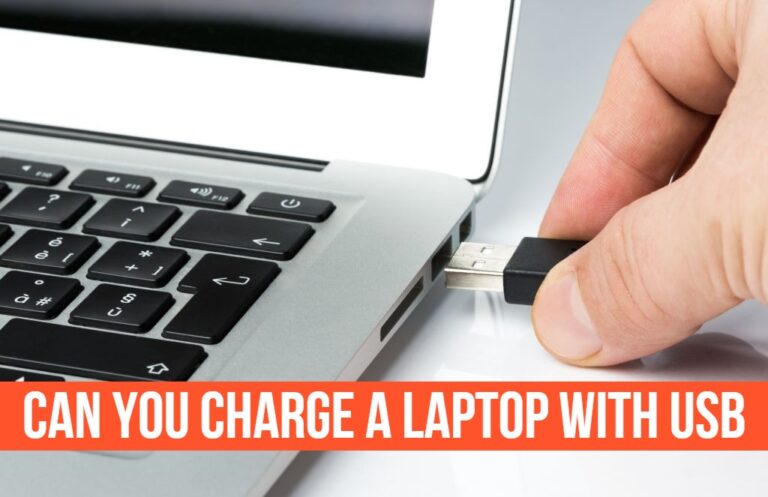
USB-C with Power Delivery is like the smart bouncer at the club who knows exactly how much VIP access each device needs. It can negotiate with your laptop and charger to deliver significantly higher wattages – up to a whopping 100 watts (and even more with extended power ranges, but let's not get too nerdy just yet!). This means that little USB-C port on your laptop isn't just for transferring data anymore; it's a potential lifeline for power.
So, suddenly, your sleek new laptop might just nod approvingly at a USB-C charger, saying, "Yeah, this'll do." Ding, ding, ding! We have a winner!
So, What Do You Need to Look For?
Alright, so not every USB-C charger is created equal. You can't just grab any old USB-C cable and expect miracles. Here’s the lowdown on what to check:
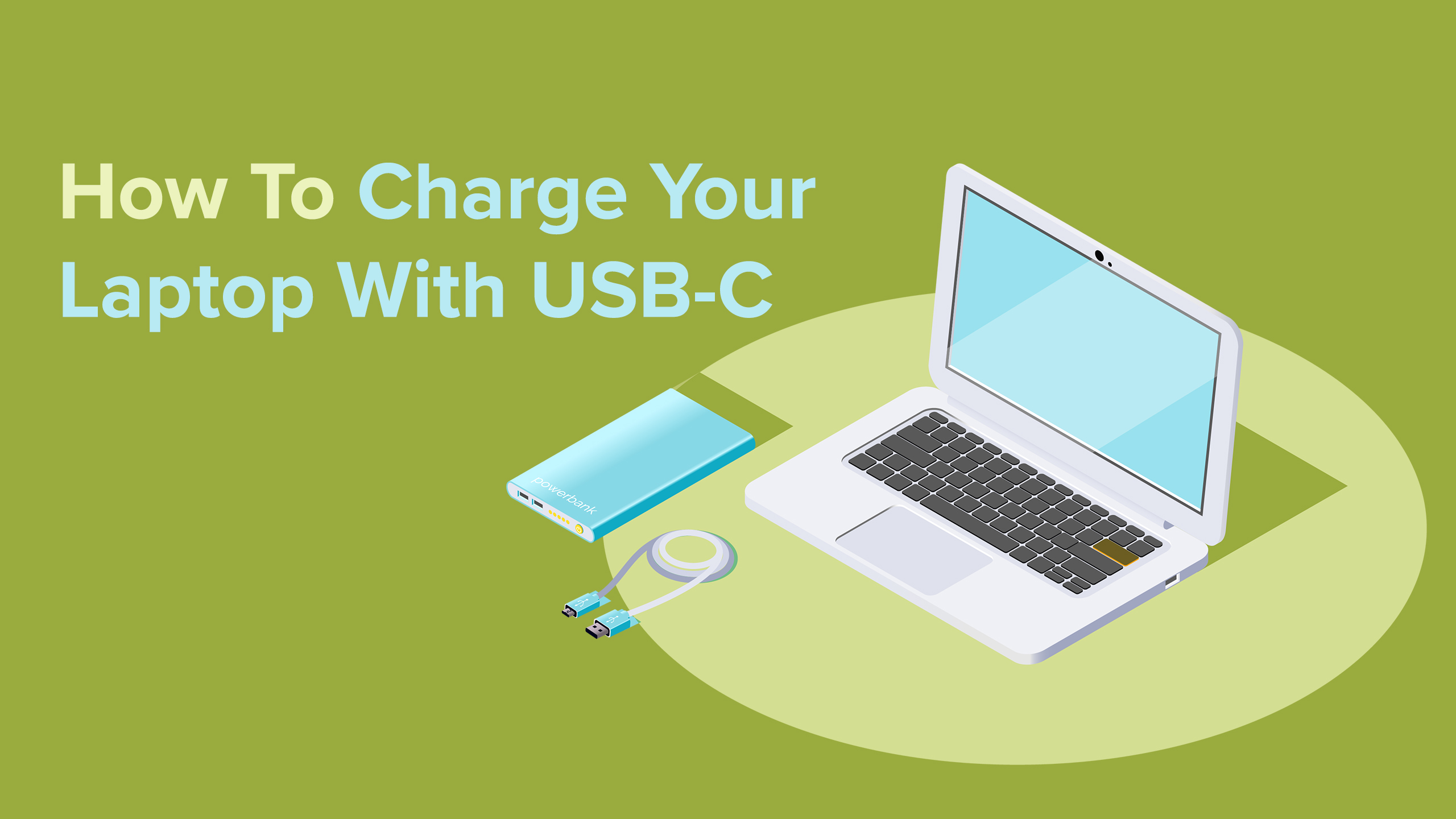
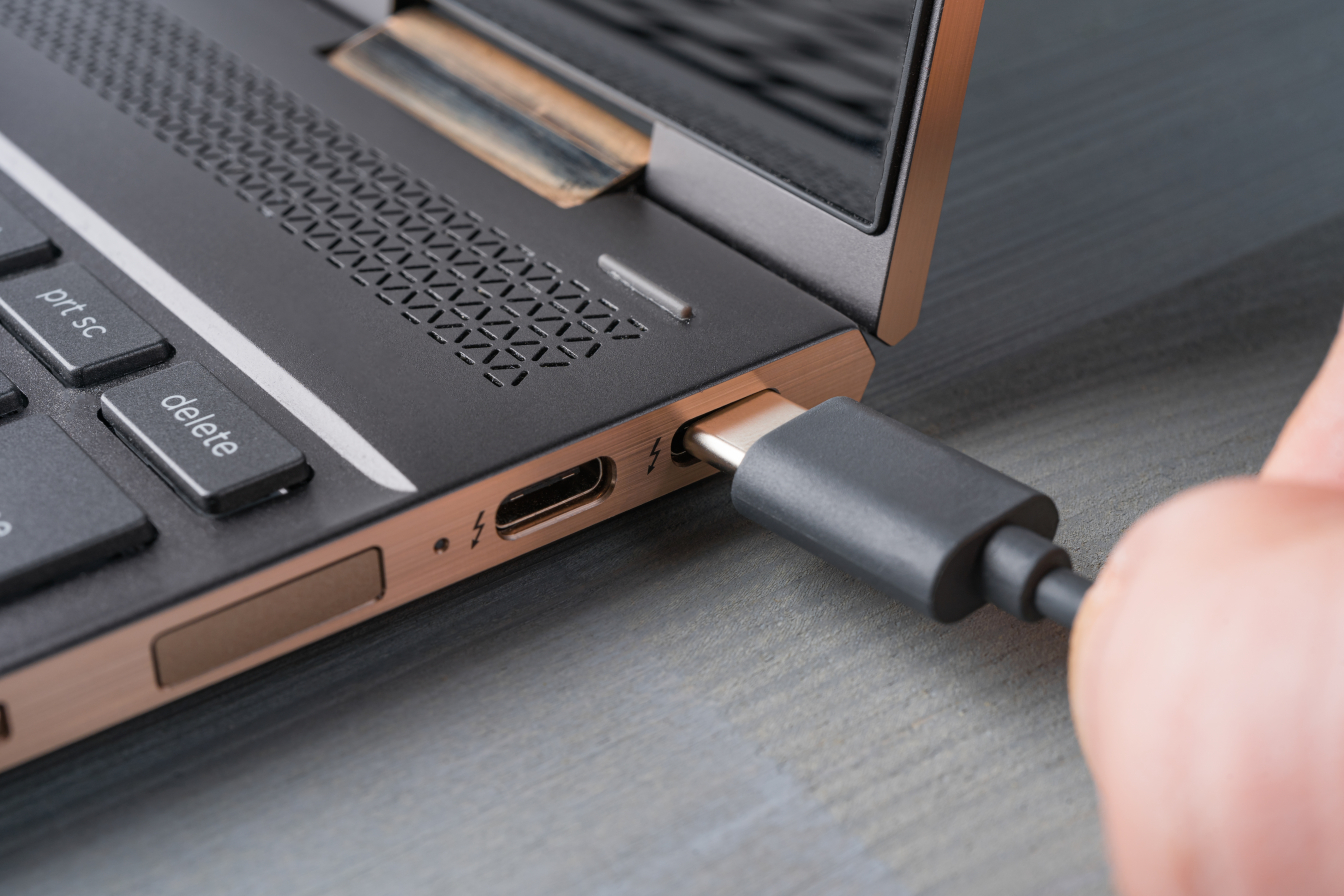
- Your Laptop's Port: Does your laptop actually have a USB-C port that supports charging? Many newer laptops, especially ultra-portables and MacBooks, do. Look for a little lightning bolt icon next to the USB-C port, or check your laptop's manual.
- The Charger's Wattage: This is the crucial part. Flip over your charger (or check its specs online). It will have a wattage rating (e.g., 30W, 45W, 65W). For a laptop, you'll generally want at least 45W, and preferably 60W or higher to get a decent charge. Trying to charge a 65W laptop with a 30W charger is like trying to convince a toddler to eat their vegetables – you might make some progress, but it’ll be slow and painful.
- Power Delivery (PD) Compatibility: Make sure both your charger and laptop support USB-C Power Delivery. Most modern USB-C chargers with higher wattages will have this.
When It Works (and When It's a Bit Sluggish)
If you've got a relatively modern laptop with a USB-C charging port and a USB-C PD charger with sufficient wattage (ideally matching or exceeding your laptop's original charger's wattage), then congratulations! You can likely charge your laptop with that USB charger. This is fantastic for travel, decluttering your bag, and those "Oh Crap!" moments.
However, be aware: if you use a lower-wattage USB-C charger (say, a 30W charger for a laptop that ideally wants 65W), it will still charge, but it will be slower. Sometimes significantly slower. If you're using your laptop for intensive tasks while charging with an underpowered charger, you might even find the battery level slowly dropping, or just barely holding steady. It's like trying to run a marathon on a single espresso shot – you'll eventually get there, but it won't be pretty, and you might collapse halfway through.
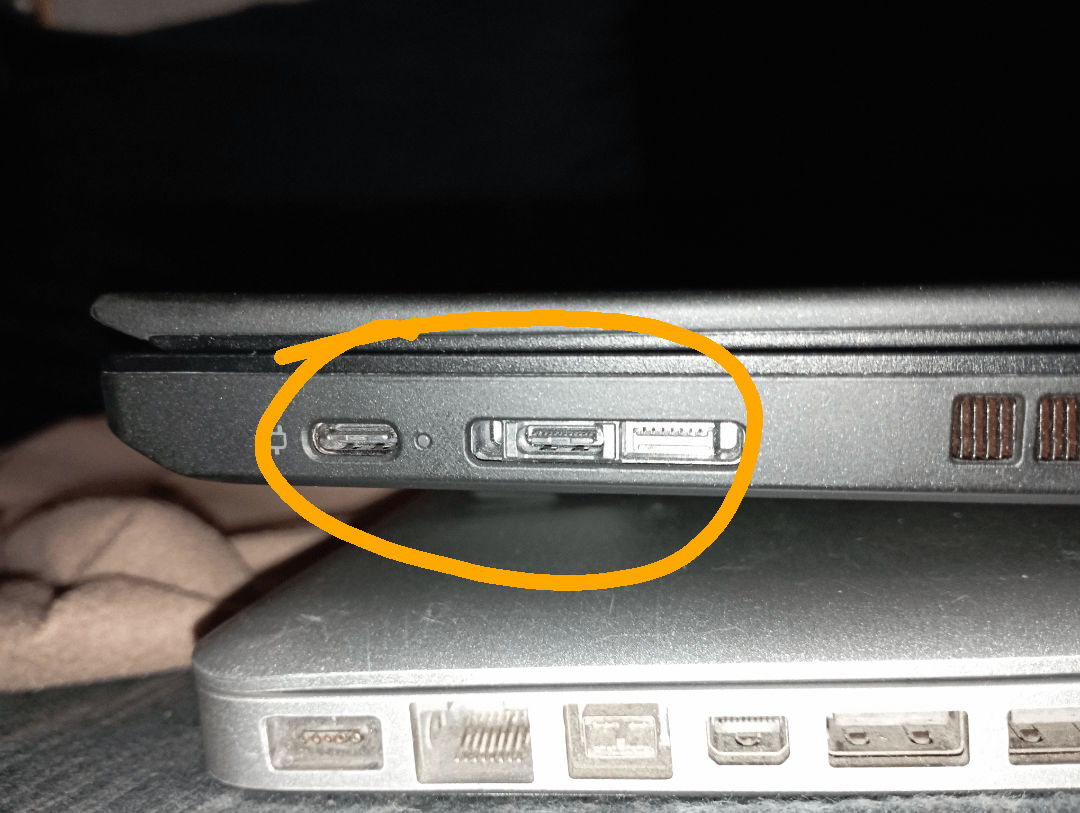
And for those beastly gaming laptops or workstations? They often need proprietary chargers that deliver 100W or more. While USB-C PD can go up to 100W, many gaming laptops still prefer their dedicated power bricks for full performance and charging speed. For these, a USB-C charger might be a "limp mode" solution, not a full-throttle replacement.
The Takeaway: Convenience at Your Fingertips
Long story short: yes, you can absolutely charge many modern laptops with a USB-C charger, provided both your laptop and charger support it and the charger delivers enough wattage. It’s a beautiful thing, letting you often use the same charger for your phone, tablet, and even your laptop. Imagine the decluttering!
No more digging through a spaghetti junction of cables just to find the right brick. The future is here, and it's delightfully less cluttered. So go ahead, check your ports, check your wattages, and embrace the USB-C revolution. Your dying laptop (and your sanity) will thank you.