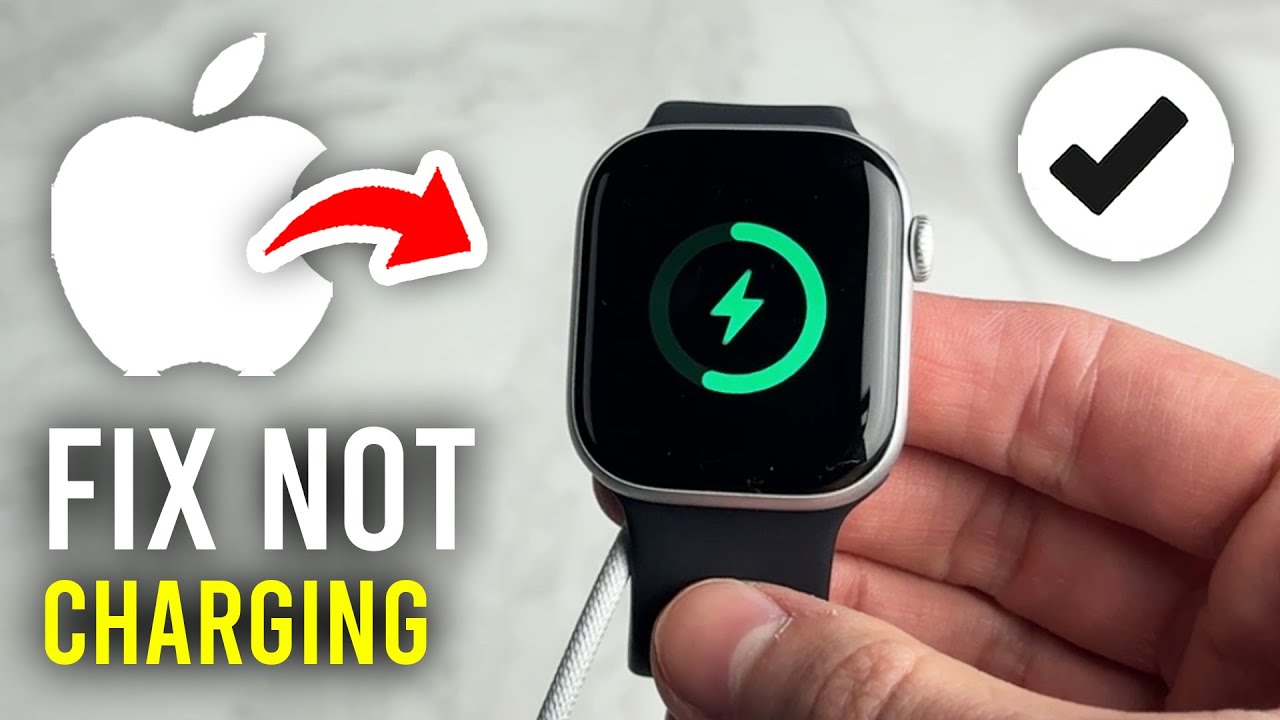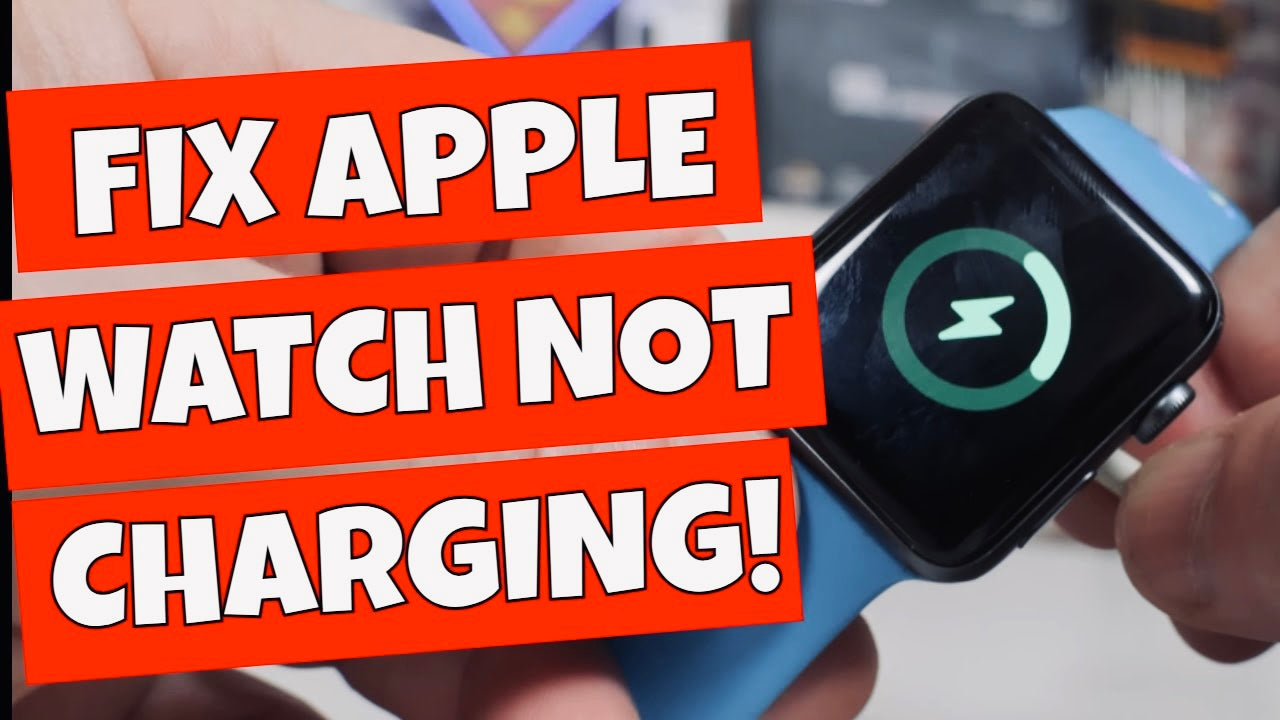
Okay, so picture this: You've just finished crushing your personal best on your morning run (or, let's be honest, you walked the dog around the block). You’re feeling virtuous, hydrated, and ready to conquer the day. You peel off your sweaty Apple Watch, smugly place it on its charging puck… and nothing. Absolutely nothing. The little lightning bolt of life is conspicuously absent. The horror!
You stare at it. It stares back. You’re pretty sure it’s mocking you. "Oh, the arrogance," you mutter to yourself. "Thinking I could actually depend on this glorified wrist computer!"
Welcome to the club, friend. The 'My Apple Watch Refuses to Cooperate' Club. Population: Everyone who owns an Apple Watch. I'm practically the president at this point. Let me share some hard-earned wisdom about why your beloved wrist companion is staging a charging rebellion. Prepare yourself, it's a wild ride!
The Case of the Mysterious Misalignment
This one’s a classic, folks. You think you’ve placed the watch perfectly on the charging puck. You've even given it a little wiggle to make sure it's snug. But what if I told you, that wiggle is actually the enemy?
Apple Watches, for all their technological wizardry, are surprisingly fussy about placement. It's like trying to parallel park a spaceship in a thimble. The magnets are supposed to align everything, but sometimes they just… don't. It’s like they're having a secret magnetic feud.
Pro Tip: Try taking the watch off the charger, cleaning both the back of the watch and the charging puck with a soft, dry cloth (more on this later!), and then carefully placing it back on the charger. No wiggling! Just a gentle, loving placement. Treat it like a newborn baby… a newborn baby that tells you how many calories you burned.
Dirty Deeds (Done Magnetically)
Speaking of cleaning… let's talk about grime. Yes, your Apple Watch, like a tiny, rectangular dust bunny, attracts dirt, sweat, and whatever else you’ve been touching. And that gunk can interfere with the charging connection. It's like trying to send a message through a plate of spaghetti.
Did you know the average person touches their face 23 times an hour? Imagine all that facial oil transferred to your watch band, and then to the charging puck! It's a recipe for charging disaster.
Pro Tip: Regularly clean the back of your Apple Watch and the charging puck with a slightly damp (but not soaking wet!) microfiber cloth. Pay special attention to the crevices around the charging contacts. Think of it as giving your watch a spa day. A really, really small spa day.
The Power Adapter Puzzle
Okay, you've aligned, you've cleaned, but still no charging love? Let’s investigate the power situation. Is the power adapter actually plugged in? I know, I know, it sounds obvious, but trust me, we've all been there. Blame it on sleep deprivation, caffeine withdrawal, or the general existential dread of modern life.
Also, is the power adapter itself working? Try plugging it into a different outlet. Or, even better, try a different power adapter. Maybe yours has decided to retire early to a tropical island, powered by solar energy, of course.
Fun Fact: Did you know that some USB ports on your computer provide less power than others? If you're charging your Apple Watch through your computer, try a different USB port, preferably one labeled with a little lightning bolt or a “fast charge” symbol. It's like feeding your watch a double espresso instead of a lukewarm tea.
The Cable Conundrum
Ah, the charging cable. The unsung hero (or villain) of the charging drama. These cables are surprisingly fragile. They can get bent, frayed, or even internally damaged without showing any visible signs of distress. It's like they're secretly plotting their demise, one tiny crack in the insulation at a time.
Pro Tip: Try using a different charging cable. Borrow one from a friend (if you dare admit your watch woes). Or, if you're feeling adventurous, buy a new one. Just make sure it's an Apple-certified cable, or you might end up with even more charging headaches.
The Software Snafu
Believe it or not, sometimes the problem isn't hardware, it's software. A glitch in the watch's operating system can sometimes interfere with charging. It's like a tiny gremlin has snuck inside and is messing with the wiring.
Pro Tip: Try restarting your Apple Watch. Hold down the side button until the power off slider appears, then drag the slider to turn it off. Wait a few seconds, then hold down the side button again until the Apple logo appears. It’s like giving your watch a digital reboot. If that doesn't work, make sure your watch is updated to the latest version of watchOS. Apple often releases software updates that fix bugs and improve performance.
The Last Resort (or "When All Else Fails")
If you've tried everything above and your Apple Watch still refuses to charge, it might be time to admit defeat and seek professional help. Take it to an Apple Store or an authorized service provider. They have magical diagnostic tools and the knowledge to perform Apple Watch exorcisms (okay, maybe not exorcisms, but close enough).
In conclusion, charging issues with your Apple Watch can be frustrating, but they're usually fixable. Just remember to stay calm, be patient, and try these troubleshooting steps. And if all else fails, well, at least you have a stylish, albeit useless, piece of wrist jewelry.
Good luck, and may the charging odds be ever in your favor!