Ever felt your iPhone get a little *too* cozy while it's plugged in? You're not alone! It's a super common thing, and understanding why it happens can save you from unnecessary worry (and maybe even extend your phone's lifespan). We're going to dive into the reasons behind a warm iPhone during charging, and give you some easy-peasy fixes.
Why bother knowing this? Well, for beginners, understanding this helps you avoid panicking over normal phone behavior. For families, especially with kids using devices, knowing when the heat is *too* much is crucial for safety. And for the hobbyists among us, knowing the nuances of your iPhone's operating temperature can help you optimize performance and battery life!
So, what's the deal? The primary reason your iPhone heats up during charging is simply because it's...working! Charging isn't just magically filling up the battery; it's a chemical process that generates heat. Think of it like your muscles after a workout – they get warmer because they're putting in effort.
Here's a breakdown of common culprits:
- Fast Charging: Modern iPhones support fast charging, which pumps energy into the battery at a higher rate. More energy = more heat.
- Using Your Phone While Charging: Gaming, streaming videos, or even just scrolling through social media while charging asks your iPhone to do two things at once: charge and perform tasks. This extra workload increases the temperature.
- Ambient Temperature: Charging your iPhone in direct sunlight or a hot car will naturally make it warmer. Think of it like trying to cool down with a blanket on!
- Background Apps: Even when you're not actively using apps, many run in the background, consuming power and generating heat.
- Older Battery: As batteries age, they become less efficient and may generate more heat during charging.
- Faulty Charger or Cable: A damaged or non-certified charger/cable can deliver power unevenly, leading to overheating.
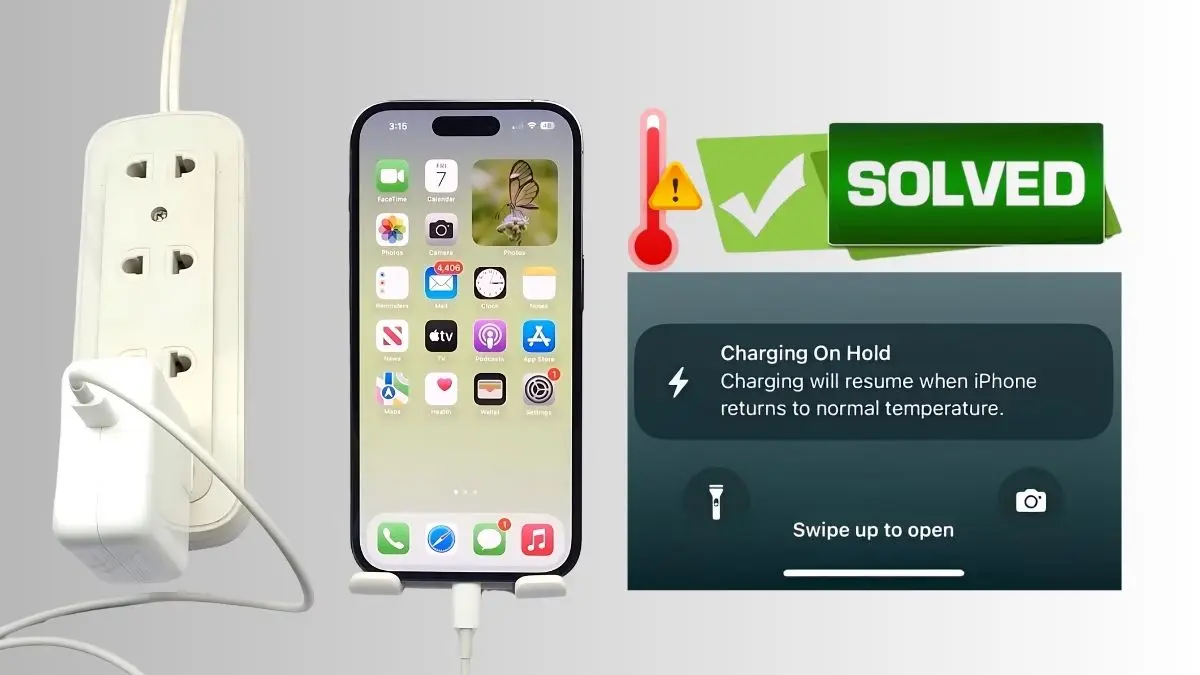
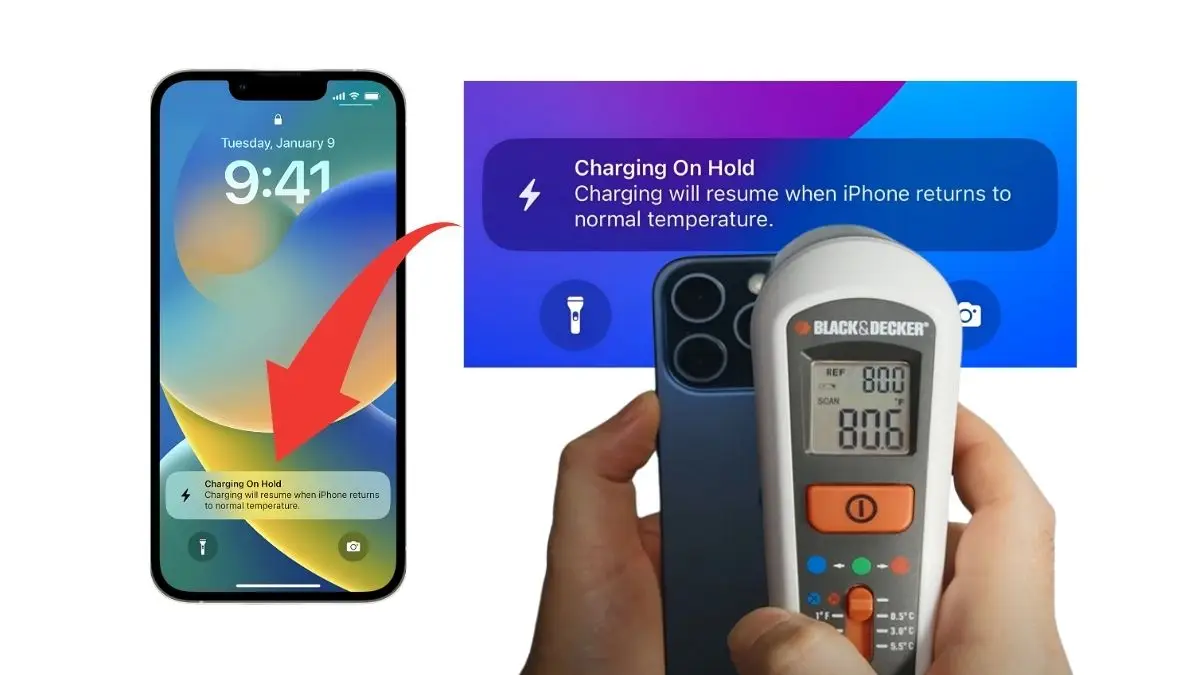
There are also variations on how hot is *too* hot. A slightly warm phone is generally okay. However, if your iPhone feels uncomfortably hot to the touch, displays a warning message about temperature, or shuts down due to overheating, that's a sign of a problem.
Ready to keep your iPhone cool and collected? Here are some simple tips:
- Avoid Using Your Phone While Charging: This is the easiest and most effective solution. Let it charge in peace!
- Charge in a Cool Environment: Keep your iPhone out of direct sunlight and away from heat sources.
- Close Background Apps: Regularly close apps you're not using.
- Use a Certified Charger and Cable: Stick with Apple-certified accessories to ensure proper power delivery.
- Remove the Case: Some cases can trap heat. Consider removing it while charging, especially if your phone tends to get warm.
- Consider Slower Charging: While convenient, fast charging can contribute to more heat. If you're not in a hurry, use a standard charger instead.
- Check Battery Health: In Settings, navigate to Battery > Battery Health & Charging. If your battery health is significantly degraded, it might be time for a replacement.
Understanding why your iPhone gets warm while charging doesn't require a tech degree! By following these simple tips, you can keep your device running smoothly, extend its battery life, and enjoy your favorite apps without the fear of overheating. It's all about being mindful of your phone's environment and usage habits. Happy (and cool) charging!