Ever felt like your phone charger has a mind of its own? One minute it's juicing up your device, the next it's decided to take a break, blinking on and off like a disco light? Don't worry, you're not alone! Figuring out why your charger is acting flaky can be a surprisingly fun and useful little puzzle. We’ll demystify those blinking lights and intermittent charging symbols.
Why bother understanding this? Well, for beginners, knowing the basics can save you money on replacing perfectly good chargers. For families, a malfunctioning charger can lead to arguments over whose phone gets charged first! And for tech hobbyists, troubleshooting charger issues is just another fun challenge in the digital world.
So, what could be the culprit? Let's explore some common reasons:
- Loose Connection: This is the most frequent offender. The cable might not be fully plugged into either your device or the wall adapter. Even a slight wiggle can interrupt the flow of electricity.
- Damaged Cable: Take a close look at the cable, especially near the connectors. Fraying, bending, or exposed wires are red flags. These damages can lead to inconsistent charging.
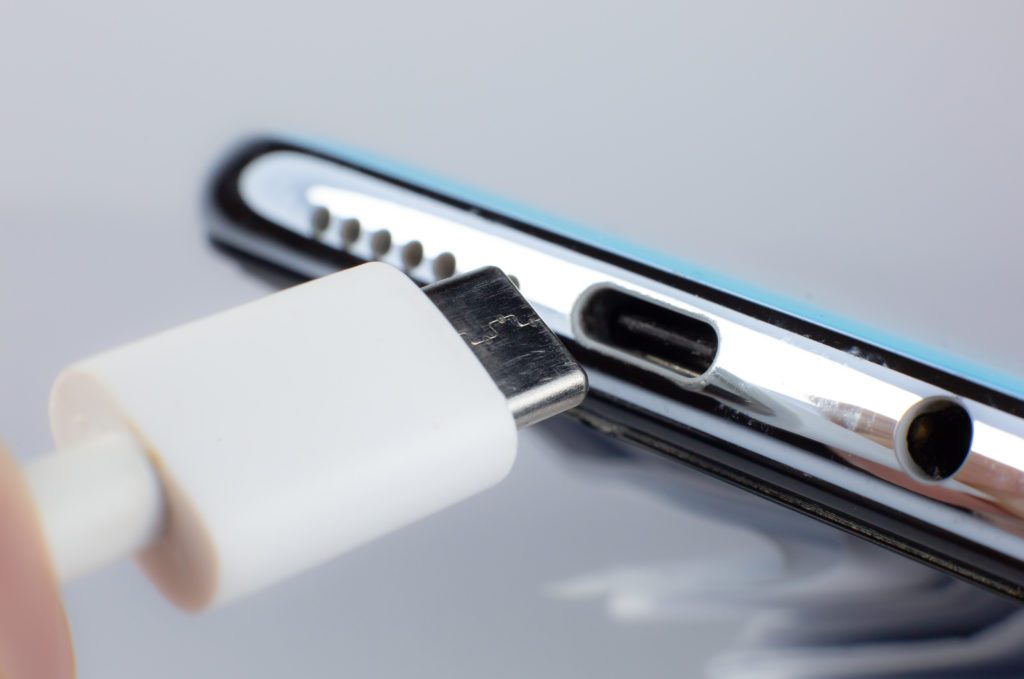
- Dirty Ports: Dust, lint, and debris can accumulate in the charging port on your phone or the USB port on the adapter. This buildup blocks the connection.
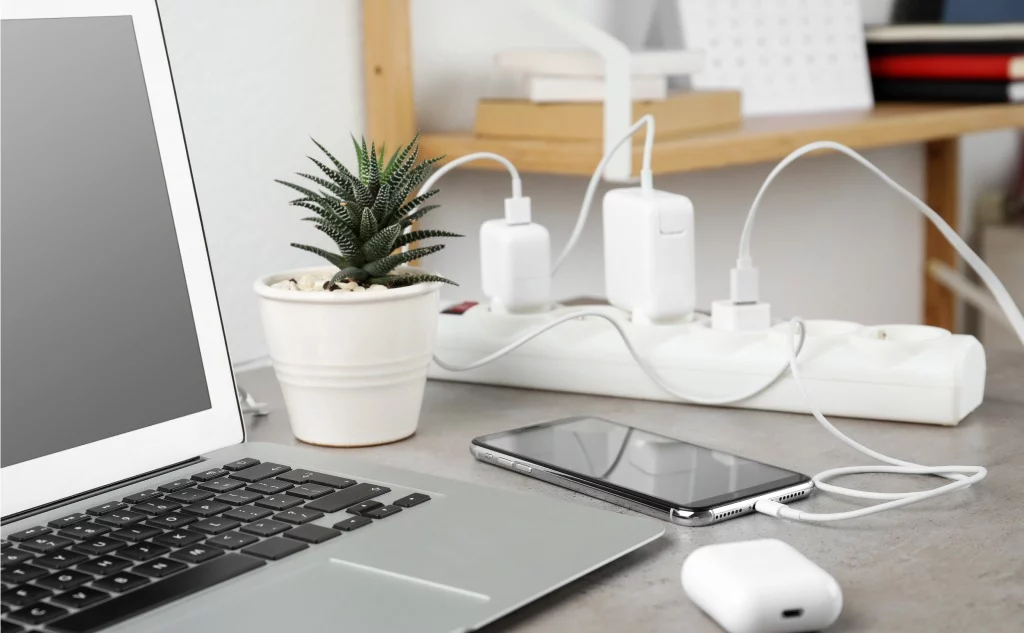
- Faulty Adapter: Sometimes the adapter itself is the problem. It might be overheating or simply failing to deliver a consistent power supply.
- Software Glitches: In rare cases, a software bug on your phone can interfere with the charging process.
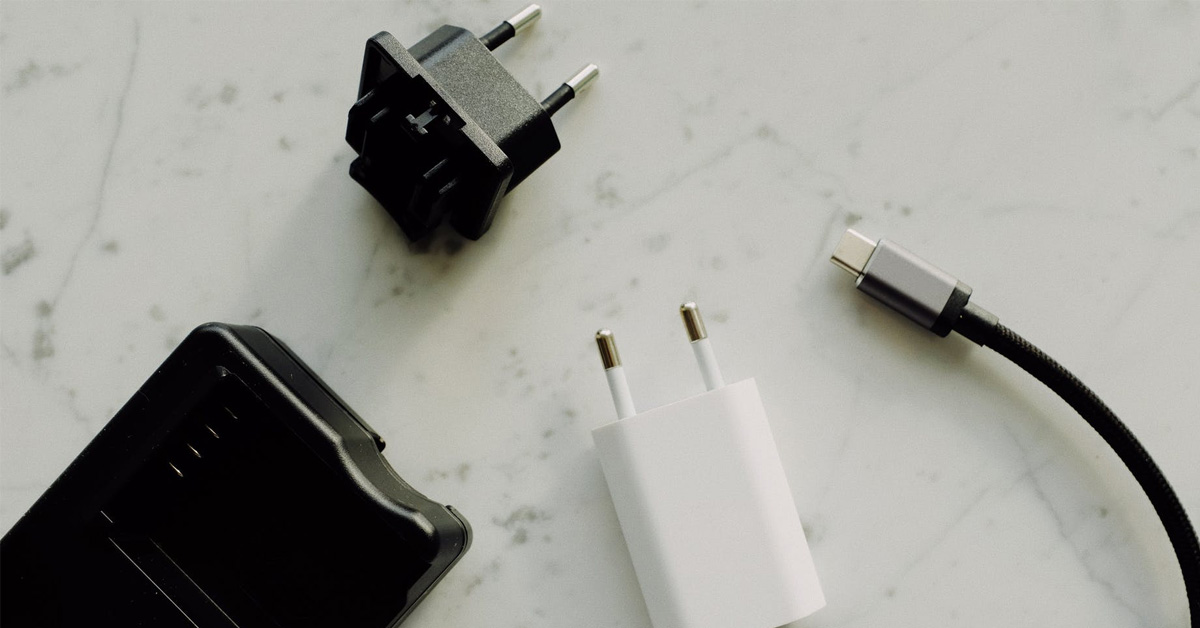
We see variations of this problem all the time. For example, you might have a USB-C charger acting up with your Android phone, or a Lightning cable doing the on-again, off-again dance with your iPhone. Sometimes, it's not the charger itself but the charging brick. These bricks can be underrated, leading to inadequate power for certain devices. Then there are the third-party chargers that might not be up to par, delivering inconsistent power and leading to the problem.
Here are some simple, practical tips to get started troubleshooting:
- Check the Connections: Make sure the cable is securely plugged in at both ends. Try wiggling it slightly to see if that affects the charging.
- Inspect the Cable: Look for any signs of damage. If you see fraying or exposed wires, replace the cable immediately.
- Clean the Ports: Use a can of compressed air or a small brush to carefully clean the charging port on your device and the USB port on the adapter.
- Try a Different Adapter: If you have another adapter, try using it to see if that solves the problem.
- Restart Your Device: A simple restart can often fix software glitches that might be interfering with the charging process.
Remember, patience is key! Don't give up after the first try. By systematically checking these common issues, you'll increase the chances of pinpointing the cause and getting your charger back on track. Solving these little tech mysteries can be surprisingly satisfying, and it keeps our devices powered up and ready to go. Happy charging!